- Type
- Lesson plan
- Ages
- Ages 11-13
- Skills
- Critical thinking
How do changes in scale factor affect the dimensions, base area, and volume of three-dimensional structures?
Overview
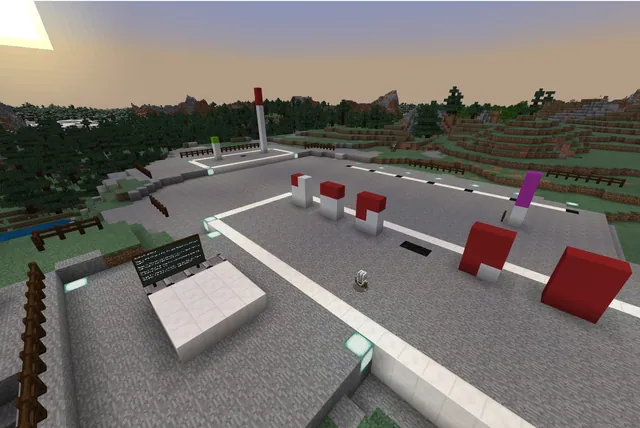
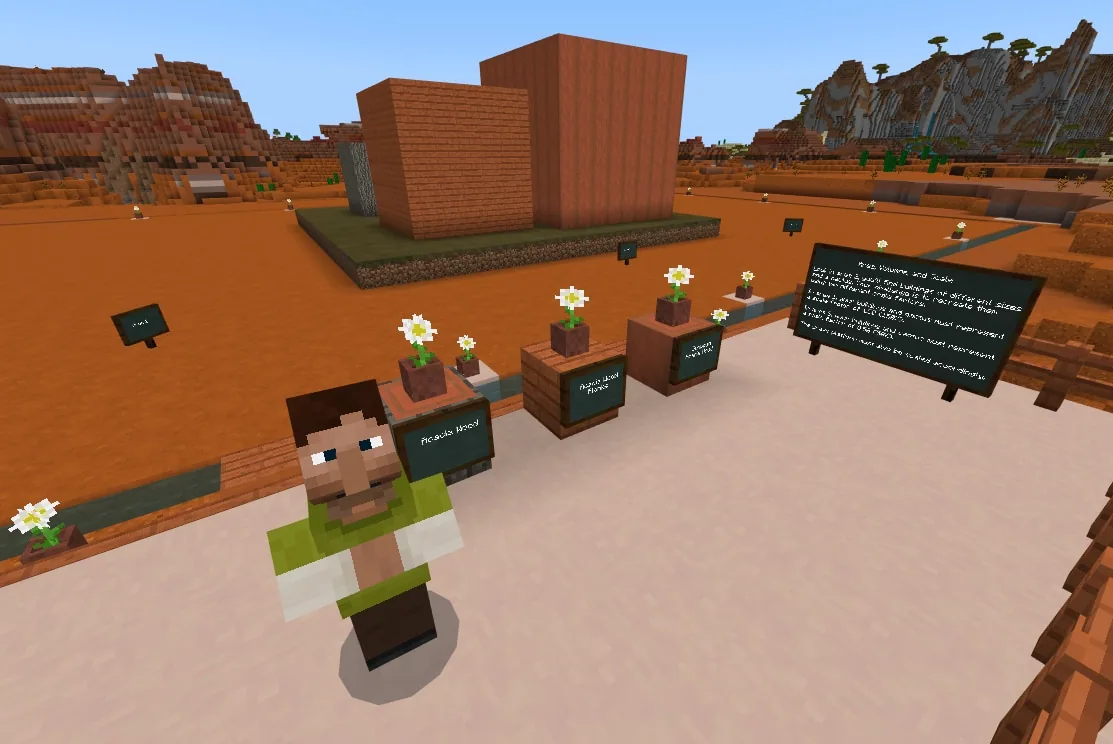
Understanding geometric scaling requires learners to connect linear measurements to changes in area and volume. In this lesson, students explore an existing layout containing three distinct structures and a cactus, then mathematically scale those structures up and down using precise scale factors.
Using Minecraft Education's Code Builder and the blocks fill command, students apply relative coordinates to construct both scaled models. They record mathematical calculations for surface area and three-dimensional volume alongside photographic evidence of their in-game builds.
Learning objectives
By the end of this lesson students will be able to:
- Calculate scaled dimensions, base area, and volume using scale factors of 1.5 and 0.5.
- Execute block fill commands in Code Builder using relative coordinates to generate 3D structures.
- Construct scaled reproductions of a three-building layout and cactus in designated build areas.
- Document building dimensions, volume calculations, and photographic evidence using scratch paper or the in-game portfolio.
Blocks and items used in this lesson


Key vocabulary
- Scale Factor
- The ratio used to enlarge or reduce the dimensions of an original figure.
- Relative Coordinates
- Positions measured relative to the player's current location, indicated by tilde notation such as ~0 ~0 ~0.
- Fill Command
- A coding command that places a specific type of block across a defined three-dimensional area.
- Volume
- The amount of three-dimensional space an object occupies, calculated as length times width times height.
Before class
Lesson sequence
- Warm-up & Model Inspection
Guide students to Area 2 to analyze the original layout. Have them observe the 20 x 20 x 1 grass base, the three buildings measuring 6x6x6, 8x8x8, and 10x4x4, and the 4-block-tall cactus. Review formulas for area and volume.
- Mathematical Planning
Students work individually or in pairs to compute the new dimensions for Area 1 using a scale factor of 1.5 (150%) and Area 3 using a scale factor of 0.5 (50%). Learners determine required grass base dimensions and new building volumes on scratch paper.
- Code Builder Construction
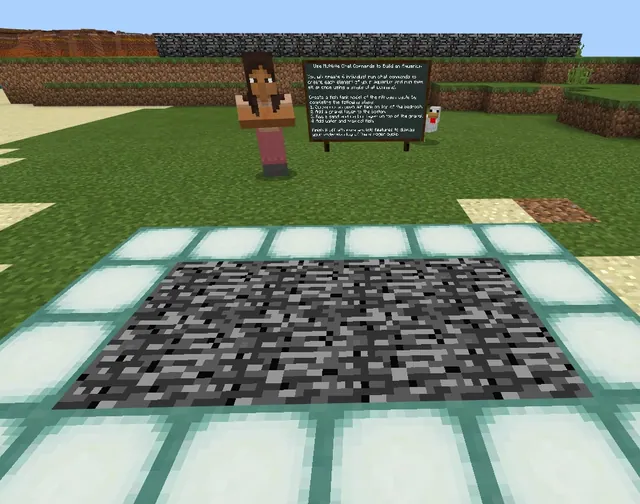
Students use Code Builder to execute block fill commands using relative coordinates (~x ~y ~z) with grass, acacia planks, acacia wood, or stripped acacia wood. They construct the 30x30x1 base and scaled structures in Area 1, then the 10x10x1 base and reduced structures in Area 3.
- Documentation & Comparison
Learners record their final dimensions, calculate final volumes, measure cactus heights, and capture photographs of their builds using the portfolio. Conclude with a discussion comparing how volume scales relative to linear dimensions and predicting dimensions for a 200% scale model.
Assessment: success criteria
- Area 1 contains accurate 150% scaled structures on a 30 x 30 x 1 grass base.
- Area 3 contains accurate 50% scaled structures on a 10 x 10 x 1 grass base.
- Calculations for dimensions, base area, and building volume are correctly recorded.
- Block fill commands correctly use relative coordinates without off-by-one errors.
Differentiation
Provide a coordinate reference sheet reminding students that relative to-coordinates like ~9 ~9 ~9 generate a 10x10x10 cube from their position.
Have students calculate the total 80 x 40 building zone surrounded by water and determine the remaining area not covered by grass blocks.
Knowledge check
5 questions to check understanding after the lesson. Tap an answer to see if it is right; the score appears at the end.
1What are the dimensions of the original grass base in Area 2?
Answer: B. The source states that the entire configuration in Area 2 sits on top of 20 x 20 x 1 grass blocks.
2What scale factor must students apply to the buildings in Area 1?
Answer: C. The lesson instructions specify using a scale factor of 1.5 (150%) for the reproduction in Area 1.
3Which height should the cactus be when reproduced in Area 3?
Answer: A. The original cactus is 4 blocks tall, so scaling it by 0.5 (50%) in Area 3 results in a height of 2 blocks.
4Why might a player type ~9 ~9 ~9 to create a 10 x 10 x 10 structure?
Answer: B. Starting from ~0 ~0 ~0 counts as the first block, so extending to ~9 results in 10 blocks along that axis.
5Which materials are permitted for the buildings and base in this activity?
Answer: B. The source identifies grass, acacia planks, acacia wood, and stripped acacia wood as the fill blocks.
Resources
- Lesson package (.zip)Everything the author attached to this lesson in one download.
- World FileWorld file for student use.
- Lesson worldOpens the world page in Minecraft Education (sign-in with a school account may be needed).
Part of the Code for STEM curriculum
This is lesson 15 of 20 in Code for STEM.
- 3-D Fractions
- Aquarium
- Build a Dam
- Canyon Arch Bridge
- Chicken or the Egg
- Creeper Tower Test
- Energy Transfer
- Forces
- Hour of Code: AI for Good
- Minecraft Code Town
- Molecules
- Number Line Railroad
- Plate Motions
- Road Construction Ahead
- Scale
- Slope
- Surface Area and Perimeter
- Units of Measurement
- Walled Fortress
- Wave Properties
Frequently Asked Questions
Can students work in groups during this lesson?
Yes. Students may work individually or collaborate in pairs sharing the same world file to complete the calculations and coding tasks.
Why do my students' structures end up one block too large?
Relative fill coordinates start counting from the player's current block (~0 ~0 ~0), meaning an endpoint of ~10 covers 11 blocks total. Entering ~9 ~9 ~9 creates a 10 x 10 x 10 cube.
How should students submit their work?
Students can record their dimension measurements, volume calculations, and screenshots directly inside the in-game portfolio or on scratch paper.
Adapted from Scale by John Miller on Minecraft Education, last updated Feb 28, 2025. This classroom version, the timings and the quiz were written by 9Minecraft Education.