- Type
- Lesson plan
- Topics
- ScienceComputer Science
- Grade
- Primary (Grades 3-5)
- Ages
- Ages 8-10
How do balanced and unbalanced forces affect the motion of an object?
Overview
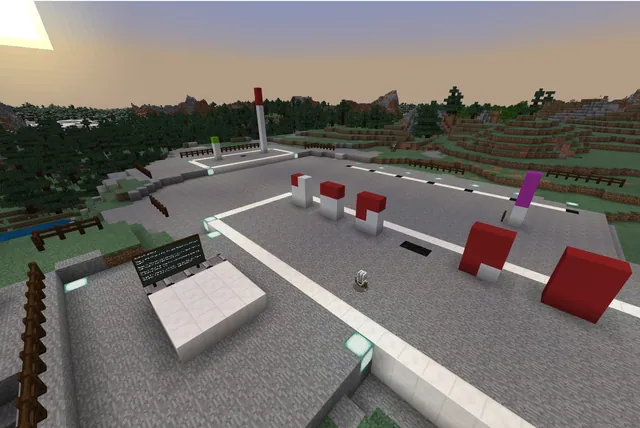
In this physical science and computer science lesson, learners investigate how balanced and unbalanced forces affect the motion of an object. By observing minecarts at rest and in motion, students gather physical evidence to understand what causes objects to stay stationary, accelerate, or bounce off each other.
Using Minecraft Education, students write an in-game chat command to clone four rail lab stations. At each station, they manipulate minecart arrangements and activate redstone circuits to model balanced forces, equal unbalanced forces, and unequal unbalanced forces.
Learning objectives
By the end of this lesson students will be able to:
- Write an on-chat command using relative coordinates to clone lab stations.
- Demonstrate that balanced forces keep an object at rest.
- Investigate the effects of unbalanced forces colliding with stationary and moving objects.
- Formulate and evaluate a prediction about colliding minecarts using experimental evidence.
Blocks and items used in this lesson


Key vocabulary
- Clone Command
- A coding instruction that copies blocks from one cubic area and pastes them into another location.
- Balanced Forces
- Forces acting on an object that cancel each other out, causing an object at rest to remain at rest.
- Unbalanced Forces
- Forces that cause a change in an object's state of motion.
Before class
Lesson sequence
- Orientation and Briefing
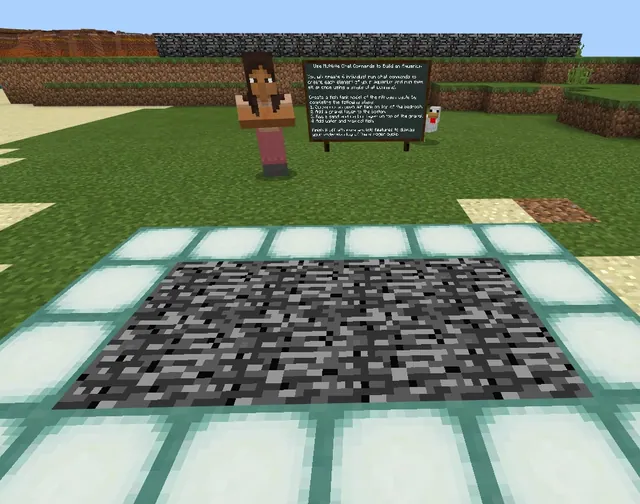
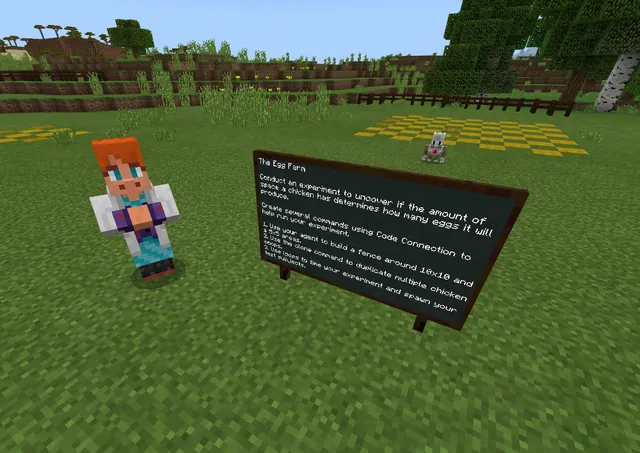
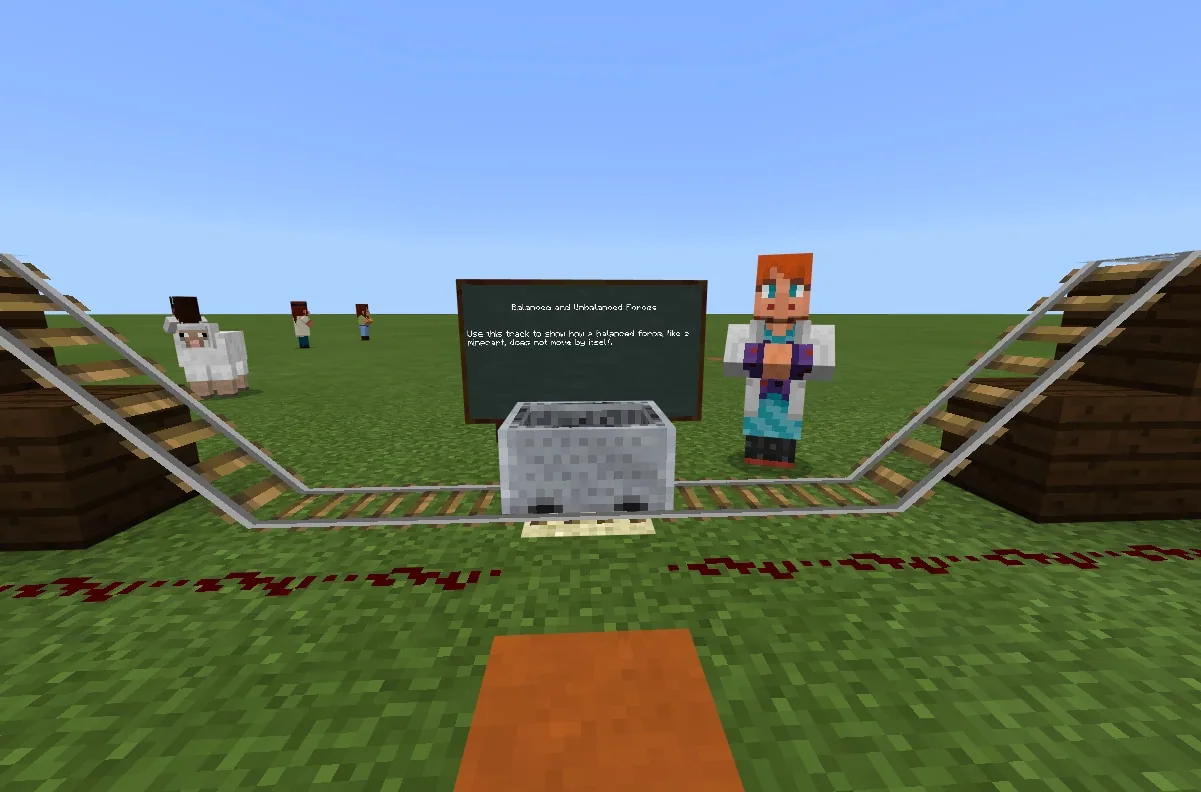
Students enter the world at the spawn point laboratory and speak with the non-player character, Dr. Force, to learn the lab rules and investigation goals.
- Coding Lab Stations
Learners create an on-chat command titled clone. Using relative coordinates from within a designated hole 11 blocks left of spawn, students run the command to copy the track setup 10 blocks ahead. They step forward into subsequent holes to duplicate four additional stations.
- Stations 1 and 2: Balanced vs. Unbalanced Forces
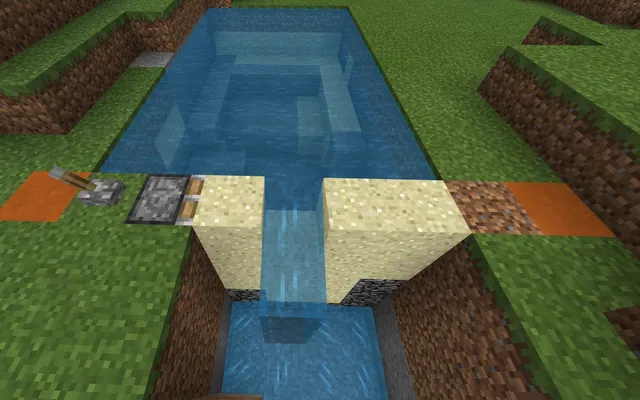
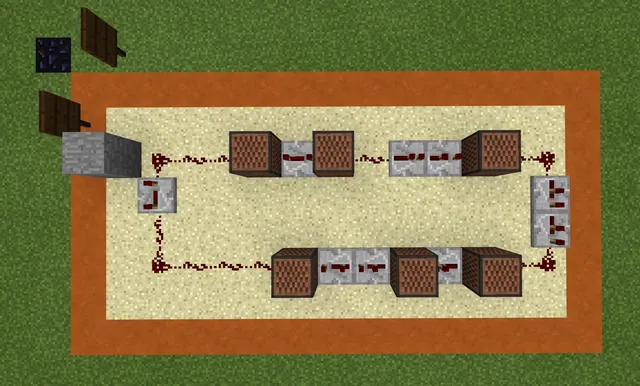
At Station 1, students place a minecart on the sand block to observe that balanced forces keep it stationary, then take a captioned photo from the red sandstone block. At Station 2, students place one cart in the center and one at the end, then insert a redstone torch into the wiring to witness an unbalanced force striking a stationary cart.
- Stations 3 and 4: Colliding Forces
At Station 3, learners position a minecart at each end and trigger the circuit to observe two equal unbalanced forces colliding and bouncing. At Station 4, students place two carts on one side and one on the other to observe two unequal unbalanced forces interacting.
- Station 5: Prediction and Reflection
Before running Station 5, students write a prediction describing what will happen when two carts on each end collide. After testing, they explain whether their prediction was supported and reflect on how balanced and unbalanced forces govern motion.
Assessment: success criteria
- Successfully duplicates four functional testing stations using the clone chat command.
- Documents Station 1 with a photo showing a stationary minecart held at rest by balanced forces.
- Explains what happens when balanced forces meet unbalanced forces using evidence from Station 2.
- Accurately describes the outcome of the unequal collision between two carts and one cart at Station 4.
- Records and evaluates a prediction for the two-on-two minecart collision at Station 5.
Differentiation
Allow students to work in pairs and refer to the NPC helper stationed beside each hole to ensure coordinates are entered correctly.
Challenge students to explain how the number of carts influences the collision outcome in terms of the magnitude of unequal forces.
Knowledge check
5 questions to check understanding after the lesson. Tap an answer to see if it is right; the score appears at the end.
1Which coding command do students use to build the additional lab stations?
Answer: B. The source specifies using an on-chat clone command to duplicate the research laboratory stations.
2Why does the minecart placed on the sand block at Station 1 remain stationary?
Answer: A. Objects at rest remain at rest when the forces acting on them are balanced.
3What item do students place in the gap between the redstone wiring to activate the tracks?
Answer: D. The instructions direct students to place a redstone torch in the gap between the redstone wiring.
4What force interaction is modeled at Station 4?
Answer: C. Station 4 uses two minecarts on one end and one cart on the other to model unequal unbalanced forces.
5What must students do before activating the carts at Station 5?
Answer: A. Students are instructed to predict what will happen if two carts on each side collide before launching Station 5.
Resources
- Lesson package (.zip)Everything the author attached to this lesson in one download.
- World FileWorld file for student use
- Lesson PlanLesson plan in Word format
Part of the Code for STEM curriculum
This is lesson 8 of 20 in Code for STEM.
- 3-D Fractions
- Aquarium
- Build a Dam
- Canyon Arch Bridge
- Chicken or the Egg
- Creeper Tower Test
- Energy Transfer
- Forces
- Hour of Code: AI for Good
- Minecraft Code Town
- Molecules
- Number Line Railroad
- Plate Motions
- Road Construction Ahead
- Scale
- Slope
- Surface Area and Perimeter
- Units of Measurement
- Walled Fortress
- Wave Properties
Frequently Asked Questions
Can this lesson be completed individually or in small groups?
Students can complete this activity on their own or work collaboratively in pairs to build stations and run trials.
Where should students stand when running their clone command?
Students must jump into the designated hole located approximately 11 blocks to the left of spawn, moving forward into the next hole for each subsequent station.
Who introduces students to the lab expectations at spawn?
Learners can speak directly with an in-game NPC named Dr. Force at the spawn location before beginning their experiments.
Adapted from Forces by John Miller on Minecraft Education, last updated Jun 6, 2022. This classroom version, the timings and the quiz were written by 9Minecraft Education.