- Type
- Lesson plan
- Topics
- ScienceComputer Science
- Ages
- Ages 8-18
- Duration
- about 60 min (suggested)
How does the specific order of code instructions determine the behavior and success of a program?
Overview
Sequencing is the fundamental programming concept that commands must execute in a precise order to produce the intended outcome. In this lesson, students examine how ordering rules govern daily routines, math operations, and language before transferring that understanding to computer programming in MakeCode using Blocks, JavaScript, or Python.
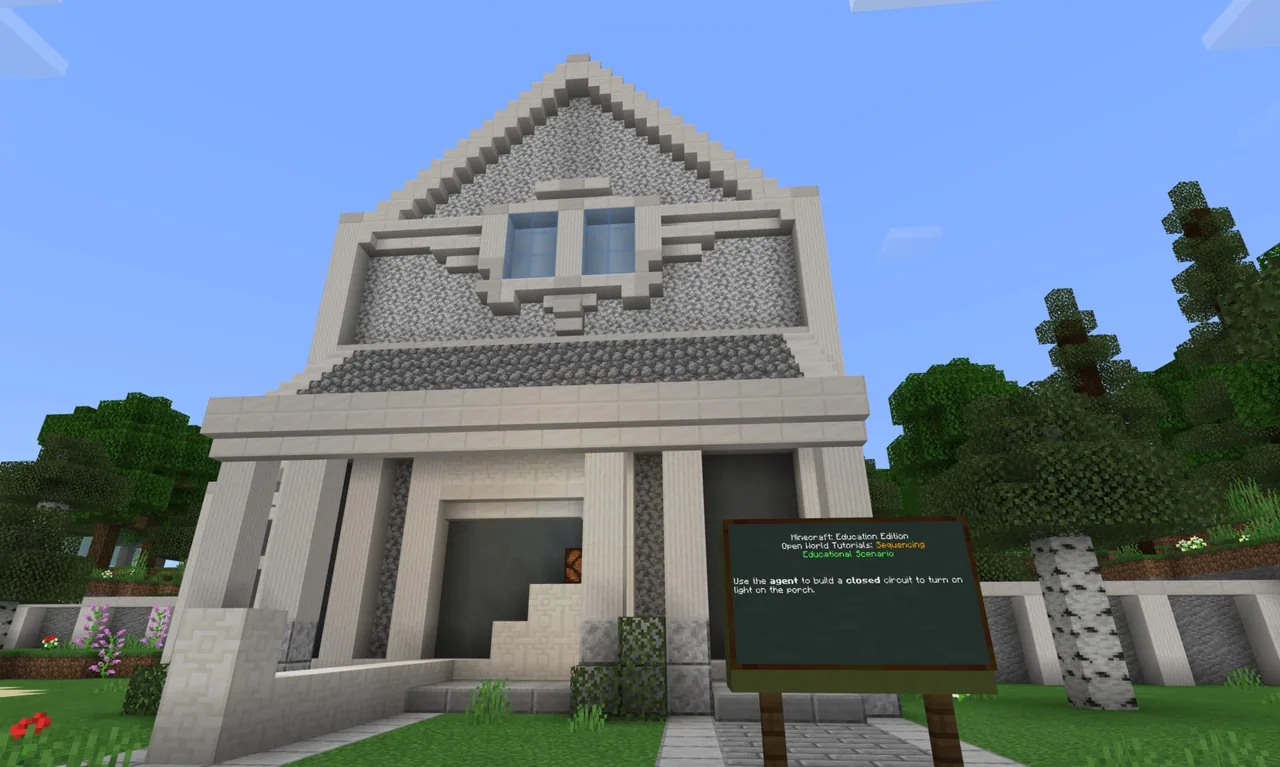
Students work through tiered Minecraft tutorials featuring the Agent and Builder, progressing from directional navigation to automated wall-building and animal spawning. The lesson culminates in an applied physical science project where students program the Agent to complete a closed Redstone circuit that powers a porch light when triggered.
Learning objectives
By the end of this lesson students will be able to:
- Explain how the sequence of instructions impacts code execution and program outcomes.
- Program the Agent and Builder to navigate in various directions and place blocks along their path.
- Differentiate between open and closed circuits using physical science principles.
- Construct a working closed Redstone circuit using Agent chat commands to illuminate a light.
Blocks and items used in this lesson


Key vocabulary
- Sequencing
- Arranging problem-solving steps in a specific order to produce the desired result.
- Conditional
- A programming statement that performs different actions depending on whether a condition is true or false.
- Closed Circuit
- An electric circuit where electrons are able to complete the pathway.
- Open Circuit
- An electric circuit where electrons are unable to complete the pathway.
- Agent Detect
- A command that allows the Agent to determine whether an item or obstacle is nearby.
Before class
Lesson sequence
Suggested timing: about 60 minutes in total.
- Warm-up: Real-World Sequencing10 min
Lead a class discussion on the importance of order. Ask students to outline the exact steps for making a peanut butter and jelly sandwich, comparing steps across classmates to highlight how variations change the outcome. Connect this to spelling rules and mathematical order of operations, emphasizing that computers execute code strictly in the order written.
- Tiered Coding Tutorials25 min
Direct students to choose or progress through three tiered tutorials using their preferred language (Blocks, JavaScript, or Python):
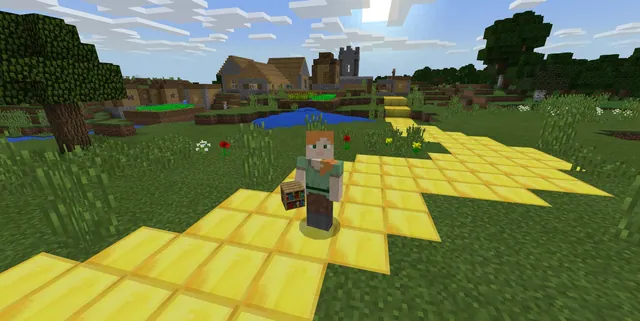
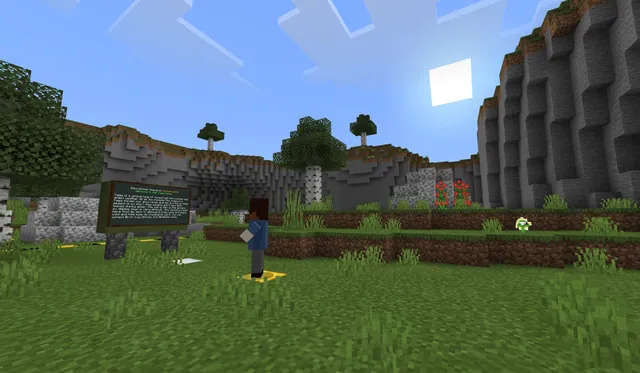
- Tutorial 1: Agent Move (Novice): Code the Agent using chat commands to move in various directions across the world.
- Tutorial 2: Build a Maze (Intermediate): Program the Agent to place blocks while moving using chat commands and Boolean logic.
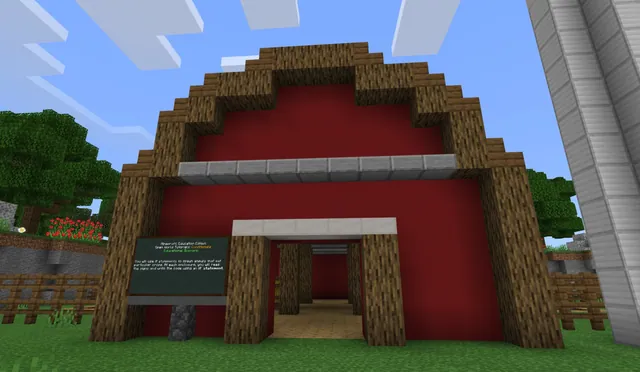
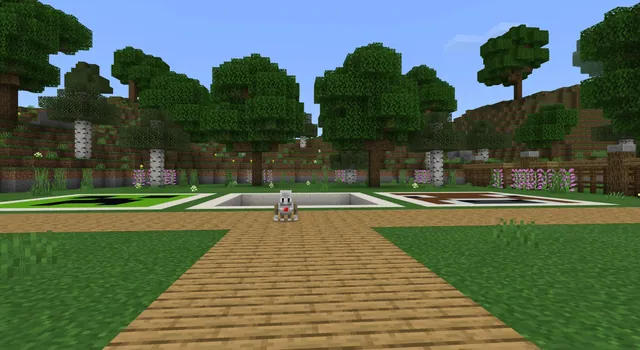
- Tutorial 3: Ocelot Enclosure (Expert): Direct the Builder to trace a perimeter, place fences, and use random coordinate parameters to spawn animals inside.
- Applied Science Challenge: Redstone Circuit15 min
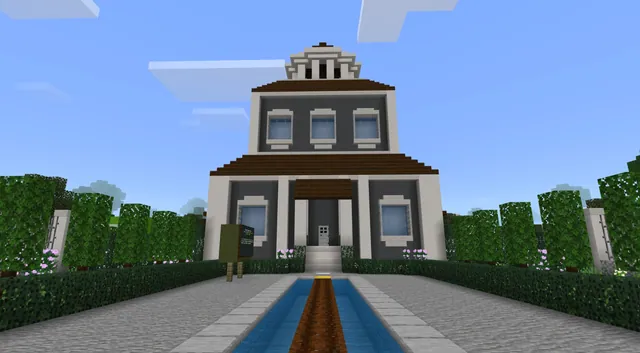
Introduce the physical science challenge: distinguishing between an open circuit and a closed circuit. Task students with coding the Agent through chat commands to lay a closed Redstone circuit that activates a porch light when a button is pressed.
- Review and Discussion10 min
Gather students to assess their understanding of key concepts. Review how changing code order causes errors, how Boolean conditions enabled the Agent to place blocks on move, and how parameter limits kept spawned animals within the enclosure.
Assessment: success criteria
- Student successfully navigates the Agent using custom chat commands.
- Student demonstrates sequential logic by building a maze or fenced enclosure without missing steps.
- Student programs the Agent to establish a closed Redstone circuit that turns on the porch light.
Differentiation
Allow students to begin with Tutorial 1 using visual block coding to focus on directional commands before adding block placement.
Challenge advanced students to complete all three tutorials using JavaScript or Python and add automated conditional triggers to their Redstone circuits.
Knowledge check
5 questions to check understanding after the lesson. Tap an answer to see if it is right; the score appears at the end.
1What happens if code instructions are placed out of order?
Answer: B. Code is run in the exact order it is written, so incorrect sequence leads to errors or unexpected behavior.
2What defines a closed circuit in the physical science challenge?
Answer: A. A closed circuit allows electrons to complete the pathway, enabling power to reach the light.
3What does sequencing require in computer programming?
Answer: C. Sequencing means carrying out steps in a definite order to achieve the desired outcome.
4Which command in the maze tutorial required evaluating a Boolean true to execute?
Answer: D. The agent place on move instruction evaluated a Boolean true condition to place blocks while walking.
5Why were specific parameters chosen for the pick random position function in Tutorial 3?
Answer: A. Carefully selected parameters ensured the animals spawned within the enclosure's perimeter.
Resources
Part of the Coding Tutorials curriculum
This is lesson 8 of 9 in Coding Tutorials.
- Unit 2: Events
- Conditional Loops
- Conditionals
- Events
- Events in Programming
- For Loops & Nested Loops
- Functions
- Sequencing
- Variables
Frequently Asked Questions
Do students need prior programming experience before this lesson?
No prior experience is necessary. The lesson offers three tiered difficulty levels ranging from Novice to Expert, and students can choose visual block coding, JavaScript, or Python depending on their comfort level.
Can students complete all three tutorials within a single class period?
Yes. Completing all three tutorials and the applied science activity takes approximately one hour, though students can also select a single tutorial matched to their skill level if time is limited.
Adapted from Sequencing by Minecraft Education on Minecraft Education, last updated Feb 4, 2025. This classroom version, the timings and the quiz were written by 9Minecraft Education.