- Type
- Lesson plan
- Topics
- ScienceComputer Science
- Ages
- Ages 8-18
- Duration
- about 70 min (suggested)
How can we use variables in code to design and build a structure suited to its natural environment?
Overview
In computer science, a variable represents a labeled location in memory used to store values that can change during execution. By pairing variables with loops and commands, programmers can streamline repetitive actions and dynamically alter how a program operates. This lesson introduces learners to variables across multiple difficulty tiers and programming languages, including block-based coding, JavaScript, and Python.
Students begin by selecting coding tutorials that match their skill level, practicing commands such as teleportation, filling spaces, and printing text with variables. They then apply their understanding to an environmental challenge: evaluating biome conditions, gathering appropriate natural resources across different sites, and configuring variable parameters (dimensions, block types, and coordinates) in starter code to construct a sustainable cabin.
Learning objectives
By the end of this lesson students will be able to:
- Define what a variable is in computer science and identify how its stored value can vary.
- Manipulate code variables such as length, width, height, material type, and coordinates in MakeCode.
- Evaluate biome conditions and gather natural resources that support sustainable construction.
- Execute starter code using the Agent or Builder to construct a cabin that fits local topography.
Blocks and items used in this lesson


Key vocabulary
- Variable
- A named space in computer memory that stores data which can change during a program.
- Sustainability
- Meeting current human and environmental needs without compromising the ability of future generations to meet theirs.
- Declaring a Variable
- Creating a variable and using an assignment operator to store an initial value in it.
- Coordinates
- A set of values (x, y, z) that define a specific physical position in the Minecraft world.
Before class
Lesson sequence
Suggested timing: about 70 minutes in total.
- Concepts of Variables and Sustainability10 min
Introduce the term variable as a memory location for data that changes, using common examples like count, x, y, and z. Discuss how pairing variables with loops eliminates repetitive manual actions.
Connect coding parameters to sustainability by discussing real-world resource balance, such as rainforest loss impacting rivers and food supplies, or matching building materials to local climates.
- Skill Tutorials in MakeCode20 min
Allow students to choose their preferred programming language (Blocks, JavaScript, or Python) and select one or more tutorials based on their experience:
- Tutorial 1: Mega Jump (Novice) - Use teleport commands and coordinates to leap great distances.
- Tutorial 2: Bat Cave (Intermediate) - Combine repeat and fill commands to carve an underground cavern and spawn bats.
- Tutorial 3: Letter Printing (Expert) - Create multiple variables to print block letters and words at target locations.
- Biome Resource Expedition15 min
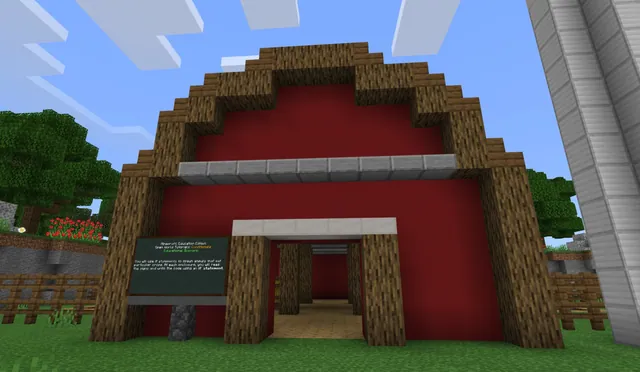
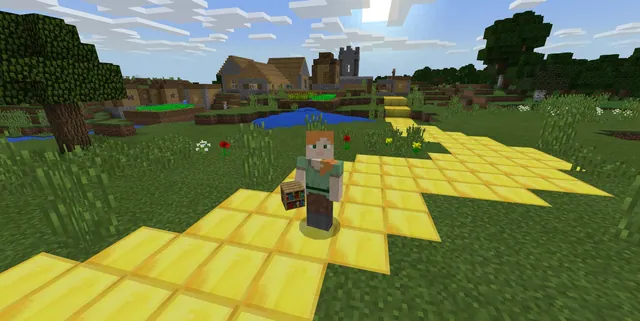
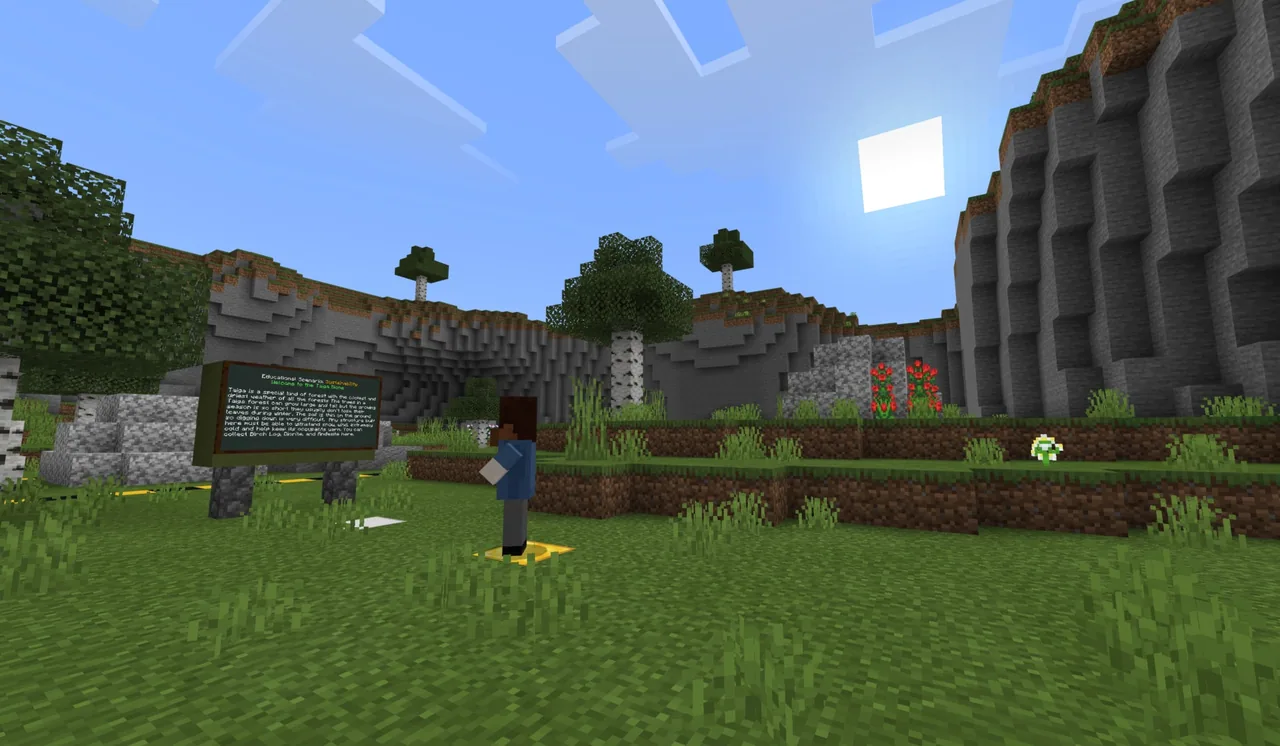
Direct students to inspect their starting build site to examine topography, weather, and biome conditions. Students then travel to four separate resource locations across the world.
Each location contains four to five resource types, but only one or two are suitable for construction. Students must decide which materials to harvest and return with to the build site.
- Sustainable Cabin Construction15 min
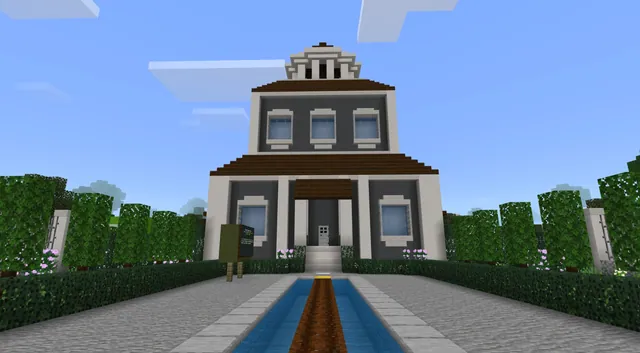
Students open the starter build code to direct their Agent or Builder to erect a cabin. They must edit the code's variables to reflect their expedition:
- Modify length, width, and height to match the quantity of collected blocks.
- Assign the type variable to match the specific materials gathered.
- Adjust the x, y, z coordinates so the structure fits the site's topography sustainably.
- Review and Discussion10 min
Gather students to assess their builds and discuss the coding process. Ask students to identify which variables they edited and how environmental limits directly constrained their dimensions and location choices.
Assessment: success criteria
- The student can define a variable and explain how the assignment operator stores data in memory.
- The student modifies the length, width, height, material type, and coordinate variables within the provided starter code.
- The constructed cabin matches the volume and type of materials collected during the expedition.
- The student explains how site topography and limited resources constrained their variable values.
Differentiation
Have learners begin with the Novice Mega Jump tutorial using block-based code before editing numerical values in the cabin starter script.
Challenge advanced students to complete all three tutorials using text-based JavaScript or Python before coding their cabin.
Knowledge check
5 questions to check understanding after the lesson. Tap an answer to see if it is right; the score appears at the end.
1What is the primary definition of a variable in computer science?
Answer: B. A variable represents storage in memory for data that may vary or be updated by the program.
2Which of the following represents an example of sustainable decision-making?
Answer: C. Sustainability focuses on fulfilling present requirements without compromising the resources needed by future generations.
3How does a programmer declare a variable in the coding editor?
Answer: A. Declaring a variable involves creating its statement in the editor and assigning it an initial value.
4In the cabin construction project, what constrained the length, width, and height variables?
Answer: B. The cabin dimensions were directly limited by the count of blocks collected on the expedition.
5Why must students adjust the coordinate variables (x, y, z) for their build site?
Answer: D. Adjusting x, y, and z coordinates ensures the structure fits the physical terrain and is sustainable on the site.
Resources
Part of the Coding Tutorials curriculum
This is lesson 9 of 9 in Coding Tutorials.
- Unit 2: Events
- Conditional Loops
- Conditionals
- Events
- Events in Programming
- For Loops & Nested Loops
- Functions
- Sequencing
- Variables
Frequently Asked Questions
Which programming languages can students use in this lesson?
Students can complete the coding activities using Blocks, JavaScript, or Python within the MakeCode editor.
Do students need to finish all three tutorials before building?
No, students may choose a single tutorial matching their experience level or work through all three before starting the application project.
How many items should students take from each expedition site?
Although each site contains four to five items, students should evaluate the environment and collect only the one or two items suitable for the final build site.
Adapted from Variables by Minecraft Education on Minecraft Education, last updated Jul 2, 2025. This classroom version, the timings and the quiz were written by 9Minecraft Education.