- Type
- Lesson plan
- Ages
- Ages 8-18
- Duration
- about 65 min (suggested)
How can using functions streamline repetitive coding tasks and help us build organized community spaces?
Overview
In computer programming, functions bundle a sequence of instructions into a single, reusable command. This lesson introduces learners to breaking down everyday and digital processes into smaller, repeatable actions. By learning how to define and name functions, students discover how structured code minimizes repetition, increases clarity, and makes troubleshooting errors much simpler.
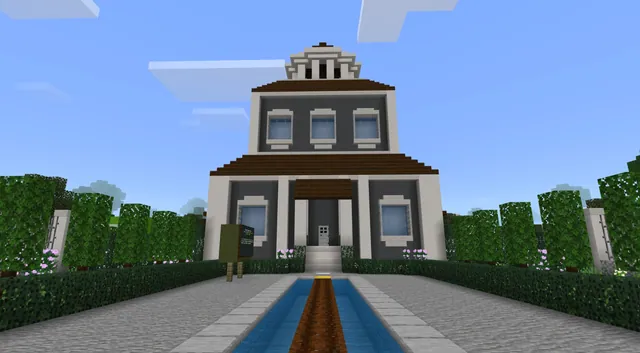
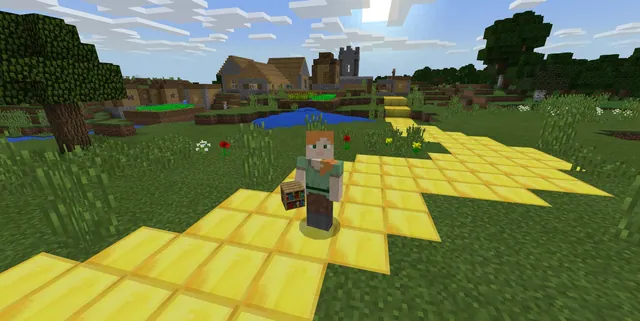
Using the MakeCode editor alongside Minecraft Education, students choose their preferred coding language—Blocks, JavaScript, or Python—and advance through scaffolded tutorials. They then apply their programming knowledge to a community development challenge, using their Agent and custom functions to construct a multi-use city block for Craftcity that follows local building regulations.
Learning objectives
By the end of this lesson students will be able to:
- Define a function as a reusable section of code that performs a distinct task.
- Explain the importance of naming functions clearly to aid organization and debugging.
- Program the Agent using functions in Blocks, JavaScript, or Python to complete construction tasks.
- Design and build a multi-use city block model that satisfies local building height ordinances.
Blocks and items used in this lesson


Key vocabulary
- Function
- A named, defined section of code created to complete a specific task that can be easily reused.
- Debugging
- The process of identifying and correcting errors or unintended behaviors in computer code.
- Ordinance
- A local law or municipal rule, such as restrictions governing building heights.
Before class
Lesson sequence
Suggested timing: about 65 minutes in total.
- Guiding Questions and Warm-up10 min
Lead a class discussion connecting daily habits to computer programming concepts:
- Ask students to list routines they repeat daily that involve multiple smaller steps (e.g., tying shoes, writing their name, or stacking blocks to build a wall).
- Introduce functions as named sets of instructions that allow coders to perform repeated actions efficiently without rewriting code.
- Tiered Coding Tutorials30 min
Direct students into MakeCode to work through the skill tutorials using their choice of Blocks, JavaScript, or Python:
- Tutorial 1: Agent Fun (Novice, ~5 min): Code the Agent and objects using basic functions.
- Tutorial 2: Modifying Agent Fun (Intermediate, ~10 min): Modify existing code into different specialized functions.
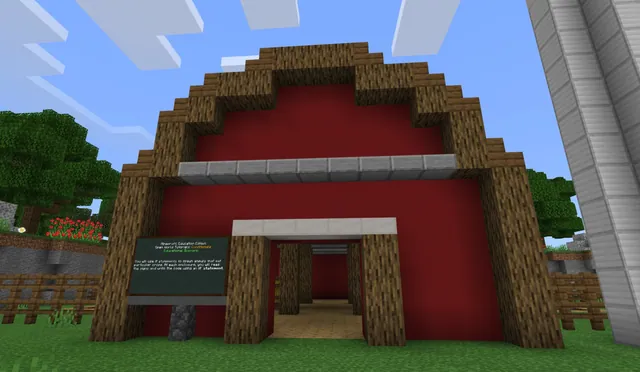
- Tutorial 3: House with Functions (Expert, ~15 min): Organize functions to command the Agent to build a complete house.
- Craftcity Design Challenge20 min
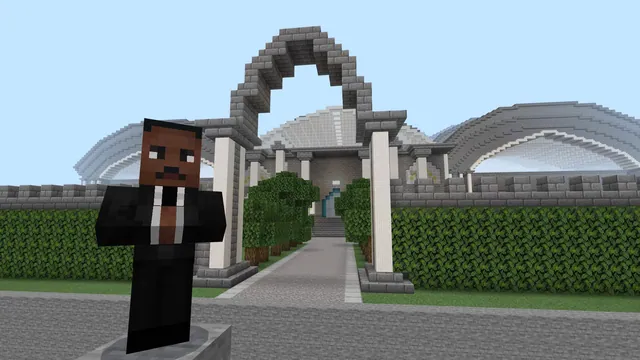
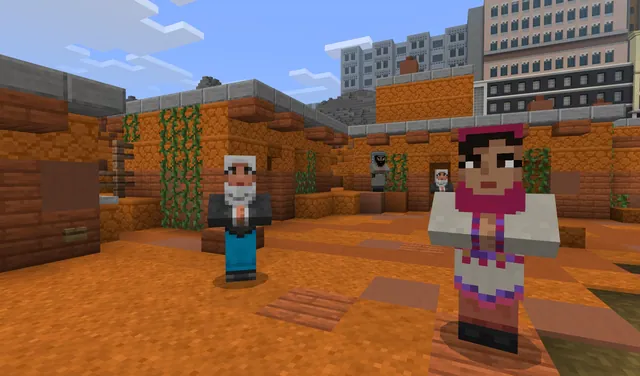
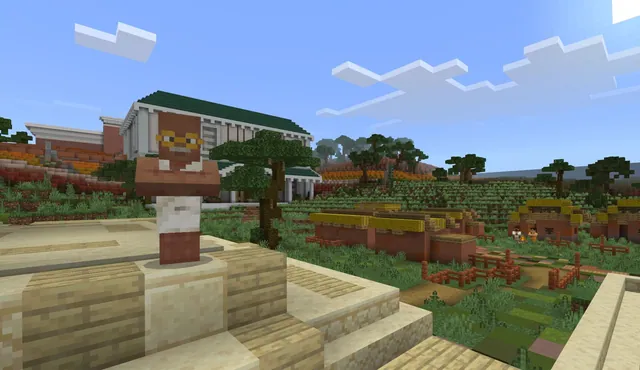
Present the community planning scenario from Craftcity's mayor. Students must design a live, work, and play city block while programming the Agent with functions to complete the structure.
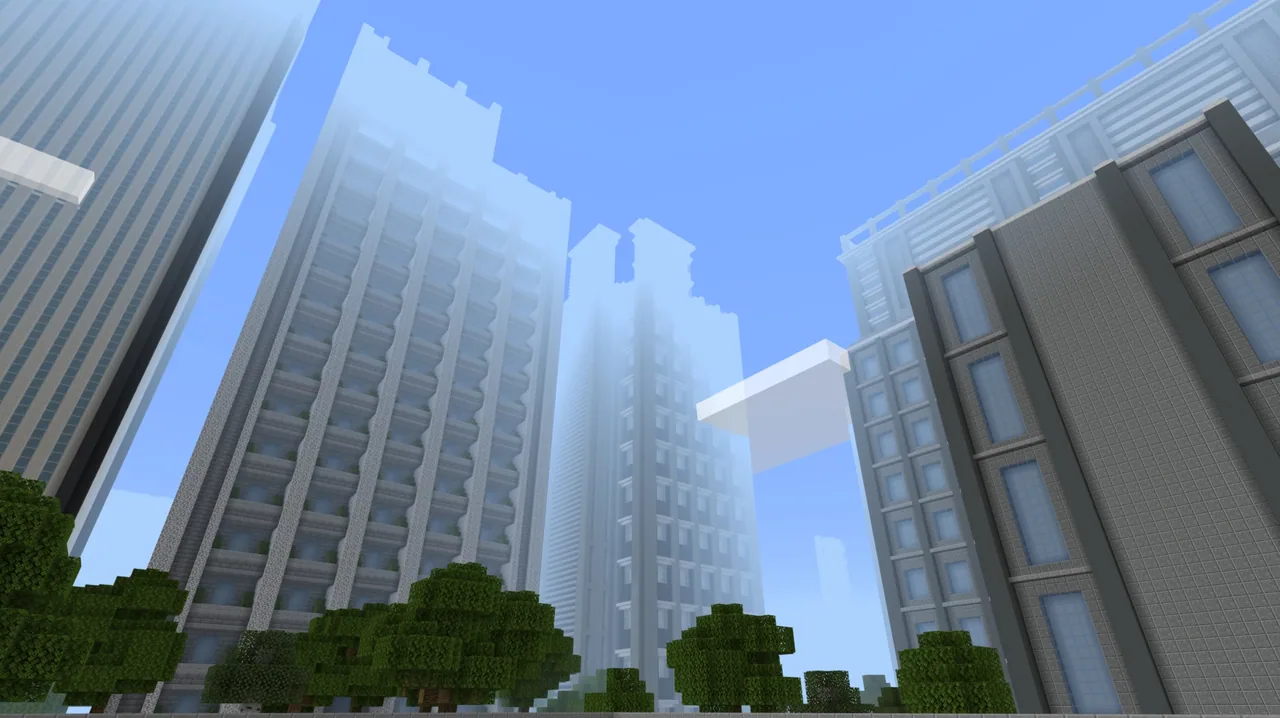
Remind builders that city ordinances limit building height to 5 stories (a maximum of 25 blocks tall), requiring deliberate planning and precise function loops.
- Review and Discussion5 min
Gather students to evaluate their work and reinforce core programming concepts:
- Ask students how using functions simplified their construction scripts.
- Discuss how grouping commands made it easier to locate mistakes and debug their programs.
Assessment: success criteria
- Student accurately defines a function and explains how it simplifies code.
- Student creates and assigns clear, descriptive names to functions in MakeCode.
- Student commands the Agent to carry out building tasks through functional code.
- Student completes a live, work, and play block model that remains at or under the 25-block height limit.
Differentiation
Allow students to focus on the Novice tutorial in block coding, practicing one simple Agent movement function before attempting the build challenge.
Challenge students to complete all three tutorials in Python or JavaScript and write automated multi-story building functions for Craftcity.
Knowledge check
5 questions to check understanding after the lesson. Tap an answer to see if it is right; the score appears at the end.
1What is a function in computer programming?
Answer: B. Functions are defined blocks of code created to execute a specific task whenever called.
2How do functions assist a programmer when writing code?
Answer: A. Functions condense repetitive actions into organized groups, which simplifies programs and aids debugging.
3Which three coding languages can learners select within MakeCode for these tutorials?
Answer: A. The MakeCode editor provides options to program using visual Blocks, JavaScript, or Python.
4What height restriction does Craftcity enforce for the new city block?
Answer: C. The municipal ordinance limits construction to a maximum of 5 stories, which equals 25 blocks tall.
5What model of city block must students build for the Craftcity challenge?
Answer: B. The mayor's challenge asks learners to create a micro-community proposal based on a live, work, and play concept.
Resources
Part of the Coding Tutorials curriculum
This is lesson 7 of 9 in Coding Tutorials.
- Unit 2: Events
- Conditional Loops
- Conditionals
- Events
- Events in Programming
- For Loops & Nested Loops
- Functions
- Sequencing
- Variables
Frequently Asked Questions
Can students participate if they have never written text-based code before?
Yes. Students have the option to complete all tutorials and challenges using visual block-based coding in MakeCode before exploring JavaScript or Python.
Do students need to finish all three tutorials before starting the city project?
Not necessarily. The tutorials are tiered by difficulty (Novice, Intermediate, and Expert) so learners can practice at their current skill level or complete all three if time permits.
Adapted from Functions by Minecraft Education on Minecraft Education, last updated Feb 4, 2025. This classroom version, the timings and the quiz were written by 9Minecraft Education.