- Type
- Lesson plan
- Ages
- Ages 8-18
- Duration
- about 60 min (suggested)
How do conditional statements and loops allow programs to make decisions based on specific conditions?
Overview
Conditionals allow programmers to establish cause-and-effect logic within software, directing a computer to take specific paths depending on whether conditions evaluate to true or false. In this lesson, students explore foundational logic through real-world rules and computer science principles, discovering how conditional statements and loops control repeated behaviors.
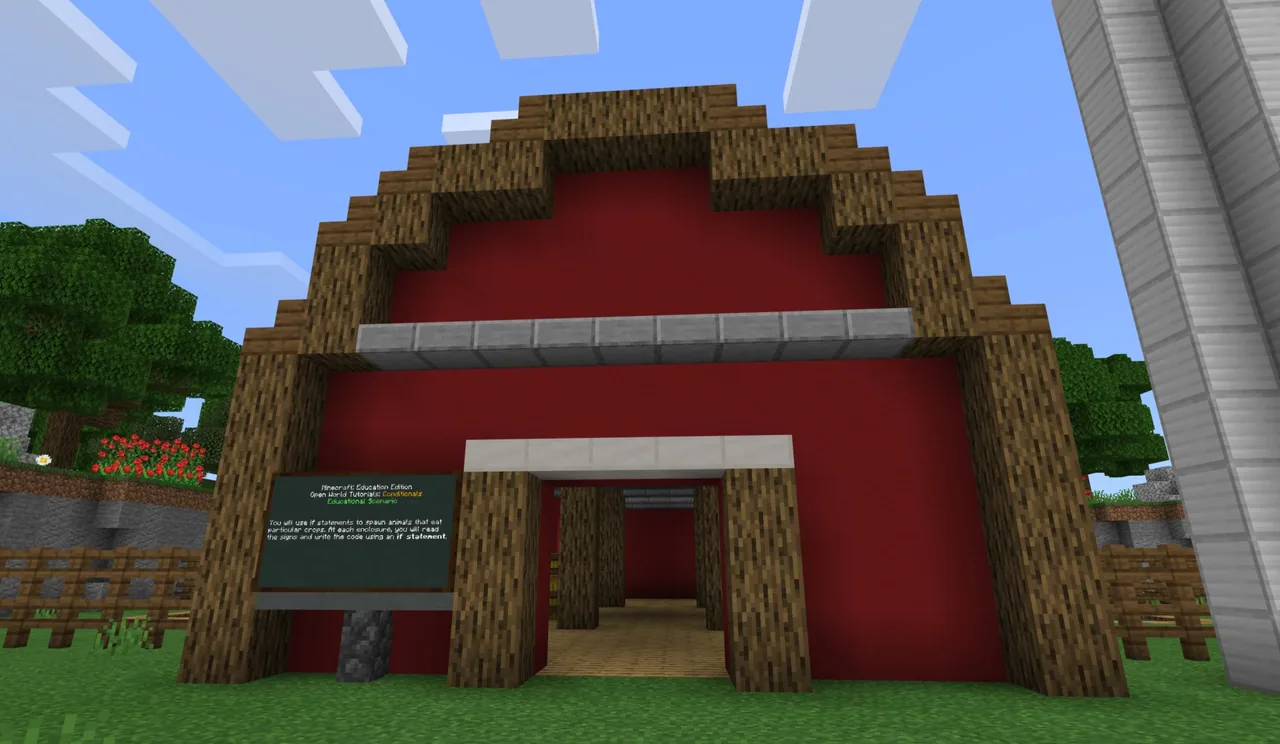
Using the MakeCode editor within Minecraft Education, learners program their Agent to navigate mazes, harvest timber, or construct pyramids across Novice, Intermediate, and Expert challenges using Blocks, JavaScript, or Python. Finally, an interdisciplinary Language Arts task asks students to read signs at animal enclosures and write conditional scripts that trigger animal spawns when designated crops are planted.
Learning objectives
By the end of this lesson students will be able to:
- Explain how conditional statements and loops evaluate rules to perform different coding actions.
- Program the Agent using chat commands and loops to solve mazes, harvest wood, or build structures.
- Apply cause-and-effect reasoning to code an if-statement that spawns an animal when its preferred crop is planted.
- Differentiate between repeating structures such as forever loops, while loops, and if/else checks.
Blocks and items used in this lesson


Key vocabulary
- Conditional
- A coding statement that directs a program to perform different actions depending on whether a condition is true or false.
- If / Else statement
- A logic structure where one section runs if a condition is met, and the alternate section runs if it is not met.
- While loop
- A loop that continuously executes code only while a designated condition remains true.
- Forever loop
- A loop that continuously repeats the enclosed code indefinitely.
Before class
Lesson sequence
Suggested timing: about 60 minutes in total.
- Warm-up: Real-World Conditions10 min
Introduce conditional logic through familiar scenarios. Ask students about household chores required to earn an allowance, conditions required to earn promised rewards (such as all As), or requirements needed to complete video game objectives.
- Skill Tutorials: Agent Coding20 min
Direct learners to select their preferred programming language (Blocks, JavaScript, or Python) and choose a tutorial level:
- Novice (Agent Maze): Program the Agent to navigate through a maze using chat commands and an if/else loop.
- Intermediate (Chopping Trees): Automate tree chopping with chat commands and loops.
- Expert (Agent Pyramid): Code the Agent to build a pyramid using loops.
- Application: Crop and Creature Enclosures20 min
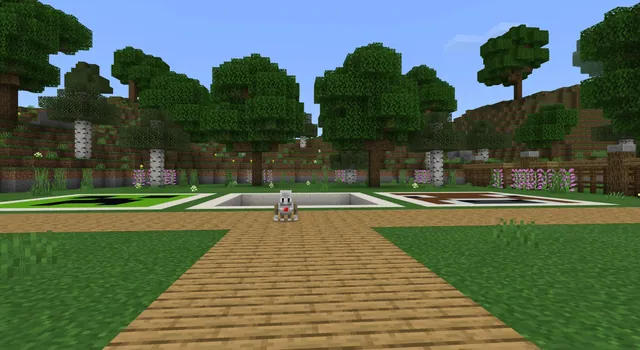
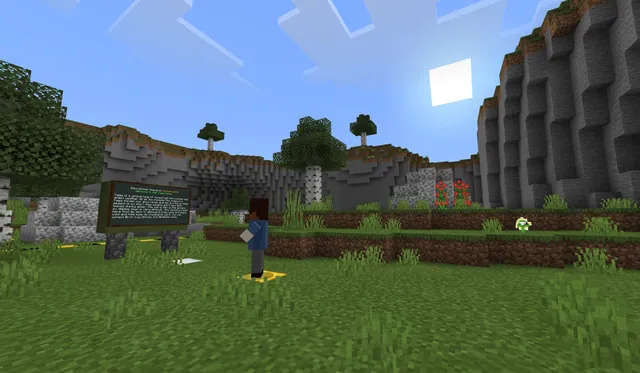
Students enter the Language Arts application area and explore various enclosures. Learners read the signpost at each enclosure to identify which crop is requested, then write an if-statement ensuring that when the correct crop is planted, the corresponding animal spawns.
- Reflection and Assessment10 min
Conclude with a class discussion reinforcing key coding vocabulary. Review what forever loops do, how while loops function, and confirm that the else portion of an if/else block only runs when the initial condition is not met.
Assessment: success criteria
- Student successfully codes the Agent using chat commands and loops to complete a tutorial task.
- Student reads enclosure signs and writes an if-statement that links a planted crop to an animal spawn.
- Student correctly explains the difference between a while loop and an if/else conditional check during reflection.
Differentiation
Allow students who need assistance to begin with the Novice Agent Maze tutorial using block-based coding before tackling text syntax.
Encourage advanced learners to complete all three tutorials across both JavaScript and Python before starting the enclosure challenge.
Knowledge check
5 questions to check understanding after the lesson. Tap an answer to see if it is right; the score appears at the end.
1What does a conditional statement do in a computer program?
Answer: A. A conditional directs a program to perform specific actions based on whether a given condition evaluates to true or false.
2In an if / else structure, when does the else portion run?
Answer: B. The else block executes only if the condition evaluated by the if block is false or unmet.
3How does a while loop operate?
Answer: C. A while loop continues to execute enclosed instructions as long as its specified condition remains true.
4What is the primary function of a forever loop?
Answer: D. A forever loop makes the enclosed code repeat endlessly.
5In the Language Arts enclosure activity, what action triggers an animal to spawn?
Answer: B. Students write an if-statement that spawns a specific animal once its matching crop has been planted.
Resources
Part of the Coding Tutorials curriculum
This is lesson 3 of 9 in Coding Tutorials.
- Unit 2: Events
- Conditional Loops
- Conditionals
- Events
- Events in Programming
- For Loops & Nested Loops
- Functions
- Sequencing
- Variables
Frequently Asked Questions
Which programming languages can students choose from?
Students can work in MakeCode using visual Blocks, JavaScript, or Python depending on their comfort level and experience.
Can students complete more than one tutorial during the lesson?
Yes. Students may select an individual tutorial suited to their skill level or choose to complete all three tutorials before moving on to the enclosure activity.
How does this lesson connect computer science with reading and writing?
Students practice cause-and-effect reasoning by reading informative signs at animal pens and translating those written requirements into conditional if-statements.
Adapted from Conditionals by Minecraft Education on Minecraft Education, last updated Feb 4, 2025. This classroom version, the timings and the quiz were written by 9Minecraft Education.