- Type
- Lesson plan
- Ages
- Ages 8-18
How do computers detect specific actions and trigger program responses?
Overview
In computer science, an event is an action or occurrence recognized by a computer system, such as a mouse click or a keystroke. When paired with an event handler, that trigger produces a defined response, establishing a direct cause-and-effect relationship that forms the foundation of modern interactive programming across software languages.
Students begin by exploring this concept through an unplugged physical activity before applying it inside Minecraft using Microsoft MakeCode. By coding scripts that respond to player movement, recreating a traditional nursery rhyme, and simulating mob encounters, learners observe how event-driven code functions before designing their own interactive program.
Learning objectives
By the end of this lesson students will be able to:
- Define the concepts of events and event handlers in computer science.
- Model real-world cause-and-effect relationships through interactive programming.
- Program event handlers in MakeCode to trigger in-game actions based on player movement.
- Document how an event-driven program works using screenshots and written reflections.
Blocks and items used in this lesson


Key vocabulary
- Event
- An action or occurrence detected by a computer, such as a player moving or clicking an input button.
- Event Handler
- A block or segment of code configured to run whenever a specific event occurs.
- Cause and Effect
- A relationship where one action produces a specific resulting reaction.
- Exponential Growth
- A rapid rate of increase where quantities multiply over time, demonstrated by mob spawns.
Before class
Lesson sequence
- Warm-up: Unplugged Events and Handlers
Introduce the idea of events using familiar cause-and-effect examples, such as clicking a mouse button to trigger an action on a screen. Have students work in pairs to act out physical events and corresponding reactions to reinforce how an event handler waits for an input before executing a response.
- Guided Coding: Yellow Brick Road and Nursery Rhyme
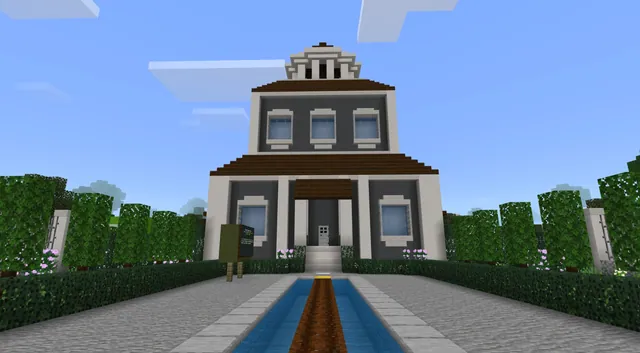
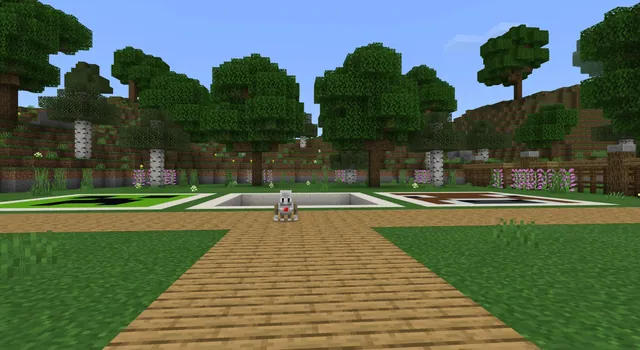
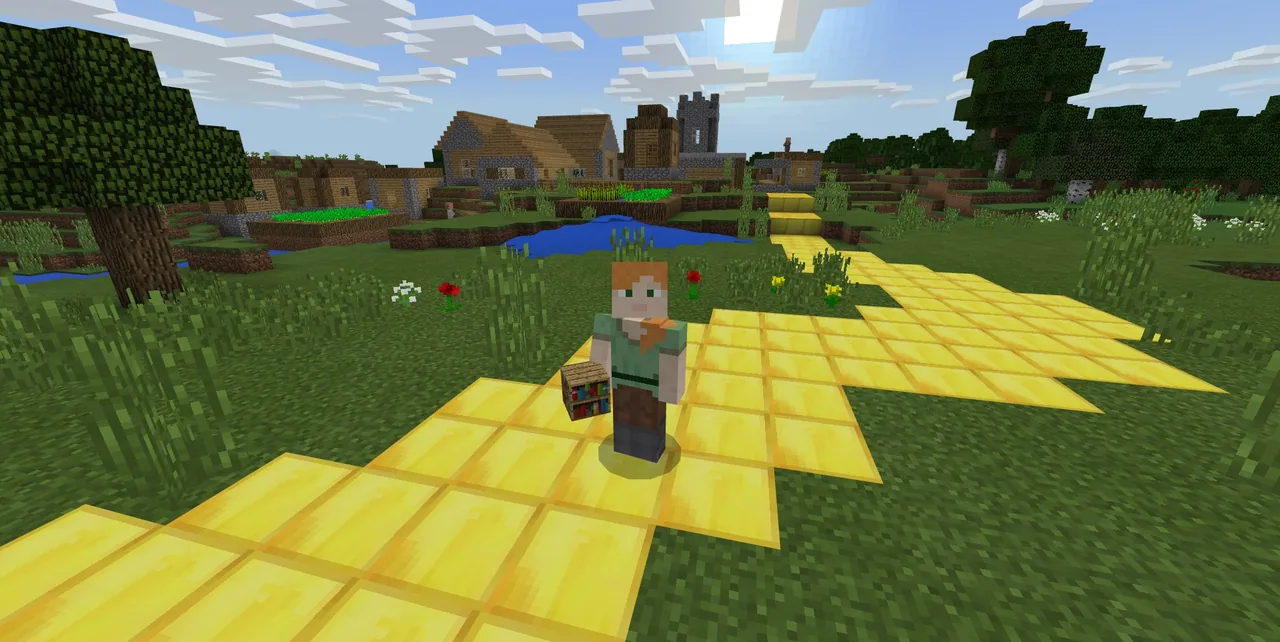
Open MakeCode in Minecraft and introduce the Yellow Brick Road activity, where students configure an event handler to run code while the player is walking. Next, guide students through the Sing a Song of Sixpence activity to recreate scenes inspired by the classic English nursery rhyme using code.
- Simulation Activity: Last Stand
Have students complete the Last Stand challenge by writing code that generates hordes of zombies. Use this scenario to discuss how event triggers can illustrate exponential growth as mobs multiply in the game world.
- Independent Project and Reflection
Students work independently to select one or more event handler blocks in MakeCode to trigger custom results. Learners then write a diary entry identifying their chosen event handler, explaining the cause-and-effect logic of their code, providing a screenshot, and sharing their project URL.
Assessment: success criteria
- Student can identify an event and its corresponding event handler in MakeCode.
- Student program successfully executes an action triggered by player movement or another event.
- Student completes a diary entry explaining cause and effect with an attached screenshot and project web link.
Differentiation
Allow students to pair up to complete the Yellow Brick Road walking event before attempting open-ended project work.
Have advanced learners incorporate multiple distinct event handlers that trigger different actions within their independent project.
Knowledge check
5 questions to check understanding after the lesson. Tap an answer to see if it is right; the score appears at the end.
1What is an event in computer science?
Answer: B. An event is an action or occurrence that a computer system detects and responds to.
2Which everyday concept best illustrates how event handlers work?
Answer: D. Event handlers mirror cause-and-effect relationships where one specific trigger causes a programmed reaction.
3In the Yellow Brick Road activity, what triggers the programmed code?
Answer: A. The source specifies configuring an event handler to cause something to happen when a player is walking.
4What mathematical idea is demonstrated in the Last Stand activity using zombie hordes?
Answer: B. The Last Stand activity uses waves of zombies to demonstrate the concept of exponential growth.
5What must students include in their independent project diary entry?
Answer: D. The assessment criteria require describing the cause-and-effect logic, including a screenshot, and submitting the project URL.
Resources
Part of the Coding Tutorials curriculum
This is lesson 5 of 9 in Coding Tutorials.
- Unit 2: Events
- Conditional Loops
- Conditionals
- Events
- Events in Programming
- For Loops & Nested Loops
- Functions
- Sequencing
- Variables
Frequently Asked Questions
Does this lesson require a custom world file?
No custom world download is required. Students can perform the coding tasks in standard Minecraft Education worlds using the MakeCode interface.
Which programming tool is used for these activities?
The lesson uses Microsoft MakeCode, which integrates with Minecraft to let students program event handlers and game mechanics.
Adapted from Events in Programming by Minecraft Education on Minecraft Education, last updated Dec 19, 2022. This classroom version, the timings and the quiz were written by 9Minecraft Education.