- Type
- Lesson plan
- Ages
- Ages 8-18
- Duration
- about 65 min (suggested)
How do triggered events drive action in computer code and plot development in creative writing?
Overview
In computer programming and narrative writing, events serve as catalysts that trigger specific outcomes. By studying how event handlers detect player actions or inputs, students develop an understanding of computational logic alongside narrative structure, observing how inciting incidents and character reactions drive story progression.
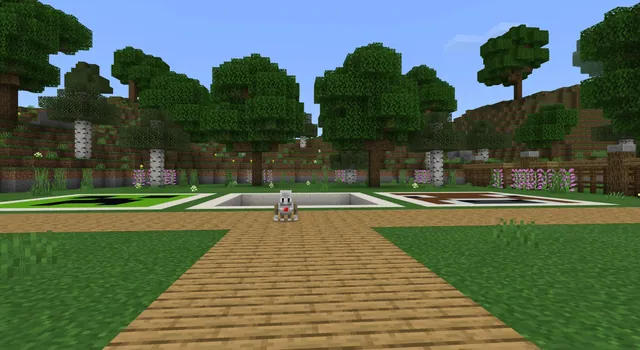
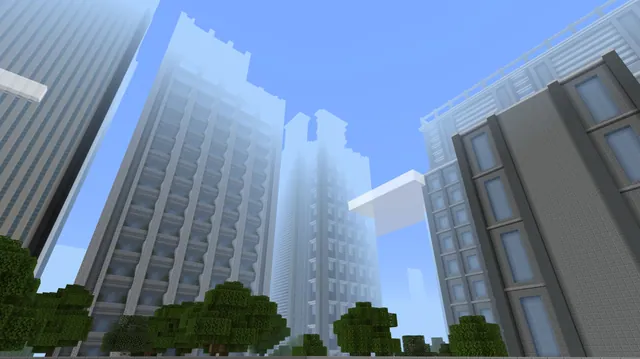
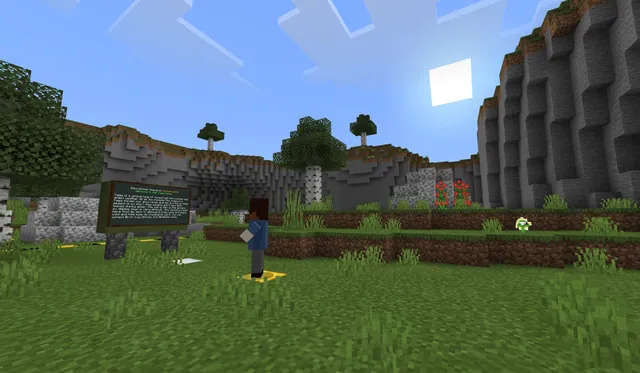
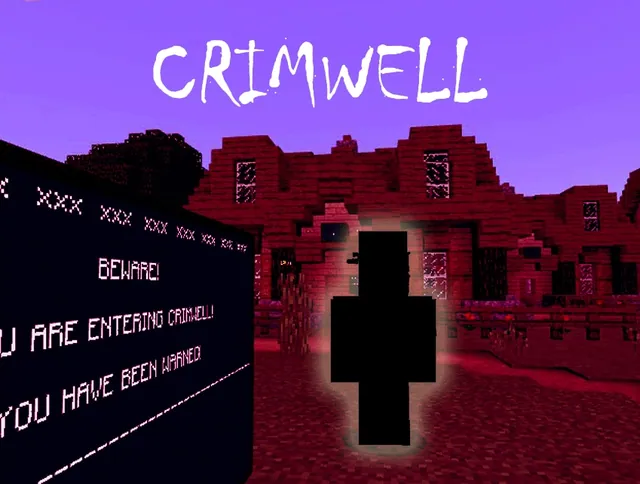
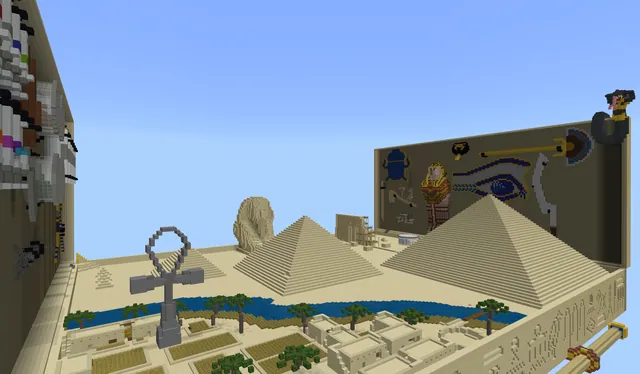
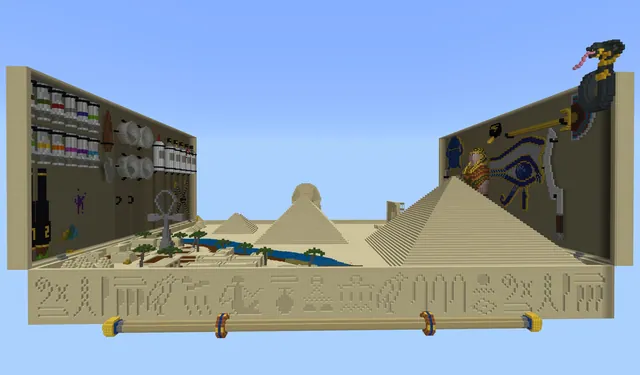
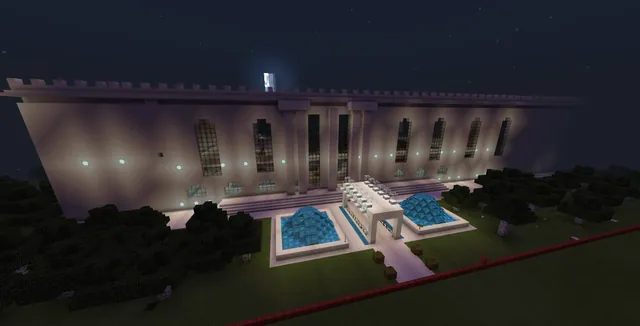
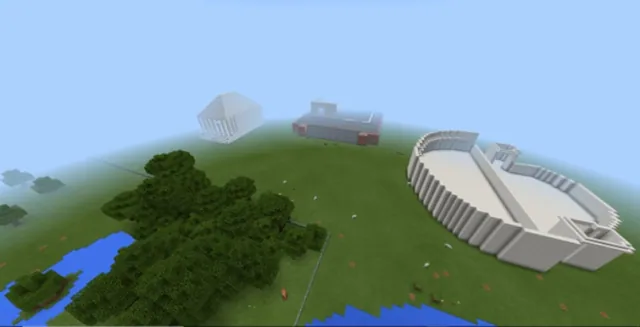
Students work through tiered MakeCode tutorials to build event handlers for chat commands, mob spawning, and block replacement. Afterward, learners travel through four world locations, trigger scripted events to decide their path, and use an in-game camera and book and quill to craft an original short story based on their journey.
Learning objectives
By the end of this lesson students will be able to:
- Code event handlers using chat commands, player movement, or block interactions in Blocks, JavaScript, or Python.
- Program events that spawn entities, position the player, or replace blocks automatically.
- Identify the five core elements of a short story: character, setting, conflict, plot, and theme.
- Document in-game event triggers using the camera and book and quill to write a narrative.
Blocks and items used in this lesson


Key vocabulary
- Event Handler
- A coding structure that executes a set of instructions whenever a specific trigger occurs.
- Trigger
- An action or command, such as a player moving or breaking a block, that signals code to run.
- Plot
- The sequence of events and actions that make up a narrative.
- Conflict
- The central struggle or tension that characters encounter within a story.
Before class
Lesson sequence
Suggested timing: about 65 minutes in total.
- Connecting Code and Narrative10 min
Introduce the driving question by discussing the five elements of a short story: character, setting, conflict, plot, and theme. Ask students how story characters react to key events, and compare this to how computer programs respond to specific user triggers.
- Tiered Event Tutorials25 min
Allow students to choose a tutorial matching their skill level and preferred programming language:
- Novice (Chicken Rain): Use an on chat command to spawn chickens at the player location.
- Intermediate (Fun with Events): Use three distinct event handlers to spawn animals at selected coordinates using a random generator.
- Expert (Linked Wall): Code event handlers to position the player, build walls, and replace existing blocks.
- World Journey and Documentation15 min
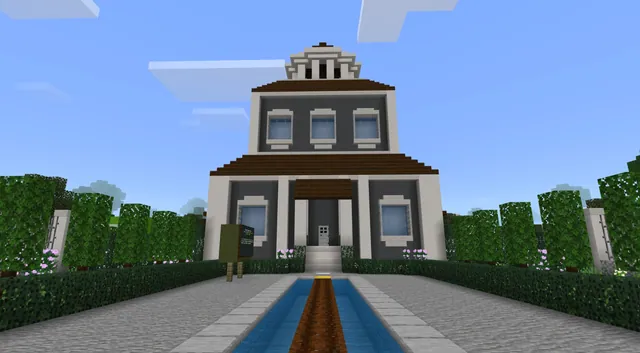
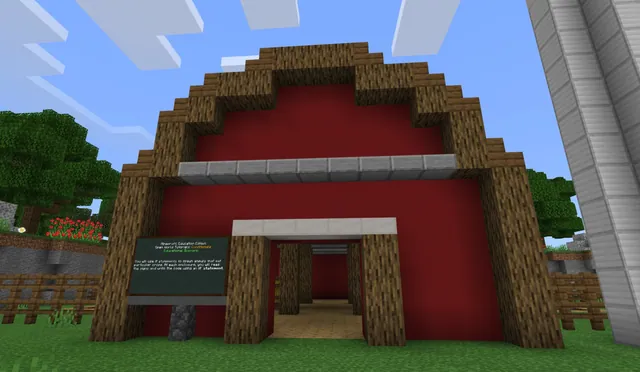
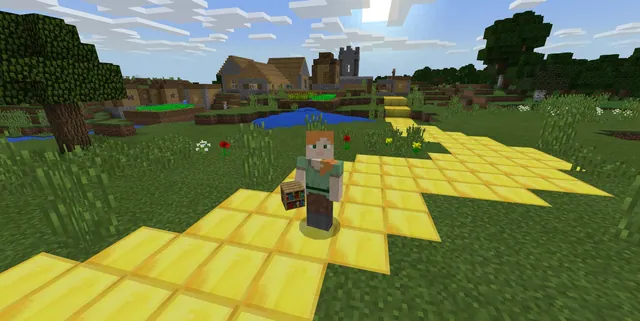
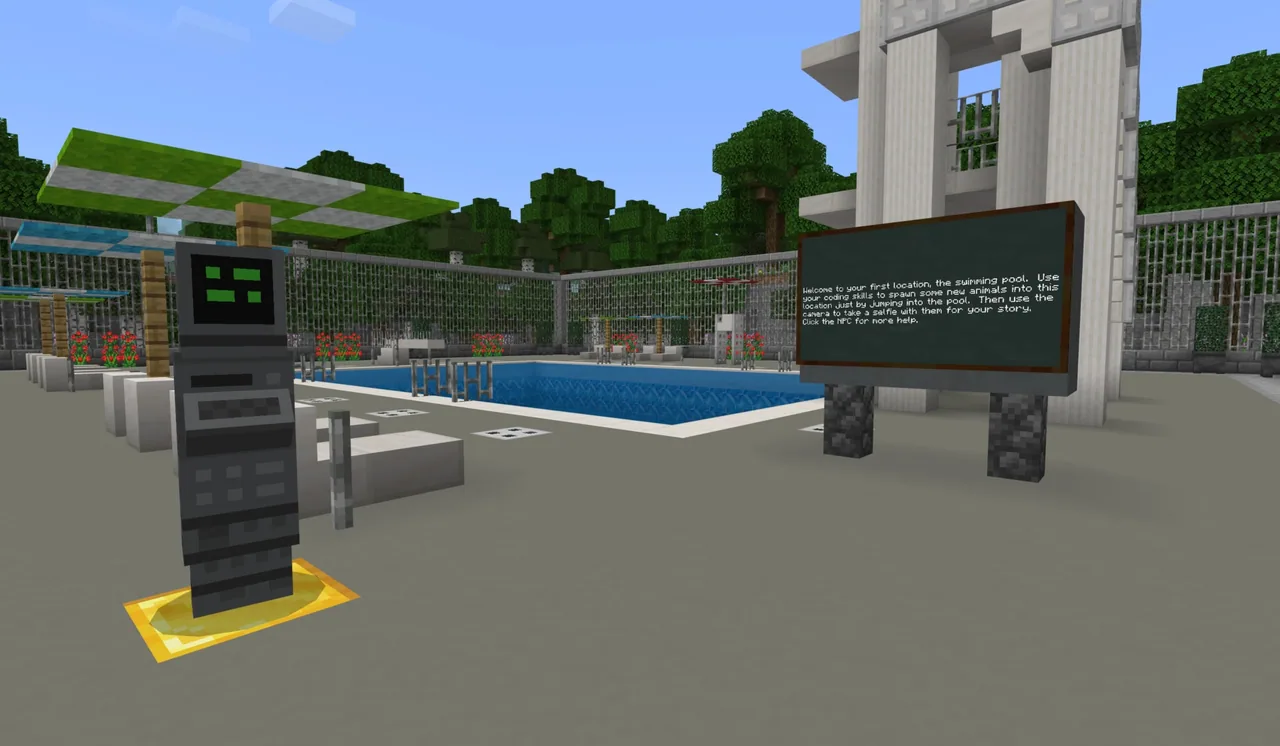
Direct learners to explore the four locations within the downloadable world. At each location, students interact with at least one event trigger to shape their route, capturing photographic evidence with the in-game camera and recording notes in their book and quill.
- Short Story Composition and Reflection15 min
Students utilize their graphic organizers and documented evidence to write an original short story inside their book and quill. Conclude by having students reflect on what triggers their coded events and how those interactions created tension or resolution in their written journeys.
Assessment: success criteria
- Student successfully programs an event handler that responds to a designated action such as a chat command or block interaction.
- Student visits four world locations and activates at least one event at each site.
- Student captures evidence of triggered events using the camera and book and quill.
- Student produces a short story incorporating character, setting, conflict, plot, and theme.
Differentiation
Guide learners to complete the Novice Chicken Rain tutorial using block-based coding before navigating the world in pairs.
Challenge students to code the Expert Linked Wall tutorial in text-based JavaScript or Python and complete all three coding exercises.
Knowledge check
5 questions to check understanding after the lesson. Tap an answer to see if it is right; the score appears at the end.
1Which action can be used to trigger an event handler in Minecraft coding?
Answer: B. The lesson lists actions such as placing a block, breaking a block, moving, and chat commands as triggers.
2What is the primary coding objective of the Novice Chicken Rain tutorial?
Answer: C. The Novice tutorial requires learners to use an on chat command to spawn chickens at the player's location.
3According to the lesson, what are the five key elements of a short story?
Answer: A. The lesson explicitly defines character, setting, conflict, plot, and theme as the five core short story elements.
4How was the random position generator used during the mob-spawning tutorial?
Answer: D. The random position function was provided parameters close enough to the player to ensure easy observation.
5Which in-game items do students use to document evidence and compose their narrative?
Answer: B. Learners capture photographic evidence with the camera and write their completed short story in the book and quill.
Resources
Part of the Coding Tutorials curriculum
This is lesson 4 of 9 in Coding Tutorials.
- Unit 2: Events
- Conditional Loops
- Conditionals
- Events
- Events in Programming
- For Loops & Nested Loops
- Functions
- Sequencing
- Variables
Frequently Asked Questions
Which coding languages can students use in this lesson?
Students can work in MakeCode Blocks, JavaScript, or Python depending on their grade level and programming experience.
Must learners finish every coding tutorial before writing their story?
No, students may select a single tutorial suited to their skill level (Novice, Intermediate, or Expert) or choose to complete all three if time permits.
How can students submit or share their narrative work?
Students compose their writing and embed their photos directly into an in-game book and quill, which can then be exported to share with the teacher or peers.
Adapted from Events by Minecraft Education on Minecraft Education, last updated Feb 4, 2025. This classroom version, the timings and the quiz were written by 9Minecraft Education.