- Type
- Lesson plan
- Ages
- Ages 8-18
- Duration
- about 60 min (suggested)
How do for loops and nested loops help programmers automate repetitive tasks and create complex designs efficiently?
Overview
Repetition is a core concept in computer science. When programmers need an action performed repeatedly, writing the same instructions over and over creates clutter and inefficiency. For loops and nested loops give students the ability to execute sequences of commands multiple times or run repeating patterns across two dimensions with clean, concise code.
In this lesson, learners access the MakeCode editor within Minecraft Education using their choice of visual blocks, JavaScript, or Python. After working through tiered exercises that involve spawning animals, directing the Agent to farm carrots, and constructing buildings, students inspect pixel art examples in the downloadable world and program their own pixel art creations.
Learning objectives
By the end of this lesson students will be able to:
- Explain how a for loop repeats code a specific number of times.
- Construct nested loops to repeat actions within an existing loop.
- Program Minecraft actions using for loops in Blocks, JavaScript, or Python.
- Create an original piece of pixel art in Minecraft using loop structures.
Blocks and items used in this lesson


Key vocabulary
- For Loop
- A programming structure that repeats a set of code instructions a specific number of times.
- Nested Loop
- A loop placed entirely inside the body of another loop.
- Agent
- A programmable companion robot in Minecraft that can build, farm, and navigate.
- Pixel Art
- Art made by placing individual colored blocks in a grid pattern to represent an image.
Before class
Lesson sequence
Suggested timing: about 60 minutes in total.
- Warm-up & Real-World Repetition10 min
Ask students to name things they repeat daily, such as walking, eating, or breathing. Ask what happens when a song is set to repeat, highlighting that it restarts from the beginning. Discuss why programmers repeat code in Minecraft, such as running identical actions in different places.
- Tiered Coding Tutorials30 min
Direct students to choose their preferred language (Blocks, JavaScript, or Python) and work through tutorials suited to their skill level:
- Tutorial 1 (Novice, 5 min): Use events and for loops to spawn animals.
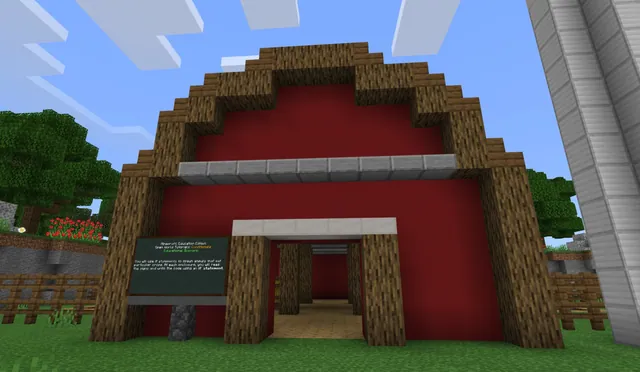
- Tutorial 2 (Intermediate, 10 min): Program the Agent using for loops to plant carrots on a farm.
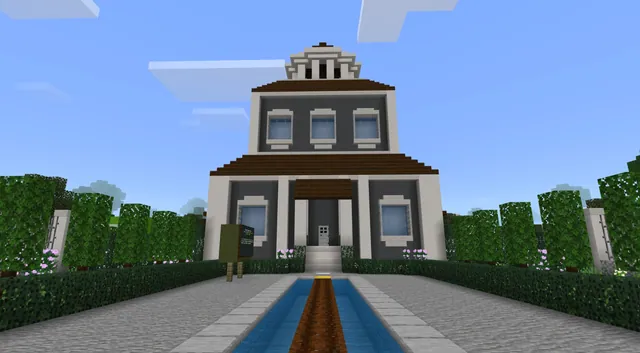
- Tutorial 3 (Expert, 15 min): Construct a house using for loops.
- Pixel Art Design Challenge15 min
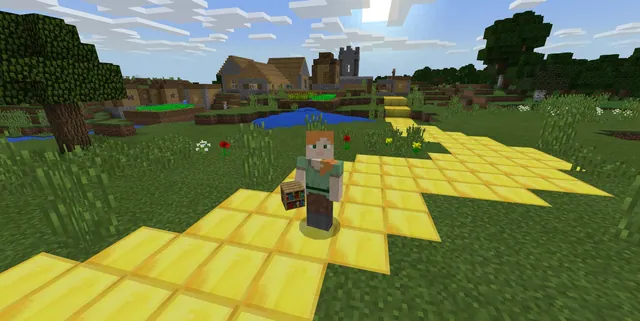
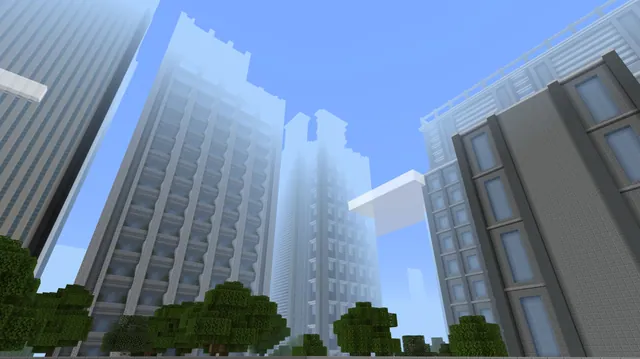
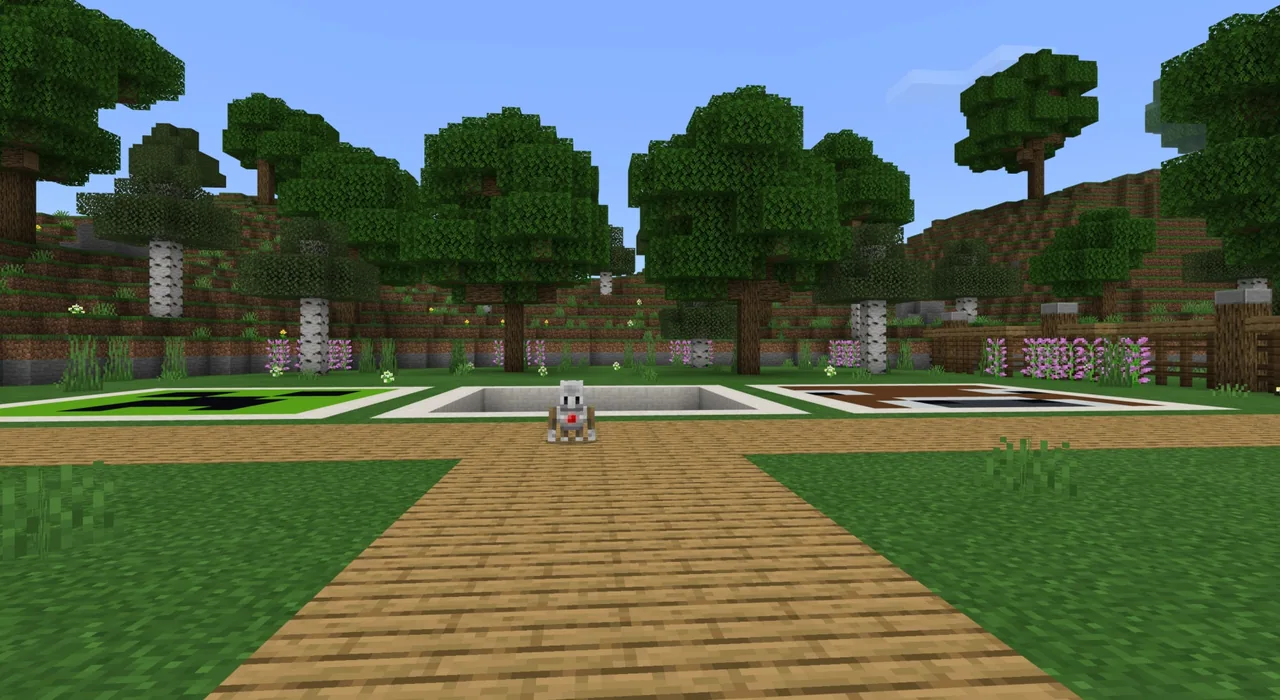
Direct students to explore pixel art examples displayed inside the downloadable world. Students then design and code their own pixel art (such as a creeper face) by writing code with for loops and nested loops to place blocks across rows and columns.
- Review & Knowledge Check5 min
Gather the class to reinforce key programming principles. Have students explain what a for loop does, what makes a loop nested, and why using loops is preferable to retyping code.
Assessment: success criteria
- Student accurately defines a for loop as code that repeats a specific number of times.
- Student identifies a nested loop as a loop placed inside another loop.
- Student completes at least one coding tutorial using loops in Blocks, JavaScript, or Python.
- Student writes functioning code using loops to generate a pixel art design in the world.
Differentiation
Allow students to focus on visual block coding during the Novice animal-spawning tutorial before trying Agent commands.
Prompt advanced students to write their house-building or pixel art code in JavaScript or Python using multi-level nested loops.
Knowledge check
5 questions to check understanding after the lesson. Tap an answer to see if it is right; the score appears at the end.
1What does a for loop do in computer programming?
Answer: B. A for loop is designed to repeat a block of code a set number of times.
2What is a nested loop?
Answer: C. A nested loop refers to a loop positioned within the body of an outer loop.
3In the intermediate tutorial, what does the student program the Agent to do?
Answer: D. The intermediate tutorial requires learners to code the Agent with loops to plant carrots.
4What creative task are students asked to complete during the educational application section?
Answer: A. The educational application focuses on applying loops to generate pixel art in Minecraft.
5Which three coding languages can learners choose from in the MakeCode editor for this lesson?
Answer: B. The lesson allows students to select Blocks, JavaScript, or Python within the MakeCode Coding Editor.
Resources
Part of the Coding Tutorials curriculum
This is lesson 6 of 9 in Coding Tutorials.
- Unit 2: Events
- Conditional Loops
- Conditionals
- Events
- Events in Programming
- For Loops & Nested Loops
- Functions
- Sequencing
- Variables
Frequently Asked Questions
Can students work through this lesson if they have no text-based coding experience?
Yes. The MakeCode editor allows students to complete all tutorials using visual drag-and-drop blocks before attempting JavaScript or Python.
How long does it take for a class to finish all the activities?
Completing all three tutorials alongside the pixel art application takes approximately one hour in total.
Do students have to complete all three tutorials?
No. Students can either select the single tutorial that fits their experience level or work through all three in sequence before moving to the art challenge.
Adapted from For Loops & Nested Loops by Minecraft Education on Minecraft Education, last updated Feb 4, 2025. This classroom version, the timings and the quiz were written by 9Minecraft Education.