- Type
- Lesson plan
- Ages
- Ages 8-13
How can we visually represent our emotions, values, and personal strengths to better understand ourselves?
Overview
Self-awareness enables learners to recognize their personal emotions, understand how those feelings shape actions, and identify their unique assets. By examining how internal feelings and values guide decision-making, students build emotional literacy and positive self-concept.
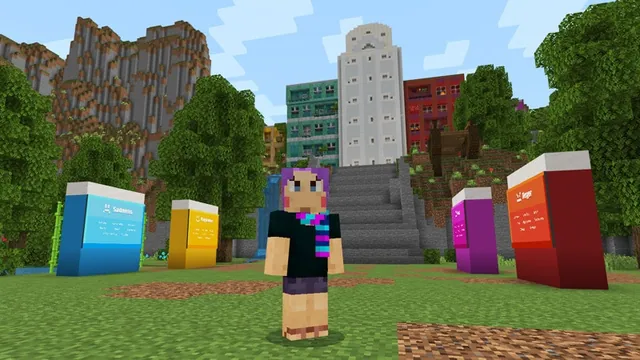
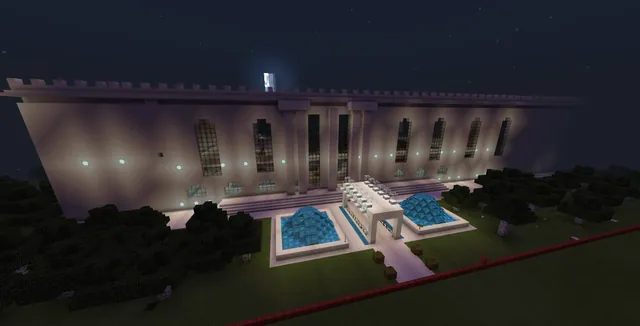
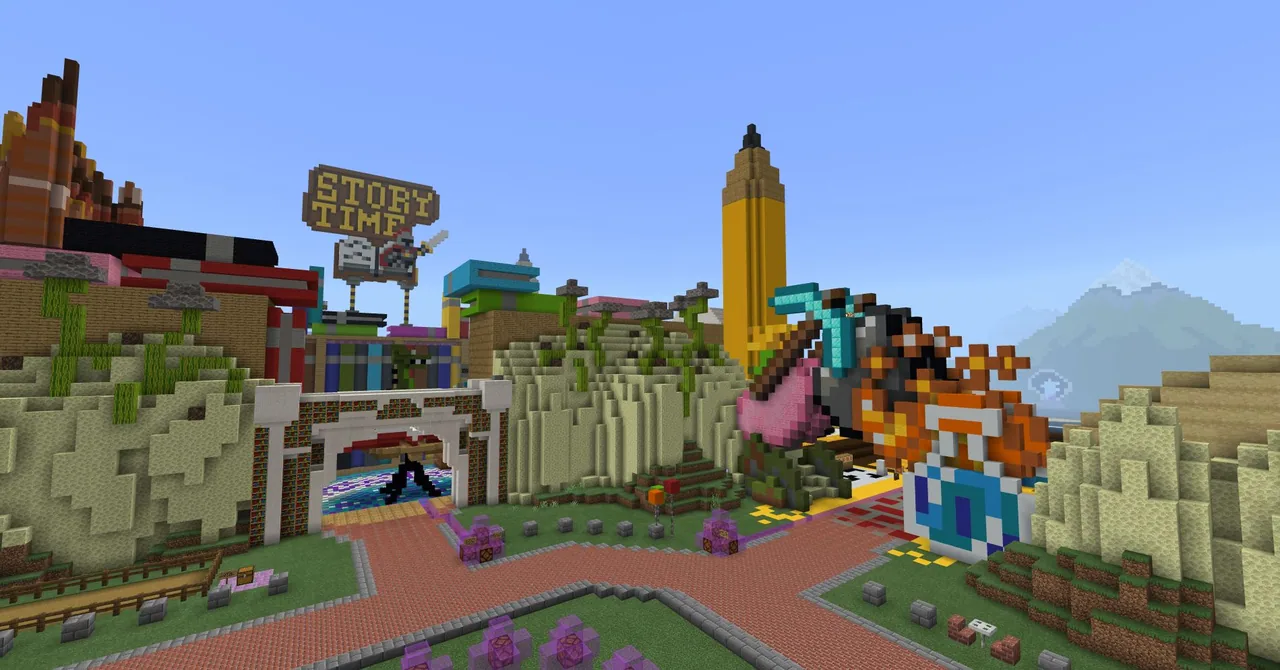
Within the Inspiration Island Minecraft world, students work in creative mode to construct visual representations of their values, emotional experiences, or personal strengths. They then document their thinking by writing in a Book and Quill and capturing photos of their builds.
Learning objectives
By the end of this lesson students will be able to:
- Explain how specific emotions can influence personal behavior and choices.
- Build a visual model in Minecraft representing a personal value, emotion, or strength.
- Document reflections and build images using an in-game Book and Quill.
- Export a completed journal to share personal reflections with others.
Blocks and items used in this lesson


Key vocabulary
- Self-Awareness
- The ability to recognize your own emotions, thoughts, values, and strengths.
- Value
- A core belief or principle that is personally important and guides behavior.
- Creative Mode
- A Minecraft play mode providing flight, invulnerability, and unlimited building blocks.
- Book and Quill
- An in-game item used to write text entries and insert captured photographs.
Before class
Lesson sequence
- Warm-up Discussion
Lead a class discussion on how emotions guide everyday actions. Invite students to provide examples of how feelings influence decisions, emphasizing that recognizing emotions is essential for self-understanding and making positive choices.
- Orientation and Practice
Have students load Inspiration Island and complete the tutorial area to review creative mode controls, including flying and instant block breaking. If learners need extra practice with block placement, direct them to the Mirror area to complete the missing half of the Agent.
- Independent Build Task
Direct students to their chosen or assigned build prompt:
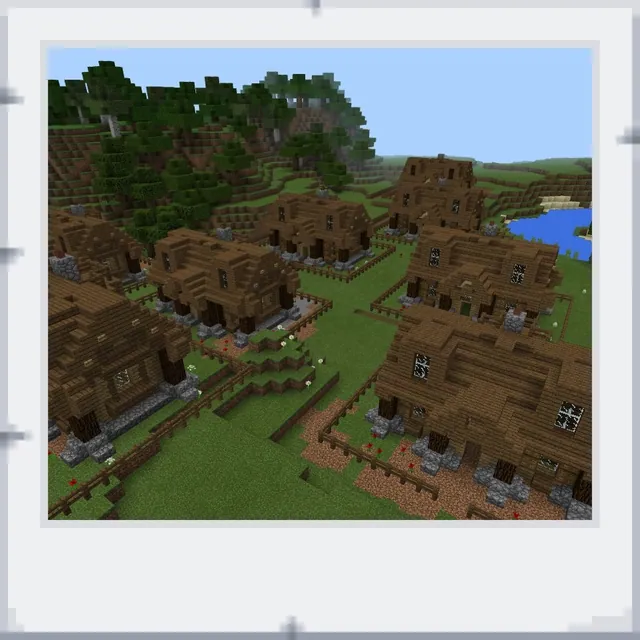
- Task 1 (Values): Locate the home foundation in the center of the hub and build a house representing a personal value, utilizing starter blocks from the chest.
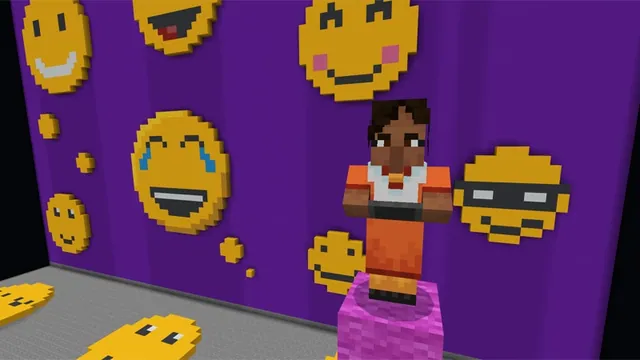
- Task 2 (Emotions): Walk through the diamond pickaxe gate toward the giant pencil and construct an emotional self-portrait using the face template or open space.
- Task 3 (Strengths): Pass through the diamond pickaxe gate to the open build area and build a structure symbolizing a personal strength.
- Documentation and Reflection
Students capture images of their builds with the camera, climbing or flying to the top of the giant pencil if they need an overhead angle. They then open their Book and Quill to write reflections explaining their build and insert their pictures.
- Export and Presentation
Have students export their Book and Quill as a PDF to submit for review. If comfortable, invite students to describe their builds verbally or present their exported work using a smart board.
Assessment: success criteria
- Student identifies and explains an emotion, value, or personal strength in their writing.
- Student constructs a Minecraft structure that visually represents their chosen theme.
- Student successfully inserts build photographs and reflective text into a Book and Quill.
- Student exports their completed journal as a PDF.
Differentiation
Provide the pre-made face template in Task 2 or the starting foundation and chest blocks in Task 1 for learners who need a clear starting framework.
Encourage advanced builders to fly atop the giant pencil for panoramic documentation and elaborate on multiple strengths or values in their journal.
Knowledge check
5 questions to check understanding after the lesson. Tap an answer to see if it is right; the score appears at the end.
1Which Minecraft world is used for this lesson?
Answer: B. The lesson directs students to load and work within the Inspiration Island world.
2Where can students practice block placement by completing an Agent?
Answer: A. The tutorial directs players needing extra building practice to the Mirror area to finish the half-built Agent.
3What do students build to express their personal values in Task 1?
Answer: C. Task 1 asks students to build a home starting from the central foundation to reflect something they value.
4Which in-game tools are used to record reflections and photos?
Answer: B. Students capture their builds with the camera and write reflections inside the Book and Quill.
5What high structure can players climb or fly atop to get a better view of their builds?
Answer: D. Tasks 2 and 3 state that players can climb or fly to the top of the giant pencil for an improved view.
Resources
Part of the Social Studies and SEL curriculum
This is lesson 7 of 12 in Social Studies and SEL.
- Accessibility Park
- Build Your Emotion
- BuildAbility
- CyberSafe: Good Game
- Empathy Train
- Empathy Village
- Inspiring Self-Awareness
- Modeling Gratitude
- Reflect World
- Stranger in Crimwell Village
- Teacher Appreciation
- The Mindful Knight
Frequently Asked Questions
How do students submit their finished work?
Students export their completed Book and Quill as a PDF document and share it with the teacher for review.
Can students choose which of the three tasks to build?
Yes. Teachers can assign a single task, allow students to pick their favorite, or have the entire class vote on one option.
Adapted from Inspiring Self-Awareness by Minecraft Education on Minecraft Education, last updated Apr 25, 2025. This classroom version, the timings and the quiz were written by 9Minecraft Education.