- Type
- Lesson plan
- Subject
- Social-Emotional Learning
- Ages
- Ages 8-18
- Duration
- 3 hours
- Level
- Beginner
How can we identify accessibility barriers in our surroundings and redesign spaces so that everyone can participate fully?
Overview
Physical environments, tools, and social attitudes often present hidden obstacles for individuals with disabilities. BuildAbility invites learners to examine how spaces can either exclude or welcome people, fostering empathy, respectful language, and proactive allyship.
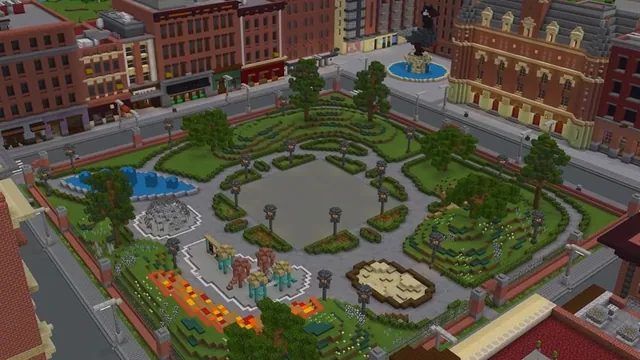
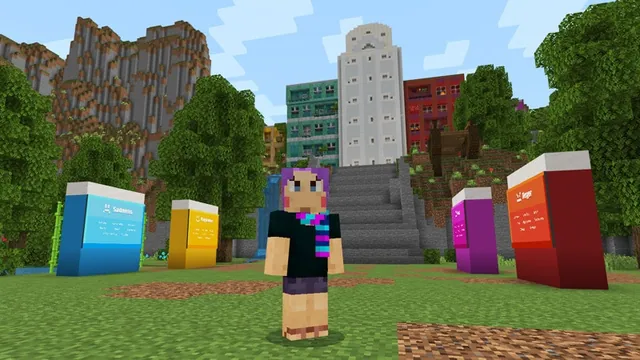
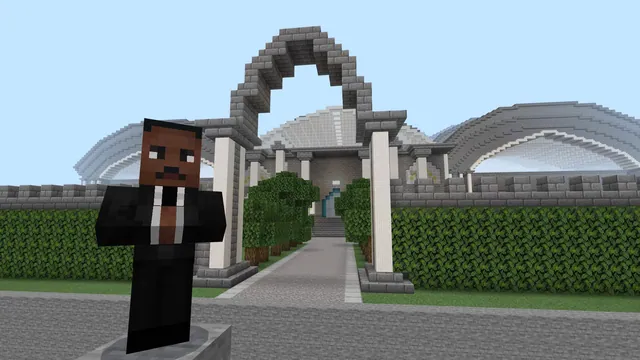
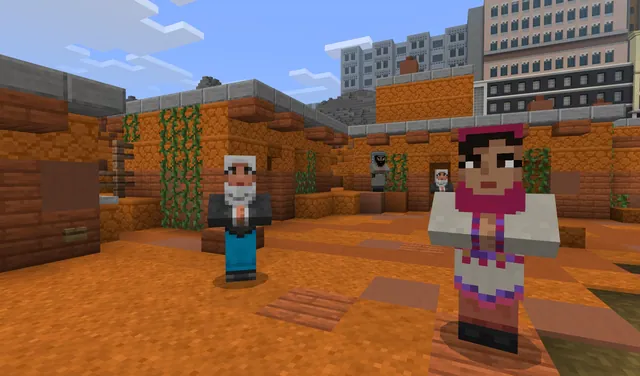
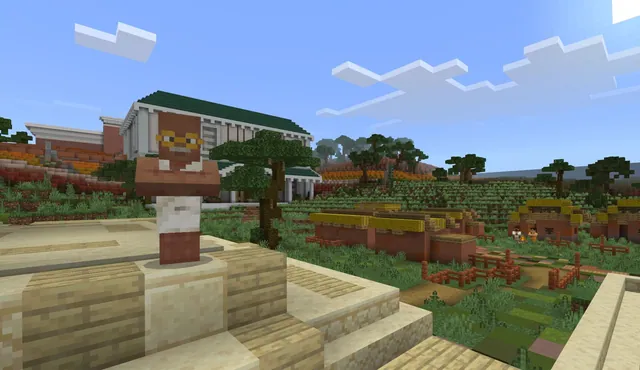
Using a custom Minecraft world developed alongside students and educators, players tour simulated school, shopping, and community settings to identify five types of accessibility barriers. After investigating these environments, students enter a creative sandbox to construct thoughtful modifications that make spaces accessible to everyone.
Learning objectives
By the end of this lesson students will be able to:
- Identify five types of accessibility barriers present in daily environments.
- Practice respectful communication by applying person-first language principles.
- Evaluate physical and digital spaces to determine whether they support diverse user needs.
- Construct inclusive architectural modifications within the Minecraft sandbox area.
Blocks and items used in this lesson


Key vocabulary
- Accessibility
- The intentional design of spaces, tools, or services so that all people, including those with disabilities, can use them independently.
- Barrier
- An obstacle, design choice, or attitude that prevents someone from fully navigating or participating in an environment.
- Person-First Language
- Speech that refers to the individual before mentioning their condition, emphasizing that a disability does not define them.
- Ally
- Someone who actively supports, advocates for, and listens to the lived experiences of individuals facing barriers.
Before class
Lesson sequence
Suggested timing: about 180 minutes in total.
- Orientation and Language Norms25 min
Introduce the concept of accessibility barriers and discuss how design influences everyday experiences. Review respectful terminology, highlighting person-first language, and complete the in-game movement tutorial.
- Investigating the Built Environment50 min
Direct students to explore Area 1 (School), Area 2 (Shopping Centre), and Area 3 (Community). Ask learners to document the five types of barriers encountered in each zone.
- Design Challenge in the Sandbox60 min
Move learners into Area 4 (Sandbox). In small groups or individually, students select an identified barrier and construct inclusive adaptations to solve it.
- Gallery Walk and Real-World Reflection45 min
Tour peer builds across the sandbox, explaining how specific architectural or functional modifications improve access. Conclude by connecting findings to real school and neighborhood spaces.
Assessment: success criteria
- Student accurately identifies barrier types within the school, shopping, and community zones.
- Student applies person-first language appropriately during classroom discourse.
- Student builds a functional modification in the sandbox area that directly targets an accessibility obstacle.
- Student explains how their in-game solution connects to accessibility needs in real-world facilities.
Differentiation
Allow students to complete the built-in control tutorial at their own pace and explore the School zone with a peer partner.
Challenge fast finishers to redesign an entire entrance or public transit hub within the sandbox to resolve multiple barrier types simultaneously.
Knowledge check
5 questions to check understanding after the lesson. Tap an answer to see if it is right; the score appears at the end.
1What is the primary purpose of the BuildAbility Minecraft world?
Answer: B. BuildAbility is designed to help students discover and solve accessibility challenges in schools and towns.
2How many distinct explorable areas are featured in the BuildAbility world?
Answer: C. The world includes four areas: School, Shopping Centre, Community, and the Sandbox.
3Which educational organization collaborated on the creation of BuildAbility?
Answer: A. The resource was developed in collaboration with the Peel District School Board.
4Which phrase is an example of person-first language?
Answer: C. Person-first language emphasizes the individual before the disability, such as saying 'a person with a disability'.
5What takes place in Area 4 of the BuildAbility world?
Answer: B. Area 4 is a dedicated sandbox where players freely build accessibility solutions.
Resources
- Educator GuideIncludes details and instructional guidance for each area of the BuildAbility world as well as external links to educational resources.
- Lesson worldOpens the world page in Minecraft Education (sign-in with a school account may be needed).
Part of the Social Studies and SEL curriculum
This is lesson 3 of 12 in Social Studies and SEL.
- Accessibility Park
- Build Your Emotion
- BuildAbility
- CyberSafe: Good Game
- Empathy Train
- Empathy Village
- Inspiring Self-Awareness
- Modeling Gratitude
- Reflect World
- Stranger in Crimwell Village
- Teacher Appreciation
- The Mindful Knight
Frequently Asked Questions
Do students need prior Minecraft experience before starting this lesson?
No. The world includes a built-in movement and interaction tutorial that supports both touch devices and keyboard setups.
What age group is this resource intended for?
BuildAbility is adaptable for ages 8 through 18, addressing social and emotional health, character building, and communication.
Where can I find specific background information about the barrier types?
Detailed descriptions of each barrier category and context for every zone are included in the downloadable Educator Guide.
Adapted from BuildAbility by Minecraft Education on Minecraft Education, last updated Jul 16, 2025. This classroom version, the timings and the quiz were written by 9Minecraft Education.