- Type
- Lesson plan
- Subject
- AI & Digital Citizenship
- Ages
- Ages 6-13
- Duration
- 45 min
- Level
- Beginner
How can players use online moderation tools and positive behaviors to create a safer gaming community?
Overview
A healthy online gaming space requires players to understand how their actions affect others and how to respond constructively to negative behavior. When players encounter disruptions like cheating, griefing, or offensive language, knowing which moderation tools to use helps keep the environment fair and welcoming for everyone.
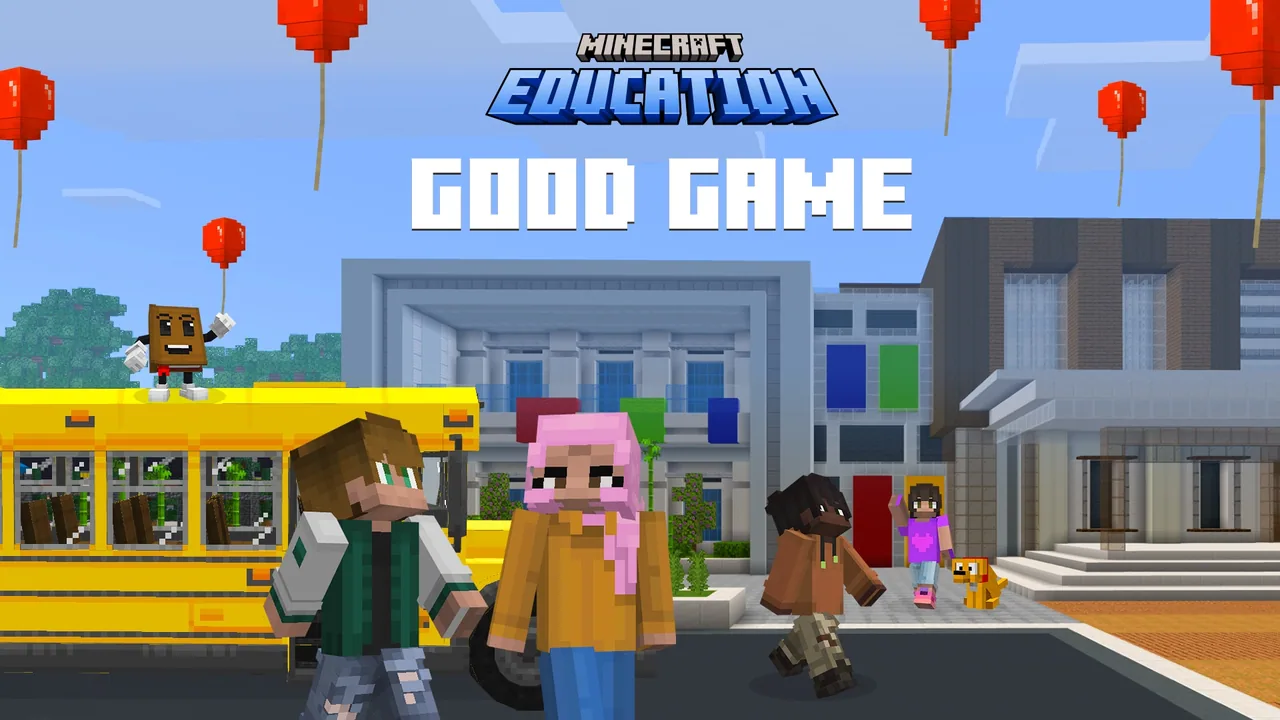
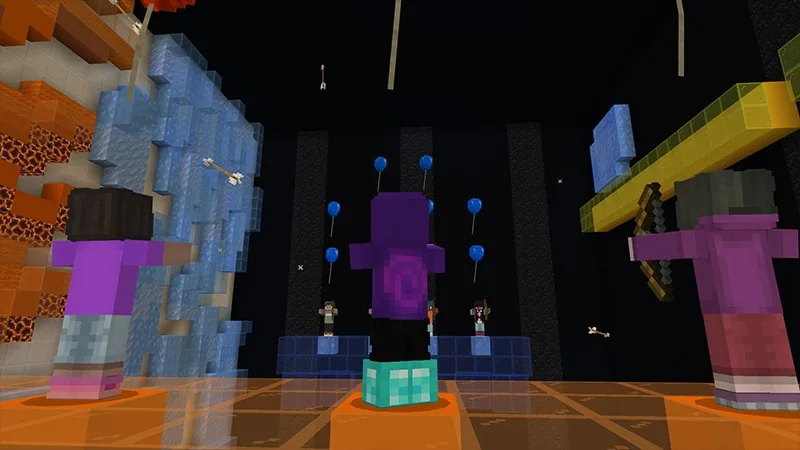
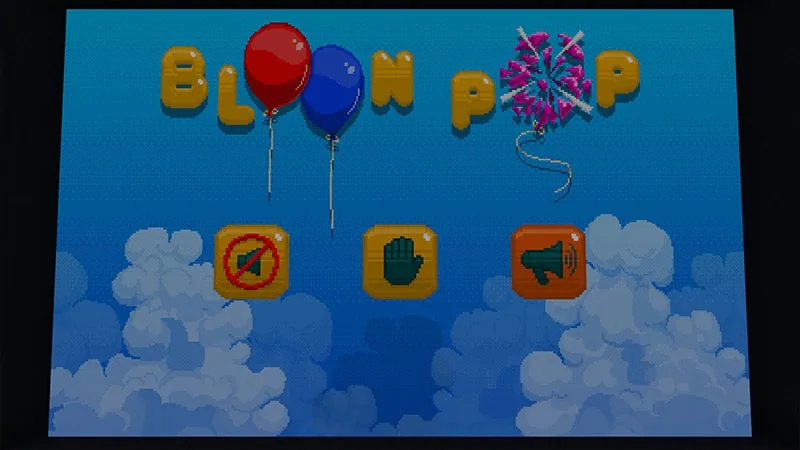
In this lesson, students follow a story about a friend who damaged their controller after dealing with frustrating and unfair online opponents. Learners enter an in-game adventure featuring a fictional title called Bloon Pop, tackling six distinct scenarios where they evaluate misconduct and record strategies inside a personalized Good Game Guide.
Learning objectives
By the end of this lesson students will be able to:
- Identify common disruptive gaming behaviors, including cheating, sabotage, and inappropriate communication.
- Select suitable responses to online conflicts using actions such as ignoring, correcting, muting, and reporting.
- Explain the importance of using safety and reporting tools appropriately rather than misusing them against fair opponents.
- Publish a completed Good Game Guide to act as a code of conduct for digital interactions.
Blocks and items used in this lesson


Key vocabulary
- Code of Conduct
- A set of community guidelines outlining acceptable behaviors and standards for all participants.
- Digital Footprint
- The trail of data and lasting impressions left behind by a person's digital activity.
- Mute
- A communication setting that blocks another player's text or voice audio from appearing.
- Report
- A safety feature that notifies moderators about rule-breaking, cheating, or abusive behavior.
Before class
Lesson sequence
Suggested timing: about 45 minutes in total.
- Introduction and Story Setup10 min
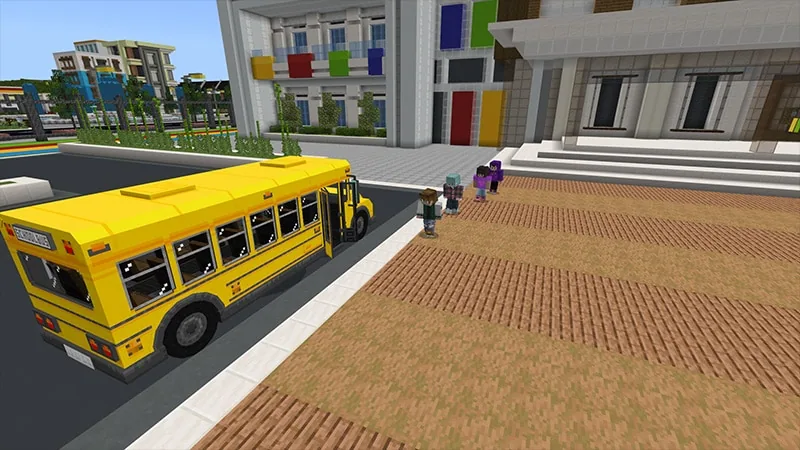
Introduce the lesson by discussing what makes an online game fun or frustrating. Present the lesson story: a group of friends gathers before summer break to play Bloon Pop, but one teammate broke a controller out of anger over cheaters and disruptive players. Explain that students will help by playing through scenarios to build a shared Good Game Guide.
- Bloon Pop Scenario Challenges20 min
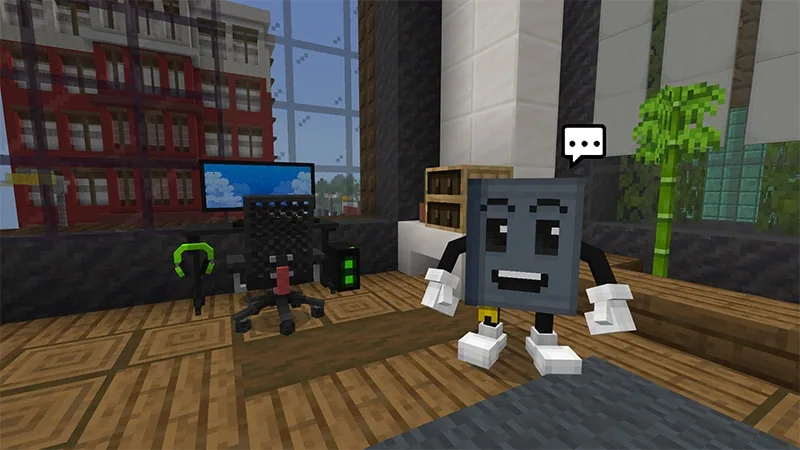
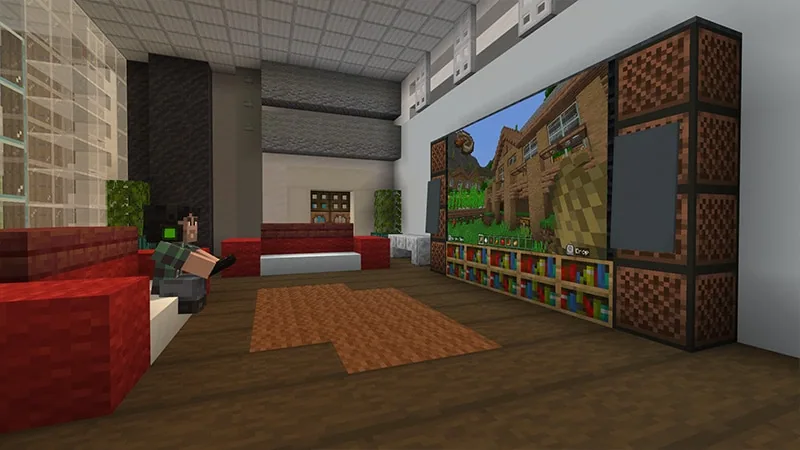
Students launch the world and work through six unique gaming situations. Along the way, they encounter issues such as chat spam, teammate sabotage, cheating, and offensive screen names. For each situation, players choose whether to ignore, correct, mute, or report the behavior while avoiding misuse of those options.
- Reflect and Document10 min
Following each challenge, students write reflections into their digital guidebook. Guide a brief whole-class check-in asking why reporting someone who simply plays well or wins a match is an improper use of reporting systems.
- Publishing the Guide5 min
Learners complete all prompts and trigger the in-game option to publish their Good Game Guide. Students export their work as a PDF document for teacher review and receive their completion recognition.
Video
Inside the lesson world
Assessment: success criteria
- Student successfully resolves all six gaming dilemmas within the Minecraft world.
- Student demonstrates proper tool selection by distinguishing actual rule violations from legitimate gameplay.
- Student submits an exported Good Game Guide PDF containing completed reflection entries.
Differentiation
Allow students to work in pairs so they can talk through the four response choices before submitting their in-game decisions.
Ask fast finishers to write one additional rule for a physical classroom game based on what they recorded in their digital guide.
Knowledge check
5 questions to check understanding after the lesson. Tap an answer to see if it is right; the score appears at the end.
1Why was the friend at the bus stop unable to play Bloon Pop at the start of the story?
Answer: B. The friend admitted to breaking their controller after experiencing frustrating encounters with cheaters and difficult opponents.
2Which action represents an incorrect use of player safety tools?
Answer: A. The lesson explicitly notes that reporting tools should not be misused against opponents who play legitimately and win fairly.
3How many gameplay problem scenarios do students encounter in the world?
Answer: C. The activity provides six specific scenarios where learners must choose the correct tool to handle the situation.
4What is the primary document students compile and export as a PDF?
Answer: B. Learners record their strategies to create and export the Good Game Guide, which serves as an online code of conduct.
5Which set of four actions can players choose from during the game scenarios?
Answer: B. The source identifies ignore, correct, mute, and report as the available options for addressing player behavior.
Resources
- Lesson package (.zip)Everything the author attached to this lesson in one download.
- Educator GuideGood Game Educator Guide and Lesson Plan
- Presentation SlidesGood Game Classroom Presentation
- Family and Community ToolkitGood Game - Family and Community Engagement Toolkit
- Family Toolkit PresentationGood Game - Family Toolkit Presentation
- CertificateGood Game - Certificate of Completion
- Lesson worldOpens the world page in Minecraft Education (sign-in with a school account may be needed).
Part of the Social Studies and SEL curriculum
This is lesson 4 of 12 in Social Studies and SEL.
- Accessibility Park
- Build Your Emotion
- BuildAbility
- CyberSafe: Good Game
- Empathy Train
- Empathy Village
- Inspiring Self-Awareness
- Modeling Gratitude
- Reflect World
- Stranger in Crimwell Village
- Teacher Appreciation
- The Mindful Knight
Frequently Asked Questions
How do students turn in their completed code of conduct?
When students finish all scenario reflections in the world, the game prompts them to publish their Good Game Guide. They can export this file as a PDF and submit it directly to you for assessment.
Is this map appropriate for students who have never played Minecraft before?
Yes. The experience is labeled for beginners and centers on reading scenario prompts, choosing among standard moderation actions, and reflecting on citizenship rather than advanced building or survival skills.
Adapted from CyberSafe: Good Game by Minecraft Education on Minecraft Education, last updated Oct 20, 2026. This classroom version, the timings and the quiz were written by 9Minecraft Education.