- Type
- Lesson plan
- Subject
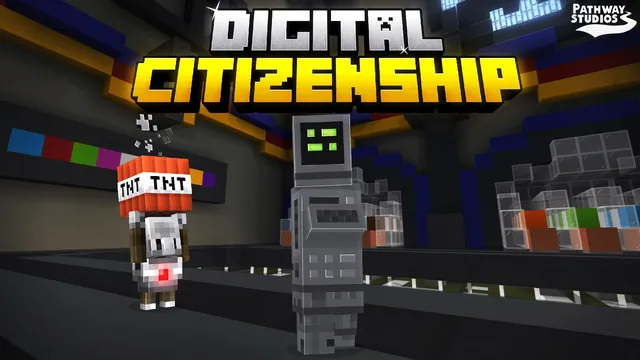
- AI & Digital Citizenship
- Ages
- Ages 6-13
- Duration
- 1 hour
- Level
- Beginner
How can we make smart, safe choices to protect our personal information and identity when using the internet?
Overview
The internet offers immense opportunities for play and learning, but enjoying it fully requires healthy digital habits. Students must learn how to handle social interactions, protect their private identity, recognize deceptive online requests, and understand the importance of asking for assistance when something feels wrong.
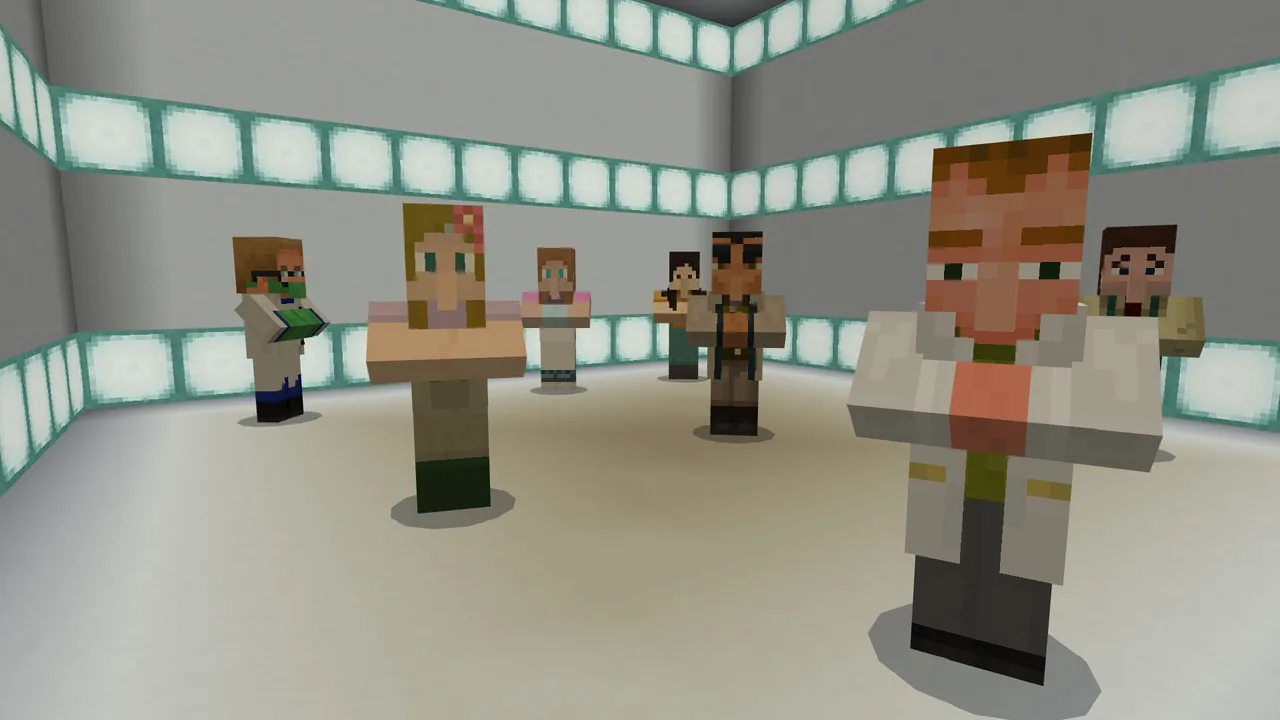
Through interactive scenarios inside Minecraft, students navigate common digital dilemmas including suspicious friend requests, a gamer offering cheats in exchange for account credentials, fraudulent delivery emails, and sponsored search rankings. These guided encounters allow learners to practice evaluating risks in a safe, controlled environment.
Learning objectives
By the end of this lesson students will be able to:
- Identify common cybersecurity risks including phishing scams and unverified friend requests.
- Apply the rule to stop and think before clicking unfamiliar links or sharing data.
- Explain the importance of keeping personal passwords strictly confidential.
- Demonstrate how and when to ask trusted adults for assistance with online dilemmas.
Blocks and items used in this lesson


Key vocabulary
- phishing
- A scam where an attacker pretends to be a legitimate business to trick you into revealing personal account details.
- griefer
- A player who deliberately harasses others or disrupts their experience in an online game.
- trusted adult
- A reliable grown-up, such as a parent, guardian, or teacher, who can help resolve confusing or unsafe situations.
- search engine
- A website tool used to find information online, which often displays paid listings at the top of results.
Before class
Lesson sequence
Suggested timing: about 60 minutes in total.
- Introduction to Digital Habits10 min
Introduce the lesson motto: STOP and THINK before you CLICK. Discuss the positive benefits of online games while discussing the need for boundaries, privacy, and adult support.
- Friend Requests and Maze Credentials15 min
Students enter the world to complete the first two scenarios. They practice verifying known friends versus unknown contacts, followed by navigating a maze where the ProGamer NPC attempts to trade cheat codes for their account password.
- Phishing Schemes and Search Literacy15 min
Learners proceed to examine a fake delivery notification asking for sensitive financial information to correct a shipping error. Next, they evaluate online search results to understand that top placements are often purchased by companies rather than being the most reliable source.
- Class Debrief and Synthesis20 min
Bring students together to reflect on their choices. Ask them to share positive aspects of the web, explain one major risk they observed, and confirm which trusted adults they would turn to when facing an uncertain situation.
Video
Inside the lesson world



Assessment: success criteria
- Students can explain why passwords must never be shared, even in exchange for game cheats.
- Students can identify the deceptive nature of a phishing email requesting account details.
- Students can distinguish between confirmed acquaintances and unknown friend requests.
- Students can name at least one trusted adult they can consult if an interaction feels uncomfortable.
Differentiation
Allow students to work in pairs so they can read NPC text together and talk through choices before selecting an answer.
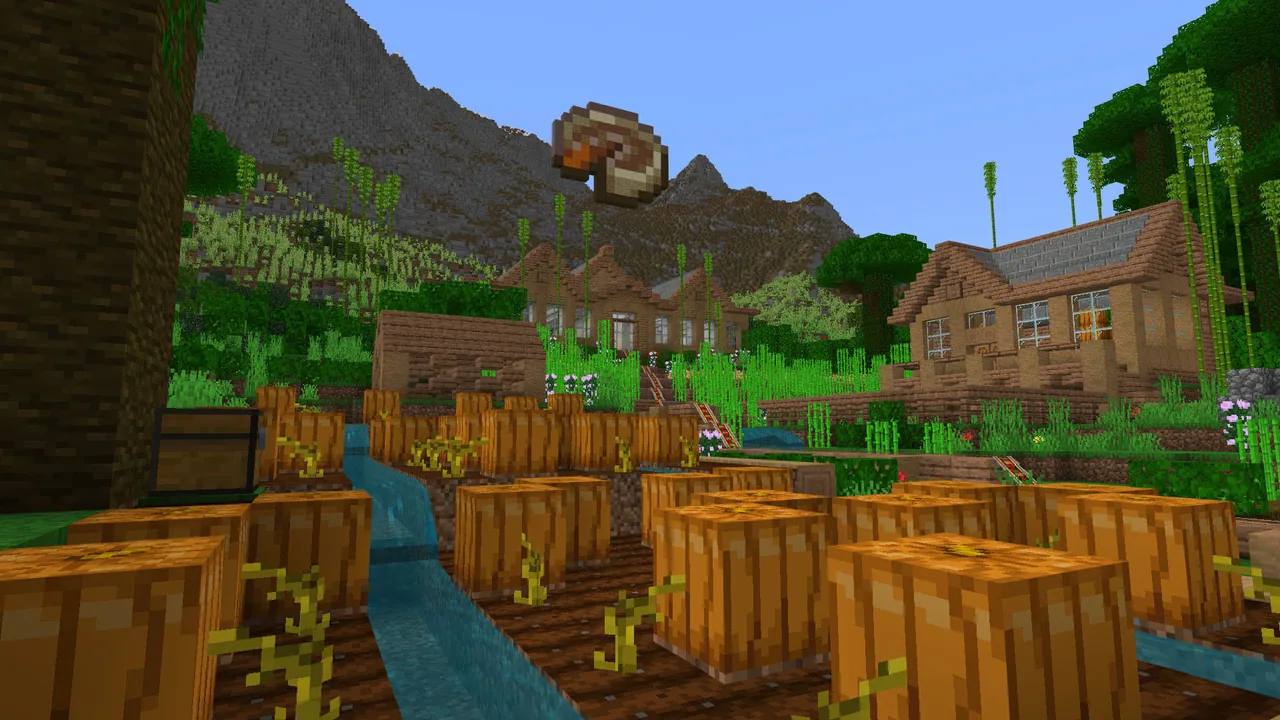
Have students build a secure virtual home in Minecraft or draft an illustrated instruction guide explaining how to report rule-breaking players.
Knowledge check
5 questions to check understanding after the lesson. Tap an answer to see if it is right; the score appears at the end.
1What should you always do before clicking on links or sharing information on the internet?
Answer: A. The guiding principle taught in this lesson is to stop and think before clicking anything online.
2What happens if you give your password to someone offering cheat codes?
Answer: C. Sharing your password gives others access to your account and puts your private information in danger.
3What is it called when a message pretends to be a real company to steal your account details?
Answer: B. Phishing is an online scam where attackers pose as legitimate companies to take your sensitive data.
4Why might a particular business show up at the very top of an internet search result?
Answer: D. Companies often pay search engines to display their websites at the top of search result pages.
5What should you do if an online request or message makes you feel uncomfortable or unsure?
Answer: A. Students should always feel confident reaching out to a trusted adult whenever they feel unsure online.
Resources
- Lesson package (.zip)Everything the author attached to this lesson in one download.
- Educator GuideFacilitate Cybersafe: Home Sweet Hmm with this easy-to-follow educator guide which includes game play directions, reflection and extended learning.
- Cybersecurity Activities from Code.orgExtended Cybersecurity Lessons from code.org
- Certificate of CompletionPersonalize this certificate of completion for your learners to show how they are making the internet a safer place for all!
- Classroom Presentation DeckStudent-facing PowerPoint presentation deck to guide classroom use.
- Lesson worldOpens the world page in Minecraft Education (sign-in with a school account may be needed).
Frequently Asked Questions
What age group is this lesson intended for?
The curriculum is designed for learners ages 6 to 13, covering beginner-level digital citizenship and internet safety concepts.
What materials are included for engaging families?
The lesson references a family night toolkit to help educators extend digital safety discussions into the home environment.
Adapted from CyberSafe: Home Sweet Hmm by Minecraft Education on Minecraft Education, last updated Oct 29, 2026. This classroom version, the timings and the quiz were written by 9Minecraft Education.