- Type
- Lesson plan
- Ages
- Ages 14-18
- Duration
- 30 min
- Level
- Beginner
How can computer users identify malware threats and apply defensive strategies like data backups to recover from cyberattacks?
Overview
In an increasingly interconnected world, understanding malicious software and defense mechanisms is a vital life skill. This unit introduces upper secondary students to the nature of malware, the mechanics of ransomware extortion, and the essential role regular backups play in business and personal continuity.
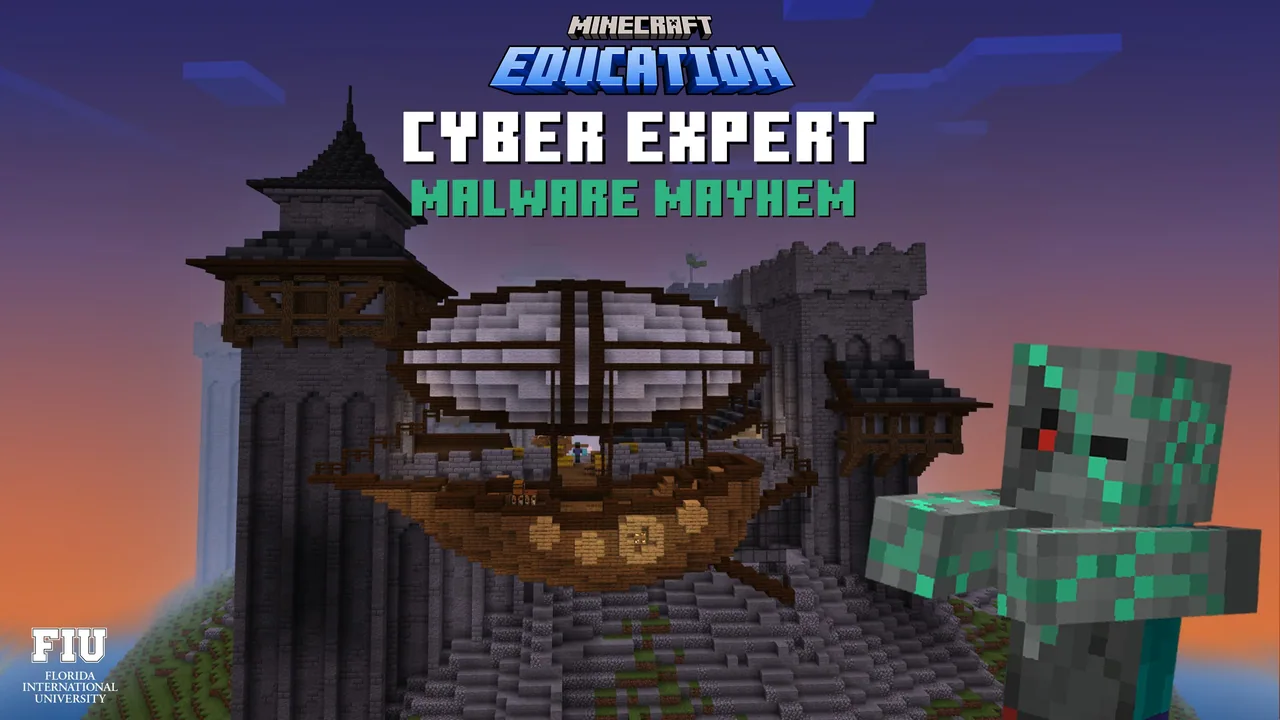
Using a Minecraft Education world, learners explore a kingdom under siege by various malware strains. By identifying vulnerabilities and applying defensive protocols inside the game, students gain hands-on experience in mitigating cyber threats and safeguarding valuable data.
Learning objectives
By the end of this lesson students will be able to:
- Differentiate between distinct types of malware and explain how they compromise systems.
- Define ransomware and examine its operational impact on digital data.
- Explain the critical role of data backup software in recovering from cyber incidents.
- Formulate security strategies to protect personal and organizational systems against malware.
Blocks and items used in this lesson


Key vocabulary
- Malware
- Malicious software intentionally created to damage, disrupt, or gain unauthorized control over a computer system.
- Ransomware
- A specialized category of malware that restricts access to files or devices and demands a ransom payment to release them.
- Data Backup
- A copy of computer files stored separately from the primary system to enable recovery in the event of data loss or encryption.
- Cyberattack
- An intentional attempt by threat actors to compromise the integrity, confidentiality, or availability of digital systems.
Before class
Lesson sequence
Suggested timing: about 30 minutes in total.
- Introduction to Malware5 min
Use the provided presentation slides to introduce the kingdom scenario. Discuss what malware is and outline the three unit topics: malware varieties, ransomware attacks, and the importance of data backups.
- Kingdom Defense and Investigation10 min
Students launch the Minecraft world and explore the simulated kingdom under attack. Learners observe how different malware strains target systems and record their findings in the Student Workbook.
- Ransomware and Backup Strategies10 min
Guide students through the in-game ransomware scenarios. Students deploy defensive solutions and discover how automated backup software allows systems to recover from file corruption or extortion.
- Review and Certificate Distribution5 min
Review student answers against the Solutions Guide, summarize core cyber hygiene practices, and award completion certificates to learners.
Video
Assessment: success criteria
- Students can distinguish between general malware types and ransomware in written or verbal responses.
- Students clearly articulate how malware targets and compromises digital systems.
- Students explain why maintaining offline or automated data backups is crucial for recovery.
- Students accurately complete all associated sections of the Student Workbook.
Differentiation
Provide struggling learners with guided questions from the Educator Guide and pair them with a partner while exploring the kingdom.
Have advanced students draft an incident response flowchart demonstrating what a user should do from the moment ransomware is detected to data recovery.
Knowledge check
5 questions to check understanding after the lesson. Tap an answer to see if it is right; the score appears at the end.
1What is the primary function of malware?
Answer: B. Malware is any software intentionally designed to cause damage or obtain unauthorized system access.
2Which characteristic specifically distinguishes ransomware from other malware?
Answer: A. Ransomware extorts users by encrypting their files or system and demanding a ransom payment.
3Why is regular data backup essential in protecting against cyberattacks?
Answer: C. Having verified backups allows an organization or individual to recover lost or encrypted data without paying attackers.
4Which sequence correctly identifies the units in the Cyber Expert progression?
Answer: D. The curriculum specifies Cryptic Ciphers as Unit 1, Daring Defense as Unit 2, and Malware Mayhem as Unit 3.
5What is the best immediate response when evaluating an effective cyber defense strategy against ransomware?
Answer: B. Proactive security combined with reliable data backups allows systems to withstand and recover from ransomware threats.
Resources
- Lesson package (.zip)Everything the author attached to this lesson in one download.
- Educator GuideEducator Guide for all unit lessons and activities
- Presentation SlidesPowerPoint presentation to support instruction of Malware Mayhem
- Student WorkbookStudent workbook to guide learning, including formative assessments.
- Solutions GuideFind all lesson solutions for student activities
- CertificateCertificate of Achievement
- Lesson worldOpens the world page in Minecraft Education (sign-in with a school account may be needed).
Frequently Asked Questions
Can this unit be taught independently of the previous two units?
Yes. Although Malware Mayhem is Unit 3 in the Cyber Expert progression, its concepts focus specifically on malware, ransomware, and backups, making it suitable as a standalone lesson.
What materials do I need to prepare before starting the lesson?
You need student computers with Minecraft Education installed, the downloaded world file, and copies of the Student Workbook, Educator Guide, and Presentation Slides.
Adapted from Cyber Expert: Malware Mayhem (Unit 3) by Minecraft Education on Minecraft Education, last updated Oct 18, 2023. This classroom version, the timings and the quiz were written by 9Minecraft Education.