- Type
- Lesson plan
- Grade
- Primary (Grades 3-5)
- Ages
- Ages 8-10
- Skills
- Critical thinking
How can computer programming commands be used to construct visual models of lines, line segments, and rays?
Overview
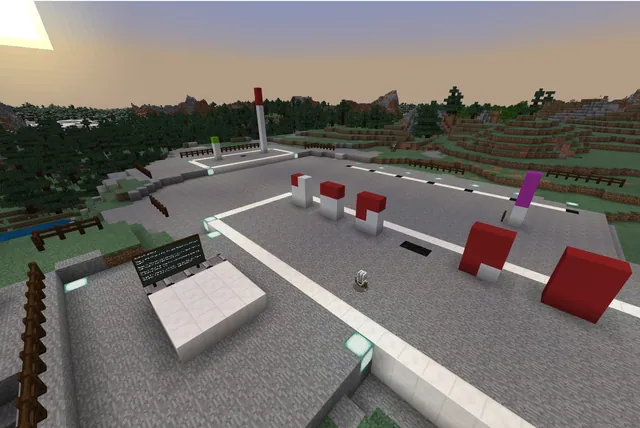
This cross-curricular lesson integrates fourth-grade geometry concepts with introductory coding principles. Students explore geometric concepts including lines, line segments, and rays by giving them physical form along a railroad bed, using different rail types to designate specific numbers and points along a line.
Using Minecraft Education's Code Builder, learners direct an Agent to lay down gravel bases and place track patterns. By programming commands for slot selection, movement, placing blocks while moving, and repeat loops, students automate the construction of four distinct geometric rail structures.
Learning objectives
By the end of this lesson students will be able to:
- Program the Agent to navigate, position itself, and place blocks or rails while moving.
- Switch the Agent active inventory slots to place different types of blocks and rails in sequence.
- Apply repeat loops to automate repeated rail-building patterns.
- Distinguish between points on a line, lines, line segments, and rays through 3D models.
Blocks and items used in this lesson


Key vocabulary
- Line
- A straight geometric path extending infinitely in both directions.
- Line Segment
- A measurable portion of a line bounded by two distinct endpoints.
- Ray
- A straight path that starts at a fixed point and extends outward in one direction indefinitely.
- Loop
- A programming command that repeats a block of code a specified number of times.
Before class
Lesson sequence
- Introduction and Orientation
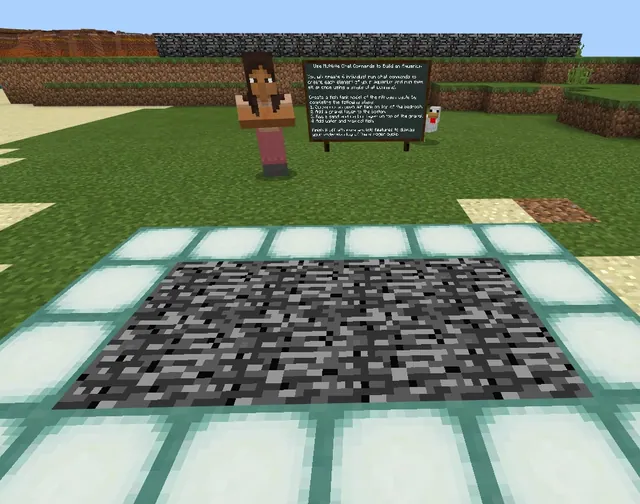
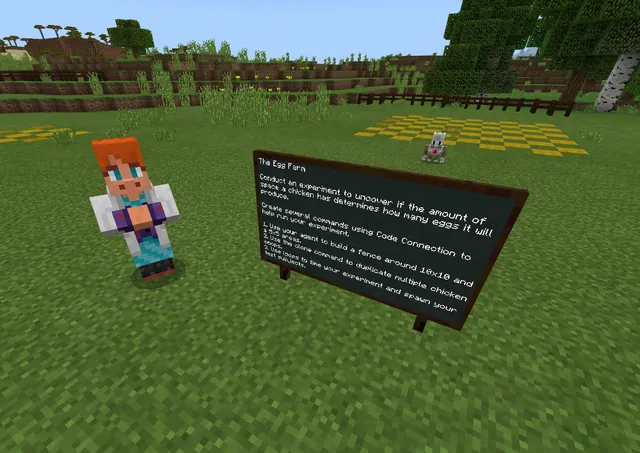
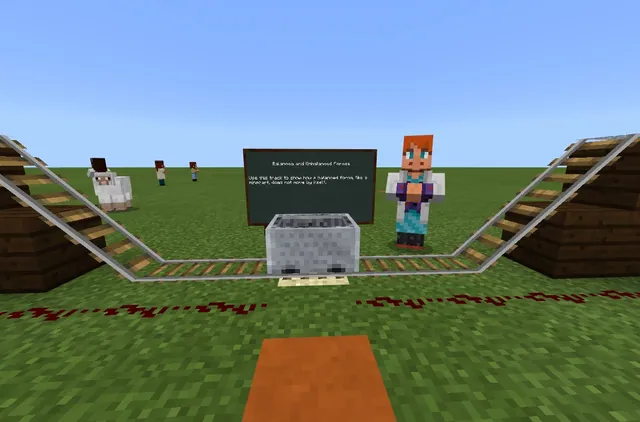
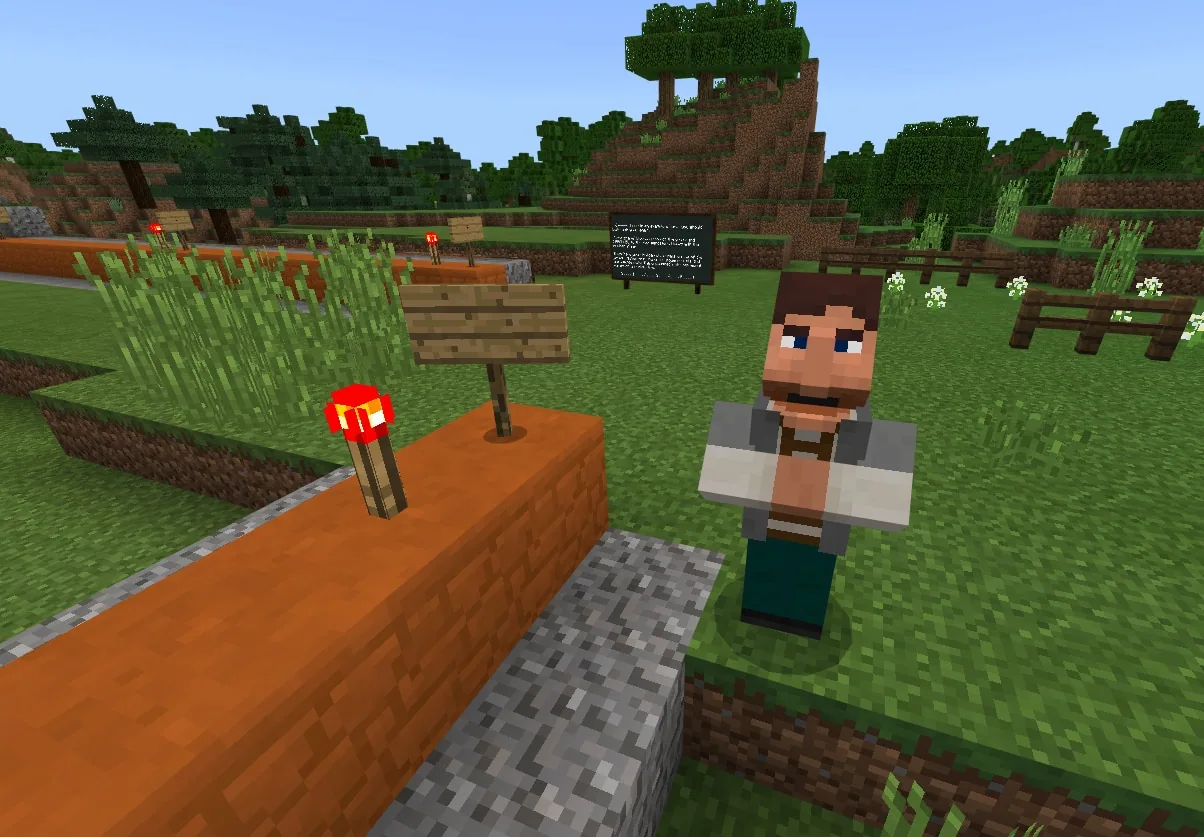
Direct students to spawn into the world, where they will interact with a guide NPC and review the written directions and visual track model on the nearby chalkboard. Confirm students understand how to load gravel, regular rails, and powered rails into their Agent's inventory.
- Task 1: Building the Numbered Line
Students stand by the number zero on the red sandstone to align and teleport their Agent. They code the Agent to place a 50-block gravel bed parallel to the red sandstone, then code it to lay 50 rails on top, placing a regular rail every tenth block to mark numbers and powered rails in between, optionally using a repeat loop.
- Task 2: Modeling a Line Segment
Students adapt their code to instruct the Agent to lay a gravel bed and rail line spanning a three-number line segment of their choosing, demonstrating a section with defined starting and ending boundaries.
- Task 3: Modeling a Continuous Line
Learners program their Agent to construct a rail line spanning the entire space between two arrows. NPCs at each boundary reinforce the geometric concept that the arrows signify a line continuing infinitely in both directions.
- Task 4: Modeling a Ray
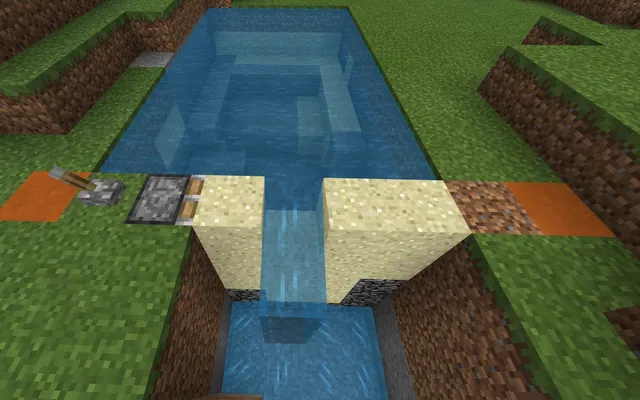
Students select a starting endpoint and code their Agent to build a track continuing in the direction of an arrow out into the air. Students test the track in a minecart, riding off the end into a pond below.
- Review and Reflection
Conclude with a class discussion addressing how repeat loops improve efficiency, how lines differ from line segments and rays, and whether the Agent could combine gravel laying and rail placement into a single chat command.
Assessment: success criteria
- The Agent successfully lays a 50-block gravel bed and rail line with every tenth block designated by a regular rail.
- The student constructs an accurate model of a chosen three-number line segment.
- The student constructs a complete rail line between two guide arrows to model an infinite line.
- The student creates a functional ray track starting at a fixed point and extending toward the pond.
- The student can articulate the difference between lines, rays, and line segments.
Differentiation
Allow students to run separate chat commands for gravel and rail placement step-by-step or work collaboratively in pairs within the same world.
Challenge students to consolidate their code so the Agent lays the gravel bed and places the patterned rails using a single chat command.
Knowledge check
5 questions to check understanding after the lesson. Tap an answer to see if it is right; the score appears at the end.
1What block must the Agent place to form the base before rails are placed on top?
Answer: B. The lesson instructions direct students to have the Agent place 50 gravel blocks parallel to the red sandstone as a rail bed.
2Which type of rail is used to designate each specific number marker on the line?
Answer: D. The task specifies placing an ordinary rail every tenth position to represent each number on the line.
3What geometric figure does the track model when it starts at a chosen point and extends in one direction off into the air?
Answer: A. Task four explicitly asks students to construct a ray by choosing a starting point and continuing outward in the direction of the arrow.
4How does using a repeat loop benefit the student's program in Code Builder?
Answer: C. The lesson notes that students can issue commands repeatedly or use repeat loops to automate repeating code sections.
5What visual feature in the lesson reminds students that a line continues indefinitely in both directions?
Answer: C. NPCs and arrows are located at both ends in challenge three to signify that lines continue infinitely in both directions.
Resources
- Lesson package (.zip)Everything the author attached to this lesson in one download.
- World FileWorld file for student use
Part of the Code for STEM curriculum
This is lesson 12 of 20 in Code for STEM.
- 3-D Fractions
- Aquarium
- Build a Dam
- Canyon Arch Bridge
- Chicken or the Egg
- Creeper Tower Test
- Energy Transfer
- Forces
- Hour of Code: AI for Good
- Minecraft Code Town
- Molecules
- Number Line Railroad
- Plate Motions
- Road Construction Ahead
- Scale
- Slope
- Surface Area and Perimeter
- Units of Measurement
- Walled Fortress
- Wave Properties
Frequently Asked Questions
Can students work together on this project?
Yes. The activity can be completed by students working independently or by pairs of students collaborating in the same shared world.
What prerequisite skills should students have before this lesson?
Students should be familiar with creating player chat commands, controlling Agent movement, and understanding how the Agent interacts with inventory items and block placement.
Adapted from Number Line Railroad by John Miller on Minecraft Education, last updated Jul 14, 2022. This classroom version, the timings and the quiz were written by 9Minecraft Education.