- Type
- Lesson plan
- Subject
- Computer Science & Coding
- Grade
- Primary (Grades 3-5)
- Ages
- Ages 8-10
- Duration
- 45 min
- Level
- Beginner
How do different events trigger actions in code to solve challenges?
Overview
In this lesson, students investigate computer science events, which serve as the triggers that cause actions to happen in a program. Learners discover how different events can be used individually or combined, developing critical thinking by selecting the most appropriate code for changing circumstances.
Using Minecraft, students put these concepts into practice through five progressive activities. They code player movement triggers like sneaking and walking, adjust enhancement durations to bypass temple obstacles, and trigger weather events to activate the Time Travelling Device.
Learning objectives
By the end of this lesson students will be able to:
- Define what an event is within computer programming.
- Apply event triggers such as On User Sneak and On Player Walk to control in-game actions.
- Select and combine appropriate coding events to navigate distinct obstacles.
- Adjust variable values such as enhancement durations to achieve specific goals.
Blocks and items used in this lesson

Key vocabulary
- Event
- A coding trigger that causes an action or reaction to happen in a program.
- Enhancement
- A temporary power-up or ability applied to the player in the game.
- Duration
- The length of time that an effect or enhancement stays active.
Before class
Lesson sequence
Suggested timing: about 45 minutes in total.
- Introduction to Events10 min
Introduce the lesson objectives and explain that events are triggers that make things happen in code. Use the prepared presentation slides to illustrate how different events are chosen depending on the player's situation.
- Activity 1: Dinosaur Sneak10 min
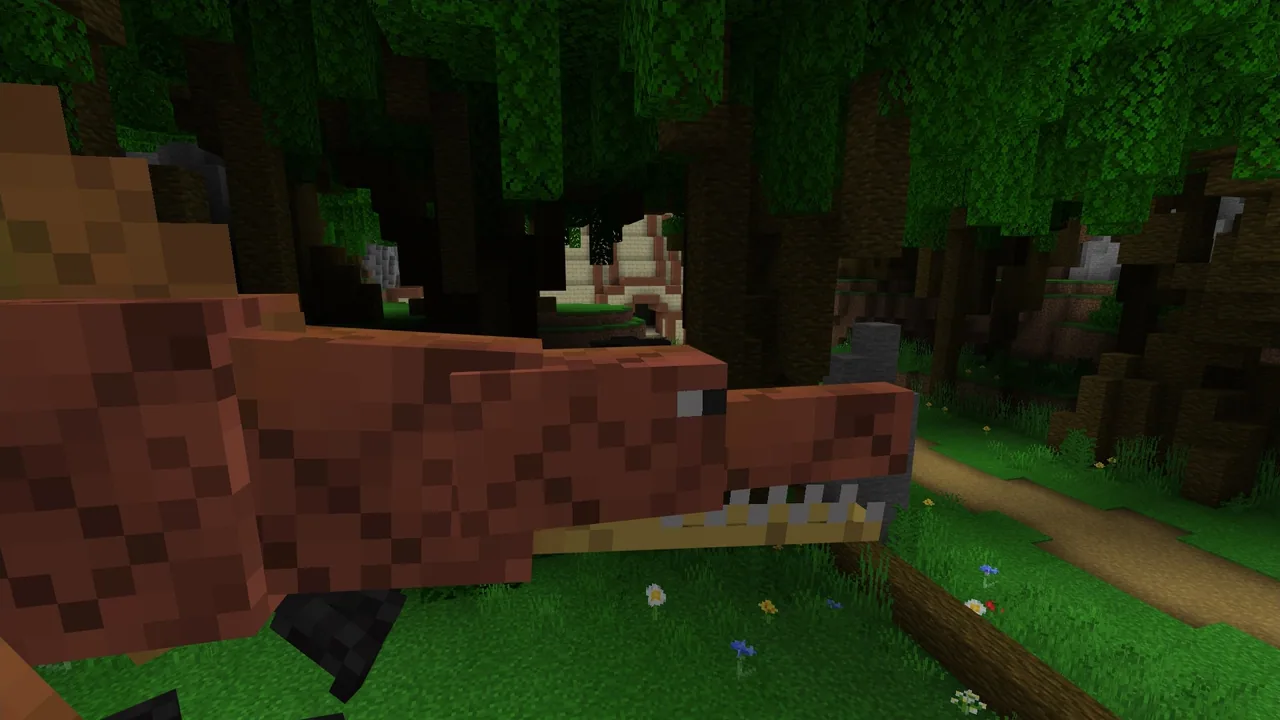
Students code an On User Sneak or On Chat Command event with an enhancement to slip past the dinosaur. Demonstrate how to sneak: hold Shift and W on PC keyboards, or use the sneak button on the iPad joystick.
- Activities 2-4: Navigating the Temple15 min
Students tackle three temple obstacles using events such as On User Walk, On Chat Command, or On Start. Have students experiment with the duration variable, altering it from the 10-second default to keep enhancements active long enough to clear each obstacle.
- Activity 5: Powering the Gate & Review10 min
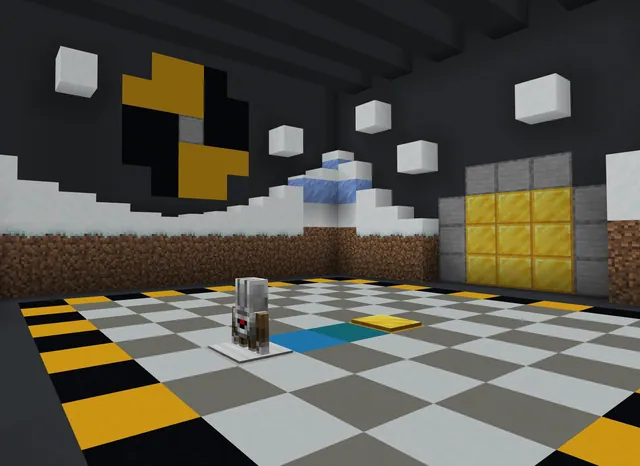
Students code the On Player Walk event to make rain fall when moving and call lightning strikes onto surrounding gold blocks. Once all gold blocks are struck, the Time Travelling Device powers up and the game announces that the activity is complete. Wrap up with the assessment questions.
Assessment: success criteria
- Student can define what an event is in code.
- Student correctly applies sneak or chat events to bypass the dinosaur.
- Student adjusts enhancement durations to navigate temple obstacles.
- Student configures player movement to trigger lightning on gold blocks.
Differentiation
Help students practice the sneak controls on their specific hardware and guide them in locating the duration setting for enhancements.
Prompt students to test alternative triggers, such as comparing On Start with On User Walk, to find the most efficient solution for temple challenges.
Knowledge check
5 questions to check understanding after the lesson. Tap an answer to see if it is right; the score appears at the end.
1What is an event in computer programming?
Answer: B. Events are what cause things to happen within a computer program.
2How can PC users activate the sneak function in the game?
Answer: C. Holding down the Shift key and W enables the sneak function on PC.
3What is the default duration for enhancements in the temple activities?
Answer: A. The default duration timing on enhancements is approximately 10 seconds.
4What happens when the player walks up to each gold block in Activity 5?
Answer: D. Moving to each gold block causes lightning to strike it, powering the Time Travelling Device.
5Which of the following is an example of an event used in this lesson?
Answer: A. On Player Walk is explicitly used to trigger rain and lightning in the lesson.
Resources
- Lesson package (.zip)Everything the author attached to this lesson in one download.
- Coding Fundamentals Part 3: Dinosaur RunEDU Guide and Formative Assessment
- Coding Fundamentals Part 3: Dinosaur RunClassroom Presentation
- Coding Fundamentals Part 3: Running Out of TimeCurriculum Overview
- Lesson worldOpens the world page in Minecraft Education (sign-in with a school account may be needed).
Part of the Coding Fundamentals curriculum
This is lesson 3 of 17 in Coding Fundamentals.
- Basic Moves and the Agent
- Coding Challenge
- Dinosaur Run
- Earth’s Moon & Mars
- Ganymede (Jupiter's Moon) & Saturn's Rings
- Gray Wolves
- Mercury and Venus
- Minecraft Space Center
- Panda's Protected Habitat
- Polar Bear Rescue
- Revisiting Biomes
- Revisiting Planets
- Sea Turtle Assistance
- The Experiment
- Uranus’ Rings and Neptune's Moon, Triton
- We Need Beets!
- Wild West
Frequently Asked Questions
How do students sneak if they are using iPads?
On iPads, students use the sneak function located on the in-game joystick rather than keyboard keys.
How do students know the final activity is finished?
When all gold blocks have been struck by lightning, the Time Travelling Device lights up and the game displays the message Activity Complete.
Adapted from Dinosaur Run by Minecraft Education on Minecraft Education, last updated Sep 16, 2023. This classroom version, the timings and the quiz were written by 9Minecraft Education.