- Type
- Lesson plan
- Grade
- Primary (Grades 3-5)
- Ages
- Ages 8-10
- Duration
- 45 min
- Level
- Beginner
How can we use sequenced coding commands to control the Agent's movement in Minecraft?
Overview
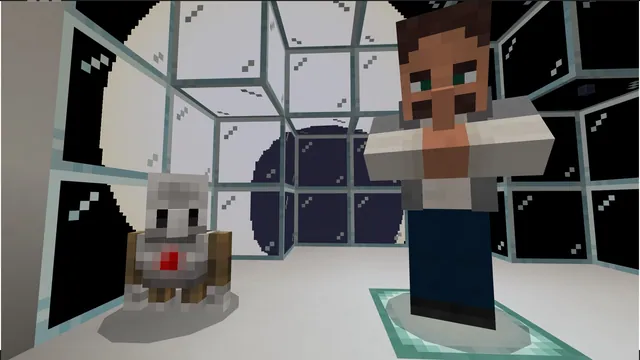
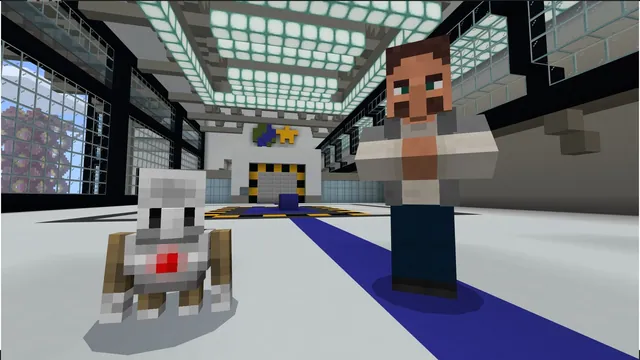
Welcome to the Animal Research Center (ARC), where students prepare for field research by building foundational computer science skills. Before investigating wild habitats and animal challenges, learners develop a positive coding mindset and learn how sequential instructions control digital tools.
Using Minecraft: Education Edition, students begin with basic movement and camera controls before opening Code Builder. Through MakeCode blocks and chat commands, students test and refine movement scripts that guide their personal Agent helper forward, backward, and upward through simulated exercises.
Learning objectives
By the end of this lesson students will be able to:
- Navigate player movement and camera controls within the Minecraft environment.
- Open Code Builder and identify foundational MakeCode blocks.
- Program the Agent to move and adjust elevation using chat commands.
- Apply sequential logic to arrange coding steps in the correct order.
Blocks and items used in this lesson


Key vocabulary
- Agent
- A programmable helper character in Minecraft that carries out coded instructions.
- Sequencing
- Arranging computer instructions in a specific order so tasks are completed correctly.
- Code Builder
- The coding interface inside Minecraft where players assemble blocks or text to run programs.
- Pseudocode
- A simple written plan of steps describing what code should do before building it.
Before class
Lesson sequence
Suggested timing: about 45 minutes in total.
- Introduction and Player Navigation10 min
Welcome students to the Animal Research Center. Lead learners through Activity 1: Minecraft Eye Fitness Test and Activity 2: Minecraft Navigation so they become comfortable controlling their view and moving their avatar through the facility.
- Meet the Agent and Code Builder10 min
Guide students through Activity 3: Meet the Agent! Introduce the keyboard shortcut used to summon the Agent and open Code Builder. Demonstrate how MakeCode blocks snap together to form instructions.
- Coding Agent Movement15 min
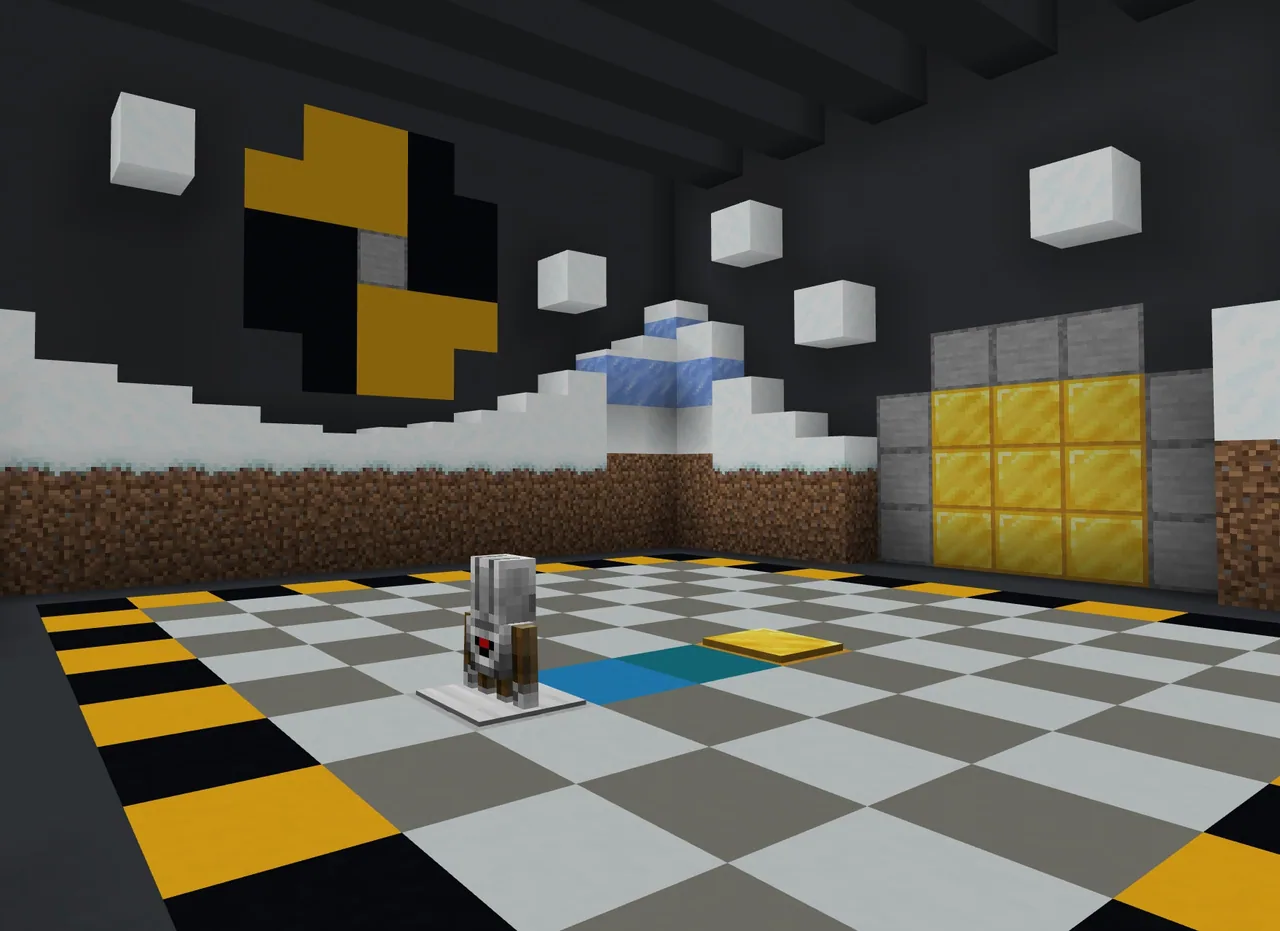
Direct students into Activity 4: Agent Move! and Activity 5: Agent Move Up! Students practice using the On chat command block combined with directional movement blocks to send their Agent across platforms and up elevations.
- Simulation Challenge and Formative Assessment10 min
Students attempt the Bonus Activity: Advanced Simulation by planning pseudocode steps to guide their Agent. Conclude with a brief discussion reviewing the formative assessment questions about chat commands and sequencing.
Assessment: success criteria
- Student demonstrates smooth avatar movement and camera control in the training area.
- Student opens Code Builder and successfully summons their Agent.
- Student constructs an 'On chat command' script that moves the Agent in the intended direction.
- Student explains how sequencing determines the Agent's path through the activities.
Differentiation
Pair students together to count out grid blocks and discuss directional steps before assembling MakeCode blocks.
Challenge students to plan multi-step pseudocode and complete the Bonus Activity: Advanced Simulation.
Knowledge check
5 questions to check understanding after the lesson. Tap an answer to see if it is right; the score appears at the end.
1What coding environment inside Minecraft is introduced to assemble block code?
Answer: A. The lesson introduces students to Code Builder and MakeCode blocks.
2What computer science concept refers to placing instructions in the correct order to solve a task?
Answer: B. Sequencing is the core coding concept taught to ensure the Agent moves step-by-step accurately.
3Which programmable helper do students code to move around the world?
Answer: C. The lesson focuses on testing and coding the Agent to move across activities.
4What is the name of the research facility where this lesson takes place?
Answer: D. The setting for Coding Fundamentals Part 1 is the Animal Research Center (ARC).
5Which block structure is examined in the lesson to trigger and run the Agent's code?
Answer: B. The formative assessment checks students' understanding of what the 'On chat command' block does.
Resources
- Lesson package (.zip)Everything the author attached to this lesson in one download.
- Coding Fundamentals Part 1: Block 1, Lesson 1 - Basic Moves and the AgentEDU Guide and Formative Assessment
- Coding Fundamentals Part 1: Block 1, Lesson 1- Basic Moves and the AgentClassroom Presentation
- Coding Fundamentals Part 1: Animal Research CenterCurriculum Overview
- Lesson worldOpens the world page in Minecraft Education (sign-in with a school account may be needed).
Part of the Coding Fundamentals curriculum
This is lesson 1 of 17 in Coding Fundamentals.
- Basic Moves and the Agent
- Coding Challenge
- Dinosaur Run
- Earth’s Moon & Mars
- Ganymede (Jupiter's Moon) & Saturn's Rings
- Gray Wolves
- Mercury and Venus
- Minecraft Space Center
- Panda's Protected Habitat
- Polar Bear Rescue
- Revisiting Biomes
- Revisiting Planets
- Sea Turtle Assistance
- The Experiment
- Uranus’ Rings and Neptune's Moon, Triton
- We Need Beets!
- Wild West
Frequently Asked Questions
What age group and experience level is this lesson intended for?
This lesson is designed for beginner students ages 8 to 10 who are new to computer science and navigating Minecraft: Education Edition.
What materials do I need to prepare before class?
You should review the Coding Fundamentals curriculum overview, prepare the companion presentation slides, and ensure the Animal Research Center world is loaded on student computers.
How can I assess student understanding during the lesson?
Use the formative assessment questions provided in the guide to check if students know how to summon the Agent, understand the role of the chat command block, and can plan steps with pseudocode.
Adapted from Basic Moves and the Agent by Minecraft Education on Minecraft Education, last updated Feb 4, 2025. This classroom version, the timings and the quiz were written by 9Minecraft Education.