- Type
- Lesson plan
- Subject
- Computer Science & Coding
- Ages
- Ages 8-13
- Duration
- about 1.8 hours (suggested)
How can teams design, build, and test a clear coding challenge that allows peers to apply computer science concepts?
Overview
In this collaborative lesson, students take on the role of challenge designers. Rather than completing pre-built tasks, student teams brainstorm, draft, and build an original coding puzzle for their classmates to solve, integrating at least two computer science concepts learned throughout the course.
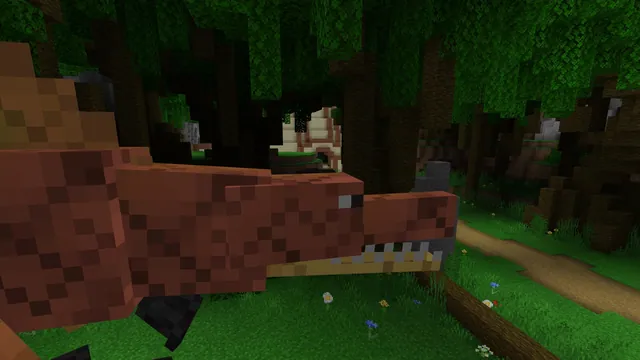
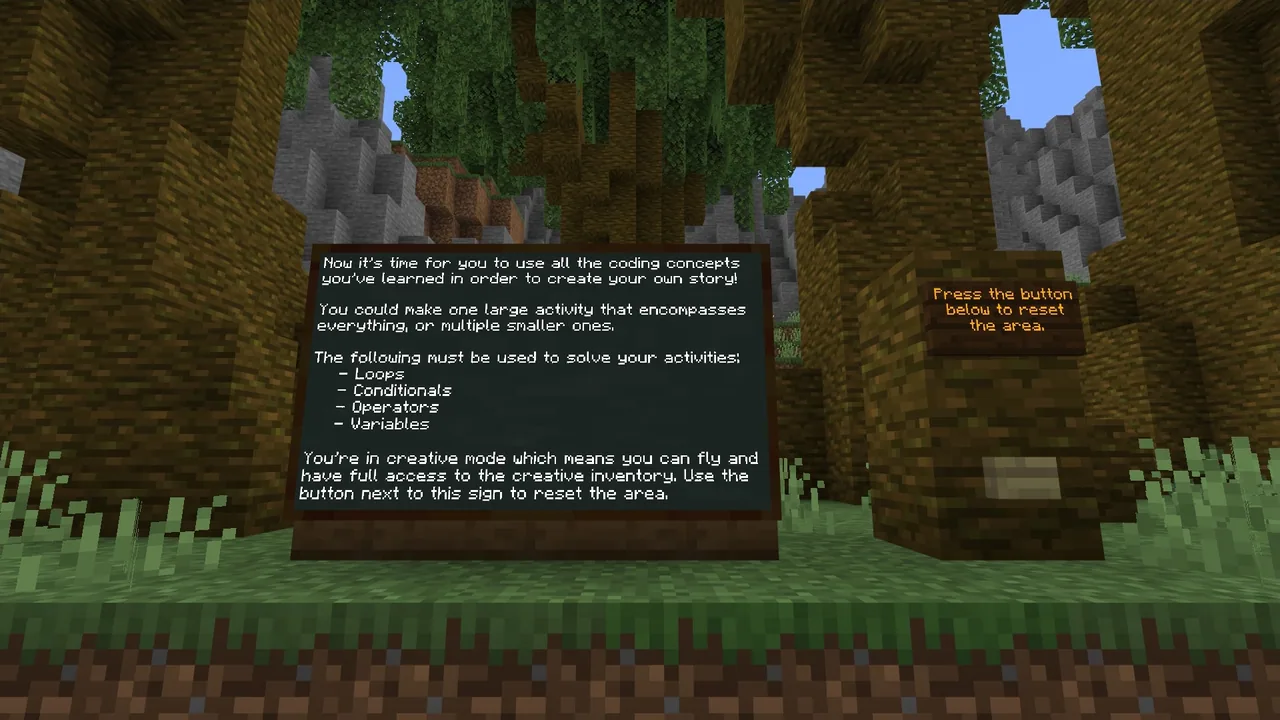
Groups enter a shared forest world where each team receives a dedicated plot. Learners build their challenge environment, provide written instructions using in-game boards, test and document their solution, and swap worlds with peers to test each other's creations.
Learning objectives
By the end of this lesson students will be able to:
- Collaborate within a team across the planning, construction, and testing phases of a coding challenge.
- Incorporate at least two core coding concepts into an original puzzle design.
- Write clear puzzle instructions using in-game boards.
- Test and debug the challenge to verify that peers can solve it as intended.
Blocks and items used in this lesson


Key vocabulary
- Collaborative Build
- A project where multiple students work together inside the same virtual world to construct a shared experience.
- Blueprint
- A preliminary plan detailing what the in-game build will look like and how the coding puzzle will function.
- Quality Assurance (QA)
- Testing a project to verify that it works properly, instructions are clear, and completion criteria are obvious.
- Debugging
- The process of identifying and fixing errors in code or puzzle design so that it runs as expected.
Before class
Lesson sequence
Suggested timing: about 105 minutes in total.
- Review and Introduction15 min
Review key programming concepts taught throughout the course. Explain the project goal: teams will design and construct a playable coding challenge for classmates that uses at least two course concepts.
- Planning and Group Formation15 min
Organize students into groups of four to five players. Teams choose an area to work in, brainstorm their storyline and mechanics, and create a blueprint outlining the build layout and coding requirements.
- Collaborative Construction45 min
Students enter the forest world and begin building their challenge on their plot. Teams place in-game boards to present instructions, construct the puzzle environment, and document a working solution.
- Quality Assurance and Build Swap10 min
Teams conduct QA testing to verify that their puzzle functions correctly and instructions are easy to follow. Groups then swap plots or devices with a partner team.
- Puzzle Solving and Wrap-Up20 min
Students play and solve the coding challenges created by their peers. Conclude with a class reflection on what made challenges clear, functional, and engaging.
Assessment: success criteria
- Clear instructions for solving the puzzle are posted in the world using boards.
- The challenge successfully incorporates at least two concepts covered during the course.
- The creator team has verified that their activity can be solved and recorded a working solution.
- The puzzle runs reliably when peer teams attempt to solve it.
Differentiation
Allow learners to modify an existing presented coding activity rather than building a custom puzzle completely from scratch.
Have advanced groups verify that their challenge works seamlessly in a multiplayer scenario or record video documentation of their project in action.
Knowledge check
5 questions to check understanding after the lesson. Tap an answer to see if it is right; the score appears at the end.
1How many coding concepts from the course must be incorporated into the challenge?
Answer: B. The guiding ideas state that the challenge needs to involve at least two concepts covered in the course.
2What is the recommended group size per world for this lesson?
Answer: C. The source notes that the recommended number of players per world is four to five.
3What environment do students spawn into at the start of the world?
Answer: D. The student activities section states that students land in a forest with a plot of land.
4What in-game item should students use to write instructions for their challenge?
Answer: A. The source specifies that students should write instructions on what needs to be done using boards.
5Which of the following is listed as an extra challenge for advanced students?
Answer: B. The source lists ensuring the activity works in a multiplayer scenario as an extra challenge.
Resources
Part of the Coding Fundamentals curriculum
This is lesson 2 of 17 in Coding Fundamentals.
- Basic Moves and the Agent
- Coding Challenge
- Dinosaur Run
- Earth’s Moon & Mars
- Ganymede (Jupiter's Moon) & Saturn's Rings
- Gray Wolves
- Mercury and Venus
- Minecraft Space Center
- Panda's Protected Habitat
- Polar Bear Rescue
- Revisiting Biomes
- Revisiting Planets
- Sea Turtle Assistance
- The Experiment
- Uranus’ Rings and Neptune's Moon, Triton
- We Need Beets!
- Wild West
Frequently Asked Questions
Does this lesson world include automated reset buttons or completion signs?
No. The source notes that neither reset activities nor activity/lesson complete signs are provided in this world, so students and teachers must check completion manually.
Are students required to invent a completely original puzzle?
Students have a choice: they may either try the presented activities or build their own original challenge using code.
Adapted from Coding Challenge by Minecraft Education on Minecraft Education, last updated Sep 16, 2023. This classroom version, the timings and the quiz were written by 9Minecraft Education.