- Type
- Lesson plan
- Grade
- Primary (Grades 3-5)
- Ages
- Ages 8-10
- Duration
- 1 hour
- Level
- Beginner
How can we use loops and conditional statements to help an Agent navigate and respond to its environment?
Overview
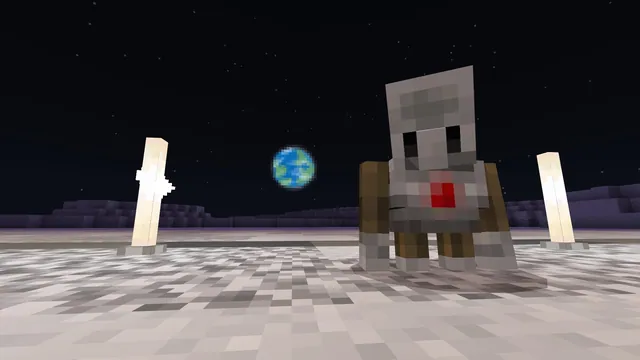
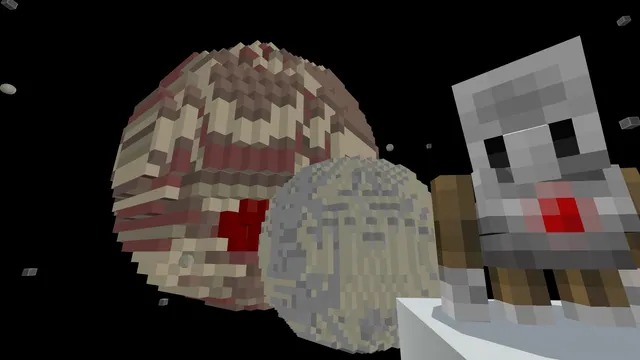
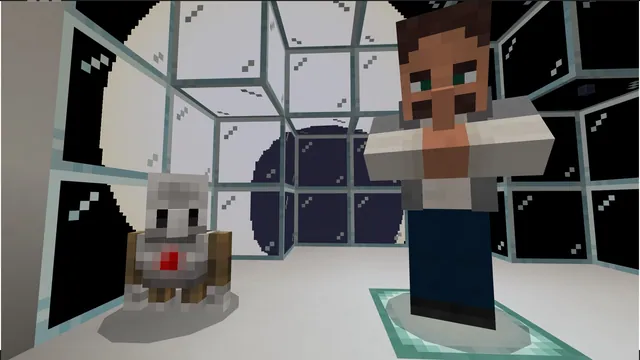
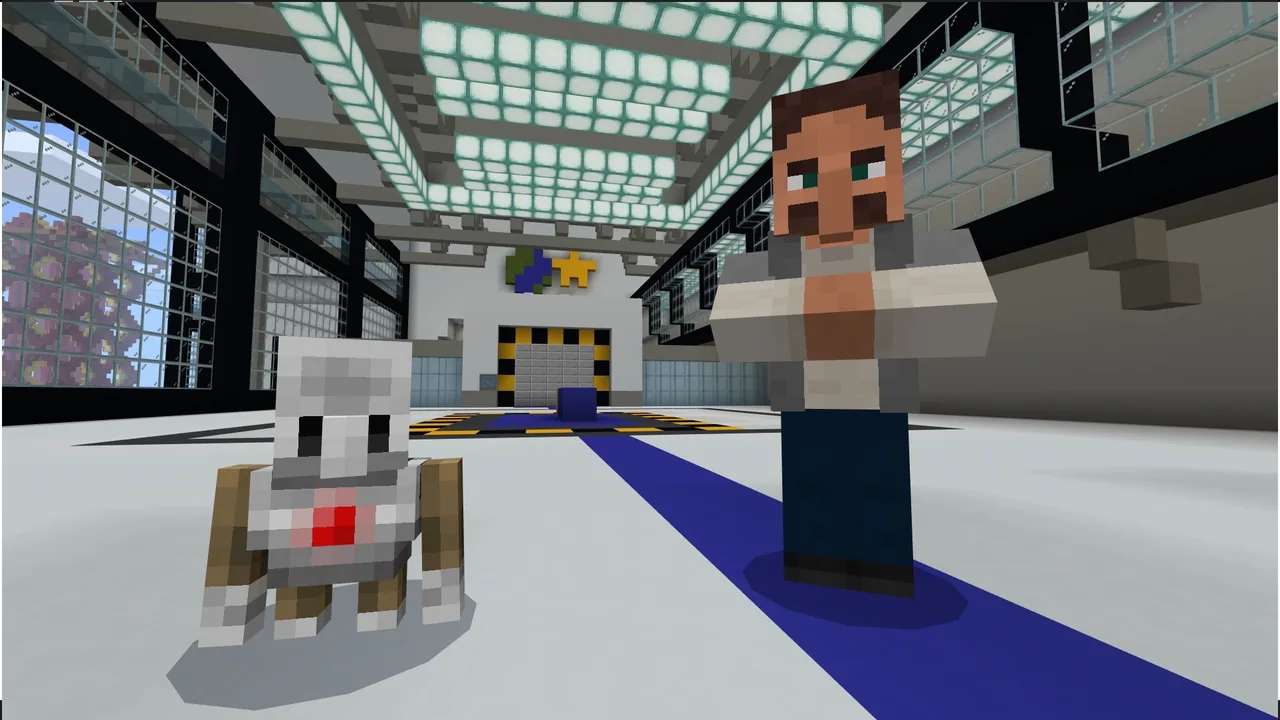
In this introductory coding lesson, learners step into the role of space explorers on their first day of training at the Minecraft Space Center. The session builds on previous programming fundamentals by strengthening students' grasp of repeat loops while introducing more sophisticated control structures, specifically while loops and conditional logic.
Using Microsoft MakeCode, students program the Agent companion to inspect blocks, respond to environmental obstacles, and traverse challenging paths. Through progressive hands-on tasks, learners discover how computers make decisions based on specific conditions and how loops help automate repetitive actions in both flat and three-dimensional spaces.
Learning objectives
By the end of this lesson students will be able to:
- Revisit and apply repeat loops to automate routine Agent actions.
- Identify and use new MakeCode blocks to control the Agent companion.
- Construct coding sequences using while loops to repeat actions until a condition changes.
- Implement conditional statements, such as if and if-else, to help the Agent make decisions.
Blocks and items used in this lesson


Key vocabulary
- Repeat Loop
- A coding command that runs a specific set of instructions a fixed number of times.
- While Loop
- A loop that continues executing instructions as long as a specified condition remains true.
- Conditional
- A rule or decision-making statement that performs different actions depending on whether a condition is true or false.
- Agent
- A programmable helper in Minecraft that carries out automated commands and detects blocks.
Before class
Lesson sequence
Suggested timing: about 60 minutes in total.
- Welcome to Space Explorer Training10 min
Introduce students to their first day of training at the Space Center. Review prior knowledge of basic repeat loops and explain that astronauts rely on automated machines that must observe their surroundings and react appropriately.
- Detecting Materials and Surroundings15 min
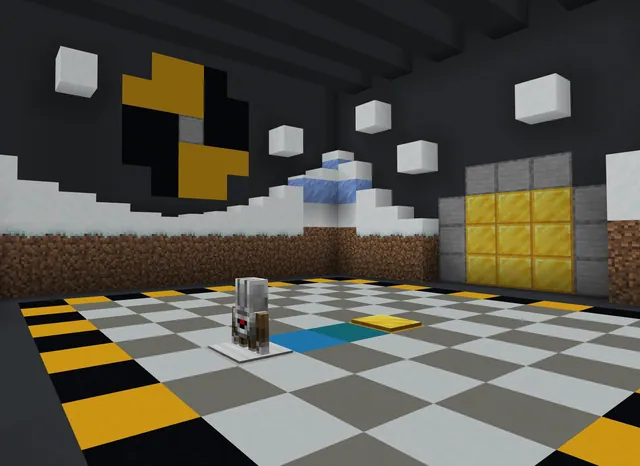
Guide students through Activities 1 and 2 in the Space Center. Learners program the Agent using a repeat loop with an if conditional to detect a target material, then progress to using a while loop paired with an if-else statement to inspect nearby obstacles.
- Navigating Complex Pathways20 min
Students tackle Activity 3 and Activity 4. They write code for the Agent to maneuver through a spiral course using while loops and if-else logic, followed by an advanced challenge combining repeat loops, while loops, and conditionals to navigate 3D space.
- Simulation Challenge and Reflection15 min
Fast finishers attempt the bonus simulation activity while the class gathers for debriefing. Facilitate a discussion reviewing how while loops differ from repeat loops and conduct the formative check questions.
Assessment: success criteria
- Student successfully demonstrates how to stop a while loop using a designated condition.
- Student explains the purpose of if and if-else statements in guiding Agent behavior.
- Student correctly locates and deploys conditional and Agent blocks inside the MakeCode interface.
Differentiation
Pair students together to practice reading conditional logic out loud before dragging blocks into their workspace.
Direct students to complete the bonus activity, Just Like the Simulations, to refine their multi-loop navigation code.
Knowledge check
5 questions to check understanding after the lesson. Tap an answer to see if it is right; the score appears at the end.
1What determines when a while loop stops executing code?
Answer: B. A while loop runs continuously as long as its condition holds true, ending once that condition changes.
2What is the primary function of a conditional statement in computer programming?
Answer: A. Conditionals let code branch into different actions based on whether a specific test evaluates to true or false.
3Which tool or helper does a player program to find and detect specific blocks in this lesson?
Answer: C. Students use MakeCode blocks designed specifically for the Agent to detect blocks and materials.
4Which coding structure was reviewed from earlier lessons before moving into while loops?
Answer: A. The lesson plan explicitly builds upon students' prior knowledge of repeat loops.
5Which combination of code structures is used in Activity 4 to move through 3D space?
Answer: B. Activity 4 combines repeat loops, while loops, and if-else logic to guide the Agent through three dimensions.
Resources
- Lesson package (.zip)Everything the author attached to this lesson in one download.
- Coding Fundamentals Part 2: Minecraft Space CenterEDU Guide and Formative Assessment
- Coding Fundamentals Part 2: Minecraft Space CenterClassroom Presentation
- Coding Fundamentals Part 2: Minecraft Space CenterCurriculum Overview
- Lesson worldOpens the world page in Minecraft Education (sign-in with a school account may be needed).
Part of the Coding Fundamentals curriculum
This is lesson 8 of 17 in Coding Fundamentals.
- Basic Moves and the Agent
- Coding Challenge
- Dinosaur Run
- Earth’s Moon & Mars
- Ganymede (Jupiter's Moon) & Saturn's Rings
- Gray Wolves
- Mercury and Venus
- Minecraft Space Center
- Panda's Protected Habitat
- Polar Bear Rescue
- Revisiting Biomes
- Revisiting Planets
- Sea Turtle Assistance
- The Experiment
- Uranus’ Rings and Neptune's Moon, Triton
- We Need Beets!
- Wild West
Frequently Asked Questions
What coding platform do students use for these Space Center challenges?
Students use Microsoft MakeCode block coding inside Minecraft Education to write programs for the Agent.
Where can I locate the printable formative assessment questions for my class?
The printable version of the formative assessment questions is included at the end of the educator guide found in the supporting files.
Adapted from Minecraft Space Center by Minecraft Education on Minecraft Education, last updated Sep 16, 2023. This classroom version, the timings and the quiz were written by 9Minecraft Education.