- Type
- Lesson plan
- Grade
- Primary (Grades 3-5)
- Ages
- Ages 8-10
- Duration
- 1 hour
- Level
- Beginner
How can computer programming concepts like loops help us efficiently protect and rebuild wildlife habitats?
Overview
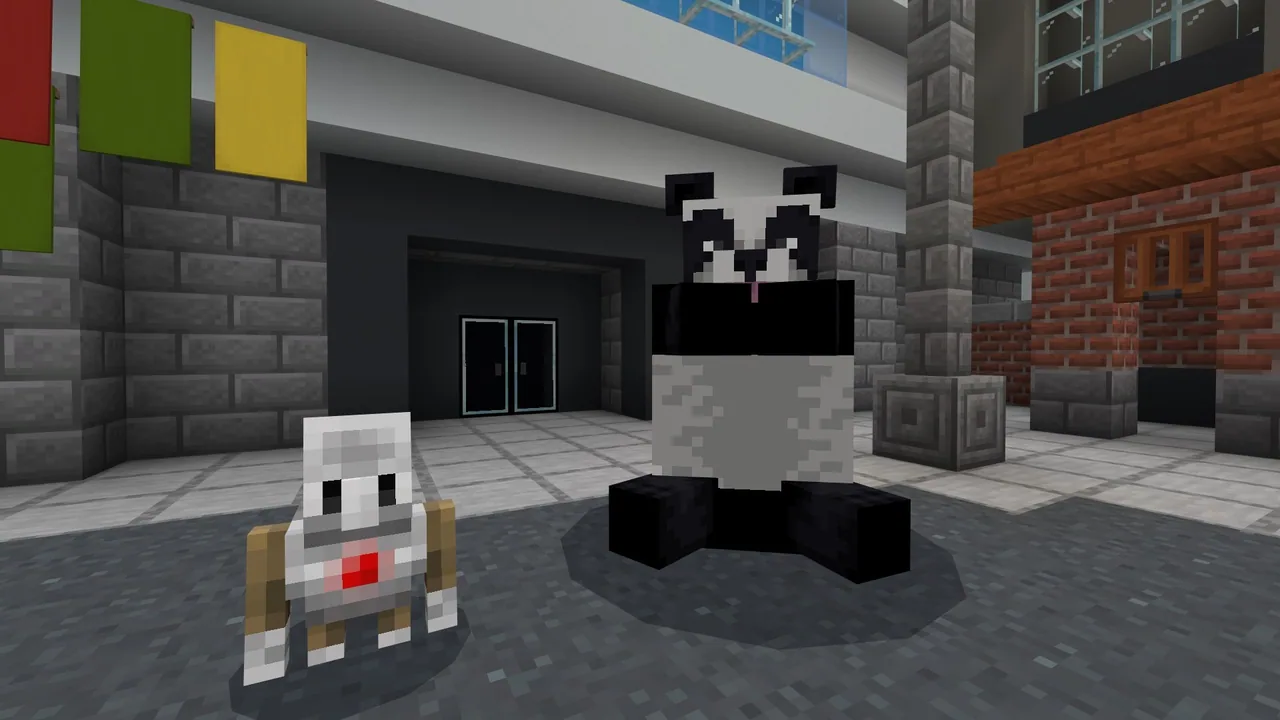
Human towns are expanding into natural environments, forcing local wildlife like pandas out of their native habitats. In this lesson from the Animal Research Center (ARC), students explore environmental stewardship by helping a stranded panda that has wandered into an urban area and refuses to leave.
Using Minecraft as a coding platform, learners tackle four hands-on coding activities that require them to move the panda and construct a safe new home. Students apply core computer science concepts such as loops, nested loops, and step-by-step sequencing to secure the environment, plant bamboo borders, build shelters, and decorate the reserve.
Learning objectives
By the end of this lesson students will be able to:
- Program automated tasks using basic loops and nested loops.
- Test, identify, and debug errors within code sequences.
- Determine the proper sequence of actions prior to placing instructions inside a loop.
- Demonstrate a resilient coding mindset when solving habitat construction problems.
Blocks and items used in this lesson


Key vocabulary
- Loop
- A programming command that repeats a set of instructions multiple times.
- Nested Loop
- A loop that is placed completely inside another loop.
- Sequence
- The specific step-by-step order in which computer instructions run.
- Debugging
- The process of finding and fixing mistakes in code.
Before class
Lesson sequence
Suggested timing: about 60 minutes in total.
- Introduction and Mission Brief10 min
Introduce the Animal Research Center (ARC) scenario: a panda has wandered into town because human settlement is encroaching on its habitat. Discuss why the panda must be moved to safety and explain how loops help programmers repeat tasks without writing repetitive lines of code.
- Coding Activities 1 and 220 min
Direct students into the Minecraft world to start Activity 1: Secure the Area and Activity 2: Bamboo Border. Students practice writing repeat loops to automate boundary setup and build perimeter defenses for the new habitat.
- Coding Activities 3 and 420 min
Guide students through Activity 3: Bamboo Hideaway and Activity 4: Make it Pretty. Here, students employ nested loops to generate multi-dimensional structures, debugging their code as needed when patterns do not match expected outcomes.
- Formative Assessment and Reflection10 min
Gather students to reflect on the programming strategies used. Review the difference between regular loops and nested loops, discuss the role of sequencing, and reinforce the importance of perseverance when debugging.
Assessment: success criteria
- Student accurately constructs repeat loops to automate repetitive tasks.
- Student successfully programs a nested loop to construct habitat elements.
- Student describes why sequencing must be established before building a loop structure.
- Student tests and debugs broken or incomplete code blocks.
Differentiation
Have students write or act out the physical sequence of actions on paper before nesting commands inside code blocks.
Have students complete the web-based Animal Research Template to investigate wild panda preservation beyond the coding tasks.
Knowledge check
5 questions to check understanding after the lesson. Tap an answer to see if it is right; the score appears at the end.
1What computer science structures are the primary focus of this lesson?
Answer: A. The lesson's core computer science objectives focus on loops and nested loops.
2Why has the panda entered the town?
Answer: B. The guiding idea states that the town is encroaching on the panda's natural habitat.
3What is a nested loop?
Answer: C. A nested loop is defined as a loop structure situated inside another loop.
4TRUE OR FALSE: It is important to know the sequence of events before building a loop.
Answer: D. Knowing the correct sequence of actions is essential before wrapping those steps in a repeating loop.
5What organization are students working with in this scenario?
Answer: A. The lesson explicitly sets the scenario within the Animal Research Center (ARC).
Resources
- Lesson package (.zip)Everything the author attached to this lesson in one download.
- Coding Fundamentals Part 1: Panda's Protected HabitatEDU Guide and Formative Assessment
- Coding Fundamentals Part 1: Panda's Protected HabitatClassroom Presentation
- Coding Fundamentals Part 1: Animal Research CenterCurriculum Overview
- Animal Research TemplateUse this lesson plan and student research template if you want to conduct the research portion of the computer science unit.
- Lesson worldOpens the world page in Minecraft Education (sign-in with a school account may be needed).
Part of the Coding Fundamentals curriculum
This is lesson 9 of 17 in Coding Fundamentals.
- Basic Moves and the Agent
- Coding Challenge
- Dinosaur Run
- Earth’s Moon & Mars
- Ganymede (Jupiter's Moon) & Saturn's Rings
- Gray Wolves
- Mercury and Venus
- Minecraft Space Center
- Panda's Protected Habitat
- Polar Bear Rescue
- Revisiting Biomes
- Revisiting Planets
- Sea Turtle Assistance
- The Experiment
- Uranus’ Rings and Neptune's Moon, Triton
- We Need Beets!
- Wild West
Frequently Asked Questions
Do students need to know how to code before starting this lesson?
No. This lesson is tailored for beginner learners aged 8 to 10 and includes scaffolded presentation materials to introduce loops step-by-step.
Is an internet connection required for the entire lesson?
Internet connectivity is only required if you choose to teach the optional animal research extension using the research template, which takes place outside of Minecraft.
Adapted from Panda's Protected Habitat by Minecraft Education on Minecraft Education, last updated Sep 16, 2023. This classroom version, the timings and the quiz were written by 9Minecraft Education.