- Type
- Lesson plan
- Grade
- Primary (Grades 3-5)
- Ages
- Ages 8-10
- Duration
- about 70 min (suggested)
How can we use pixel art to understand fractions as parts of a whole?
Overview
In this interdisciplinary math and design lesson, students explore the fundamental concept that fractions represent parts of a whole. By drafting a digital pixel art design on a fixed 9-by-12 grid of 108 units, learners calculate how many tiles of each color make up their total creation and record those amounts as fractions sharing a common denominator.
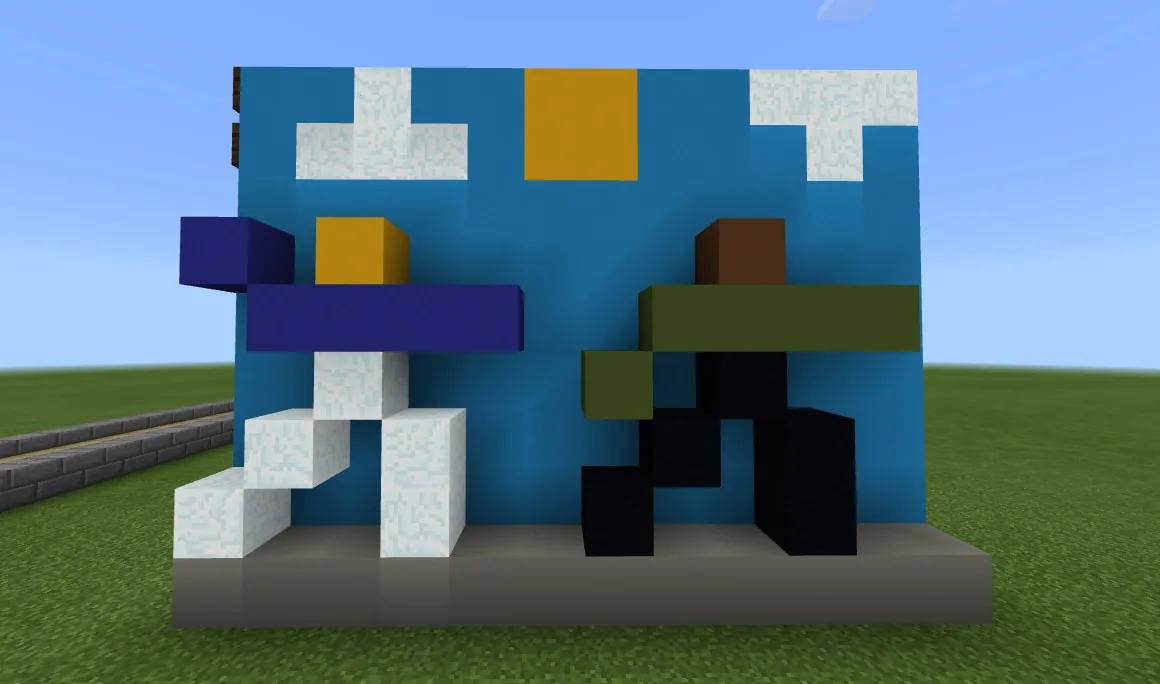
Students then translate their digital designs into Minecraft by constructing their artwork block by block. Using split-screen viewing to count coordinates and individual units, learners verify that the sum of all fractional parts equals the entire whole and visually document their completed mathematical models.
Learning objectives
By the end of this lesson students will be able to:
- Calculate the fraction of each color used in a 108-tile pixel art grid.
- Verify through addition that all fractional color parts add up to the whole.
- Construct an accurate block-by-block model of the pixel art design inside Minecraft.
- Identify and explain number patterns when combining parts that share the same denominator.
Blocks and items used in this lesson


Key vocabulary
- Fraction
- A number representing equal parts of a whole.
- Unit Fraction
- A fraction with a numerator of one that represents a single part of a divided whole.
- Array
- An orderly arrangement of objects or tiles in rows and columns, such as 9 rows of 12.
- Denominator
- The bottom number in a fraction showing the total number of equal parts in the whole.
Before class
Lesson sequence
Suggested timing: about 70 minutes in total.
- Introduction and Array Modeling10 min
Display the Opening Slideshow to show how grid models represent math concepts. Have students examine the 9-by-12 array, calculate the 108 total units, take notes, and introduce the core concept: Fractions are Parts of a Whole.
- Pixel Art Prototyping15 min
Students open the Scratch Pixel Art Creator (or Microsoft Excel) to draft an original design within the 108-tile grid. Learners use keyboard shortcuts to stamp colors into the array and plan out their image.
- Color Fraction Calculations15 min
Students count the units used for each individual color and record each as a fraction over 108, following the provided Pixel Pumpkin example. Students sum their numerators and verify with a calculator that the total equals 108.
- Minecraft Construction20 min
Students arrange a split screen between their prototype and Minecraft. Using the prototype cursor to count blocks accurately, students build their pixel art in-game, then label and document their work.
- Debrief and Extension10 min
Lead a class discussion on what happened when all color counts were added together and how fractions explained the amounts of color needed. Fast finishers may trade color fraction lists with a peer to build a new design or edit the Scratch project code to add new colors.
Assessment: success criteria
- Designs an original pixel art piece on a 108-unit grid.
- Breaks down every color used into an accurate fraction with a denominator of 108.
- Confirms with addition that all color numerators total 108 (representing the whole).
- Builds a matching block-based model in Minecraft and documents it with portfolio pictures.
Differentiation
Allow students who struggle with addition to use a calculator freely so they can focus on identifying counting errors rather than getting stuck on manual arithmetic.
Challenge students to use a classmate's set of color fractions to design a completely new image or explore the Scratch code script to add custom colors.
Knowledge check
5 questions to check understanding after the lesson. Tap an answer to see if it is right; the score appears at the end.
1How many total tiles make up the array in the Pixel Art Creator?
Answer: B. The source states that the grid is an array of 9 by 12, which equals 108 total tiles.
2What is the primary big idea introduced in the lesson?
Answer: A. The guiding ideas instruct the teacher to unveil the Big Idea: 'Fractions are Parts of a Whole.'
3In the sample Pixel Pumpkin design, which color accounts for 34 out of the 108 units?
Answer: C. The Pixel Pumpkin data provided in the source lists orange as 34/108.
4What workspace layout is recommended while building the pixel art in Minecraft?
Answer: B. The source specifies that it is best to split screens between Scratch and Minecraft so students can count blocks while placing them.
5When students add together all the individual color units in their design, what should the sum equal?
Answer: D. The sum of all color units must equal 108, which represents the entire 108-tile whole.
Resources
- Opening Slideshow
- Lesson worldOpens the world page in Minecraft Education (sign-in with a school account may be needed).
Part of the Grade 3 Math curriculum
This is lesson 5 of 15 in Grade 3 Math.
- Algebra Architecture
- Building Word Problems
- Division Into Equal Numbers
- Finding the Unknown
- Fractions Pixel Art
- Fractions Steeplechase
- Liquid Measurements
- Make a Regrouping Video
- Measuring Landforms
- Repeated Addition with Parkour
- Round Numbers Video
- Shapes From Shapes
- Survival City Making Roads
- Survival Olympics Bar Graphs
- Two Step Word Problems
Frequently Asked Questions
What can students use if they cannot access the Scratch project link?
Students can use Microsoft Excel as an alternative by coloring in cells on a spreadsheet grid to create their 108-tile prototype.
Why should students be allowed to use calculators during the math check?
Using a calculator allows students who get an incorrect total to focus on locating counting mistakes in their design rather than getting stuck simply crunching numbers.
Adapted from Fractions Pixel Art by Minecraft Education on Minecraft Education, last updated Mar 4, 2025. This classroom version, the timings and the quiz were written by 9Minecraft Education.