- Type
- Lesson plan
- Subject
- Computer Science & Coding
- Grade
- Early years (Pre-K to Grade 2)Primary (Grades 3-5)Middle school (Grades 6-8)High school (Grades 9-12)
- Ages
- Ages 6-18
- Duration
- 1 hour
- Level
- Beginner
How can computer programming concepts like sequences, loops, and debugging be used as creative tools to direct a theater performance?
Overview
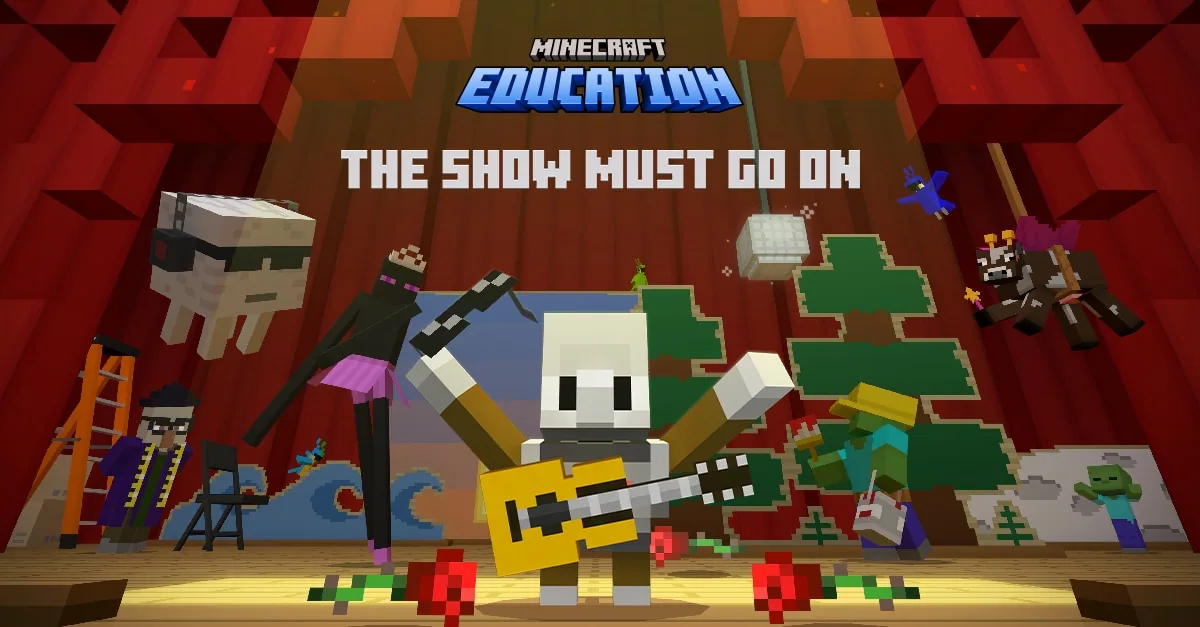
In this theater-themed Hour of Code experience, students step backstage as directors and coders working to save an upcoming performance. When their star performer, the Agent, comes down with stage fright and goes missing, students must navigate backstage areas to solve coding challenges, discovering how computing concepts like sequences, loops, and debugging mirror the creative problem-solving needed in stage production and tech careers.
Inside the Minecraft Education world, learners visit four backstage departments: Sound Stage, Dance Studio, Prop Department, and Wardrobe. Working in MakeCode Block or Python, students complete structured logic puzzles before tackling open-ended creative tasks where they compose music, choreograph dances, manipulate stage environments, and design costumes for a customizable grand finale.
Learning objectives
By the end of this lesson students will be able to:
- Apply foundational programming principles including sequences, loops, and debugging using MakeCode blocks or Python.
- Solve department coding puzzles to unlock doors and advance through backstage areas.
- Design customized musical sequences, dance routines, stage environments, and costumes for a final performance.
- Locate optional hidden gags across the theater environment to add backup dancers to the stage show.
- Iterate on coded performance elements by revisiting departments to refine the grand finale.
Key vocabulary
- Sequence
- An ordered set of programming commands executed one after another.
- Loop
- A programming structure that repeats a set of coded instructions multiple times.
- Debugging
- The process of identifying, analyzing, and fixing unexpected errors in code.
- Agent
- The in-game performer character that students locate, help, and program throughout the theater.
Before class
Lesson sequence
Suggested timing: about 60 minutes in total.
- Introduction and Theater Orientation10 min
Introduce the lesson scenario: the Agent has stage fright, and students must step in as coders and directors to save the performance. Discuss how coding acts like theatrical storytelling, where commands shape a scene just like a script shapes a play.
- Backstage Department Challenges30 min
Students navigate the theater to complete two-part activities across four departments:
- Sound Stage: Arrange musical notes and instruments to solve the door puzzle, then compose an original song.
- Dance Studio: Code dance steps for armor stands based on clues, then choreograph custom routines.
- Prop Department: Code biome, time, and weather conditions in order to unlock doors, then design a custom stage backdrop.
- Wardrobe: Assemble costume components via code to unlock the area, then design custom outfits for the Agent.
- Backstage Exploration and Hidden Gags10 min
Students search backstage corridors for up to 12 hidden comedic gags. Each discovered gag triggers a skit and adds extra backup dancers to the performance tracker board.
- Grand Finale and Re-coding10 min
Students launch the grand finale to watch their custom music, choreography, sets, and costumes come together on stage. Afterward, invite students to revisit departments to re-code and fine-tune elements, reflect on how code enhanced the show, and download their completion certificates.
Assessment: success criteria
- Student successfully solves the door-unlocking logic puzzles across all four theater departments using blocks or Python.
- Student personalizes creative elements such as original music, dance sequences, stage backdrops, or costumes.
- Student tests and debugs their code to run the complete grand finale performance.
- Student explains how coding choices in music, lighting, or movement influenced the audience experience.
Differentiation
Allow students to work with MakeCode visual blocks and consult the Solutions Guide when troubleshooting puzzle sequences.
Encourage students to complete tasks in Python, find all 12 hidden gags, and re-code multiple departments to build complex choreographies and sets.
Knowledge check
5 questions to check understanding after the lesson. Tap an answer to see if it is right; the score appears at the end.
1Why do students need to step in and code backstage in this lesson?
Answer: A. The source explains that students explore the theater to find the missing star, the Agent, who has stage fright, and save the show.
2Which activity takes place inside the Dance Studio?
Answer: C. In the Dance Studio, students choreograph routines by coding dance moves for armor stands before creating custom routines.
3What happens when students discover one of the 12 hidden gags?
Answer: B. The source notes that each hidden gag is a comedic skit that rewards players by adding extra backup dancers to the final show.
4Which department asks students to code biomes, time, and weather elements?
Answer: D. The Prop Department puzzle and creative task require students to code biome, time, and weather elements to set up stage scenes.
5What can students do after watching their first grand finale performance?
Answer: A. Following the initial show, students have the opportunity to revisit departments and re-code their music, costumes, sets, and choreography.
Resources
- Lesson package (.zip)Everything the author attached to this lesson in one download.
- Educator GuideEducator Guide with overview, detailed lesson plan and learning standards
- Solutions GuideDetailed coding solutions for all coding puzzles in MakeCode Block and Python
- Presentation SlidesEducator presentation slide deck
- Classroom PosterDownloadable digital poster for classrooms
- Facilitator SlidesFacilitator and Train-the-Trainer Presentation on How to run the Hour of Code
- CertificateDownloadable digital certificate of completion
- Today I Coded!Downloadable digital badge for students
- Lesson worldOpens the world page in Minecraft Education (sign-in with a school account may be needed).
Part of the Computing with Minecraft curriculum
This is lesson 9 of 9 in Computing with Minecraft.
- Unit 1: The Agency
- Unit 2: City Planner
- Unit 3: Parks & Recreation
- Unit 4: A Zoo
- Unit 5: Wind Power
- GameCode
- Hour of Code: Escape Estate
- Hour of Code: Generation AI
- Hour of Code: The Show Must Go On
Frequently Asked Questions
Can students participate if they have never coded before?
Yes. The lesson is designed for beginners of all ages and supports MakeCode visual blocks alongside Python, allowing novice coders to start with drag-and-drop commands.
Is a paid Microsoft 365 Education account required to run this lesson?
No. Teachers and students without an account can access the lesson using the free demo version of Minecraft Education on Windows, Mac, or iPad.
Do students need to find all 12 hidden gags to finish the lesson?
No. The hidden gags are optional exploration bonuses that add backup dancers to the performance, but completing the four department tasks is all that is required for the finale.
Adapted from Hour of Code: The Show Must Go On by Minecraft Education on Minecraft Education, last updated Apr 30, 2025. This classroom version, the timings and the quiz were written by 9Minecraft Education.