- Type
- Lesson plan
- Subject
- Computer Science & Coding
- Topics
- Computer Science
- Ages
- Ages 6-7
- Duration
- 1 hour
- Level
- Beginner
How can we use computer code to create animated systems and power a virtual city?
Overview
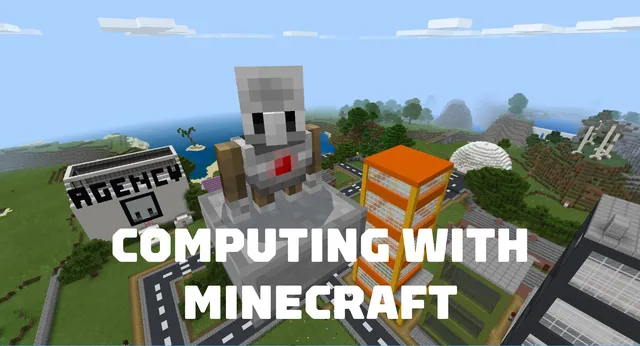
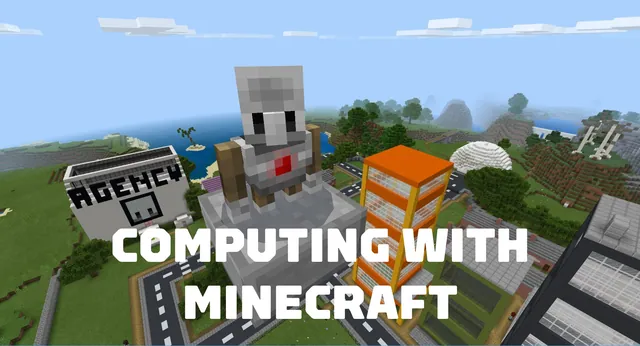
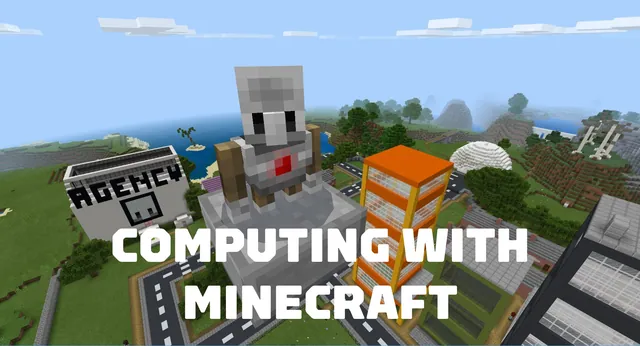
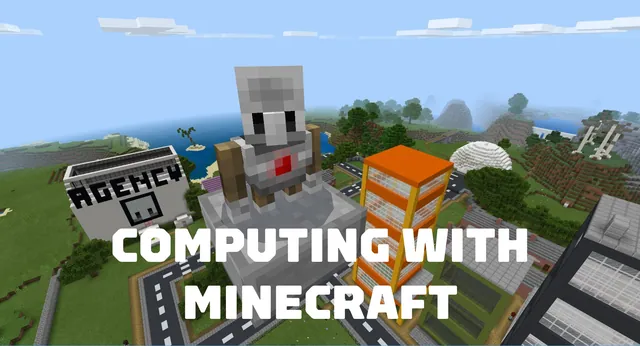
In this final unit of Computing with Minecraft, students expand their coding fluency by learning how programming logic can create visual expression and dynamic motion. Learners explore how computational thinking applies to renewable power concepts by creating a functional, virtual energy grid.
Using a downloadable Minecraft world and block coding, students construct wind turbines, animate multiple moving parts, and program an electrical lighting system. The unit concludes with a collaborative performance task where students plan and execute strategic upgrades for their shared city.
Learning objectives
By the end of this lesson students will be able to:
- Design a moving system inside Minecraft using block-based code.
- Create an animated wind turbine feature using multiple moving components.
- Modify the Minecraft environment by coding an electrical lighting system.
- Demonstrate a coding mindset while solving visual and structural programming tasks.
Blocks and items used in this lesson


Key vocabulary
- animation
- A programmed series of movements that make on-screen objects appear to move.
- wind farm
- A collection of wind turbines coded to generate electrical power.
- block code
- Visual coding blocks connected together to give instructions to a computer.
Before class
Lesson sequence
Suggested timing: about 60 minutes in total.
- Lesson 1: Code a Wind Farm15 min
Present the lesson goals using the classroom presentation. Guide students to open their downloadable world and use block coding to construct the initial wind farm structures.
- Lesson 2: Animate the Wind Farm20 min
Demonstrate how to write code that produces animation. Students program multiple moving parts so that the wind turbines visibly spin and function inside the world.
- Lesson 3: Code a Lighting System15 min
Students code an electrical lighting system connected to their wind farm, visually demonstrating how generated power supplies resources across their environment.
- Summative Performance Task10 min
Introduce the Improve Minecraft City task. Working in teams with the student guide, learners select strategic upgrade options and apply the design process to enhance their city.
Assessment: success criteria
- The wind farm structure is successfully generated using block code.
- Turbines display functional animation using multiple moving parts.
- The programmed lighting system operates correctly within the world.
- Students successfully complete formative lesson checks and collaborate on the city improvement artifact.
Differentiation
Follow the scaffolded presentation step by step to guide students through placing each coding block.
Encourage students to select multiple complex upgrades from the project list during the city improvement task.
Knowledge check
5 questions to check understanding after the lesson. Tap an answer to see if it is right; the score appears at the end.
1Which unit of the Computing with Minecraft curriculum is Wind Power?
Answer: C. Wind Power is the fifth and final unit of the Computing with Minecraft series.
2What coding technique do students practice to make their wind turbines move?
Answer: A. Students explore how code is used to create animation with multiple moving parts.
3What system do students program in Lesson 3?
Answer: B. Lesson 3 is dedicated to coding an electrical lighting system.
4What is the title of the summative task students complete after Unit 5?
Answer: D. The summative performance task is called Improve Minecraft City.
5What coding format is used to modify the Minecraft world in this unit?
Answer: A. The learning objectives specify using block code to change Minecraft worlds.
Resources
- Lesson package (.zip)Everything the author attached to this lesson in one download.
- Computing with Minecraft: Unit 5- Wind PowerEDU Guide and Formative Assessments
- Computing with Minecraft: Unit 5- Wind PowerClassroom Presentation
- Computing with MinecraftCurriculum Overview
- Computing with Minecraft Summative AssessmentPerformance-Based Task: "Improve Minecraft City" Student Guide
- Lesson worldOpens the world page in Minecraft Education (sign-in with a school account may be needed).
Part of the Computing with Minecraft curriculum
This is lesson 5 of 9 in Computing with Minecraft.
- Unit 1: The Agency
- Unit 2: City Planner
- Unit 3: Parks & Recreation
- Unit 4: A Zoo
- Unit 5: Wind Power
- GameCode
- Hour of Code: Escape Estate
- Hour of Code: Generation AI
- Hour of Code: The Show Must Go On
Frequently Asked Questions
Where can the formative assessments for each lesson be found?
Formative assessment checks for each lesson are located at the end of the educator guide in the supporting files.
What age group is this computing unit designed for?
This unit is specifically tailored for beginner students aged 6 to 7 years old.
Adapted from Unit 5: Wind Power by Minecraft Education on Minecraft Education, last updated Sep 15, 2023. This classroom version, the timings and the quiz were written by 9Minecraft Education.