How can we design and program artificial intelligence tools to ensure they are safe, fair, and responsible?
Overview
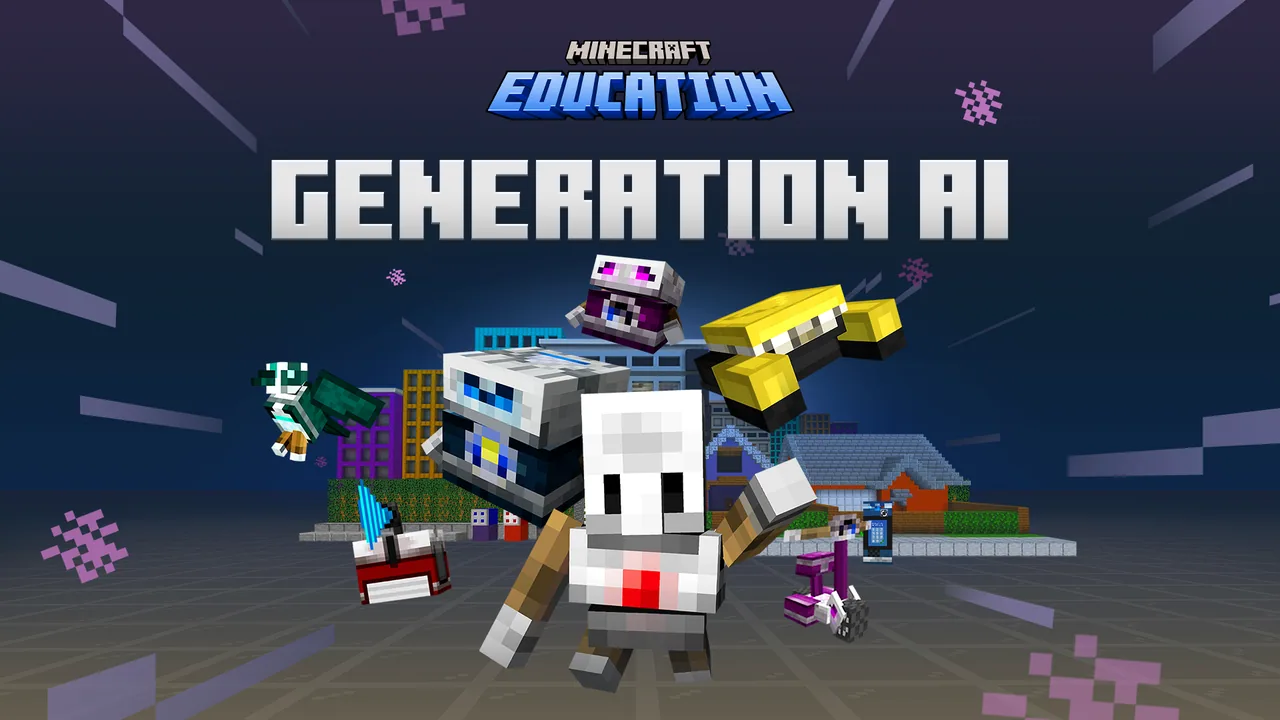
Artificial intelligence is shaping our society, making it essential for students to understand how automated technologies function and how they impact human experiences. This lesson introduces learners to responsible technology development, focusing on the six key principles defined by Microsoft: fairness, reliability and safety, privacy and security, inclusiveness, transparency, and accountability.
Using a time-travel narrative in Minecraft Education, students learn essential movement controls, fix faulty code across multiple futuristic inventions, and discover how automated tools can assist communities. The session concludes with a prompt-driven sandbox where learners collaborate with an AI sidekick to generate map elements.
Learning objectives
By the end of this lesson students will be able to:
- Explain the foundational principles of responsible artificial intelligence.
- Debug and correct faulty automated inventions using MakeCode blocks or Python.
- Apply computational thinking and algorithmic problem-solving to complete engineering tasks.
- Discuss the ethical, societal, and career implications of AI technology.
Blocks and items used in this lesson


Key vocabulary
- Responsible AI
- An approach that ensures artificial intelligence is designed and deployed ethically, safely, and for the benefit of society.
- Fairness
- The principle that AI systems must treat all individuals and groups equitably.
- Reliability and Safety
- The principle that AI systems must perform consistently and operate without causing harm.
- Privacy and Security
- The principle requiring AI technologies to protect personal information and remain secure against threats.
- Transparency
- The principle that AI systems and the logic behind their actions should be understandable to humans.
- Accountability
- The principle that humans remain responsible for the behavior and outcomes of AI systems.
Before class
Lesson sequence
Suggested timing: about 60 minutes in total.
- Movement and Tutorial10 min
Students launch the lesson map, spawn in a dark bedroom, and complete a movement tutorial. They practice looking, moving, jumping, interacting with non-player characters, pressing buttons, and placing and breaking blocks.
- Coding and Responsible AI Puzzles30 min
Students navigate through coding challenges using either MakeCode blocks or Python. They construct bridges and repair several automated inventions while examining responsible design:
- Food Scanner: Program the tool to operate with fairness and inclusiveness.
- Smart Lawnmower: Repair faulty logic to ensure reliability and safety.
- Trash Collector: Code the system to maintain transparency and accountability.
- Door Access Tool: Secure the mechanism while preserving user privacy.
- Principle Matching: Connect responsible AI principles to practical real-world scenarios.
- Prompt-Based Sandbox10 min
Upon finishing the five invention scenes, students unlock an open-ended creative sandbox. Working alongside their AI sidekick, learners enter text prompts to craft and generate map environments for further exploration.
- Reflection and Wrap-Up10 min
Gather the class together to recap key concepts. Facilitate a discussion around how AI affects daily life, examine the six principles of responsible AI, discuss future technology careers, and distribute certificates of completion.
Video
Assessment: success criteria
- Student successfully identifies and repairs faulty code across the automated invention challenges.
- Student correctly matches scenarios to the six principles of responsible AI.
- Student participates in group discussion about the societal impact and ethics of automated systems.
Differentiation
Allow students to pair up to debug challenges and use visual MakeCode blocks rather than Python text.
Challenge advanced students to complete all coding tasks using Python and experiment with complex prompt combinations in the creative sandbox.
Knowledge check
5 questions to check understanding after the lesson. Tap an answer to see if it is right; the score appears at the end.
1Which principle of responsible AI requires systems to treat all people equitably?
Answer: B. Fairness ensures that AI systems treat all individuals and groups without bias or discrimination.
2Which automated invention in the lesson must be fixed to ensure it is reliable and safe?
Answer: A. The curriculum links fixing the smart lawnmower directly to the principle of reliability and safety.
3What coding options can students choose between during this lesson?
Answer: C. Students can complete the coding activities using either visual MakeCode blocks or text-based Python.
4Which principle states that an AI system should be understandable to people?
Answer: D. Transparency ensures that the operations and decisions of an AI system are clear and understandable.
5What happens after students complete the five AI invention scenes?
Answer: B. Completing all five scenes unlocks an open sandbox where students use prompts with their AI sidekick to create maps.
Resources
- Lesson package (.zip)Everything the author attached to this lesson in one download.
- Educator GuideEducator Guide
- Classroom Presentation SlidesPresentation Slides
- Solutions GuideSolutions Guide
- CertificateDownloadable Certificate of Completion
- How to Facilitate an Hour of CodePresentation slides "How to Facilitate an Hour of Code"
- AI Foundations Curriculum GuideExplore AI Literacy with the Minecraft Education AI Foundations Collection.
- Lesson worldOpens the world page in Minecraft Education (sign-in with a school account may be needed).
Part of the AI Foundations curriculum
This is lesson 15 of 18 in AI Foundations.
- AI-1: Who Is That Ocelot?
- AI-2: Mapping Terrain
- AI-3: Sustainable Farming
- AI-4: Ocean Observations
- AI-5: Water Quality
- Unit 9: AI
- AI Adventurers
- AI Wildlife Park
- CyberSafe AI: Dig Deeper
- Fantastic Fairgrounds
- Hour of AI: Field Agent
- Hour of AI: Generation AI
- Hour of AI: The First Night
- Hour of Code: AI for Good
- Hour of Code: Generation AI
- Mini Agent Mission
- Peter Is Here: AI for Cultural Heritage
- Reed Smart: AI Detective
Frequently Asked Questions
Do students need paid licenses to run this lesson?
No, this lesson can be accessed as a free demo directly from the Minecraft Education start screen without requiring paid licenses.
Can students with no prior coding experience participate?
Yes, the lesson includes an introductory movement tutorial and supports drag-and-drop MakeCode blocks designed for absolute beginners.
Adapted from Hour of Code: Generation AI by Minecraft Education on Minecraft Education, last updated Jul 15, 2026. This classroom version, the timings and the quiz were written by 9Minecraft Education.