- Type
- Lesson plan
- Subject
- AI & Digital Citizenship
- Ages
- Ages 8-13
- Duration
- 45 min
- Level
- Beginner
How can human oversight, source verification, and ethical awareness help us use AI tools safely and responsibly?
Overview
CyberSafe AI: Dig Deeper introduces learners to essential concepts in artificial intelligence, critical thinking, and digital citizenship. By placing students in realistic school and home situations, the curriculum highlights why human oversight is necessary when interacting with automated systems and demonstrates the consequences of unexamined AI use.
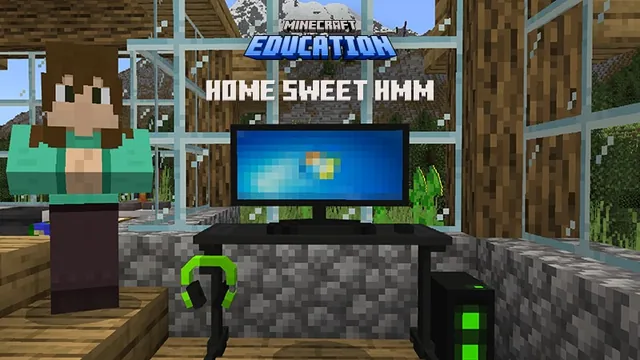
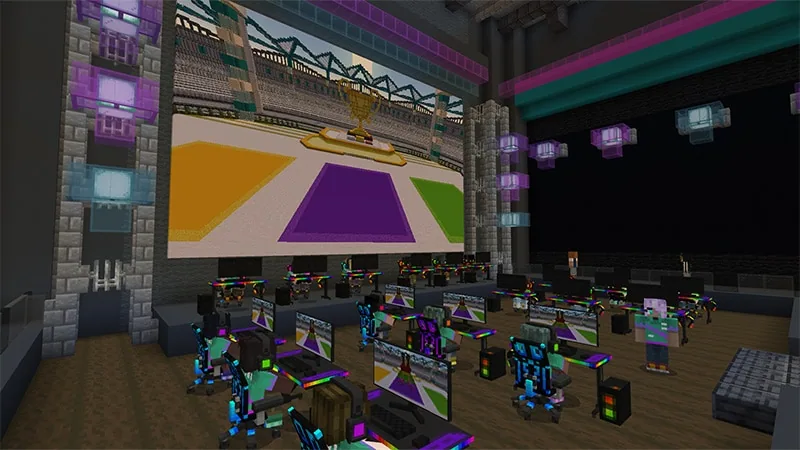
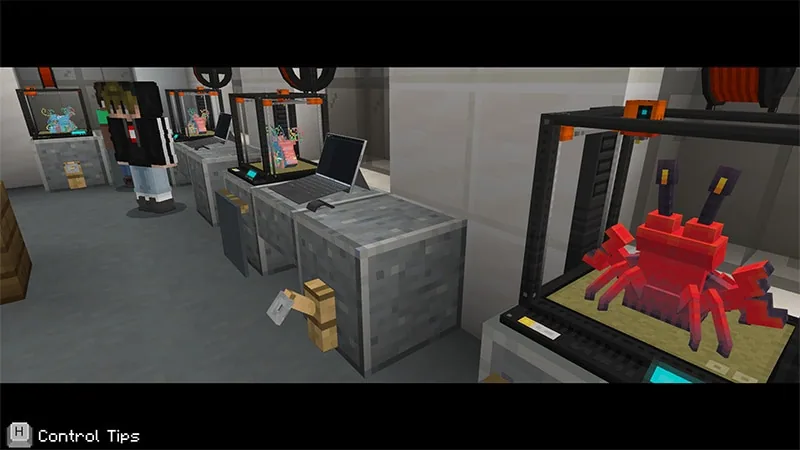
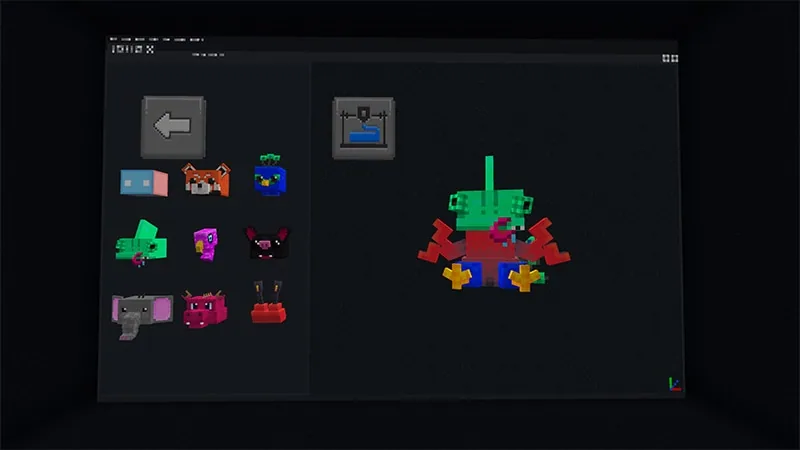
Through interactive Minecraft scenarios, players operate a simulated 3D design tool, interview peers to explore dataset bias, cross-check inaccurate AI outputs in a library, and resolve digital privacy dilemmas. These hands-on tasks prompt students to question what they see online and build durable habits for safe technology use.
Learning objectives
By the end of this lesson students will be able to:
- Explain why human guidance and oversight are required to make AI tools work effectively.
- Describe how limited data sets and unrepresentative inputs produce bias in AI outputs.
- Verify AI-generated facts using dependable non-fiction reference sources.
- Identify the ethical and privacy risks of sharing personal information or using another person's likeness without consent.
Key vocabulary
- Human Oversight
- The process of actively guiding, reviewing, and correcting AI tools rather than letting them work without human input.
- Bias
- An unfair preference or distorted result caused by training an AI tool on limited or one-sided information.
- Data Set
- A collection of information or examples used to inform or train an AI system.
- Verification
- The act of checking facts against trusted, reliable sources to confirm accuracy.
- Likeness
- An individual's personal image, face, or identity used to represent them in media or digital content.
Before class
Lesson sequence
Suggested timing: about 45 minutes in total.
- Introducing AI and the 3D Design Tool10 min
Students open the 3D design software within the world, learning to navigate folders, assemble model parts (head, body, and legs), and prompt an AI assistant. Students face a key choice during a homework task: allow the AI to generate the assignment automatically, or provide their own human guidance.
- Human Input and Data Bias10 min
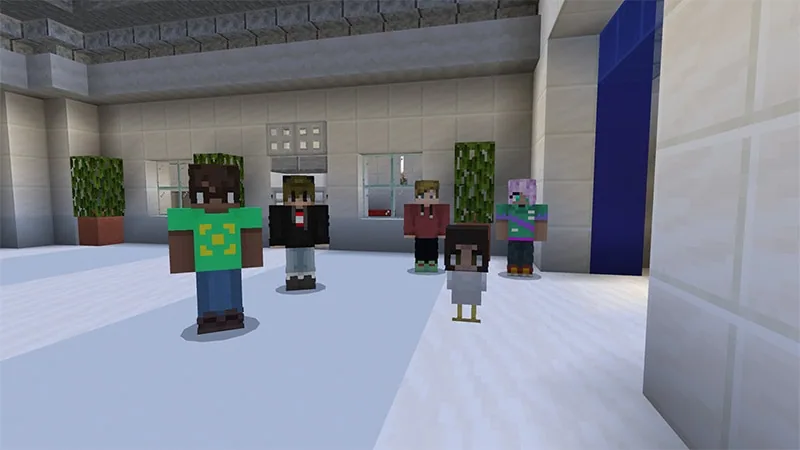
Learners examine the results of their homework decision, observing how minimal human input can cause design failures while detailed guidance yields complete models. Afterward, students walk the school hallways to collect peer design ideas and observe how small or narrow data samples introduce bias into AI results.
- Verifying AI Accuracy in the Library10 min
Students undertake a bat design challenge where the AI provides inaccurate data. To fix the issue, learners visit the school library to locate non-fictional reference books, separate reliable facts from distractions, and learn strategies to prevent the spread of misinformation.
- Personal Likeness and Privacy10 min
The class investigates an incident where a student's likeness was used without permission to place chicken figures across the school. Students collect the figures, discuss digital bullying and consent, and examine home-based scenarios involving deceptive celebrity mod downloads and endorsements.
- Creative Synthesis and Reflection5 min
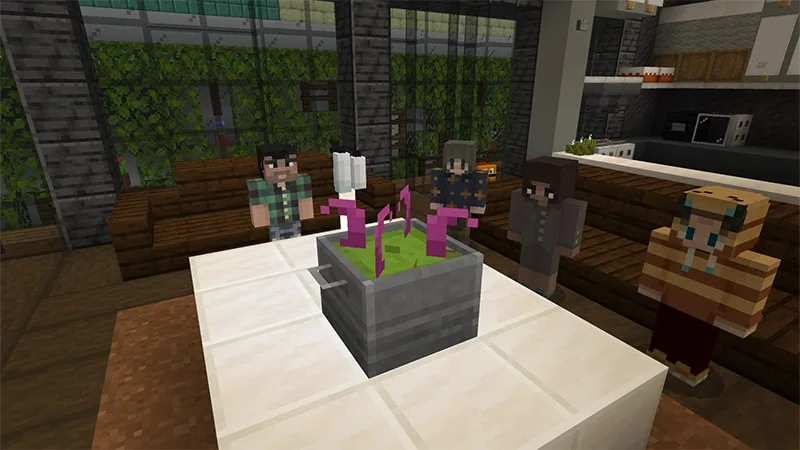
Students return to the 3D design software to mix diverse design elements ethically without misusing anyone's identity. The class reviews key takeaways regarding human agency, verification habits, and the importance of digital responsibility.
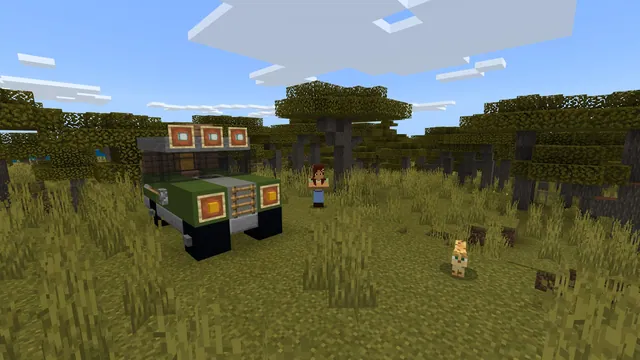
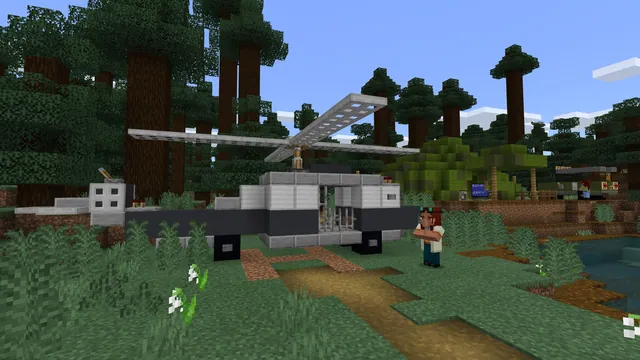
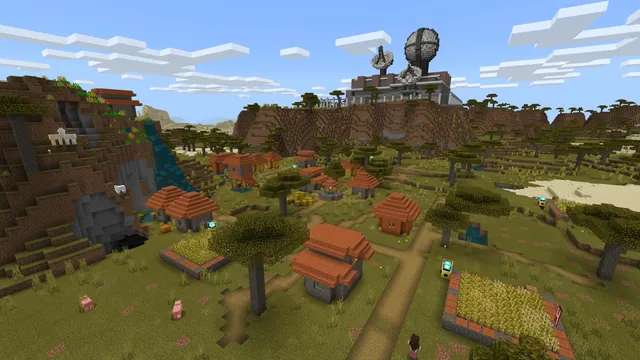
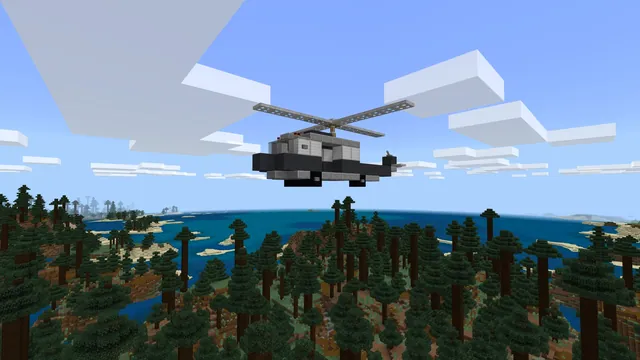
Inside the lesson world
Assessment: success criteria
- Students can explain how incomplete data sets lead to bias and why consulting varied viewpoints is necessary.
- Students demonstrate how to cross-reference AI claims with trustworthy research sources.
- Students can describe the dangers of unauthorized identity use and unverified file downloads.
Differentiation
Pair students during the library verification and hallway survey tasks so they can read and evaluate sources collaboratively.
Ask learners to write specific verification checklists that families can use to evaluate celebrity endorsements and online download links.
Knowledge check
5 questions to check understanding after the lesson. Tap an answer to see if it is right; the score appears at the end.
1What happens in the homework activity when students rely completely on AI without adding their own ideas?
Answer: C. The activity demonstrates that AI requires human oversight and clear direction to generate successful results.
2What factor causes AI systems to develop biased responses during the hallway activity?
Answer: A. Collecting ideas from limited or non-diverse groups demonstrates how limited data sets produce biased outcomes.
3How do students correct the inaccurate bat design generated by the AI?
Answer: D. Students learn to cross-check flawed AI output by finding factual information in non-fiction library books.
4What ethical problem is represented by the chicken figures placed around the school?
Answer: B. The chicken figure scenario illustrates unauthorized use of a person's likeness and the harm of digital identity misuse.
5What risk is highlighted in the home application scenario about a celebrity-endorsed mod download?
Answer: C. The scenario warns students that celebrity endorsements online can be misleading and lead to harmful virus downloads.
Resources
- Lesson package (.zip)Everything the author attached to this lesson in one download.
- Educator GuideEducator Guide with standards alignment, lesson plan, step by step game play instructions, vocabulary, and assessments.
- Classroom PowerPoint PresentationStudent-facing presentation to guide large and small group learning experiences, game play and discussion questions.
- CertificateCertificate of Completion
- Family Toolkit GuideCurated resources and practical activities that empower families to build essential digital skills together.
- Family Toolkit PresentationPowerPoint to facilitate a family engagement experience to foster supportive and informed digital citizenship and AI literacy at home.
- Lesson worldOpens the world page in Minecraft Education (sign-in with a school account may be needed).
Part of the AI Foundations curriculum
This is lesson 9 of 18 in AI Foundations.
- AI-1: Who Is That Ocelot?
- AI-2: Mapping Terrain
- AI-3: Sustainable Farming
- AI-4: Ocean Observations
- AI-5: Water Quality
- Unit 9: AI
- AI Adventurers
- AI Wildlife Park
- CyberSafe AI: Dig Deeper
- Fantastic Fairgrounds
- Hour of AI: Field Agent
- Hour of AI: Generation AI
- Hour of AI: The First Night
- Hour of Code: AI for Good
- Hour of Code: Generation AI
- Mini Agent Mission
- Peter Is Here: AI for Cultural Heritage
- Reed Smart: AI Detective
Frequently Asked Questions
Can the activities in this lesson plan be spread across multiple class sessions?
Yes. The source outlines a multi-part progression from Day 1 to Day 5, allowing teachers to deliver the experience as one 45-minute overview or unpack each scenario over separate daily lessons.
How can families be involved in these AI lessons?
Teachers can share the provided Family Toolkit Guide and Presentation, which include real-life home scenarios like checking recipes and evaluating online downloads together.
Which international framework supports the teaching goals of this lesson?
The lesson reflects UNESCO's AI competency framework for students, focusing on a human-centred mindset, AI ethics, AI techniques and applications, and AI system design.
Adapted from CyberSafe AI: Dig Deeper by Minecraft Education on Minecraft Education, last updated Oct 20, 2026. This classroom version, the timings and the quiz were written by 9Minecraft Education.