- Type
- Lesson plan
- Subject
- Computer Science & Coding
- Topics
- Computer Science
- Ages
- Ages 6-7
- Duration
- 1 hour
- Level
- Beginner
How can we use chat commands and code to instruct our Agent to move and build in Minecraft?
Overview
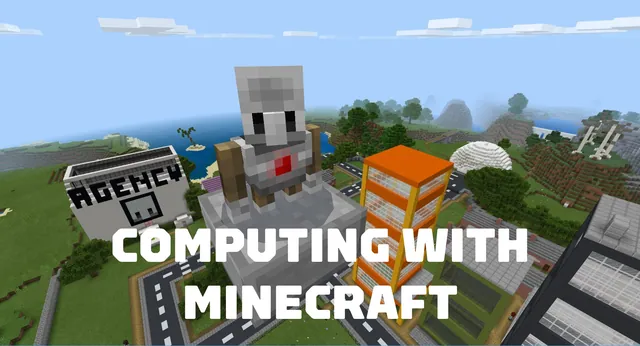
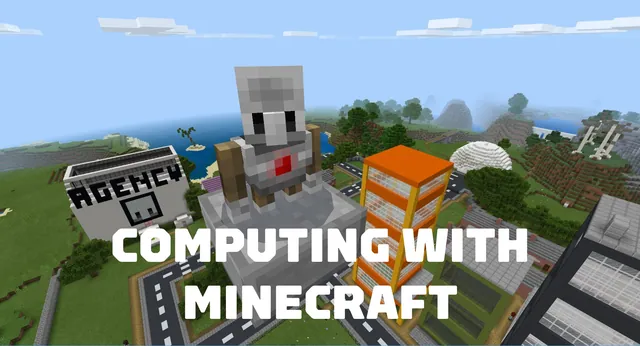
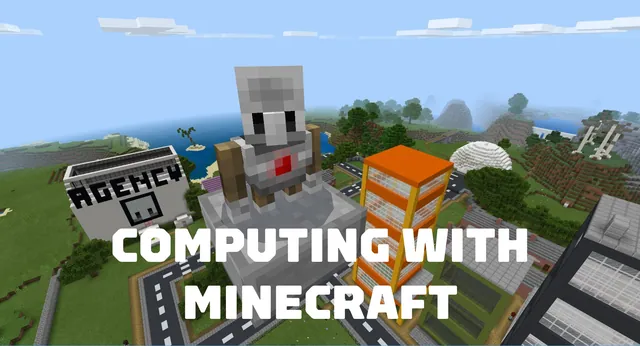
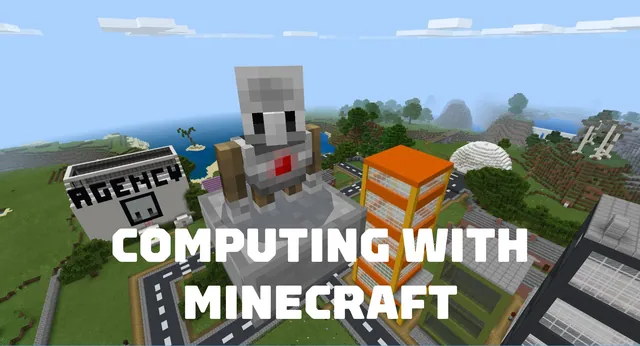
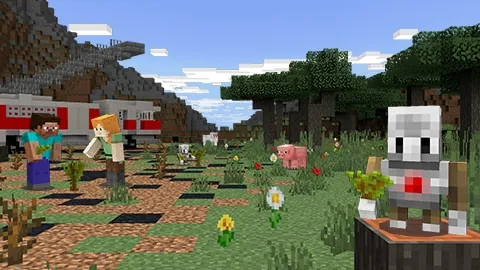
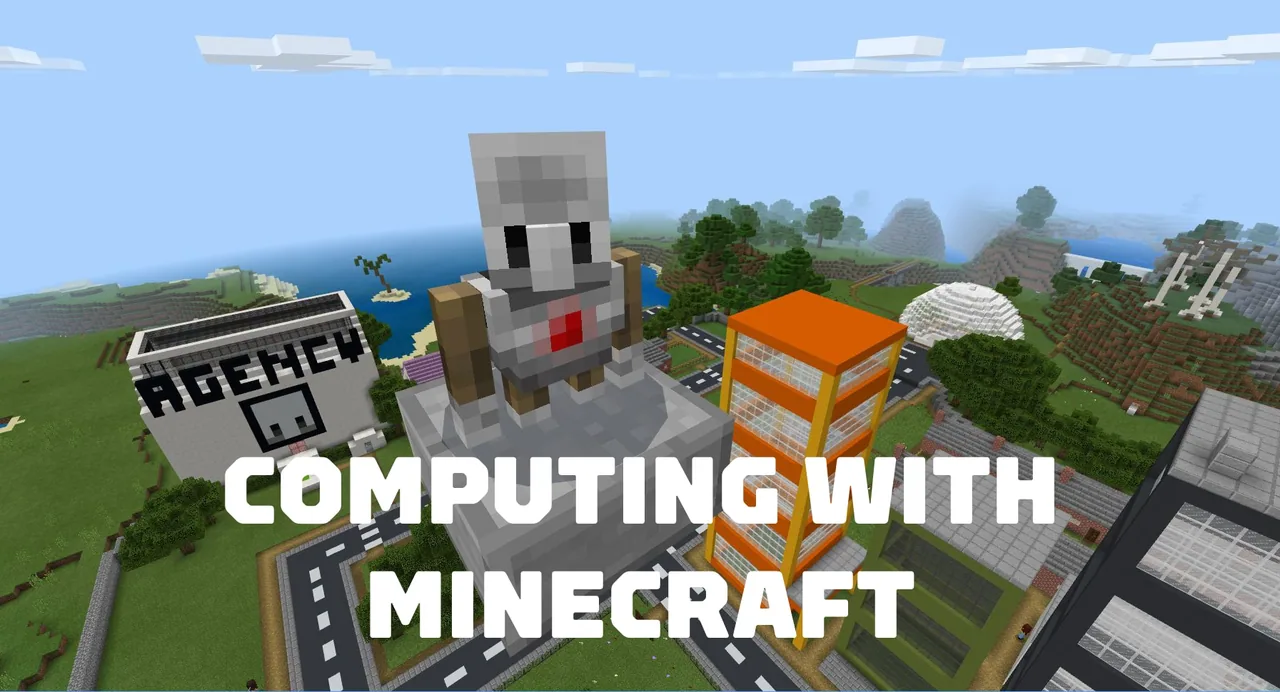
The Agency introduces early elementary students to foundational computer science concepts by giving them direct control over their in-game helper, the Agent. Students explore how instructions function in computing by learning what code is and watching their digital commands translate into real-time actions inside the Minecraft world.Learning objectives
By the end of this lesson students will be able to:
- Describe the basic concept of coding.
- Navigate player movement and inventory controls within Minecraft.
- Create programs using Microsoft MakeCode and Code Builder.
- Program the Agent to turn, walk, destroy blocks, and build structures using on chat commands.
Blocks and items used in this lesson


Key vocabulary
- Coding
- Writing a clear set of step-by-step instructions that a computer can understand and follow.
- Agent
- A programmable helper in Minecraft that carries out tasks based on the code you write.
- MakeCode
- The block-based visual coding environment accessed through Code Builder in Minecraft.
- On Chat Command
- A coding block that runs a set of instructions when a designated word is entered into the game chat.
- Inventory
- The in-game storage screen used to manage items and building blocks for the player or Agent.
Before class
Lesson sequence
Suggested timing: about 60 minutes in total.
- Warm-up: Player Navigation and Coding Basics10 min
Introduce the meaning of coding as giving instructions to a computer. Have students launch the world, practice basic player navigation, and open their inventory menu to get comfortable with in-game controls.
- Lesson 1: Get Familiar with Your Agent15 min
Guide students to open Code Builder and access Microsoft MakeCode. Follow the scaffolded steps to code a conversation with the Agent, call the Agent to the player position, and write commands that make the Agent turn.
- Lesson 2: Move and Destroy15 min
Teach students how to program the Agent to travel across the ground using on chat movement commands. Conclude the sequence by coding the Agent to target and chop down a tree.
- Lesson 3: Agent Inventory and Building15 min
Demonstrate how to access the Agent inventory and load it with materials. Direct students to write code that commands the Agent to place blocks and construct a bridge across an obstacle.
- Reflection and Formative Assessment5 min
Check student understanding using the formative assessment prompts located at the conclusion of the educator guide, reviewing key terms like commands and coding.
Assessment: success criteria
- Student accurately explains what coding is in simple terms.
- Student maneuvers their player character and accesses inventory screens.
- Student uses MakeCode chat commands to control Agent movement and turns.
- Student successfully programs the Agent to destroy a tree and construct a bridge.
Differentiation
Walk through typing chat commands step-by-step or pair emergent readers with a partner to help enter command words.
Prompt students to experiment with combining turning commands and movement blocks to have their Agent navigate around obstacles before building.
Knowledge check
5 questions to check understanding after the lesson. Tap an answer to see if it is right; the score appears at the end.
1What tool in Minecraft: Education Edition is used to write programs for the Agent?
Answer: B. The unit teaches students to create code using the Microsoft MakeCode editor accessed via Code Builder.
2Which code block triggers the Agent to act when a player types a specific word in Minecraft?
Answer: C. Students write on chat commands to trigger the Agent to move, turn, and build.
3What natural object is the Agent coded to break during Lesson 2?
Answer: A. In Lesson 2, the final activity directs the Agent to destroy a tree.
4What structure do students program their Agent to construct in Lesson 3?
Answer: D. Lesson 3 focuses on accessing the inventory to code the Agent to build a bridge.
5What is the primary role of the Agent in this unit?
Answer: B. The Agent is a programmable assistant that completes actions coded by the student.
Resources
- Lesson package (.zip)Everything the author attached to this lesson in one download.
- Computing with Minecraft: Unit 1- The AgencyEDU Guide and formative assessments
- Computing with Minecraft: Unit 1- The AgencyClassroom Presentation
- Computing with MinecraftCurriculum Overview
- Lesson worldOpens the world page in Minecraft Education (sign-in with a school account may be needed).
Part of the Computing with Minecraft curriculum
This is lesson 1 of 9 in Computing with Minecraft.
- Unit 1: The Agency
- Unit 2: City Planner
- Unit 3: Parks & Recreation
- Unit 4: A Zoo
- Unit 5: Wind Power
- GameCode
- Hour of Code: Escape Estate
- Hour of Code: Generation AI
- Hour of Code: The Show Must Go On
Frequently Asked Questions
Do 6- to 7-year-old students need prior coding experience for this unit?
No prior coding experience is necessary. The unit is designed for beginners and uses a scaffolded gradual release model to guide young learners through their first MakeCode commands.
Where can teachers find the formative assessment tools for these lessons?
Formative assessments for each of the three lessons are located at the end of the educator guide in the supporting files.
Adapted from Unit 1: The Agency by Minecraft Education on Minecraft Education, last updated Sep 15, 2023. This classroom version, the timings and the quiz were written by 9Minecraft Education.