
- Type
- Lesson plan
- Grade
- Early years (Pre-K to Grade 2)Primary (Grades 3-5)Middle school (Grades 6-8)High school (Grades 9-12)
- Ages
- Ages 6-18
- Duration
- 45 min
- Level
- Intermediate
- Includes
- Quiz: 5 questionsMinecraft world
How do sequential frames and incremental visual changes create the illusion of digital movement?
Overview
Animation creates the illusion of movement by displaying a sequence of still pictures with gradual alterations. By breaking motion down into individual frames, learners discover how small adjustments between sequential images combine to produce continuous action.
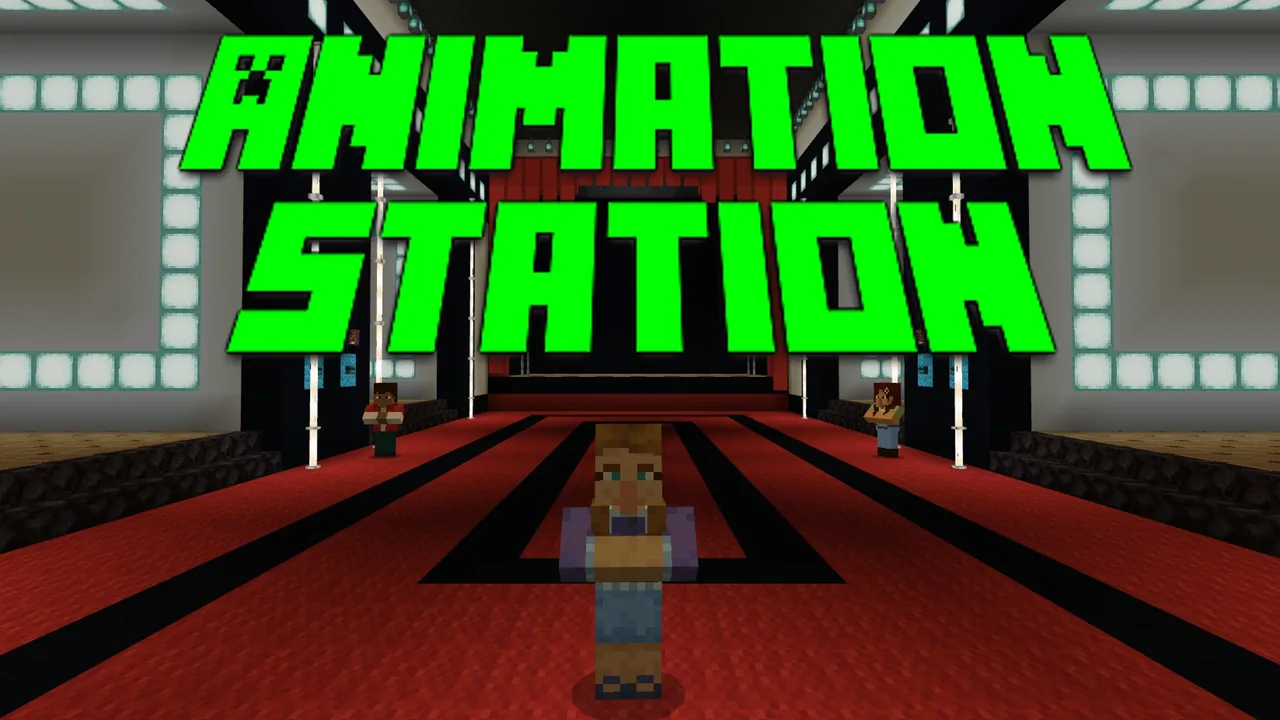
In this lesson, learners sketch a four-frame sequence on graph paper before entering the Animation Station Minecraft world. Inside the theater build zones, they recreate their designs, speak with non-player characters, save each individual frame, and view their animated scenes on stage.
Learning objectives
By the end of this lesson students will be able to:
- Define core digital animation terms including frames and framerate.
- Design a four-part sequence of pixel drawings showing progressive movement.
- Construct four corresponding animation frames within the Minecraft theater build areas.
- Record and evaluate the final animated sequence using in-game documentation tools.
Blocks and items used in this lesson


Key vocabulary
- Frame
- A single still image in a sequence of pictures that make up an animation.
- Framerate
- The speed at which individual frames are shown, translating still pictures into apparent motion.
- Digital Animation
- The process of creating moving imagery through electronic software and computer tools.
- Pixel Art
- A digital visual style created by coloring individual grid squares to form a complete image.
Before class
Lesson sequence
Suggested timing: about 45 minutes in total.
- Introduction to Animation10 min
Screen the introductory video How Does Animation Work? for the class. Discuss how rapid sequences of still frames produce the illusion of motion, introducing core terms such as frame and framerate.
- Graph Paper Brainstorming15 min
Provide graph paper and colored pencils. Have learners outline a 10x10 square and shade squares to create a pixel art subject such as a stick figure, emoji, animal, or food item. Direct them to draw three additional 10x10 frames, introducing one small alteration each time to form a four-drawing sequence.
- Building in the Animation Station15 min
Direct students to launch the Animation Station world individually or in small groups. Instruct them to speak with each non-player character, build across all four theater build areas, and press the save frame button at each station to transfer their work to the stage.
- Share, Revise, and Reflect5 min
Give students time to view peer animations, gather feedback, and make final adjustments to their frames. Have them record their completed work and reflections using the camera, portfolio, and book and quill.
Assessment: success criteria
- Student produces a four-frame paper plan featuring incremental visual changes within 10x10 grids.
- Student constructs builds across all four designated theater build spaces in Minecraft.
- Student successfully uses the save frame buttons to project their moving animation onto the stage.
- Student documents and reflects on their creative process using the camera, portfolio, and book and quill.
Differentiation
Provide simple visual examples, such as a stick figure moving one arm, to guide students who struggle to plan small changes across frames.
Challenge students to create multi-color figures with more intricate, subtle transformations between each of the four frames.
Knowledge check
5 questions to check understanding after the lesson. Tap an answer to see if it is right; the score appears at the end.
1What grid dimensions should students outline on their graph paper for their initial sketches?
Answer: A. The lesson directs students to outline a ten by ten square on their graph paper to plan their pixel art.
2What must students press in each build space to ensure their changes display on the stage?
Answer: B. Students are instructed to press the save frame button at each build space to save their edits and view them on the stage.
3How many drawings in total should each student complete on their graph paper before building in Minecraft?
Answer: C. Students are instructed to repeat their 10x10 drawing process until they have created four drawings on their paper.
4How many build areas must students construct within the theater world?
Answer: D. The directions instruct students to remember to build in all four build areas of the theater.
5Which in-game tools are used for reflecting and documenting the final animation project?
Answer: B. The reflection phase specifically calls for using the camera, portfolio, and book and quill to document the creation.
Resources
Frequently Asked Questions
Can students work in teams during this lesson?
Yes, the lesson supports students working either independently or in small groups while navigating the Animation Station world.
Where can students locate the introductory video if it is not played whole-class?
The video can be found via the resource link included inside the Animation Station world file.
What should a student do if their animation does not appear on the theater stage?
Verify that the student pressed the save frame button at each of the four individual build stations after placing their blocks.
Adapted from Animation Station by Erik Leitner on Minecraft Education, last updated Jun 12, 2025. This classroom version, the timings and the quiz were written by 9Minecraft Education.











































