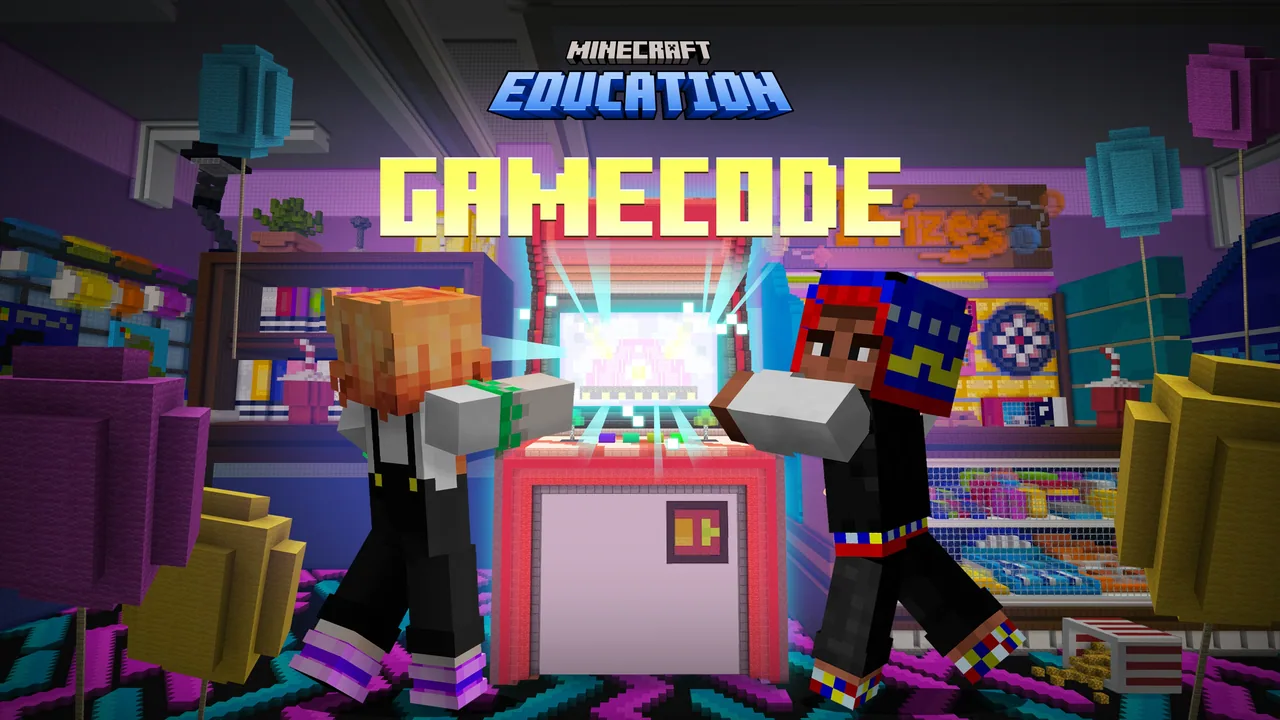
How can computer programming concepts be used to automate tasks and build interactive mini-games in Minecraft?
Overview
The GameCode curriculum introduces students to fundamental computer science principles by turning them into mini-game developers. Through a series of structured coding lessons, learners progress systematically from basic sequencing and commands to advanced programming topics such as conditionals, loops, functions, parameters, and arrays.Learning objectives
By the end of this lesson students will be able to:
- Program the Agent to automate arcade maintenance using sequencing, loops, and conditional statements.
- Apply variables, functions, and arrays to build interactive Minecraft mini-games.
- Analyze game mechanics using MakeCode blocks to track player scores and respond to game events.
- Design and construct an original arcade game combining multiple computer science concepts.
Blocks and items used in this lesson


Key vocabulary
- Sequencing
- Executing a set of coding commands in an exact, step-by-step order.
- Conditional
- A programming rule, like an IF statement, that runs specific code only when certain conditions are met.
- Variable
- A storage place in code used to hold and update information, such as a score or timer.
- Function
- A defined block of reusable code that carries out an action whenever it is called.
- Array
- A structured list that holds a collection of values or data elements together in a set order.
- Loop
- A command structure that repeats a block of instructions multiple times or while a condition remains true.
Before class
Lesson sequence
Suggested timing: about 60 minutes in total.
- Connect10 min
Introduce the lesson's target coding concept. Connect the new skill to prior programming sessions, assess current student understanding, and explain how the concept applies to the arcade environment.
- Construct25 min
Students use self-paced video content to build and test their code in MakeCode. They guide the Agent to repair arcade equipment or program mechanics for mini-games such as Parkour, Hide and Seek, or Target Practice.
- Contemplate15 min
Learners test their completed mini-game systems, analyze how the code executes in Minecraft, and answer reflective prompts to evaluate their understanding of the programming concepts.
- Continue10 min
Review the completed project mechanics as a class and preview the upcoming session to show how new coding blocks will build directly upon today's work.
Video
Assessment: success criteria
- The Agent successfully executes programmed commands to move, turn, detect, destroy, or place blocks.
- Mini-game code correctly utilizes required logic structures such as while loops, conditionals, or arrays.
- Interactive game mechanics, such as scoring or player detection, trigger accurately during gameplay.
- Students explain how their MakeCode blocks solve specific design and automation challenges.
Differentiation
Allow students to pause and replay instructional videos while focusing on simple repeating loops and basic say blocks before introducing conditionals.
Challenge advanced students to combine multiple concepts, such as integrating return functions and custom array logic into an original arcade mini-game.
Knowledge check
5 questions to check understanding after the lesson. Tap an answer to see if it is right; the score appears at the end.
1Which block do students use in the introductory session to display their first message in Minecraft?
Answer: A. The curriculum specifies using the say block on start during the Hello World activity.
2What type of loop is specifically introduced in the 'Eliminate the Slime' lesson?
Answer: C. Eliminate the Slime introduces while loops to inspect for and clear slime blocks.
3Which programming concept enables the Agent to check for missing glowstone and place a block when needed?
Answer: B. Conditionals (IF statements) are taught in Circuit Corrections to detect missing blocks and place replacements.
4Which mini-game lesson focuses on coding function parameters and arrays?
Answer: A. Aim Trainer is the lesson designed to teach function parameters and arrays for counting target practice scores.
5What occurs during the 'Contemplate' segment of a GameCode lesson?
Answer: C. The Contemplate phase provides students the opportunity to reflect on their learning and answer questions demonstrating their understanding.
Resources
- GameCode Curriculum Overviewhttps://aka.ms/GameCodeCurriculum
- Lesson worldOpens the world page in Minecraft Education (sign-in with a school account may be needed).
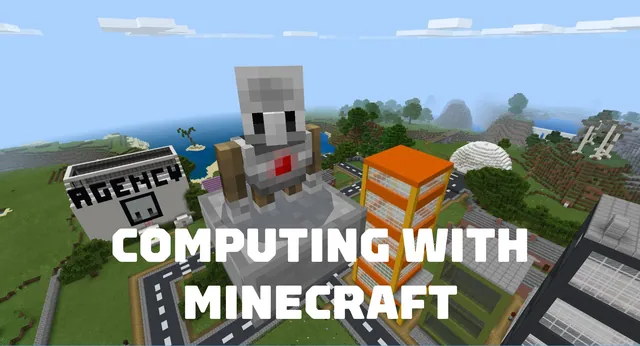
Part of the Computing with Minecraft curriculum
This is lesson 6 of 9 in Computing with Minecraft.
- Unit 1: The Agency
- Unit 2: City Planner
- Unit 3: Parks & Recreation
- Unit 4: A Zoo
- Unit 5: Wind Power
- GameCode
- Hour of Code: Escape Estate
- Hour of Code: Generation AI
- Hour of Code: The Show Must Go On
Frequently Asked Questions
How long does each lesson session typically take?
A single session is designed to correspond to one standard class period of approximately 45 to 60 minutes, though teachers can adapt the timing to fit their class schedules.
Do students need prior coding experience before starting this unit?
No. The sequence is tailored for beginners, starting with simple commands like the say block and sequencing before gradually introducing advanced concepts such as arrays and functions.
What four instructional phases are used within each lesson guide?
Lessons follow the Connect, Construct, Contemplate, and Continue model to introduce concepts, build practical code, reflect on results, and preview upcoming work.
Adapted from GameCode by Minecraft Education on Minecraft Education, last updated Sep 19, 2025. This classroom version, the timings and the quiz were written by 9Minecraft Education.