- Type
- Lesson plan
- Grade
- Primary (Grades 3-5)
- Ages
- Ages 8-10
- Duration
- about 80 min (suggested)
- Skills
- CitizenshipCollaboration
Where do bumble bees like to live, and how diverse are their species across different regions?
Overview
In this lesson, students explore the diversity of bumble bee species and their geographic distribution. By examining data from an online community science database, learners discover how everyday volunteers help professional scientists track bumble bee populations and their preferred habitats across different regions.
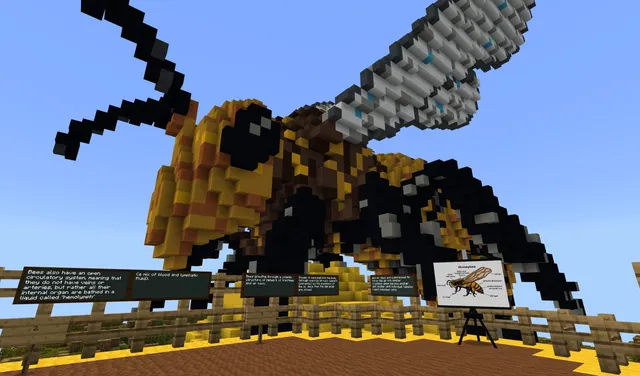
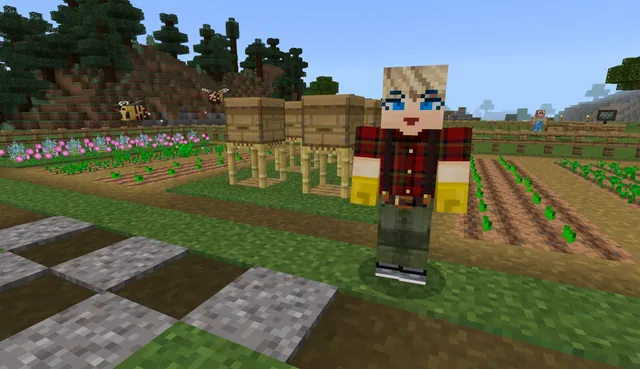
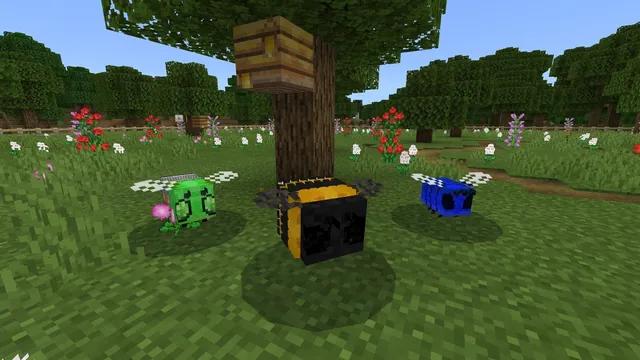
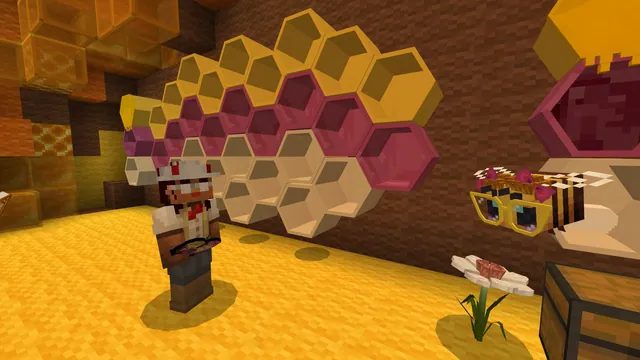
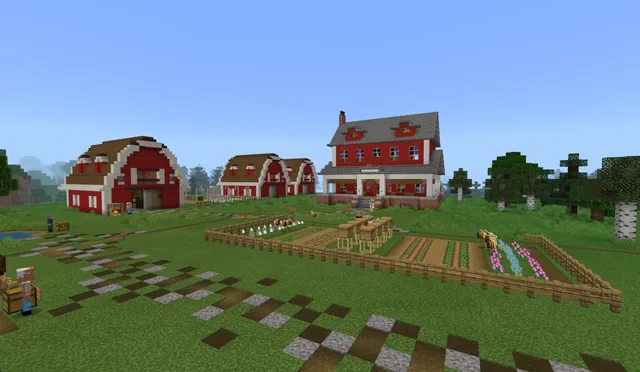
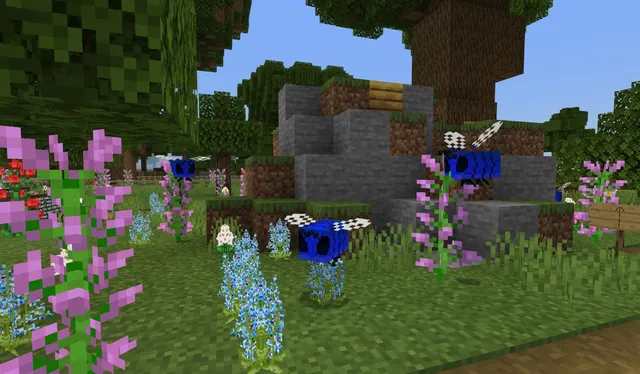
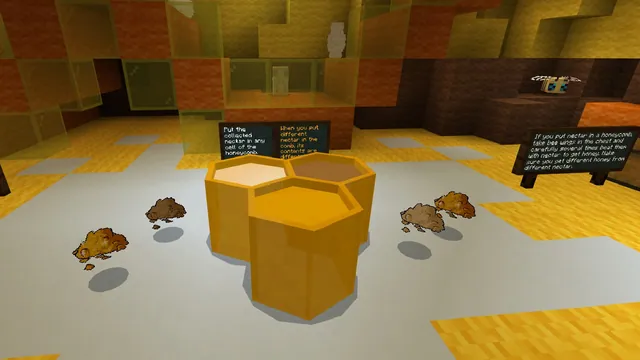
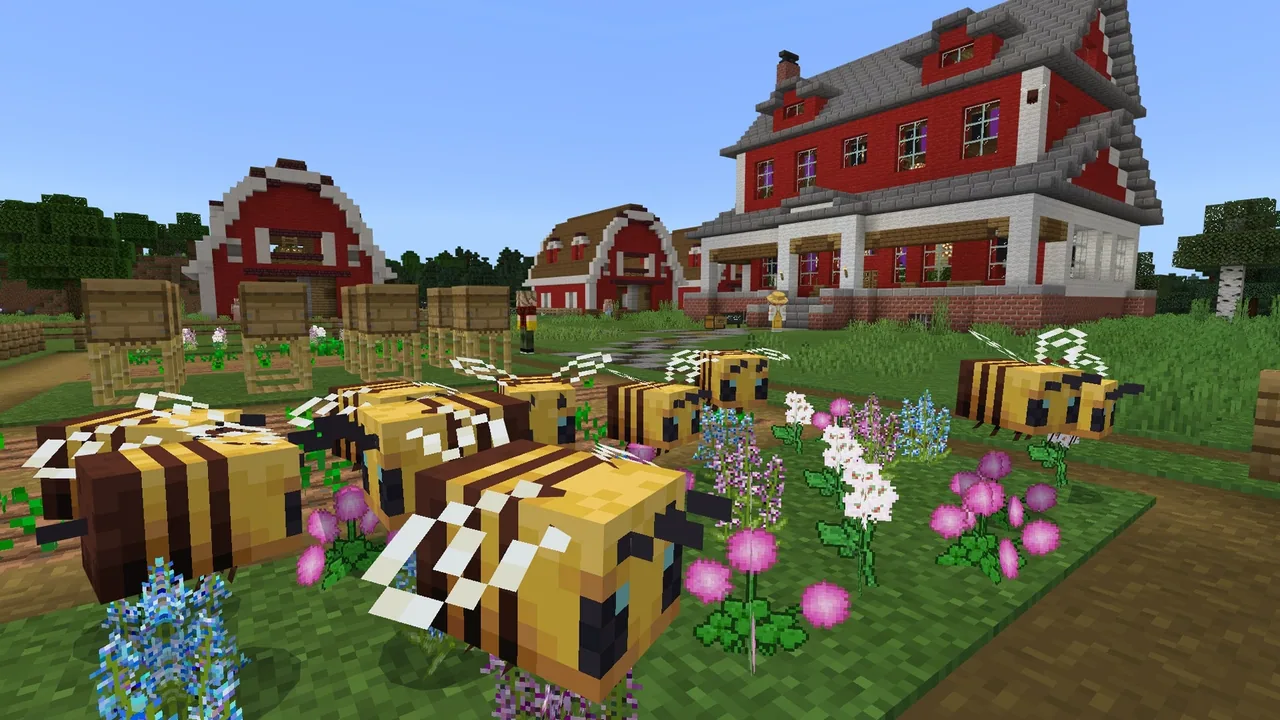
Students then load the Kids and Bees Beetopia world in Minecraft to visit the Bumble Bee Garden with guide Alejandro. As they tour the garden, they record field notes and capture in-game photographs to document bee facts and behaviors for follow-up classroom discussions.
Learning objectives
By the end of this lesson students will be able to:
- Analyze community science map data to identify patterns in bumble bee distribution.
- Explain that different bumble bee species prefer specific habitats.
- Record field observations and photographs while exploring the Bumble Bee Garden in Minecraft.
- Identify at least two bumble bee species verified in the local region or state.
Blocks and items used in this lesson


Key vocabulary
- Community Science
- Scientific work and data collection conducted by members of the general public in collaboration with professional scientists.
- Species
- A specific class or kind of organism that shares common characteristics.
- Habitat
- The natural environment where a particular animal or plant normally lives and grows.
- Distribution
- The geographical arrangement and spread of where a species is found.
Before class
Lesson sequence
Suggested timing: about 80 minutes in total.
- Introduction to Community Science20 min
Introduce the guiding questions about bumble bee habitats and diversity. Place students in pairs or small groups at bumblebeewatch.org to explore the Bumble Bee Sightings map filtered by your state, verified sightings, and species colors. Facilitate a share-out on what patterns students notice about bee species distribution.
- Beetopia Minecraft Exploration20 min
Have students open the Kids and Bees world file and head to the Beetopia area. Students locate Alejandro, the bee guide, who leads them through the Bumble Bee Garden. While exploring, students take field notes and capture in-game photos of bee facts.
- Local Data Analysis and Reflection40 min
Regroup students to examine bumblebeewatch.org data at the county level or zoomed into the school area. If local sightings are limited, expand to neighboring counties or the whole state. Lead a final discussion connecting map patterns, habitat preferences, and student garden observations.
Assessment: success criteria
- Student accurately explains that different bumble bee species prefer different habitats.
- Student lists and identifies at least two bumble bee species recorded in their state or region.
- Student gathers clear field notes and photos during their Minecraft garden tour with Alejandro.
Differentiation
Pair students together to manage website filter settings and navigate the Beetopia garden alongside a peer.
Ask students to compare their local county sighting data with a distant county in their state to analyze habitat differences.
Knowledge check
5 questions to check understanding after the lesson. Tap an answer to see if it is right; the score appears at the end.
1Why are community science volunteers valuable to professional bee scientists?
Answer: B. Volunteers help professional scientists gather sightings across widespread locations and seasons that researchers cannot visit on their own.
2On the bumblebeewatch.org map, what does each different colored dot represent?
Answer: A. When filtered by species, each distinct dot color represents a different species of bumble bee.
3Who is the guide that students meet in the Beetopia Minecraft world?
Answer: C. The lesson directs students to visit Beetopia and meet bee guide Alejandro at the Bumble Bee Garden.
4What should students do if their specific county has no logged bee sightings on the map?
Answer: B. If a county has no verified records, the instructions suggest broadening the filter to include nearby counties or the whole state.
5What are students asked to collect while touring the Bumble Bee Garden in Minecraft?
Answer: C. Students are instructed to take notes and photos along the way to use during the classroom component of the lesson.
Resources
- Lesson package (.zip)Everything the author attached to this lesson in one download.
- Bumble Buzz Student Worksheet
- Kids & Bees: Bumble Buzz Teachers Guide
- Lesson worldOpens the world page in Minecraft Education (sign-in with a school account may be needed).
Part of the Build with Bees curriculum
This is lesson 6 of 11 in Build with Bees.
- BUILD WITH BEES: ANATOMY
- BUILD WITH BEES: BEE A HERO
- BUILD WITH BEES: BEE NESTS
- BUILD WITH BEES: BEE TREASURES
- BUILD WITH BEES: BEESWAX
- BUILD WITH BEES: BUMBLE BUZZ
- BUILD WITH BEES: FARMING
- BUILD WITH BEES: HABITAT
- BUILD WITH BEES: HONEY
- BUILD WITH BEES: LIFE CYCLE
- BUILD WITH BEES: POLLINATION
Frequently Asked Questions
Where does this lesson fit within the Beetopia curriculum?
Bumble Buzz is lesson one of a three-part series set in the Beetopia world developed with the American Beekeeping Federation Kids and Bees program.
What should I do if student internet access to bumblebeewatch.org is slow?
You can project the interactive sightings map on a central display and work through state and county filter settings together as a whole-class activity.
Adapted from BUILD WITH BEES: BUMBLE BUZZ by Sarah Red-Laird on Minecraft Education, last updated Jul 21, 2025. This classroom version, the timings and the quiz were written by 9Minecraft Education.