How does decomposing a large project into smaller programming tasks help us build a complex game?
Overview
Approaching a complex software project can be challenging without a structured strategy. In this lesson, students explore the core computer science concept of decomposition by breaking down a large programming problem into smaller, manageable components. Instead of writing isolated scripts for individual tasks, learners build out a single continuous Python script from start to finish.
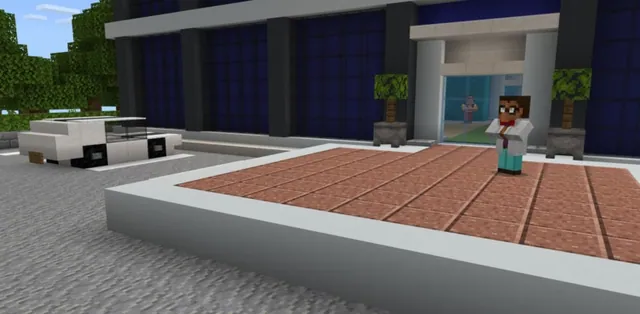
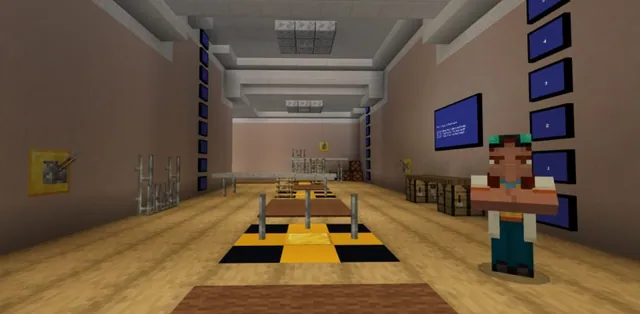
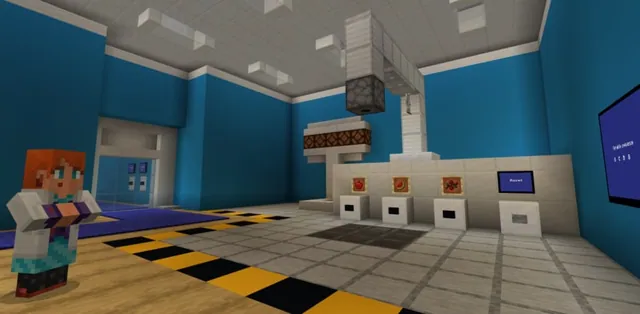
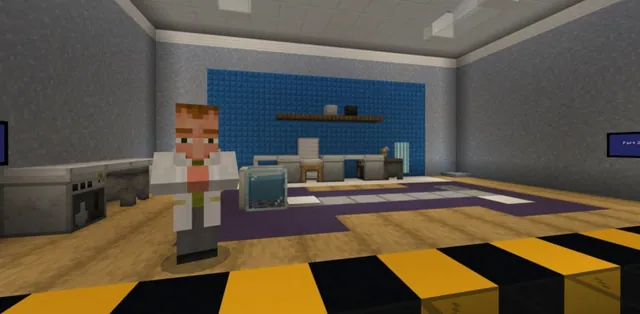
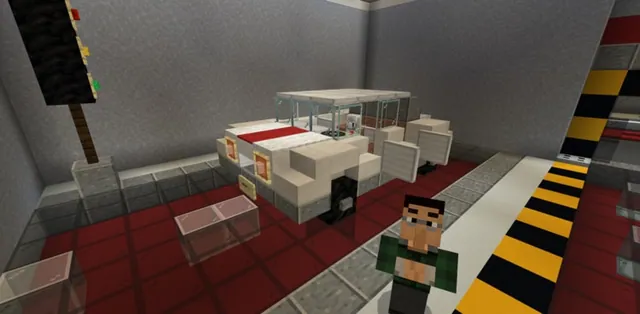
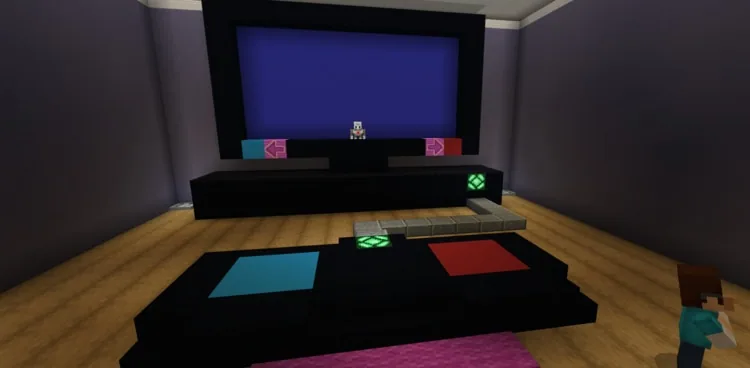
Set within the CodingMine studio, students help game developers complete a mini-game called Agent Invader. Working in the MakeCode Python editor, students program pad-based controller inputs, an overhead firing mechanism that destroys gold blocks, and a game loop complete with start titles, score tracking, and a dramatic lightning-strike victory screen.
Learning objectives
By the end of this lesson students will be able to:
- Explain the role of decomposition in organizing and testing complex computer programs.
- Program Agent movement based on player position on colored controller pads.
- Develop a targeting and firing system that interacts with relative block coordinates.
- Construct a scoring system that uses comparison operators and while loops to manage game states.
Blocks and items used in this lesson


Key vocabulary
- Decomposition
- The process of breaking a large, complex problem or program into smaller, easier-to-manage parts.
- Relative Position
- A location defined in relation to the current position of an entity or block rather than absolute world coordinates.
- Comparison Operator
- A symbol such as , = used to compare two values within a conditional statement.
Before class
Lesson sequence
Suggested timing: about 60 minutes in total.
- Introduction to Decomposition10 min
Introduce the scenario: the developers at CodingMine need help finishing their game, Agent Invader. Explain that students will construct one continuous Python program across the entire lesson rather than separate mini-scripts, demonstrating how decomposition makes large software projects easier to organize, test, and debug.
- Activity 1: Game Controls10 min
Introduce the controller setup featuring two floor pads. Guide students to write Python code that checks the player's position: stepping on the blue pad moves the Agent left, while stepping on the red pad moves the Agent right.
- Activity 2: Firing System15 min
Direct students to code the firing system across two parts. The Agent must be programmed to detect and shoot the gold blocks suspended above it using relative coordinate adjustments.
- Activity 3: Scoring and Victory Sequence15 min
Students complete the game loop by coding an opening splash screen, incrementing the score by one each time a gold block is hit, and checking for a winning total of 15 points. At 15 points, the script triggers a lightning strike on the Agent and shows a victory splash screen.
- Debrief and Review10 min
Gather the class to discuss how breaking the game into three systems made coding and testing manageable. Reinforce syntax concepts, including how setting a while loop condition to True creates a continuous game loop.
Assessment: success criteria
- The Agent successfully shifts left when the player occupies the blue pad and right when on the red pad.
- The firing system correctly targets and destroys gold blocks above the Agent.
- The score increments by one per gold block destroyed until reaching 15 points.
- A lightning strike hits the Agent and a winning splash screen displays when the score reaches 15.
Differentiation
Have students verify that their pad-detection conditionals work before appending the firing and scoring blocks into their continuous script.
Encourage students to inspect their relative coordinate offsets and comparison operators to ensure their continuous while loop runs with optimal efficiency.
Knowledge check
5 questions to check understanding after the lesson. Tap an answer to see if it is right; the score appears at the end.
1What is decomposition in computer programming?
Answer: B. Decomposition means dividing a long or complex project into smaller, manageable pieces to make it easier to write, test, and understand.
2How does the player steer the Agent in Activity 1?
Answer: D. The lesson instructions specify that the blue pad moves the Agent left and the red pad moves it right.
3What target blocks must the Agent shoot in the firing system activity?
Answer: A. The source identifies gold blocks located above the Agent as the targets it needs to shoot.
4What happens when the player reaches a score of 15?
Answer: B. Reaching the win condition of 15 points triggers a lightning effect on the Agent and shows a congratulatory splash screen.
5How can a programmer make a while loop repeat continuously?
Answer: B. A while loop will execute indefinitely as long as its condition is set to True.
Resources
Part of the Python 101 curriculum
This is lesson 9 of 10 in Python 101.
- Python 101 with MakeCode - Lesson 1
- Python 101 with MakeCode - Lesson 2
- Python 101 with MakeCode- Lesson 3
- Python 101 with MakeCode - Lesson 4
- Python 101 with MakeCode - Lesson 5
- Python 101 with MakeCode - Lesson 6
- Python 101 with MakeCode - Lesson 7
- Python 101 with MakeCode - Lesson 8
- Python 101 with MakeCode - Lesson 9
- Python 101 with MakeCode - Lesson 10
Frequently Asked Questions
Do students write a new script for each activity in this lesson?
No. Unlike earlier lessons, students work on one continuous Python script throughout all three activities, steadily adding controls, firing mechanics, and score tracking to the same program.
What should students check if the Agent moves in the wrong direction?
Students should check their conditional logic to confirm that the blue pad condition is set to move the Agent left and the red pad condition is set to move it right.
Adapted from Python 101 with MakeCode - Lesson 9 by Minecraft Education on Minecraft Education, last updated Sep 2, 2025. This classroom version, the timings and the quiz were written by 9Minecraft Education.