- Type
- Lesson plan
- Subject
- Computer Science & Coding
- Grade
- Middle school (Grades 6-8)High school (Grades 9-12)Adults & educators (Higher education and teacher learning)
- Ages
- Ages 11+
- Duration
- 1 hour
- Level
- Intermediate
How can loops and robotic commands automate repetitive tasks in our living environments?
Overview
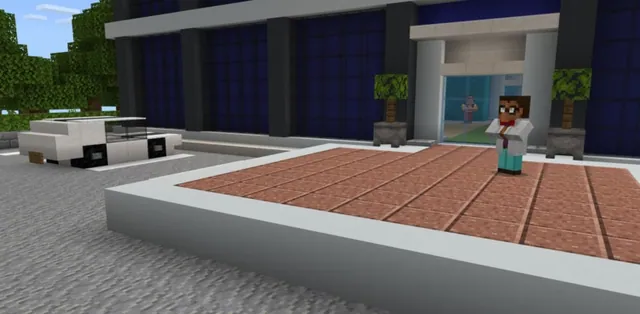
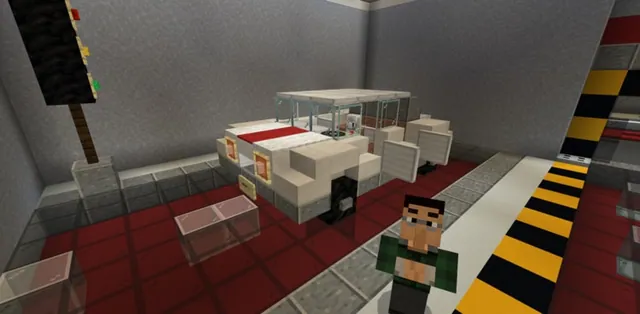
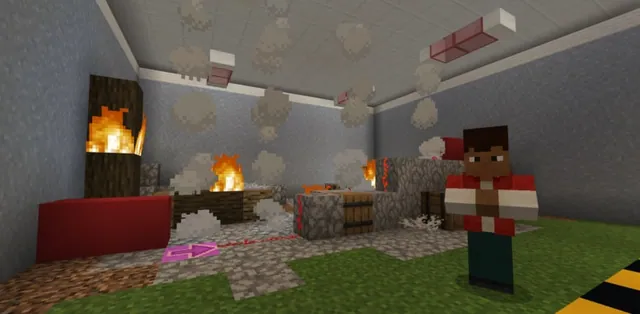
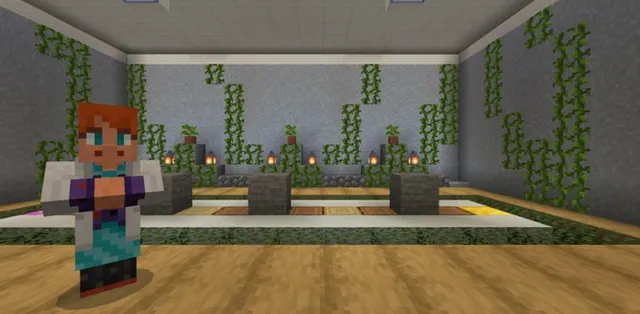
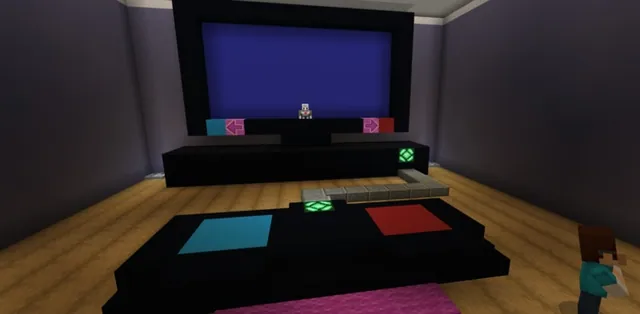
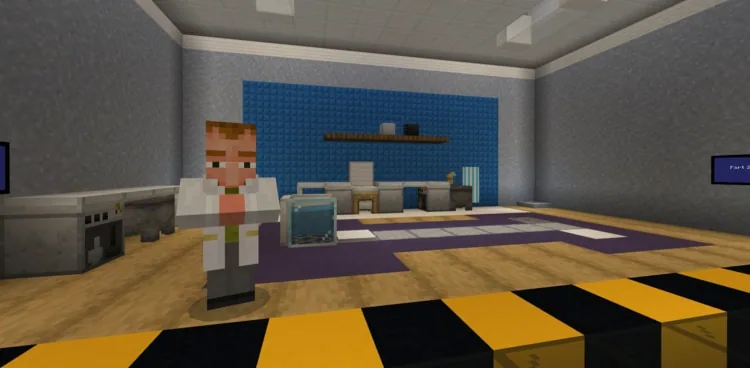
In this lesson, students assist the fictional company CodingMine to program their automated assistant, the Agent. Learners explore how robotic automation can handle domestic chores, developing a problem-solving mindset as they write code to manage repetitive physical tasks.
Using MakeCode Python within Minecraft, students practice core computer science concepts including for loops, code indentation, and nested loops. By applying commands such as agent move, place, collect all, and drop all, students direct the Agent to transport heavy boxes, cycle laundry, and vacuum carpets.
Learning objectives
By the end of this lesson students will be able to:
- Apply for loops to repeat Agent actions a set number of times.
- Use proper indentation to define the code block controlled by a loop.
- Construct a nested loop to repeat a multi-step sequence.
- Control the Agent using movement, placement, and item collection commands.
Blocks and items used in this lesson


Key vocabulary
- Agent
- A programmable in-game robotic helper that can be directed through code to perform tasks.
- for loop
- A command structure that executes a block of code a specified number of times.
- Indentation
- The spacing at the beginning of a line of code that shows which commands belong inside a loop.
- Nested loop
- A loop situated entirely inside the body of another loop.
Before class
Lesson sequence
Suggested timing: about 60 minutes in total.
- Introduction to the Agent10 min
Introduce CodingMine's project and explain that the Agent is designed to assist with tasks from domestic housework to factory work. Review the basic commands: agent move, agent place, agent collect all, and agent drop all.
- Activity 1: Too Heavy15 min
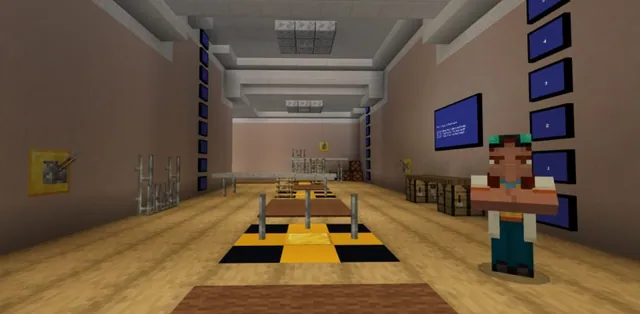
Guide students to code the Agent to lift heavy objects to prevent injury. In Part 1, students write code to move a single heavy box. In Part 2, students use a for loop to direct the Agent to move multiple boxes.
- Activity 2: Spin Cycle20 min
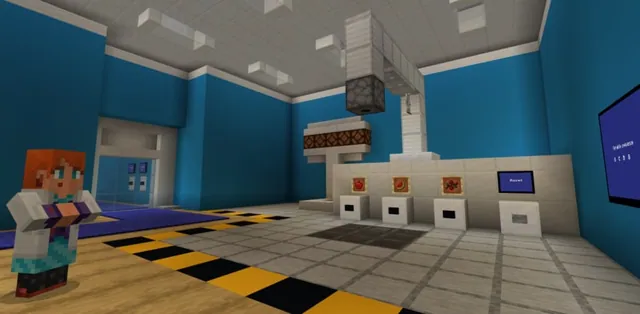
Direct students to automate the laundry process. Students code the Agent to pick up dirty clothes, put them into the washing machine, spin in a loop to wash them, and stack the clean clothes. In Part 2, students implement a second loop to run multiple loads.
- Activity 3: Cleaning Up10 min
Challenge students to program carpet cleaning routines. In Part 1, learners code the Agent to vacuum a small carpet. In Part 2, they program the Agent to vacuum a larger area and dispose of the collected dirt in the trash.
- Review and Formative Assessment5 min
Convene as a class to review the key coding principles learned during the tasks, focusing on how loops streamline repetitive tasks and why correct indentation is necessary in Python.
Assessment: success criteria
- Student successfully uses a for loop to automate moving multiple boxes.
- Student demonstrates correct Python indentation to keep commands inside loop structures.
- Student combines two loops into a nested loop structure to process multiple laundry loads.
- Student explains accurately what a for loop and a nested loop do.
Differentiation
Have students write the sequential commands for one cycle before wrapping them inside a loop, verifying indentation line by line.
Encourage students to optimize their vacuuming code on the large carpet to minimize the total number of lines used.
Knowledge check
5 questions to check understanding after the lesson. Tap an answer to see if it is right; the score appears at the end.
1What is the function of a for loop in Python?
Answer: B. A for loop repeats a specific block of code a set number of times.
2Why is indentation used with loops in Python?
Answer: C. Indentation identifies which commands are part of the loop body.
3Which command tells the Agent to travel in a particular direction?
Answer: A. The agent move command is used to maneuver the Agent in a given direction.
4What is a nested loop?
Answer: B. A nested loop is defined as a loop placed within another loop.
5How do students code the Agent to wash multiple loads of laundry in Activity 2?
Answer: D. The second part of the laundry activity requires students to use a second loop to repeat the entire process.
Resources
- Lesson package (.zip)Everything the author attached to this lesson in one download.
- Python 101-Lesson 5: A Helper for the HomeEDU Guide
- Python 101-Lesson 5: A Helper for the HomePresentation
- Programming with PythonCurriculum Summary
- Lesson worldOpens the world page in Minecraft Education (sign-in with a school account may be needed).
Part of the Python 101 curriculum
This is lesson 5 of 10 in Python 101.
- Python 101 with MakeCode - Lesson 1
- Python 101 with MakeCode - Lesson 2
- Python 101 with MakeCode- Lesson 3
- Python 101 with MakeCode - Lesson 4
- Python 101 with MakeCode - Lesson 5
- Python 101 with MakeCode - Lesson 6
- Python 101 with MakeCode - Lesson 7
- Python 101 with MakeCode - Lesson 8
- Python 101 with MakeCode - Lesson 9
- Python 101 with MakeCode - Lesson 10
Frequently Asked Questions
What age group is this lesson intended for?
This lesson is designed for students ages 11 to 18 and older, with supporting materials specifically aligned to computer science instruction for secondary students in grades 9 through 12.
Where can teachers find the student check questions for printing?
A printable version of the assessment questions is provided at the end of the educator guide found in the supporting files.
Adapted from Python 101 with MakeCode - Lesson 5 by Minecraft Education on Minecraft Education, last updated Feb 4, 2025. This classroom version, the timings and the quiz were written by 9Minecraft Education.