- Type
- Lesson plan
- Subject
- Computer Science & Coding
- Grade
- Middle school (Grades 6-8)High school (Grades 9-12)Adults & educators (Higher education and teacher learning)
- Ages
- Ages 11+
- Duration
- 1 hour
- Level
- Intermediate
How can we use Python parameters and relative coordinates to automate building in a three-dimensional world?
Overview
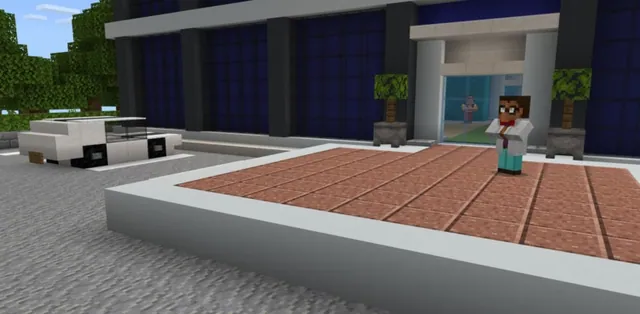
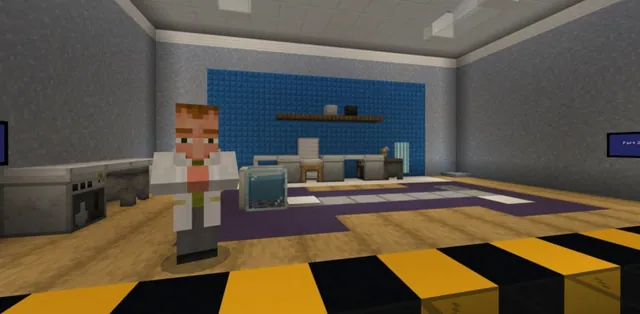
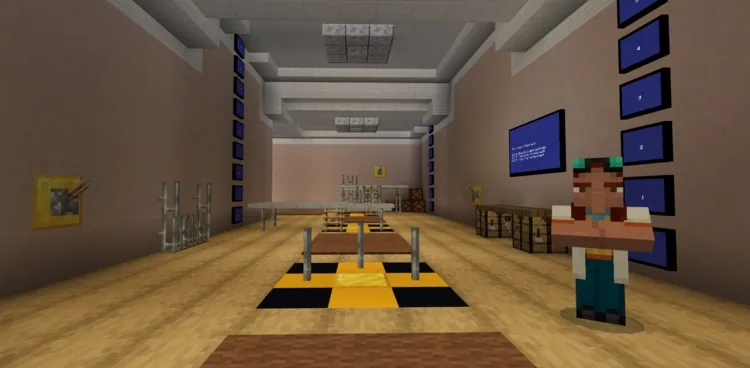
In this lesson, students join an ongoing building initiative with the fictional company CodingMine to assist engineers in expanding their office facilities. Rather than laying every element manually, students develop Python scripts that automate construction by placing specific materials precisely where they are needed across three-dimensional space.
Learners focus on relative coordinates and positional coding using MakeCode Python. By adjusting block types, heights, and positional axes, including negative coordinate values, students discover how software can speed up construction work relative to the player's position in the Minecraft world.
Learning objectives
By the end of this lesson students will be able to:
- Identify how relative coordinates function in relation to player location
- Apply positional programming commands to place targeted blocks in 3D space
- Modify coordinate parameters, including vertical offsets and negative values, to construct fixtures, stairs, and floors
- Use code completion tools and nested command structures to write efficient Python code
Blocks and items used in this lesson


Key vocabulary
- Relative Coordinates
- A system of positioning that locates points in the world based on the player's current location rather than a fixed world origin.
- Parameter
- A value passed into a command or function to customize what it does, such as choosing a block type or setting coordinates.
- Code Completion
- An editor tool that suggests and auto-completes code syntax to help programmers type faster and prevent errors.
Before class
Lesson sequence
Suggested timing: about 60 minutes in total.
- Direct Instruction and Introduction10 min
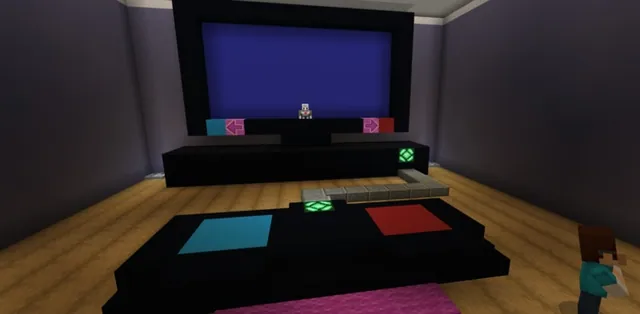
Introduce the CodingMine office expansion project and explain that engineers are creating software to automate building. Use the classroom presentation to introduce the place block at position command, nested commands, and how relative coordinates base their positions directly on the player's location.
- Activity 1: Place the Correct Block10 min
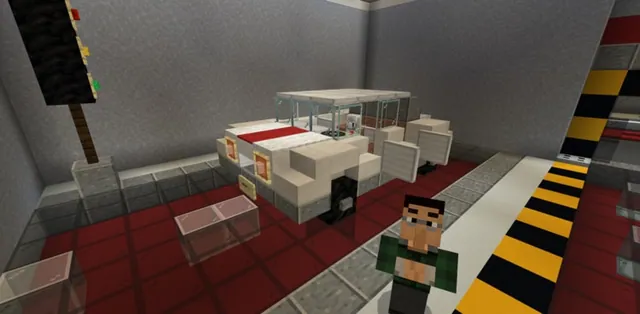
Guide students to assist the programmer by placing target blocks onto marked spots. Students locate the place block at position command under the block tab and modify only the first parameter (the block type) while keeping the relative position parameters at their default values (0, 0, 0).
- Activity 2: Ceiling Lights15 min
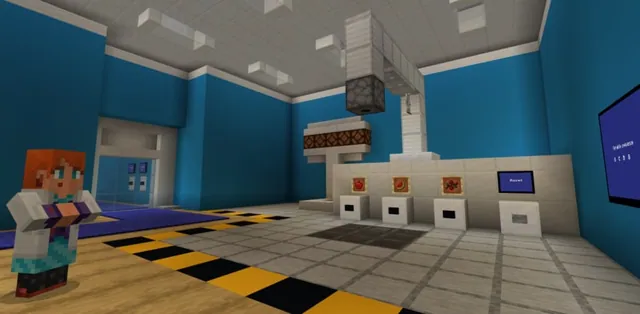
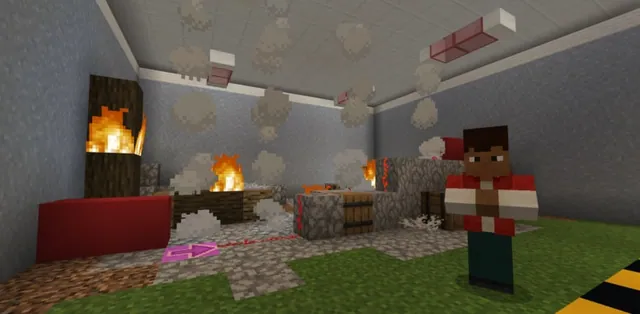
Students assist the electrical engineer by installing ceiling lights at various elevations. Learners modify the second coordinate of the position parameter to change height, using the in-game measuring scales positioned beside each target area to identify the correct vertical values.
- Activity 3 and 4: Stairs and Hallway Floors15 min
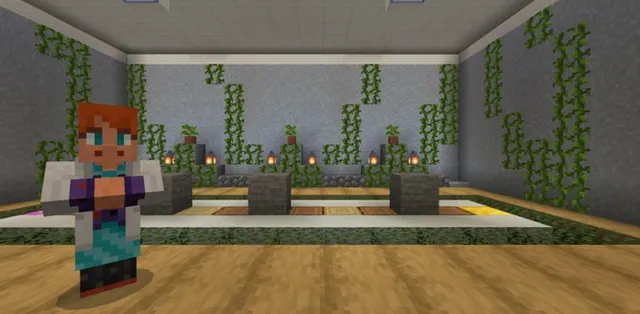
Students work with construction engineers on structural tasks. In Activity 3, they build stairs by altering both the second and third coordinates. In Activity 4, they pave a hallway floor by applying negative numbers to the first and second coordinates of the position parameter.
- Formative Review and Wrap-Up10 min
Reconvene as a class to review core concepts. Ask students to explain what relative positions reference, why coordinate numbers do not require quotes, and how negative coordinates influence placement relative to the player.
Assessment: success criteria
- Student successfully places designated block types at (0, 0, 0) relative to their position.
- Student correctly references adjacent measuring scales to code vertical height offsets for light placement.
- Student implements coordinate changes across multiple axes, including negative coordinates, to complete stairs and hallway flooring.
- Student explains that relative coordinates are calculated from the player's position and do not use quotation marks because they are numbers.
Differentiation
Have students refer closely to the physical in-game measuring scales and practice reading coordinate axes one value at a time before running their code.
Challenge students to find the most efficient placement code structure when generating larger sections of stairs and floor surfaces.
Knowledge check
5 questions to check understanding after the lesson. Tap an answer to see if it is right; the score appears at the end.
1In Minecraft Python, what are relative coordinates relative to?
Answer: B. Relative coordinates calculate offsets directly from the player's position in Minecraft.
2Why are coordinate values written without quotation marks in Python?
Answer: C. Coordinates represent numbers, so they do not take quotes like text strings do.
3Where does the code blocks.place(BRICKS, pos(0, -1, 0)) place the brick block?
Answer: C. A negative value in the second coordinate places the block one unit below the player.
4Which coordinate of the position parameter must be modified to place ceiling lights at different heights?
Answer: A. The second coordinate represents the vertical axis that determines height.
5In Activity 4, what must students use in the first and second coordinates to complete the hallway floor?
Answer: B. The hallway floor activity requires entering negative numbers into the first and second coordinates.
Resources
- Lesson package (.zip)Everything the author attached to this lesson in one download.
- Python 101-Lesson 2: Location, Location, LocationEDU Guide
- Python 101-Lesson 2: Location, Location, LocationPresentation
- Programming with PythonCurriculum Overview
- Lesson worldOpens the world page in Minecraft Education (sign-in with a school account may be needed).
Part of the Python 101 curriculum
This is lesson 2 of 10 in Python 101.
- Python 101 with MakeCode - Lesson 1
- Python 101 with MakeCode - Lesson 2
- Python 101 with MakeCode- Lesson 3
- Python 101 with MakeCode - Lesson 4
- Python 101 with MakeCode - Lesson 5
- Python 101 with MakeCode - Lesson 6
- Python 101 with MakeCode - Lesson 7
- Python 101 with MakeCode - Lesson 8
- Python 101 with MakeCode - Lesson 9
- Python 101 with MakeCode - Lesson 10
Frequently Asked Questions
Where can I find the guided presentation slides for this lesson?
The classroom presentation is located in the Supporting Files section and follows a gradual release model to help you introduce concepts step by step.
How do students know which height coordinate to use for the lights?
In-game measuring scales are positioned next to each designated build site so students can visually determine the exact vertical height needed.
Adapted from Python 101 with MakeCode - Lesson 2 by Minecraft Education on Minecraft Education, last updated Feb 4, 2025. This classroom version, the timings and the quiz were written by 9Minecraft Education.