- Type
- Lesson plan
- Subject
- Computer Science & Coding
- Grade
- Middle school (Grades 6-8)High school (Grades 9-12)Adults & educators (Higher education and teacher learning)
- Ages
- Ages 11+
- Duration
- 1 hour
- Level
- Intermediate
How can you apply all the Python concepts learned throughout the course to complete coding challenges under a time constraint?
Overview
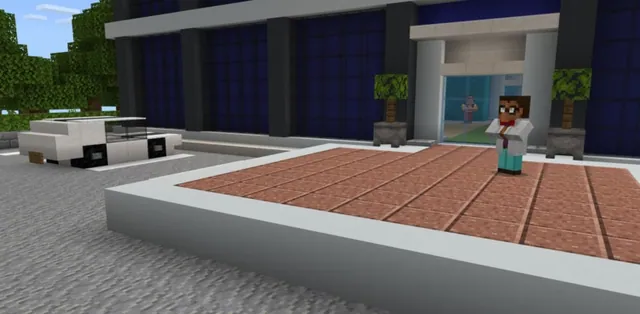
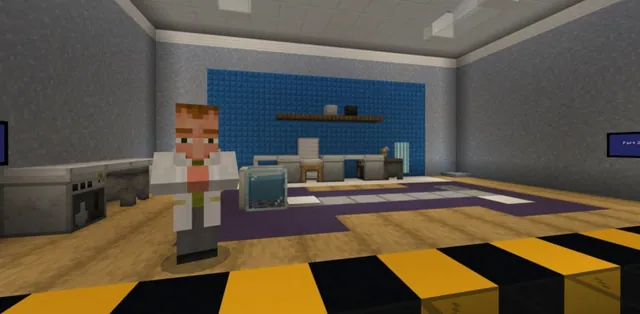
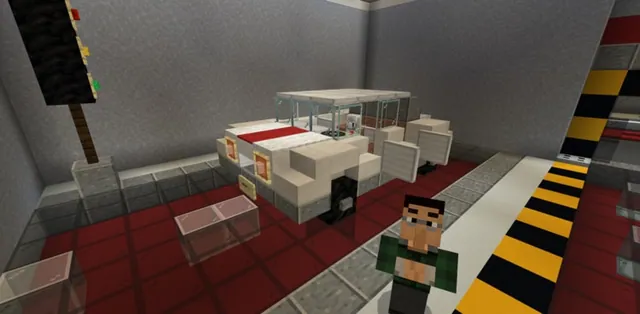
In this final course lesson, the developers at CodingMine are preparing to launch the Agent to the public. Before release, the Agent must undergo rigorous stress testing across up to ten distinct coding challenges that review all accumulated concepts from the entire Python course.
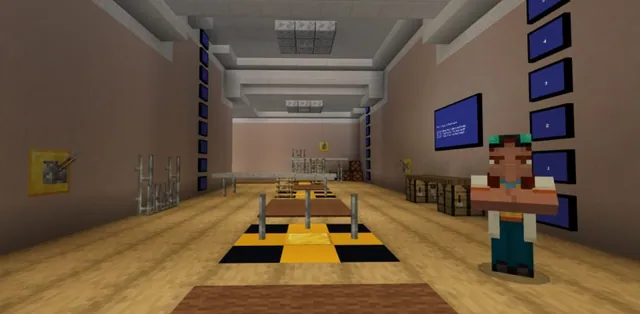
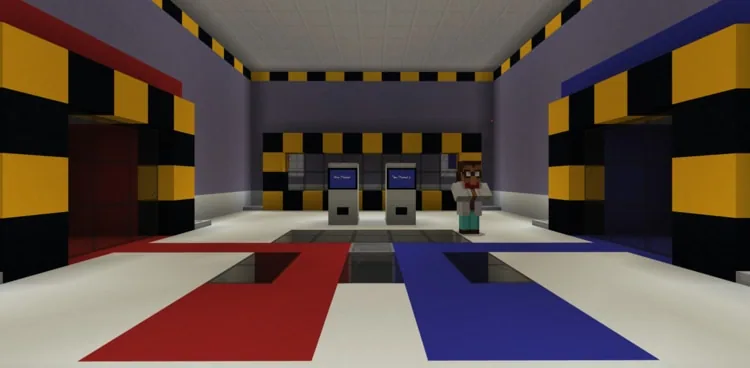
Students enter a specialized testing arena where they can complete the challenges individually or race against a classmate in two-player mode. Each challenge features a 210-second timer and requires students to apply skills such as nested loops, conditionals, variables, lists, and debugging using the Agent.
Learning objectives
By the end of this lesson students will be able to:
- Apply cumulative Python coding knowledge to complete automated Agent tasks in an arena.
- Solve coding problems involving loops, conditionals, variables, lists, and syntax within a 210-second time limit.
- Debug and reset code efficiently to achieve valid challenge outcomes.
Blocks and items used in this lesson


Key vocabulary
- Nested loop
- A loop located inside the body of another loop.
- Conditional
- A programming statement that runs code only when certain conditions are true.
- Syntax
- The specific rules and structure required for code to be understood by the computer.
- List
- An ordered collection of items stored together under a single variable name.
- Boolean
- A data type that has only two possible values: true or false.
Before class
Lesson sequence
Suggested timing: about 60 minutes in total.
- Mission Briefing10 min
Explain the scenario to the class: CodingMine is preparing to launch the Agent to the public, but it needs final stress testing. Inform students that they will tackle up to ten challenges reviewing all course concepts, each timed at 3.5 minutes (210 seconds).
- Arena Orientation10 min
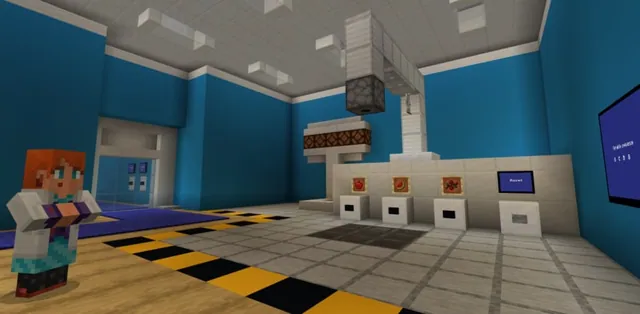
Instruct students to speak to the CEO to initiate the session and choose between one-player or two-player mode. Explain that two-player mode places each player into a separate pod to compete for speed, and point out the personal reset button inside each arena.
- Stress-Test Challenges30 min
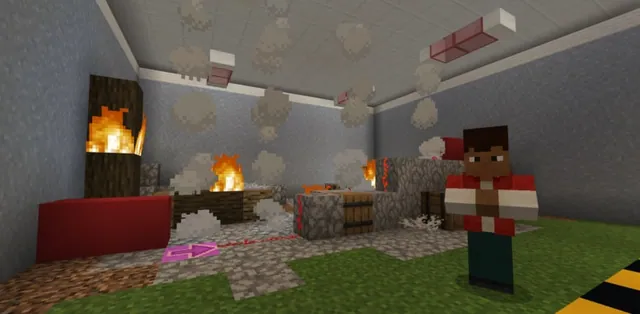
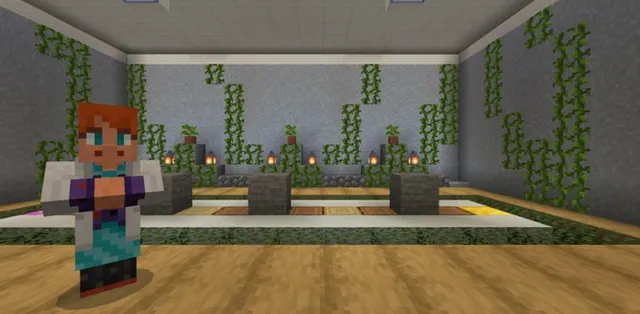
Students work through the 10 arena challenges: Blinding lights (nested loops), Row by row (nested loops), Pumpkin or melon? (conditionals), Diamond rush (variables), What's that syntax!? (syntax), Spring arrival (debugging), Depths of the earth (loops), Diamond or dirt (calculation and Boolean), Do I need to list it out? (lists), and The Agent labyrinth (while loops).
Remind students that any valid code achieving the goal will be accepted, and uncompleted tasks will automatically advance after 210 seconds.
- Review and Course Conclusion10 min
Direct students to check their final score showing how many challenges were successfully completed. Conclude the course by reviewing mastered concepts, including Python command structure, syntax, algorithms, loops, conditionals, variables, lists, functions, and decomposition.
Assessment: success criteria
- Student successfully programs the Agent to meet the objective of individual challenges within the 210-second limit.
- Student demonstrates understanding of Python concepts by writing valid alternative code solutions.
- Student accurately identifies total challenges completed at the end of the arena run.
Differentiation
Encourage struggling students to use their personal reset button early in the 210-second countdown to fix errors rather than waiting for the timer to expire.
Have advanced learners participate in the two-player mode to compete for the fastest completion times across all ten challenges.
Knowledge check
5 questions to check understanding after the lesson. Tap an answer to see if it is right; the score appears at the end.
1How much time do students have to complete each arena challenge?
Answer: B. Each coding challenge in the arena gives students 3.5 minutes (210 seconds) or less to complete.
2Who must students speak with in order to begin the challenges and pick player mode?
Answer: C. To start the lesson, students must speak with the CEO and then select one or two players.
3What happens if the 210-second timer runs out before a challenge is completed?
Answer: D. If 210 seconds pass without completion, students automatically advance to the next challenge.
4What setup is required when students choose two-player mode?
Answer: A. If two players are selected, each student needs to enter a separate pod to compete.
5Which programming concept is specifically tested in challenge 10, 'The Agent labyrinth'?
Answer: B. Challenge 10 is titled 'The Agent labyrinth: while loops'.
Resources
- Lesson package (.zip)Everything the author attached to this lesson in one download.
- Python 101-Lesson 10: Creative CodingEDU Guide
- Programming with PythonCurriculum Overview
- Lesson worldOpens the world page in Minecraft Education (sign-in with a school account may be needed).
Part of the Python 101 curriculum
This is lesson 10 of 10 in Python 101.
- Python 101 with MakeCode - Lesson 1
- Python 101 with MakeCode - Lesson 2
- Python 101 with MakeCode- Lesson 3
- Python 101 with MakeCode - Lesson 4
- Python 101 with MakeCode - Lesson 5
- Python 101 with MakeCode - Lesson 6
- Python 101 with MakeCode - Lesson 7
- Python 101 with MakeCode - Lesson 8
- Python 101 with MakeCode - Lesson 9
- Python 101 with MakeCode - Lesson 10
Frequently Asked Questions
Can students write code differently from the provided solution?
Yes. While only one solution is given in the materials, any student code that achieves the required result is considered valid.
Do students need to supply blocks and items to the Agent during the challenges?
No. Where applicable, the Agent has already been stocked with all necessary blocks and items needed for each specific challenge.
What happens if a student presses the reset button during a challenge?
The reset button inside each student's arena only resets that individual challenge, allowing the student to restart their current task without affecting others.
Adapted from Python 101 with MakeCode - Lesson 10 by Minecraft Education on Minecraft Education, last updated Jun 14, 2023. This classroom version, the timings and the quiz were written by 9Minecraft Education.