- Type
- Lesson plan
- Subject
- Computer Science & Coding
- Grade
- Middle school (Grades 6-8)High school (Grades 9-12)Adults & educators (Higher education and teacher learning)
- Ages
- Ages 11+
- Duration
- 1 hour
- Level
- Intermediate
Why is precise syntax necessary for a computer to understand and execute an algorithm?
Overview
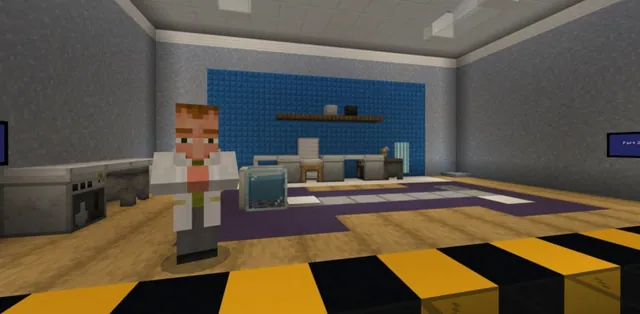
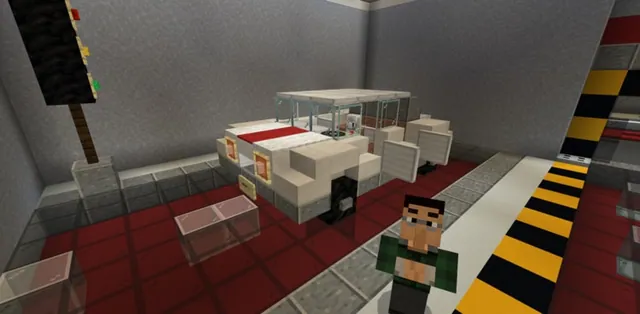
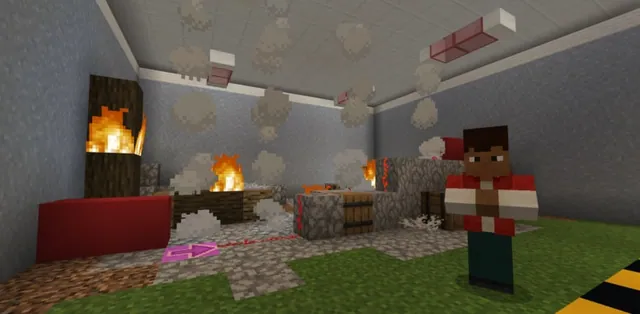
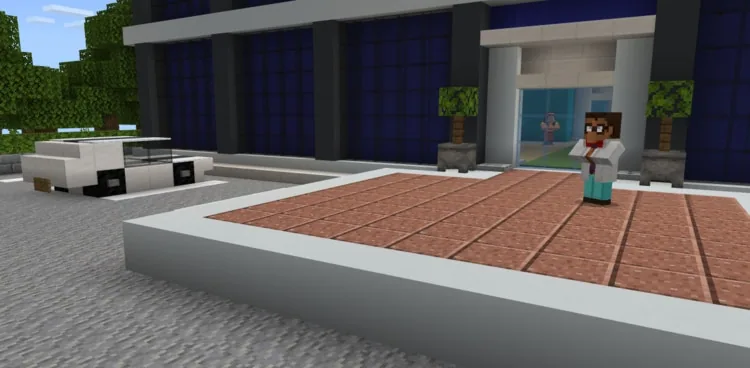
In this lesson, students explore the core fundamentals of computer languages, algorithms, and Python syntax. Stepping into the role of software trouble-shooters, they assist CodingMine, a development company dealing with widespread bugs across their code base, by discovering and repairing broken lines of code.
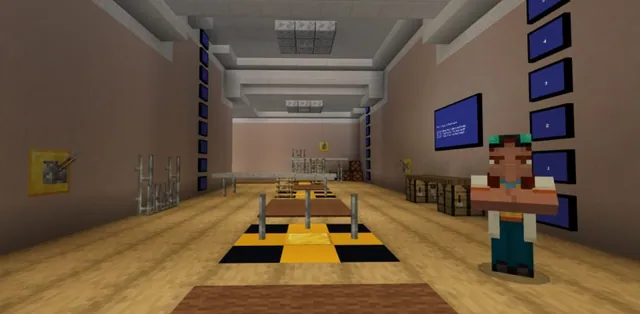
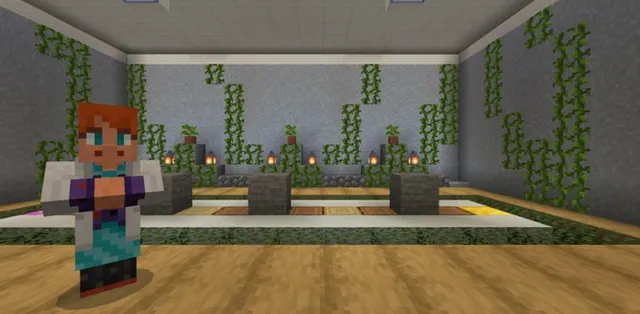
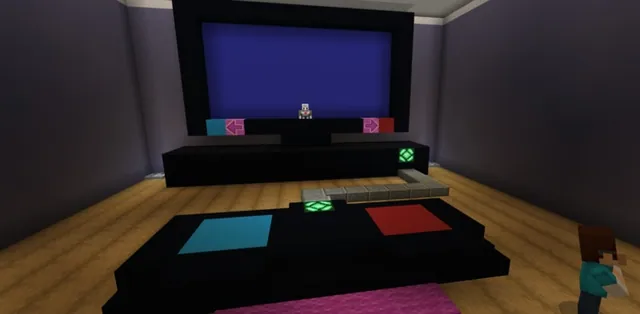
Students enter a dedicated Minecraft world where they interact with in-game monitors, chests, and the coding interface. By running code snippets in the coding window, supplying missing syntax components, and evaluating numeric values, learners build confidence in writing and debugging real Python commands.
Learning objectives
By the end of this lesson students will be able to:
- Define what a computer language and an algorithm are.
- Recognize the syntax structure required for Minecraft Python commands.
- Differentiate between text strings requiring quotation marks and raw numerical values.
- Identify and fix syntax errors within existing lines of code.
Blocks and items used in this lesson


Key vocabulary
- Syntax
- The specific formatting rules required for a computer language to read and execute instructions.
- Algorithm
- A step-by-step sequence of instructions used to solve a problem or accomplish a task.
- String
- Text characters grouped together and enclosed within quotation marks.
- Parameter
- A value passed inside the parentheses of a command to provide needed data.
Before class
Lesson sequence
Suggested timing: about 60 minutes in total.
- Introduction to Syntax and Algorithms10 min
Introduce the storyline: software company CodingMine is experiencing widespread code bugs, and the CEO needs student help. Define computer languages, algorithms, and syntax rules using the provided slide presentation.
- Activity 1: What is Right?15 min
Students inspect multiple commands shown on computer monitors in the world. Using the coding window [c], they test each option to locate the bug-free command that prints the word Hi to the chat, then press the right-side button by that monitor.
- Activity 2: What's Missing?15 min
Students assist a programmer whose code is incomplete. They collect missing syntax blocks from a chest in the center of the room, assemble them into the monitor commands, and test their fixes in the code editor until all errors disappear.
- Activity 3: What is the Correct Number?15 min
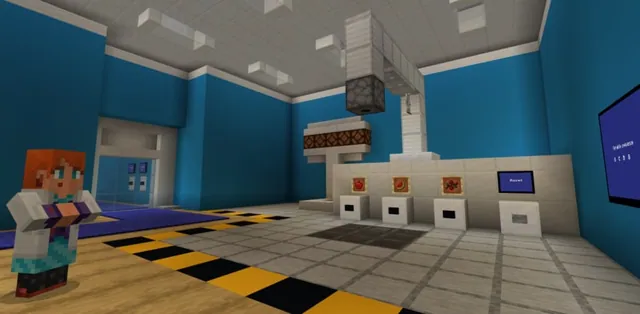
Students help a data scientist calculate the sum of three numbers. They test the calculation in the coding window, evaluate the numerical result without quotation marks, and push the button beneath the monitor matching the correct total.
- Review and Formative Assessment5 min
Conclude with a whole-group discussion reviewing how player.say() functions, why quotes belong on text but not mathematical numbers, and how parentheses wrap parameters.
Assessment: success criteria
- Student successfully identifies the command that outputs 'Hi' without syntax errors in Activity 1.
- Student retrieves syntax blocks from the chest and successfully repairs incomplete code in Activity 2.
- Student identifies the correct mathematical sum and selects the matching monitor button in Activity 3.
- Student correctly explains the syntax difference between a text string and a numerical value.
Differentiation
Encourage students to press [c] to test commands individually and read the error notices whenever a monitor command fails to run.
Have students experiment in the code editor with custom messages and additional math sums using the player.say() command.
Knowledge check
5 questions to check understanding after the lesson. Tap an answer to see if it is right; the score appears at the end.
1Which command is used to display text or a mathematical value in the Minecraft chat?
Answer: B. The source specifies that the player.say() command outputs text or numerical values into the chat.
2What syntax characters must be placed around the parameters of a command?
Answer: A. Parentheses enclose the parameters passed to a command.
3What must surround a piece of text when displaying it in the chat?
Answer: C. Text strings must be placed inside quotation marks to be recognized properly.
4How should numbers be formatted if you want to use their actual numerical value?
Answer: D. Numbers must be written without quotes so they are treated mathematically rather than as text strings.
5In Activity 1, what message appears in the chat when the correct command runs?
Answer: B. The instructions note that the correct piece of code will display the word 'Hi' in the chat with no errors.
Resources
- Lesson package (.zip)Everything the author attached to this lesson in one download.
- Python 101-Lesson 1: All that SyntaxEDU Guide
- Python 101-Lesson 1: All that SyntaxPresentation
- Programming with PythonCurriculum Overview
- Lesson worldOpens the world page in Minecraft Education (sign-in with a school account may be needed).
Part of the Python 101 curriculum
This is lesson 1 of 10 in Python 101.
- Python 101 with MakeCode - Lesson 1
- Python 101 with MakeCode - Lesson 2
- Python 101 with MakeCode- Lesson 3
- Python 101 with MakeCode - Lesson 4
- Python 101 with MakeCode - Lesson 5
- Python 101 with MakeCode - Lesson 6
- Python 101 with MakeCode - Lesson 7
- Python 101 with MakeCode - Lesson 8
- Python 101 with MakeCode - Lesson 9
- Python 101 with MakeCode - Lesson 10
Frequently Asked Questions
How do students open the code editor while inside the lesson world?
Students can press the [c] key on their keyboard at any time to open the coding window and test their Python code.
Where are the missing syntax pieces found in Activity 2?
The missing syntax blocks are stored in a chest located in the middle of the room in the lesson world.
What teaching strategy does the accompanying slide presentation use?
The presentation provides a scaffolded, step-by-step instruction sequence based on the gradual release model to guide learners through the concepts.
Adapted from Python 101 with MakeCode - Lesson 1 by Minecraft Education on Minecraft Education, last updated Feb 4, 2025. This classroom version, the timings and the quiz were written by 9Minecraft Education.