- Type
- Lesson plan
- Subject
- Computer Science & Coding
- Grade
- Middle school (Grades 6-8)High school (Grades 9-12)Adults & educators (Higher education and teacher learning)
- Ages
- Ages 11+
- Duration
- 1 hour
- Level
- Intermediate
How can programmers use variables and world coordinates to manage data and automate physical actions?
Overview
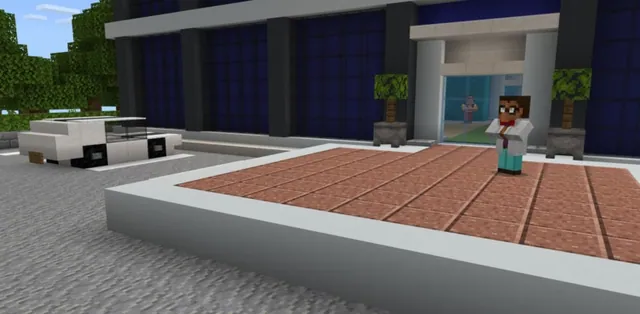
In this lesson, students explore the fundamental concept of variables and spatial coordinates in computer science. Working within a scenario for an organization named CodingMine, learners help develop automated software designed to support farmers through harvesting, sorting, and selling produce. They examine how variables act as placeholders for information and learn how assigning or updating data directly controls outcomes in the world.
Using Python within MakeCode, students progress through three structured tasks. They create fruit variables to determine button sequences on sorting machines, pair location variables with on-screen world coordinates to plant melons and pumpkins, and build arithmetic scripts to compute market prices under shifting economic conditions.
Learning objectives
By the end of this lesson students will be able to:
- Define what a variable is and demonstrate how to assign and update values using Python.
- Identify on-screen world coordinates and apply them to location variables.
- Write, test, and debug code to sort produce, plant crops, and calculate sales totals.
- Display output in the game chat using the say command to verify computational results.
Key vocabulary
- Variable
- A placeholder or storage container for a numerical value, text string, command, or another variable.
- World Position
- The unique coordinate numbers that identify an exact location inside the Minecraft world.
- Assignment Operator
- The equals sign (=) used in Python code to assign a specific value to a variable.
Before class
Lesson sequence
Suggested timing: about 60 minutes in total.
- Introduction to Variables10 min
Introduce the role of variables in programming as named containers that hold numerical values, text, or locations. Explain how the equals sign is used to assign values, and introduce CodingMine's farming software project.
- Activity 1: Sorting Things Out15 min
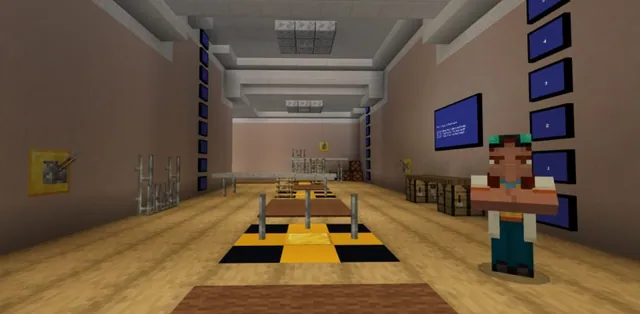
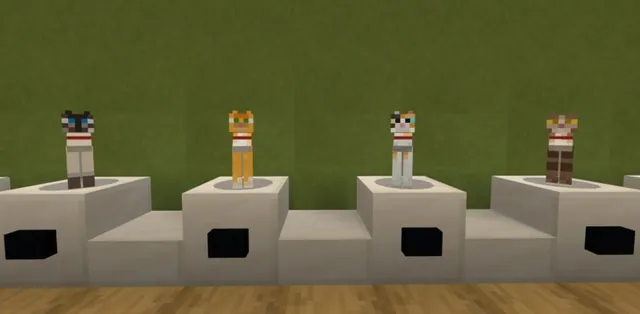
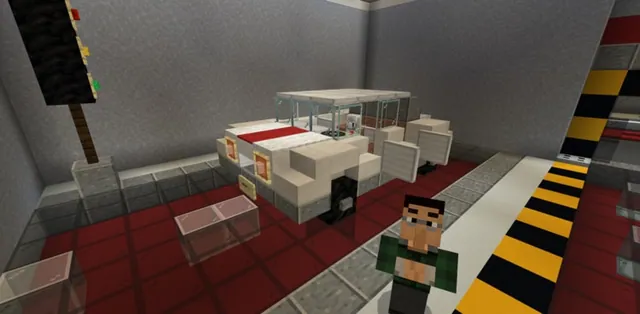
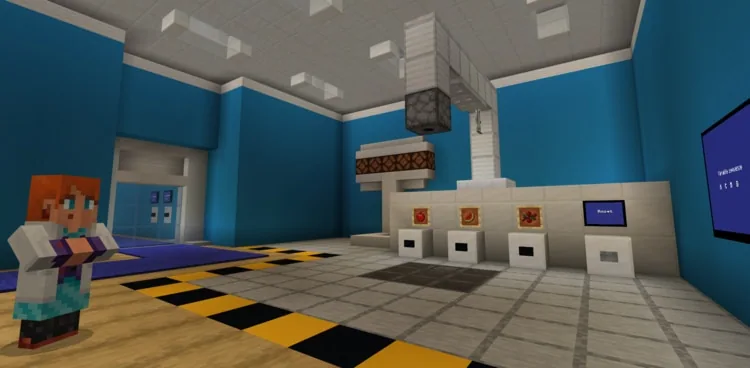
Guide students to assist the programmer with produce sorting. Learners define variables for various fruits and complete the program so the sorting machine reveals the proper sequence of buttons to press.
- Activity 2: Ideal Planting Spot15 min
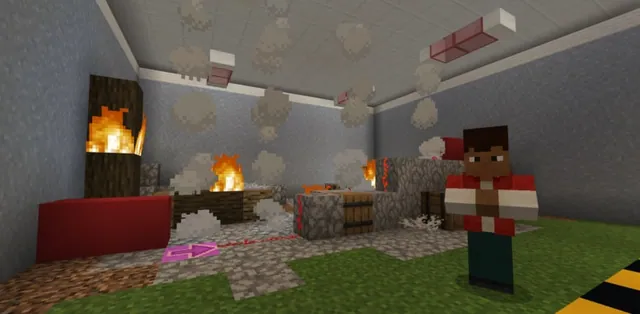
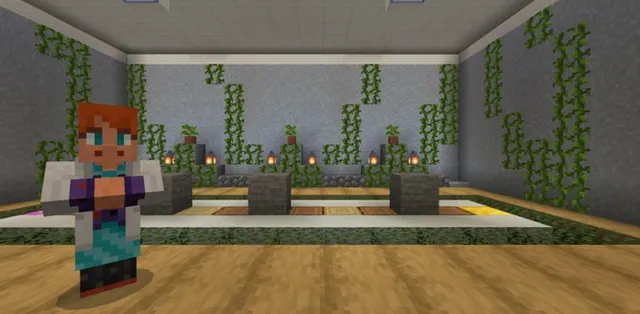
Direct students to help the developer plant crops in designated spots. Students stand in the target area, read their world position in the top left-hand corner, and match those coordinates to location variables in their code.
Using the place block command alongside their location variables, students place a pumpkin or melon block that matches the marker block suspended overhead.
- Activity 3: Are My Calculations Off?15 min
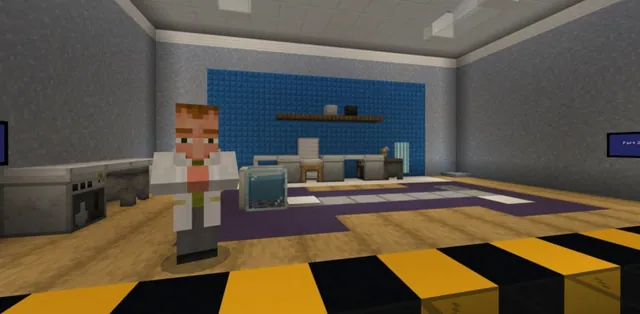
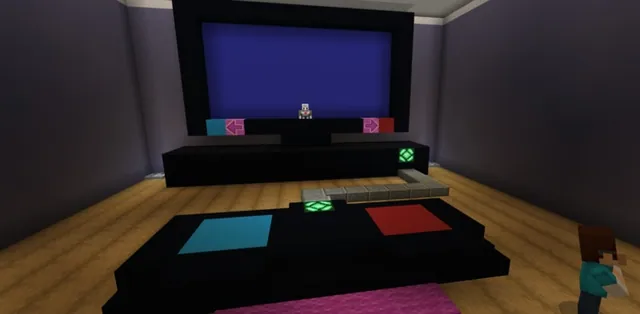
Have students assist the data scientist by writing and expanding a Python script that calculates crop sales. Students code three calculations representing different situations, such as price increases, price drops, or new crops being added.
Students output each total to the chat window using the say command, then press the in-game button that corresponds to the displayed cost.
- Review and Formative Assessment5 min
Bring the class together to review key concepts. Ask formative questions about variable definitions, assignment syntax, and world positions to reinforce learning and celebrate debugging success.
Assessment: success criteria
- Students can define a variable and demonstrate how to set or update its value using Python syntax.
- Students correctly read world coordinates from the top left-hand corner and store them in location variables to place crops.
- Students write and modify calculations for crop costs, displaying the final amount in chat with the say command.
Differentiation
Pair students together to practice reading coordinate numbers from the top left corner and step through assignment syntax before running their code.
Have students modify their calculation scripts to handle multiple compounding price changes or additional custom produce variables.
Knowledge check
5 questions to check understanding after the lesson. Tap an answer to see if it is right; the score appears at the end.
1What is a variable in computer programming?
Answer: B. A variable functions as a container or placeholder to store data such as numbers, text, commands, or other variables.
2How is a value assigned to a variable in Python?
Answer: A. In Python, values are assigned to variables using the equals sign, such as writing a = 1.
3If apple starts at 3 and the code executes apple += 2, what is the new value of apple?
Answer: C. The += operator adds 2 to the original value of 3, resulting in 5.
4Where on the screen can a player check their world position coordinates?
Answer: B. Players can locate their current world position coordinates in the top left-hand corner when standing in a location.
5In Activity 3, how do students verify and show their final cost calculation?
Answer: D. Students display the calculated crop cost in the chat using the say command, then press the matching button.
Resources
- Lesson package (.zip)Everything the author attached to this lesson in one download.
- Python 101-Lesson 3: A Varied OutcomeEDU Guide
- Python 101-Lesson 3: A Varied OutcomePresentation
- Programming with PythonCurriculum Overview
- Lesson worldOpens the world page in Minecraft Education (sign-in with a school account may be needed).
Part of the Python 101 curriculum
This is lesson 3 of 10 in Python 101.
- Python 101 with MakeCode - Lesson 1
- Python 101 with MakeCode - Lesson 2
- Python 101 with MakeCode- Lesson 3
- Python 101 with MakeCode - Lesson 4
- Python 101 with MakeCode - Lesson 5
- Python 101 with MakeCode - Lesson 6
- Python 101 with MakeCode - Lesson 7
- Python 101 with MakeCode - Lesson 8
- Python 101 with MakeCode - Lesson 9
- Python 101 with MakeCode - Lesson 10
Frequently Asked Questions
What should students do if their crop does not plant in the correct spot?
Have students check their position in the top left-hand corner while standing on the target spot and confirm that the numbers in their location variable match those coordinates exactly.
Do students write three separate scripts for Activity 3?
No. Students work on a single piece of code throughout Activity 3, adding and adapting calculations as new pricing conditions are introduced.
Adapted from Python 101 with MakeCode- Lesson 3 by Minecraft Education on Minecraft Education, last updated Jun 14, 2023. This classroom version, the timings and the quiz were written by 9Minecraft Education.