- Type
- Lesson plan
- Ages
- Ages 6-13
- Duration
- about 8 hours (suggested)
How can we design an informative museum exhibit that showcases the geography, history, and culture of Wales?
Overview
Wales possesses a distinct cultural heritage, compelling historical narratives, and unique geography. In this cross-curricular project, students explore these characteristics through guided inquiry and collaborative research. Learners gather facts through online sources, videos, and surveys to identify the country's most significant landmarks and traditions.
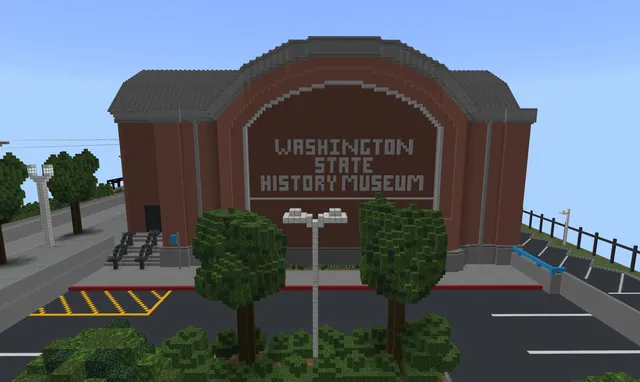
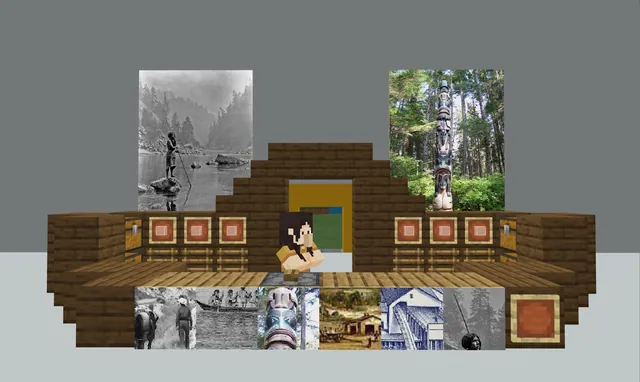
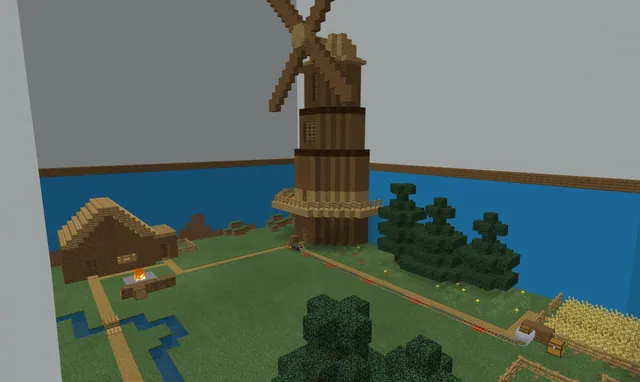
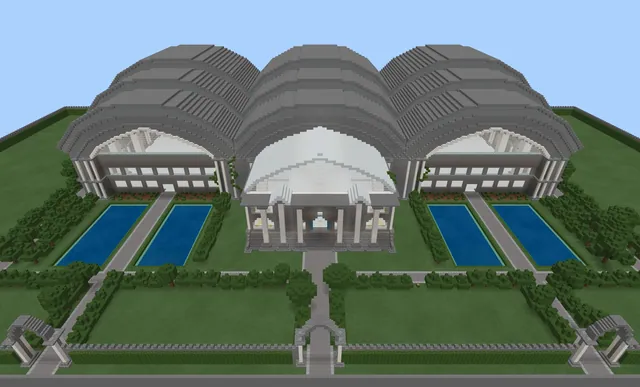
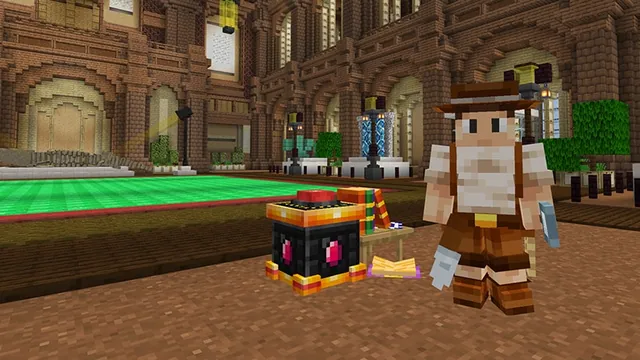
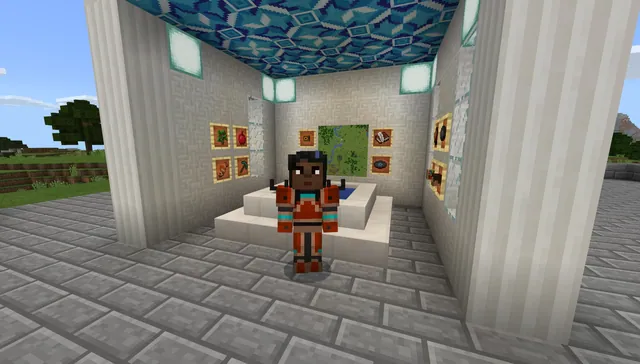
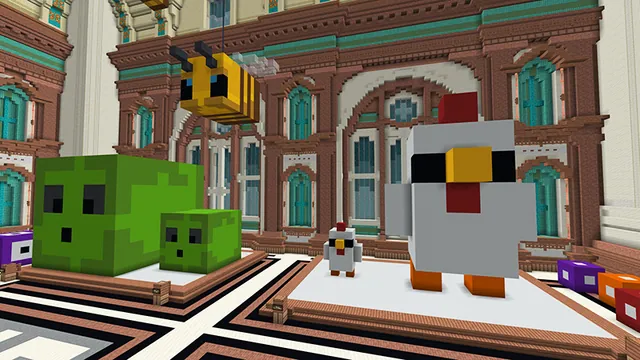
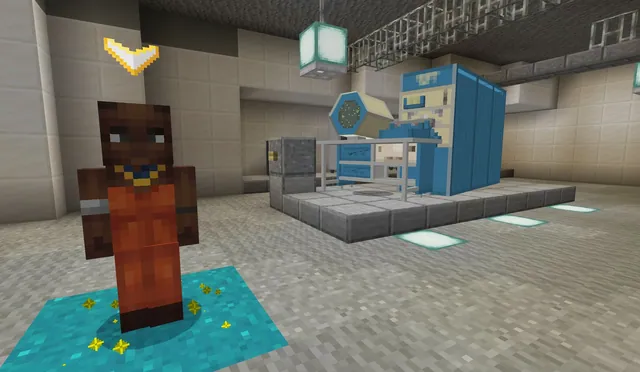
Students then enter a dedicated virtual museum world in Minecraft to turn their research into three-dimensional exhibits. By combining creative architectural builds with informative in-game tools like Non-Player Characters, signs, and posters, teams present their discoveries and record video tours to teach their peers.
Learning objectives
By the end of this lesson students will be able to:
- Investigate Welsh geography, history, culture, and attractions using diverse research methods.
- Collaborate to design and build an exhibit within the Museum of Wales world.
- Present factual findings using in-game Non-Player Characters, posters, and signs.
- Create a video walkthrough of the finished exhibit using Flipgrid.
- Tour and log peer exhibits using the camera and book and quill.
Blocks and items used in this lesson


Key vocabulary
- Exhibit
- A curated display of objects, models, and information organized to teach museum visitors about a topic.
- Non-Player Character (NPC)
- An in-game character that provides dialogue, links, or facts to guide visiting players.
- Heritage
- The customs, culture, traditions, and historical achievements of a nation or group.
Before class
Lesson sequence
Suggested timing: about 480 minutes in total.
- Research and Discovery120 min
Watch a promotional video highlighting Wales to introduce its landmarks, culture, and history. Students then conduct independent and group research using online resources and create a Microsoft Form to collect responses from family and peers.
- Planning and Ideation60 min
Learners review their collected data to select key Welsh topics for their display. Groups use Microsoft Sway or Flipgrid to assemble an ideas board and sketch an exhibit floor plan suitable for the Museum of Wales.
- Museum Construction180 min
Teams enter the Museum of Wales world and choose an available exhibit area. Working collaboratively, students construct their models and place NPCs, signs, and posters containing factual information to guide visitors through their research.
- Walkthrough Creation60 min
Learners record a Flipgrid video walkthrough of their completed exhibit. Each team navigates through their space, demonstrates interactions with NPCs, and explains the historical or geographical significance of their build.
- Gallery Tour and Logging60 min
Students explore the exhibits built by other groups across the museum. Each learner takes photos using the in-game camera and records reflections in a book and quill to summarize what they discovered from their classmates.
Assessment: success criteria
- The exhibit accurately reflects research about Welsh geography, history, or culture.
- Non-Player Characters, signs, and posters are positioned effectively to provide clear educational information.
- The team produces a comprehensive Flipgrid video walkthrough narrating their build.
- The student completes a visit log of peer exhibits using the camera and book and quill.
Differentiation
Provide a structured list of recommended Welsh topics and pre-formatted text prompts to help students organize their NPC dialogue.
Have advanced learners build multi-room exhibits with branching NPC dialogue covering multiple eras of Welsh history.
Knowledge check
5 questions to check understanding after the lesson. Tap an answer to see if it is right; the score appears at the end.
1Which digital tool does the lesson suggest students use to survey peers and family for research?
Answer: C. The lesson suggests gathering information through online research and creating a Microsoft Form to send to peers and family.
2What in-game elements are used to present research facts inside the exhibits?
Answer: D. Learners use NPCs, posters, and signs to present their research findings throughout the exhibit build.
3How do students create an interactive walkthrough of their finished museum build?
Answer: A. Learners work in groups to create a Flipgrid walkthrough exploring their build and interacting with NPCs.
4What tools do learners use to document their visit to other students' exhibits?
Answer: B. Students visit the exhibits of other groups and use the camera and book and quill to log their visit.
5Which tools available on Hwb are recommended for creating an ideas board during planning?
Answer: C. The plan specifies using tools such as Microsoft Sway or Flipgrid to create an ideas board for selecting build topics.
Resources
- Lesson package (.zip)Everything the author attached to this lesson in one download.
- Museum of Wales SoW and Lesson SupportThe Scheme of Work (SoW) provides an overarching view of the project and each Lesson Support document provides the granularity for each stage.
- Museum of Wales Minecraft WorldA Minecraft world to use as a catalyst for the project
Part of the Museum Builds curriculum
This is lesson 8 of 10 in Museum Builds.
- WA State History Museum Part 1
- WA State History Museum Part 2
- WA State History Museum Part 3
- Create Your Own Museum
- Dynamic Dioramas
- Museum of Me
- Museum of Scale
- Museum of Wales
- The Great Tech Story
- The Hall of Inventions
Frequently Asked Questions
Which subjects are covered by this museum project?
The lesson integrates Art and Design, Geography, and History as students research Welsh heritage and design gallery installations.
What additional software tools are used alongside Minecraft?
The project incorporates tools available on Hwb, specifically Microsoft Forms for research surveys, Microsoft Sway for ideas boards, and Flipgrid for planning and video walkthroughs.
Adapted from Museum of Wales by Hwb MLCs on Minecraft Education, last updated Jul 16, 2025. This classroom version, the timings and the quiz were written by 9Minecraft Education.