- Type
- Lesson plan
- Ages
- Ages 8-18
- Duration
- 2 hours
- Level
- Beginner
How has the evolution of computing history shaped modern technology, and how can we design tech responsibly to solve future problems?
Overview
Computing technology shapes everyday tools from mobile phones to gaming consoles, yet understanding its historical progression helps students appreciate modern digital innovation. This lesson guides learners through a virtual exhibit created with the Computer History Museum to examine how past breakthroughs, engineering practices, and ethical questions influence the software and hardware we rely on today.
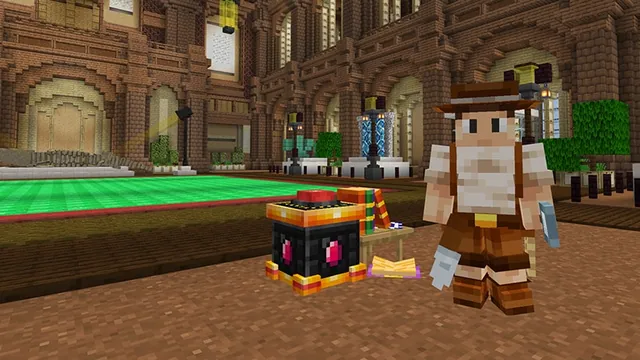
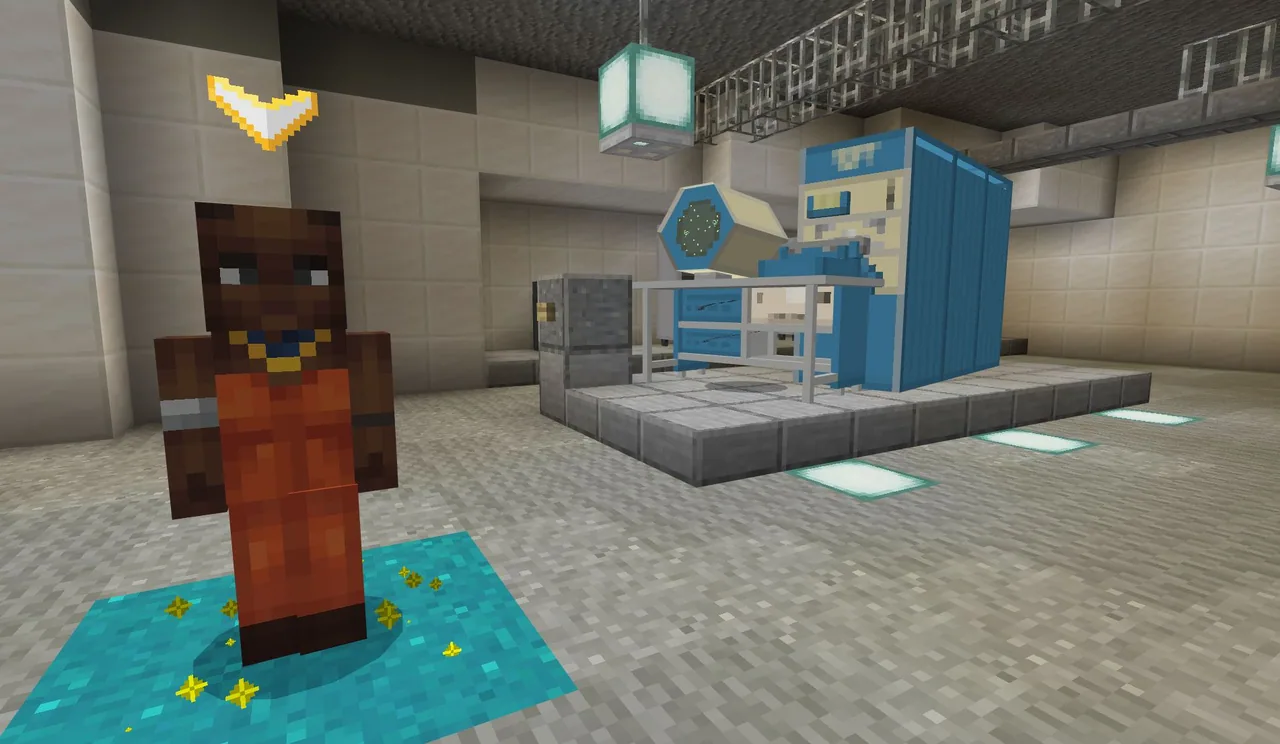
Inside the Minecraft world, students encounter non-player characters who teleport them into five distinct hands-on modules. Learners investigate foundational hardware and software principles, participate in debates regarding tech ethics, discover how prototypes turn into commercial products, and synthesize their discoveries through an open-ended build challenge.
Learning objectives
By the end of this lesson students will be able to:
- Trace the evolution of computing hardware and software from historical innovations to present-day devices.
- Explain foundational computing concepts including logic gates, programming, compiling, and Moore's Law.
- Describe the engineering design process used to turn an early prototype into a finished product.
- Analyze ethical issues in technology such as privacy, accessibility, transparency, and diversity.
- Apply technical knowledge and collaborative problem-solving skills to complete an in-game build challenge.
Blocks and items used in this lesson


Key vocabulary
- Logic Gate
- A basic hardware building block, such as an AND or OR gate, that controls electrical decisions in a circuit.
- Moore's Law
- The historical observation that computing power doubles approximately every two years as microchip components shrink.
- Compiling
- The automated process of converting human-written programming language into machine instructions a computer can run.
- Prototype
- An early working model built during the engineering design process to test ideas before final production.
- Branching
- A programming structure where code makes decisions and takes different paths based on specific conditions.
Before class
Lesson sequence
Suggested timing: about 120 minutes in total.
- Museum Exploration25 min
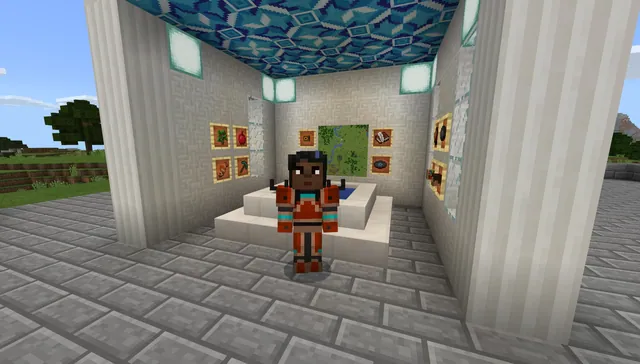
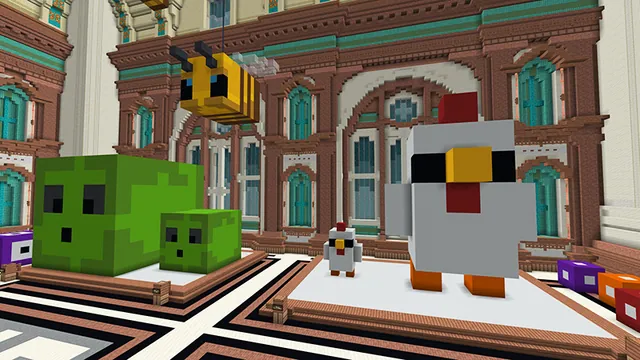
Students enter the virtual Computer History Museum to explore artifacts and interact with non-player characters (NPCs). They read exhibit descriptions, follow optional links to learn more, and observe historical milestones in tech.
- Hardware and Software Stations35 min
Students interact with guide NPCs to teleport into targeted simulation areas:
- Hardware Station: Investigate physical mechanisms such as relays, switches, AND/OR logic gates, and the concept of Moore's Law.
- Software Station: Experiment with programming languages, branching code pathways, and compiling scripts.
- Ethics, Design, and Everyday Life25 min
Learners complete the remaining teleported experiences to understand the broader context of computing:
- Observe an interactive debate regarding transparency, privacy, intentions, access, and diversity.
- Meet a startup team to track how prototypes develop into products via the engineering design process.
- Observe a household scenario showing technology use in daily life, or view engineers demonstrating a self-driving car.
- Collaborative Build Challenge25 min
Students transition to the designated build challenge, applying their critical thinking, collaboration, and computing knowledge to construct solutions for future technology problems.
- Explore Mode and Reflection10 min
Learners activate Explore mode to freely revisit museum exhibits or take an in-game selfie with the crash test dummy, concluding with a brief group discussion on responsible digital citizenship.
Assessment: success criteria
- Student accurately explains the function of logic gates, switches, or the process of compiling code.
- Student outlines the progression of the engineering design process from prototype to final product.
- Student identifies key ethical responsibilities concerning digital privacy, transparency, or diversity.
- Student constructs an in-game artifact that reflects the themes of the lesson's build challenge.
Differentiation
Allow students to explore exhibits in pairs, focusing primarily on the switch interactives and everyday family tech exhibits.
Have advanced learners explore the self-driving car exhibit and incorporate working AND/OR logic gates into their final build challenge.
Knowledge check
5 questions to check understanding after the lesson. Tap an answer to see if it is right; the score appears at the end.
1Which hardware concepts are featured in the museum's interactive learning stations?
Answer: A. The source identifies relays, switches, AND gates, OR gates, and Moore's Law as the primary hardware interactives.
2What do students learn when meeting the startup team in the virtual world?
Answer: C. The source explicitly states that meeting the startup team teaches the engineering design process and prototype development.
3Which software principles are taught inside the immersive experiences?
Answer: B. The source lists programming, branching, computer language, and compiling code under software interactives.
4Which set of issues is explored during the tech ethics debate?
Answer: D. The source specifically highlights transparency, privacy, access, intentions, and diversity as core critical thinking topics.
5What feature allows students to freely browse the museum exhibits after finishing their tasks?
Answer: A. The source states that students can enter Explore mode to continue browsing the museum.
Resources
Part of the Museum Builds curriculum
This is lesson 9 of 10 in Museum Builds.
- WA State History Museum Part 1
- WA State History Museum Part 2
- WA State History Museum Part 3
- Create Your Own Museum
- Dynamic Dioramas
- Museum of Me
- Museum of Scale
- Museum of Wales
- The Great Tech Story
- The Hall of Inventions
Frequently Asked Questions
How do students travel from the main museum to the interactive lessons?
Five non-player characters (NPCs) stationed across the museum exhibits invite students to teleport directly into immersive activity environments.
What age levels are supported by this lesson plan?
The experience is designed for beginners and spans three broad student age bands: 8–10, 11–13, and 14–18 years old.
Are there extra activities for students who complete the core stations quickly?
Yes. Fast finishers can enter Explore mode to browse remaining exhibits, interact with engineers demonstrating a self-driving car, take a photo with a crash test dummy, or begin the build challenge.
Adapted from The Great Tech Story by Computer History Museum on Minecraft Education, last updated Jun 11, 2025. This classroom version, the timings and the quiz were written by 9Minecraft Education.