- Type
- Lesson plan
- Ages
- Ages 8-18
How can you use the layout and exhibits of a digital museum to tell a clear story about what you have learned?
Overview
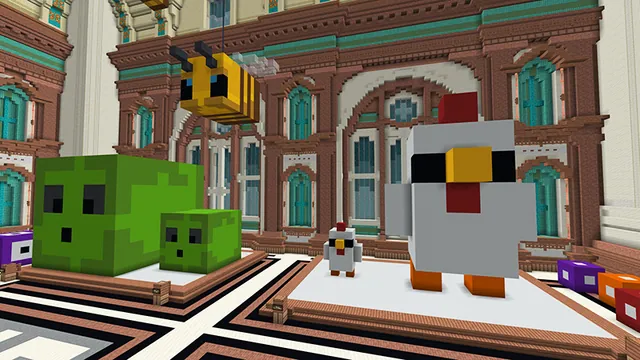
Museums are dedicated environments designed to help visitors explore, understand, and appreciate specific subjects through curated displays and storytelling. In this project-based lesson, students synthesize their knowledge from a completed unit of study by stepping into the role of museum curators who must select the most important concepts and artifacts to represent their topic.
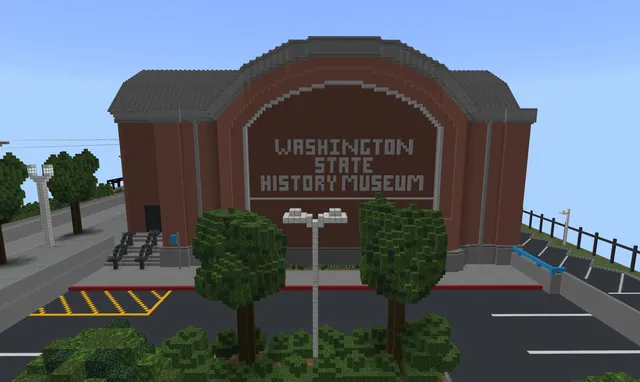
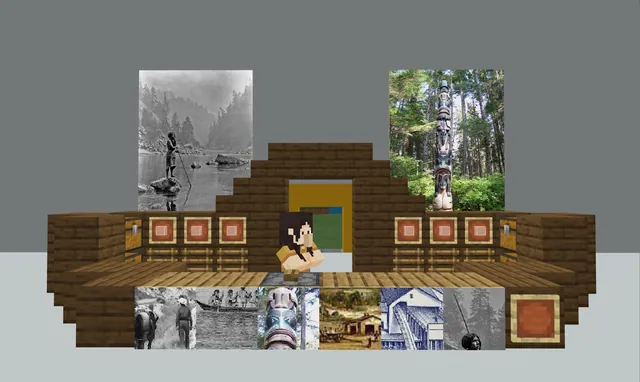
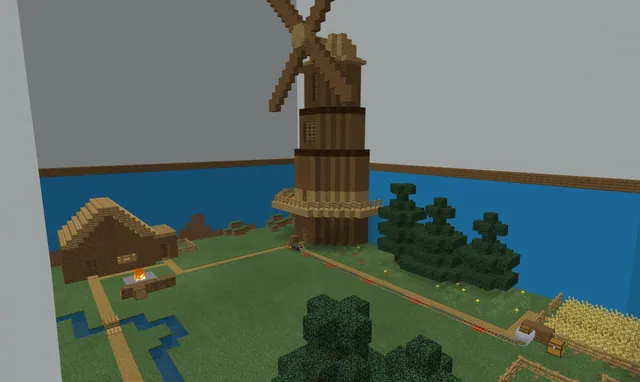
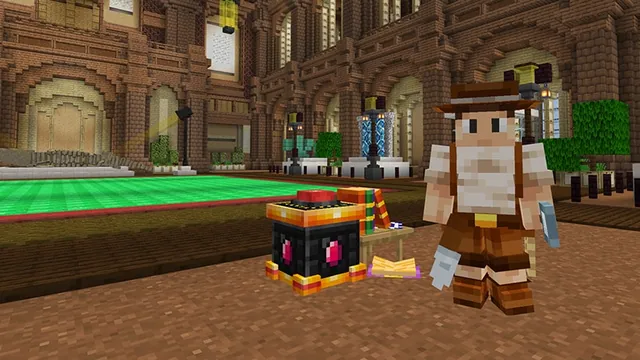
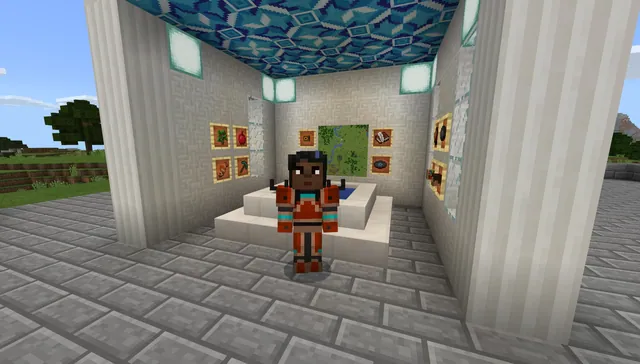
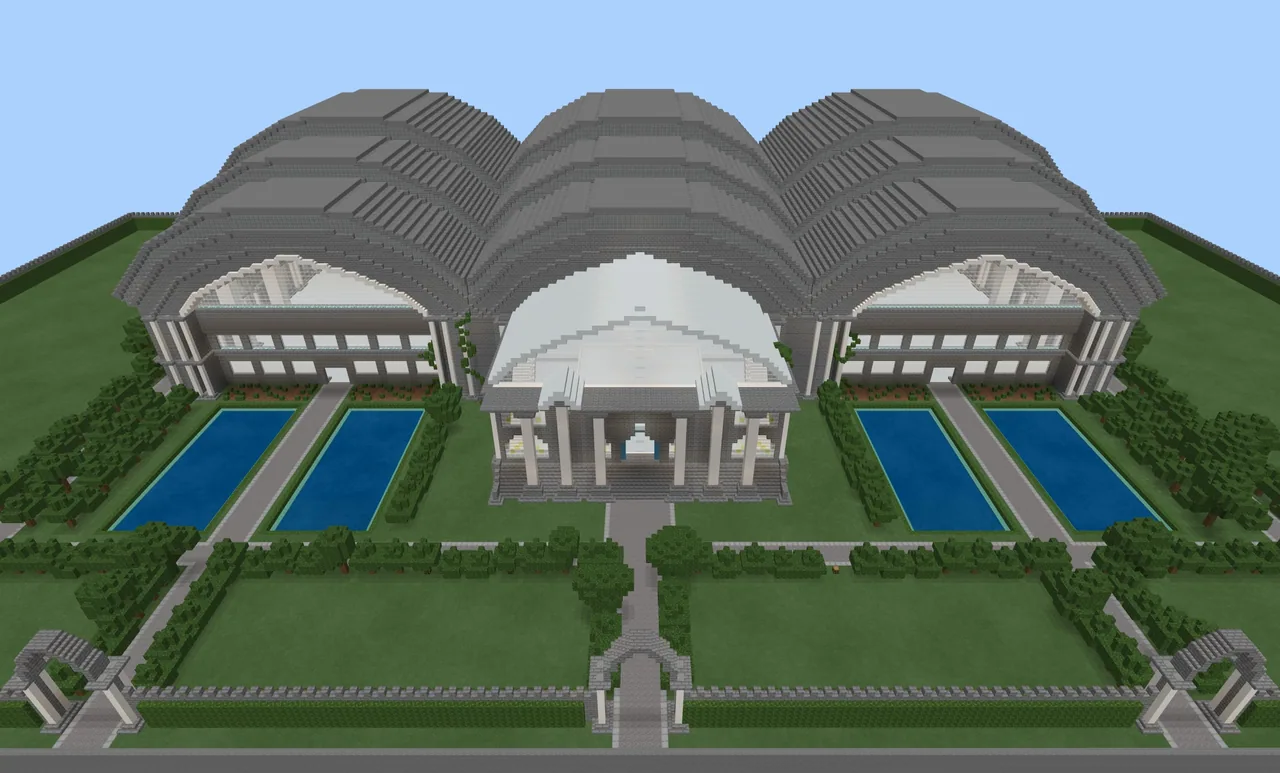
Using the Create Your Own Museum world template, learners study spatial layout, draft overhead blueprints, and build custom exhibits furnished with descriptive signs, slates, and posters. The project culminates in peer walkthroughs and recorded video tours, giving students an engaging platform to teach their peers and demonstrate their learning.
Learning objectives
By the end of this lesson students will be able to:
- Select representative artifacts and build a themed museum exhibit highlighting a specific topic of study.
- Create signs, slates, boards, and posters that clearly explain physical exhibits to visitors.
- Sketch an overhead blueprint layout that establishes a logical narrative flow for museum guests.
- Produce a guided video tour or host a virtual walkthrough to showcase the finished museum.
Blocks and items used in this lesson


Key vocabulary
- Artifact
- An object, model, or specimen displayed in a museum to teach visitors about a specific subject.
- Curator
- A person who selects, organizes, and cares for items in a collection or exhibition.
- Blueprint
- A detailed overhead drawing or architectural plan showing the layout of a space.
- Narrative Flow
- The logical path and order visitors follow so an exhibit communicates a clear story.
Before class
Lesson sequence
- Concept & Exploration
Introduce the purpose of museums in helping the public explore topics. Have students explore local or urban museums using a maps application to see the variety of subjects museums can highlight.
- Museum Design Research
Read and discuss articles about museum design so students understand planning, spatial organization, and curation. Use read-aloud tools such as Immersive Reader to support varied reading levels.
- Blueprinting the Space
Have students load the Create Your Own Museum world, explore the grounds, and count available interior rooms. Students then sketch an overhead blueprint to plan artifact placement and visitor flow.
- Peer Review & Construction
Students share their draft blueprints in small groups to gather feedback before building. Once plans are refined, learners build their exhibits and write descriptions on signs, slates, boards, and posters.
- Tours & Feedback
Learners host peer visits using world join codes or record guided video walkthroughs with presentation recording tools. Students can also attach online forms as virtual comment cards for visitor feedback.
Assessment: success criteria
- Museum exhibits include representative artifacts that accurately reflect the chosen unit of study.
- Signs, slates, boards, and posters provide accurate, informative, and well-written descriptions.
- The museum layout demonstrates an organized plan and a clear, logical narrative flow for visitors.
- The student successfully presents their museum through a video screencast or hosted peer tour.
Differentiation
Provide a graphic organizer and a pre-selected list of core facts and artifacts so students can focus on placing signage and exhibits.
Have students embed an online survey link within their museum or tour video to gather and analyze visitor feedback data like professional curators.
Knowledge check
5 questions to check understanding after the lesson. Tap an answer to see if it is right; the score appears at the end.
1What should students do immediately after exploring the grounds and counting the spaces in the museum world?
Answer: B. The lesson directs students to sketch an overhead blueprint to plan their narrative and layout before they begin building.
2What is the primary function of signs, slates, boards, and posters in the museum project?
Answer: C. Signage elements are used by students to describe their exhibits and convey accurate information to visitors.
3Why do students share their blueprints in small groups prior to building?
Answer: A. Sharing blueprint sketches allows students to receive peer feedback and refine their plans before placing blocks.
4What tool can students use to collect visitor feedback as a virtual comment card?
Answer: B. The extension activity suggests linking an online form inside the game or tour video to act as a virtual comment card.
5According to the assessment rubric, what characterizes a top-level (score of 4) museum build?
Answer: C. A score of 4 requires thoughtful planning, artifacts that well represent the topic, error-free signage, and clear flow.
Resources
- Lesson package (.zip)Everything the author attached to this lesson in one download.
- Create your own museum rubricResoure
Part of the Museum Builds curriculum
This is lesson 4 of 10 in Museum Builds.
- WA State History Museum Part 1
- WA State History Museum Part 2
- WA State History Museum Part 3
- Create Your Own Museum
- Dynamic Dioramas
- Museum of Me
- Museum of Scale
- Museum of Wales
- The Great Tech Story
- The Hall of Inventions
Frequently Asked Questions
Can students work collaboratively on a single museum?
Yes, students can work independently or collaborate in pairs and small groups to plan, build, and curate exhibits together inside the shared world template.
What subject areas are suitable for this museum lesson?
The template is cross-curricular and can showcase student knowledge in science, history, art and design, literature, mathematics, or any other completed course of study.
How can students present their museums if live multiplayer visits are not possible?
Students can record a video screencast or walkthrough tour using tools like Flipgrid, Stream, or PowerPoint to guide viewers through their exhibits.
Adapted from Create Your Own Museum by Phygital Labs on Minecraft Education, last updated Sep 10, 2026. This classroom version, the timings and the quiz were written by 9Minecraft Education.