- Type
- Lesson plan
- Subject
- Math
- Topics
- Math & Economics
- Grade
- Primary (Grades 3-5)
- Ages
- Ages 8-10
How can coordinate pairs and mathematical functions be used to represent positions and lines on a grid?
Overview
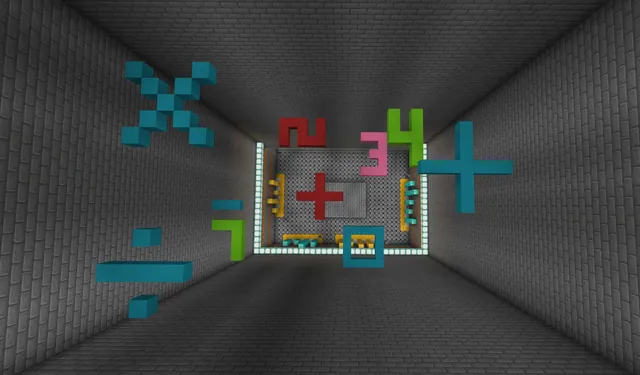
Coordinate grids serve as foundational tools for spatial reasoning, mapping, and algebraic thinking. By connecting numerical coordinates to spatial locations, students discover how perpendicular axes define positions and how mathematical functions translate into visual linear patterns.In this lesson, learners navigate a custom Minecraft world featuring designated coordinate planes and non-player characters. They plot specific coordinates, identify points on existing lines using diamond blocks, solve function rules from a worksheet to graph lines, and document their learning with in-game portfolios and structure blocks.
Learning objectives
By the end of this lesson students will be able to:
- Plot four specific points on an in-game coordinate plane using x and y values.
- Identify which coordinate point lies on an existing line and mark it with a diamond block.
- Calculate ordered pairs from linear functions and graph the resulting lines on a coordinate plane.
- Document mathematical progress using the portfolio camera and structure block export files.
Blocks and items used in this lesson


Key vocabulary
- Coordinate plane
- A two-dimensional grid formed by two perpendicular number lines intersecting at zero.
- Axes
- The perpendicular number lines (the horizontal x-axis and vertical y-axis) used to locate points.
- Ordered pair
- A set of two numbers (x, y) describing a precise location on a coordinate grid.
- Function
- A mathematical rule that takes an input number and produces a specific output coordinate.
Before class
Lesson sequence
- Introduction to Coordinate Planes
Introduce the lesson by asking students where coordinates appear in daily life, such as maps, computer code, or chessboards. Review the structure of a coordinate plane, identifying how the perpendicular x and y axes intersect at zero to pinpoint exact positions.
- Part 1: Graphing Points
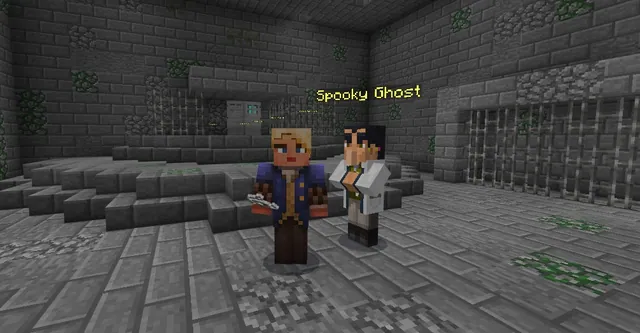
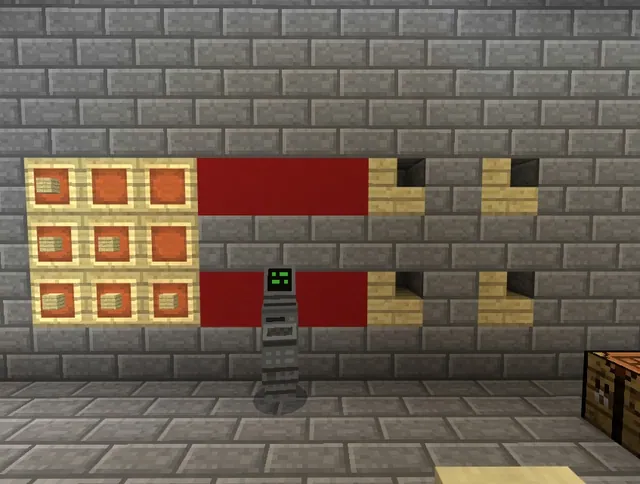
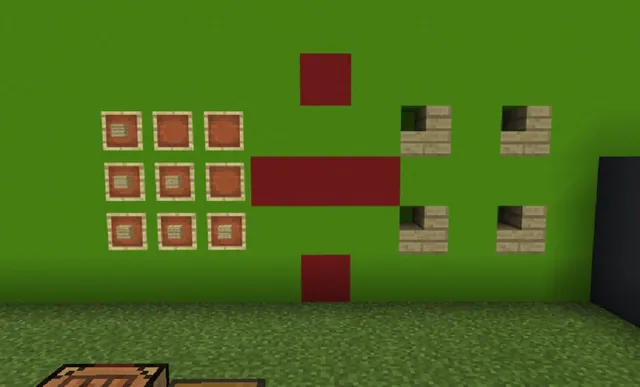
Students enter the single-player Coordinate Planes world and locate an NPC near the first grid. The NPC prompts them to graph four specific points using x and y coordinates. Students may view the Part 1 help video as needed. Once completed, learners capture an image for their portfolio and export a file using a structure block.
- Part 2: Identifying Points on a Line
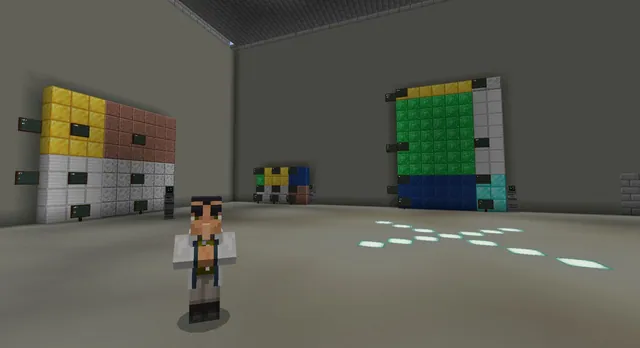
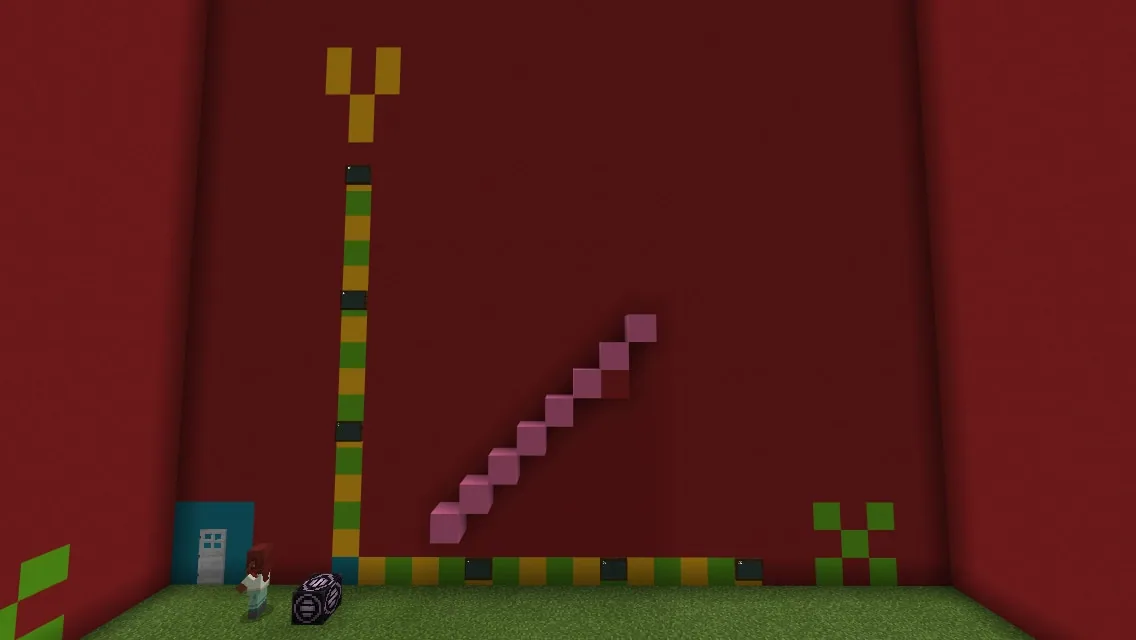
When Part 1 is finished, a door unlocks to a new room displaying three coordinate planes with lines along the walls. Students interact with NPCs to answer multiple-choice questions identifying which point falls on each line. Learners place a diamond block at the correct coordinates and document their work using the portfolio and a structure block.
- Part 3: Functions and Lines
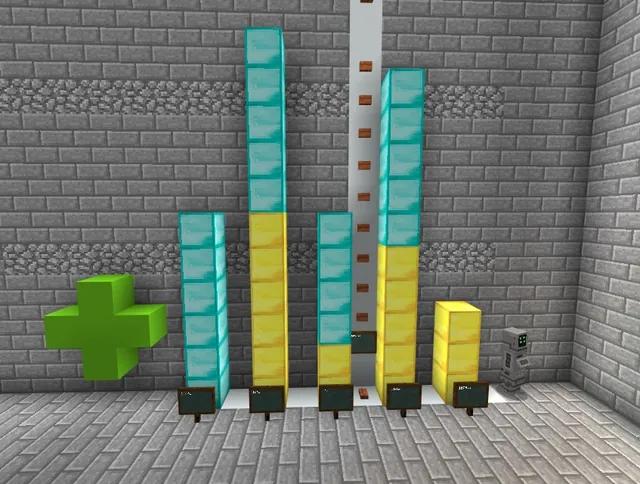
In the final room, students use their worksheet containing three functions to calculate corresponding coordinate pairs. They plot these coordinates in Minecraft to form lines on the planes. Students can consult the Part 3 help video for guidance and save their completed work via a portfolio picture and structure block export.
- Partner Treasure Hunt Extension
Students who finish early load the Treasure Hunt world. In creative mode, each student hides a chest of treasure and records its coordinates. Partners swap coordinates, switch to survival mode using /gamemode 0, and navigate the terrain to locate each other's hidden loot.
Assessment: success criteria
- Student accurately plots four specified points on the initial coordinate plane using x and y values.
- Student correctly identifies which point lies along the line in the multiple-choice NPC challenge and places a diamond block there.
- Student correctly generates coordinates from the worksheet functions and graphs the corresponding lines in the world.
- Student captures photographic evidence in their portfolio and exports structure block files for each challenge.
Differentiation
Students who need assistance can review the designated help video provided at each challenge station to see visual demonstrations of the plotting steps.
Fast finishers can load the Treasure Hunt world in creative mode, conceal a treasure chest, record its coordinates, and challenge a partner to locate it in survival mode.
Knowledge check
5 questions to check understanding after the lesson. Tap an answer to see if it is right; the score appears at the end.
1Which block must students place to mark the correct coordinate on a line in Part 2?
Answer: B. The activity instructions state that students answer the NPC question and place the correct point using a diamond block.
2How many points does the NPC ask students to graph in Part 1?
Answer: B. In Part 1, the NPC asks the student to graph four points on the coordinate plane using x and y coordinates.
3What resource accompanies Part 3 to help students calculate coordinates for graphing lines?
Answer: A. The source specifies that students are accompanied by a worksheet with three functions in the final room.
4Which command do students enter to switch to survival mode during the treasure hunt extension?
Answer: C. The extension activity instructs students to type /gamemode 0 to enter survival mode and /gamemode 1 for creative mode.
5What two items are required for students to document their completed builds across all parts?
Answer: C. At each stage, students are required to document their work with a picture in their portfolio and a file from the structure block.
Resources
Part of the Grade 5 Math curriculum
This is lesson 8 of 13 in Grade 5 Math.
- The Decimal Dungeon - Part 1
- The Decimal Dungeon - Part 2
- The Decimal Dungeon - Part 3
- The Decimal Dungeon - Part 4
- The Decimal Dungeon - Part 5
- City Planning - Survival Roads
- Classifying Quadrilaterals
- Coordinate Planes in Minecraft
- Crafting Fractions
- Fraction World
- Fractions and Multiplication
- Javelin Line Plots
- Volume World
Frequently Asked Questions
How do students progress into the second challenge area?
Once students finish the first graphing exercise, a door opens automatically to grant access to the room containing three coordinate planes.
What guidance is available if students struggle with graphing or functions?
Each stage of the lesson includes a dedicated help video that students can consult to review the graphing and calculation steps.
What command should students use to hide the chest before hunting for treasure in the extension?
Students must be in creative mode to set up the treasure, which is accessed by entering the command /gamemode 1.
Adapted from Coordinate Planes in Minecraft by Minecraft Education on Minecraft Education, last updated Dec 19, 2022. This classroom version, the timings and the quiz were written by 9Minecraft Education.