- Type
- Lesson plan
- Ages
- Ages 11-18
- Skills
- CommunicationCreativity
How can exploring varied Minecraft biomes and cinematic world building inspire original story ideas?
Overview
Setting serves as the foundation for atmosphere, plot direction, and character choices in fiction. This lesson asks students to examine how physical environments influence creative writing, prompting them to explore the difference between narrative storytelling and broader world building while studying examples from authors and film directors.
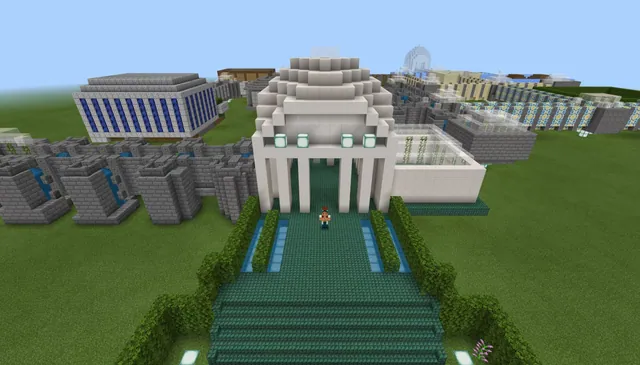
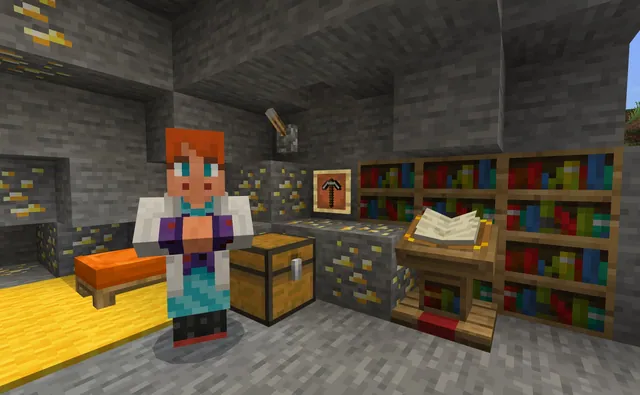
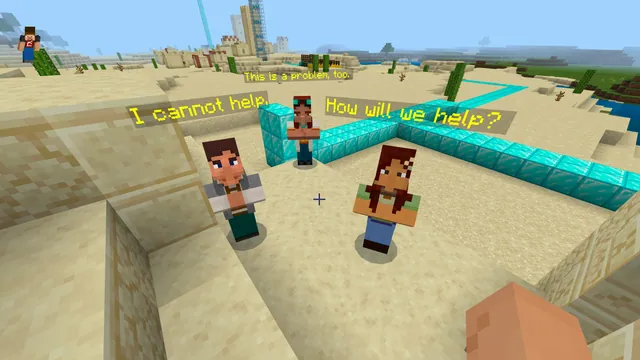
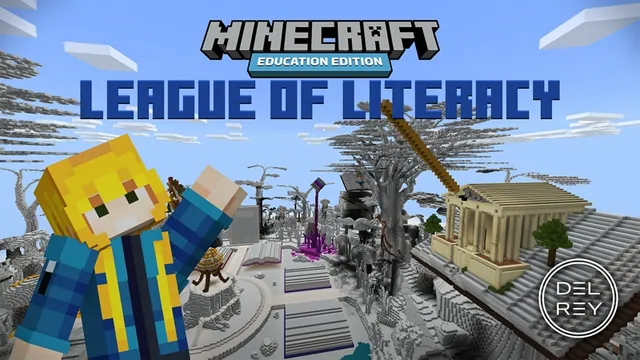
Using a downloadable Minecraft world, learners navigate through distinct biomes and in-game locations, capturing observations and story premises in a digital document. Students then use Minecraft as a prototyping space, building visual representations of their ideas to test and refine their fictional worlds.
Learning objectives
By the end of this lesson students will be able to:
- Identify connections between physical settings and narrative ideas across three biomes.
- Distinguish between narrative storytelling and fictional world building.
- Analyze movie trailers to generate concepts for narrative settings.
- Build prototypes in Minecraft to visually demonstrate story and world-building ideas.
Blocks and items used in this lesson


Key vocabulary
- Setting
- The specific place, time, and environment where a story unfolds.
- World Building
- The intentional creation of a complete fictional realm, including its geography and environment.
- Prototyping
- Building an initial visual model or mock-up to experiment with and refine ideas.
- Biome
- A distinct Minecraft landscape characterized by specific terrain, vegetation, and atmospheric conditions.
Before class
Lesson sequence
- Introduction & Trailer Analysis
Introduce the core question of how environments inspire narrative. Screen chosen movie trailers, guiding students to observe how directors design fictional spaces and discussing the key differences between world building and narrative storytelling.
- Biome Tour & Note-Taking
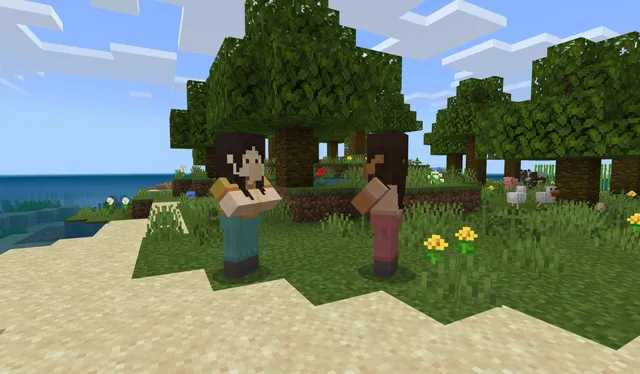
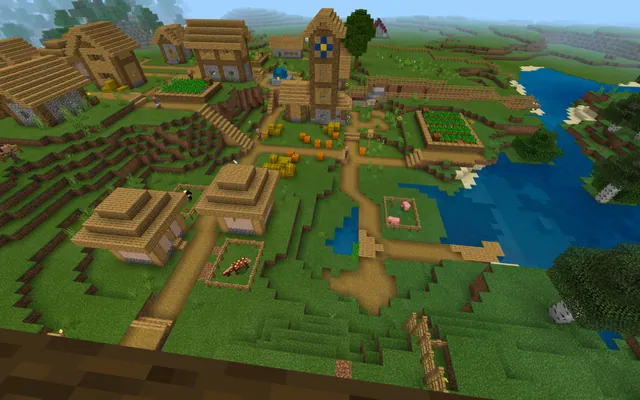
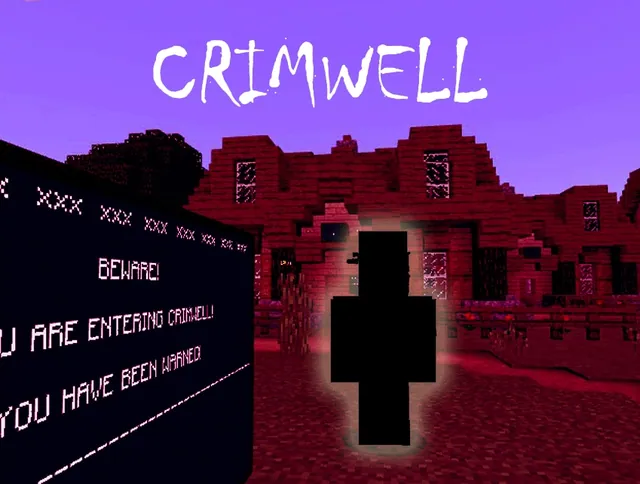
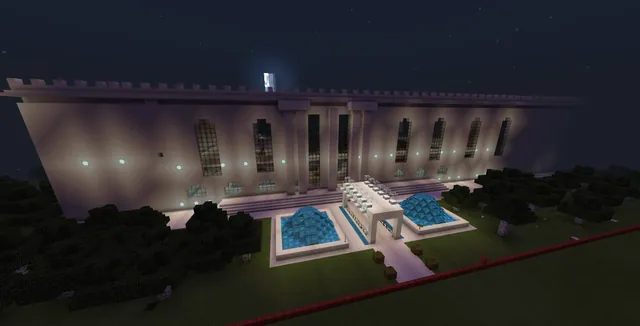
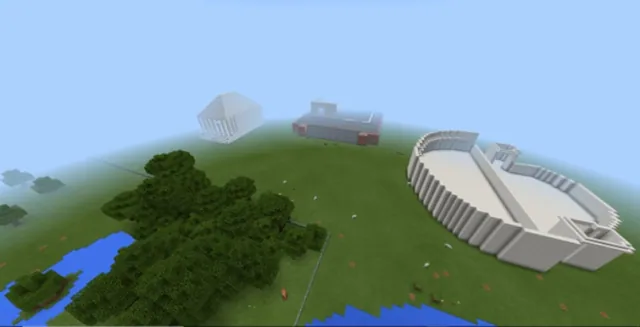
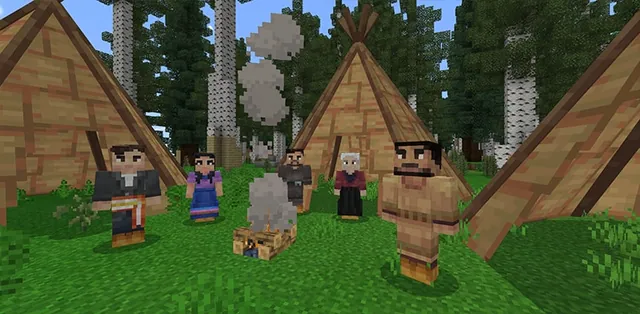
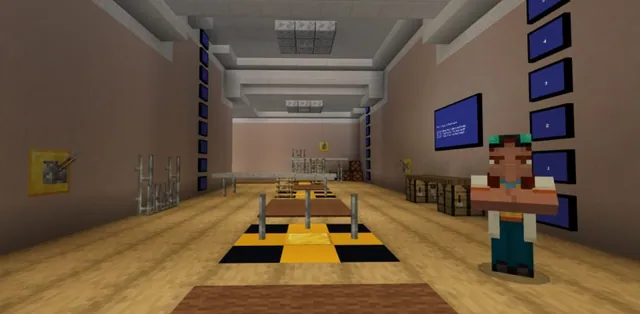
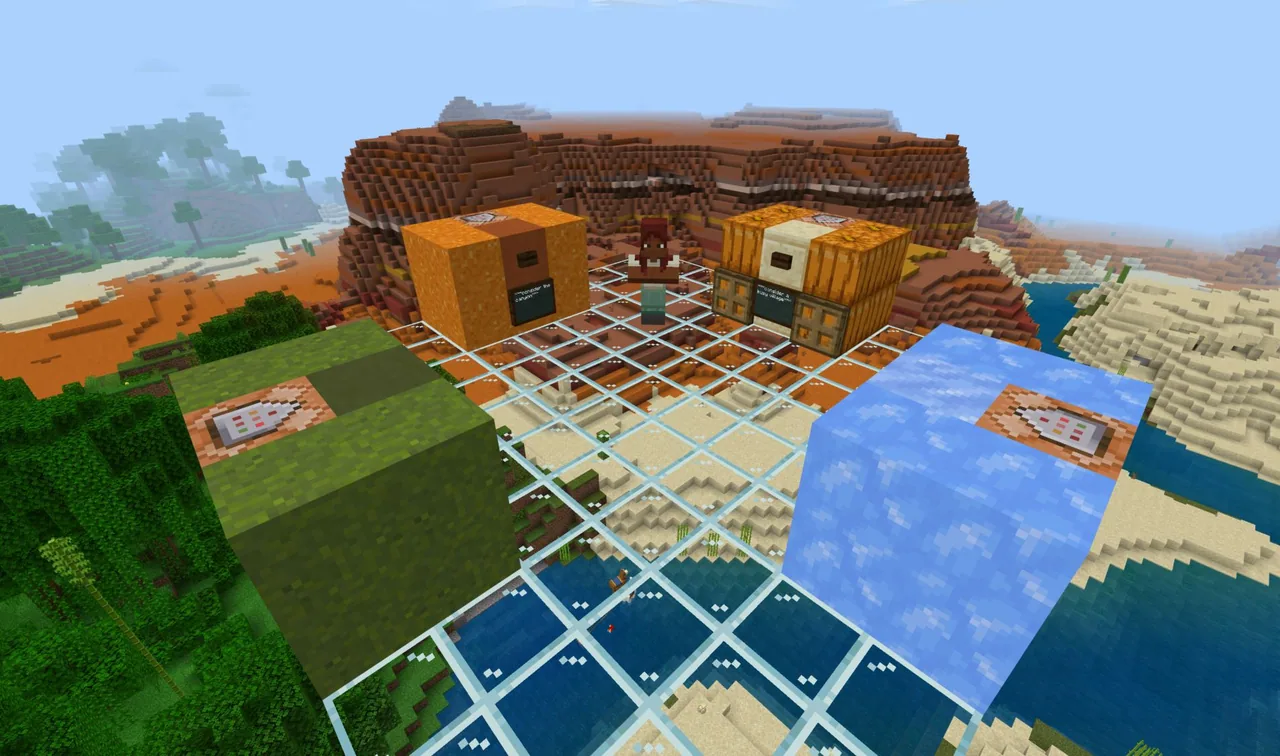
Have students load the Minecraft world to explore three separate biomes and four specific in-game settings. As they explore, students record descriptive observations, questions, and story possibilities within their Google Docs note-catcher.
- Prototyping in Minecraft
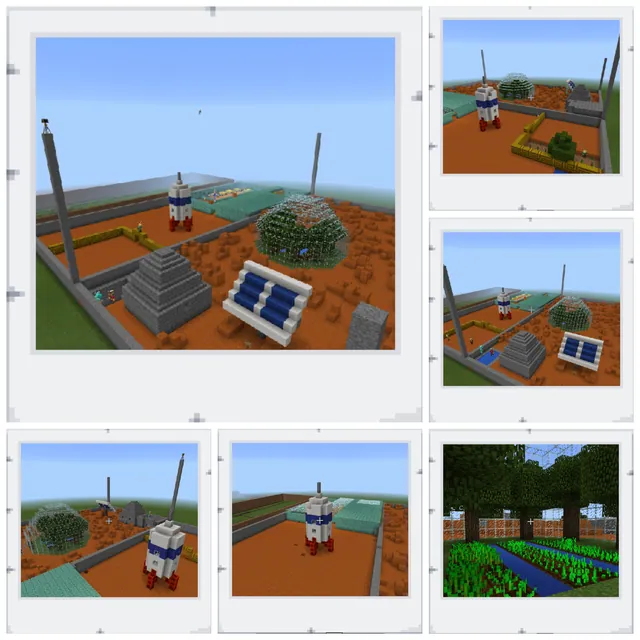
Prompt students to use the in-game building tools as a prototyping canvas. Learners build structures, landscapes, or scenes that visually support their narrative premises and expand their fictional worlds.
- Review & Discussion
Invite students to present their in-game builds to peers. Facilitate a closing discussion where learners reflect on how navigating the biomes shaped their creative writing and world-building plans.
Assessment: success criteria
- Completion of the Google Docs note-catcher connecting observed biomes to original narrative ideas.
- Accurate articulation of the difference between narrative storytelling and world building.
- An in-game build that clearly models or prototypes a setting for a story or fictional world.
Differentiation
Provide guided question prompts within the Google Docs note-catcher to assist students in evaluating each biome.
Ask learners to invent a conflict that bridges two distinct biomes and prototype the transitional border region in-game.
Knowledge check
5 questions to check understanding after the lesson. Tap an answer to see if it is right; the score appears at the end.
1What is the primary purpose of visiting the biomes during this lesson?
Answer: B. The lesson directs students to explore biomes specifically to spark ideas for creative writing and setting development.
2Which tool do students use to record notes during their biome tour?
Answer: D. The activities state that students use a note-catcher on Google Docs to record observations during the tour.
3What external media resource is used to help students imagine story settings?
Answer: B. The learning objectives specify using movie trailers for world building and narrative inspiration.
4How do students utilize Minecraft building during the lesson?
Answer: A. The lesson identifies building in Minecraft as a site of prototyping during the world-building process.
5Which conceptual distinction are students expected to demonstrate in their work?
Answer: C. The source requires students to distinguish between storytelling and world building as a core performance expectation.
Resources
Part of the Creative Writing curriculum
This is lesson 8 of 10 in Creative Writing.
- 6 Room Poem Maze
- Characters All Around
- Conflict in Stories
- Diving for Dialogue
- Exquisite Corpse
- Narrative in Perspective
- Setting in Narrative Writing
- Settings for Stories
- This I Believe
- Where I’m From
Frequently Asked Questions
Does this lesson rely on a specific downloadable Minecraft world?
Yes, the lesson is designed around an available companion world containing the three biomes and four settings for students to tour.
What supplementary technology is needed besides Minecraft?
Students need access to Google Docs to record their setting notes and an internet-connected device or display to watch selected movie trailers.
What target age group is this writing lesson suitable for?
The lesson source lists target age ranges of 11 to 13 and 14 to 18, making it adaptable across middle and high school grades.
Adapted from Settings for Stories by NWP Network on Minecraft Education, last updated Jul 5, 2021. This classroom version, the timings and the quiz were written by 9Minecraft Education.