- Type
- Lesson plan
- Topics
- Math & EconomicsSTEAM
- Grade
- Early years (Pre-K to Grade 2)Primary (Grades 3-5)Middle school (Grades 6-8)High school (Grades 9-12)
- Ages
- All ages
- Duration
- 30 min
- Level
- Beginner
- Skills
- Creativity
How can we use labeled blocks and visual models in Minecraft to represent numbers and operations?
Overview
Visualizing abstract mathematical concepts helps learners build strong foundational understanding. In this lesson, students use labeled number and symbol blocks to directly build, organize, and inspect mathematical structures in a hands-on digital space.
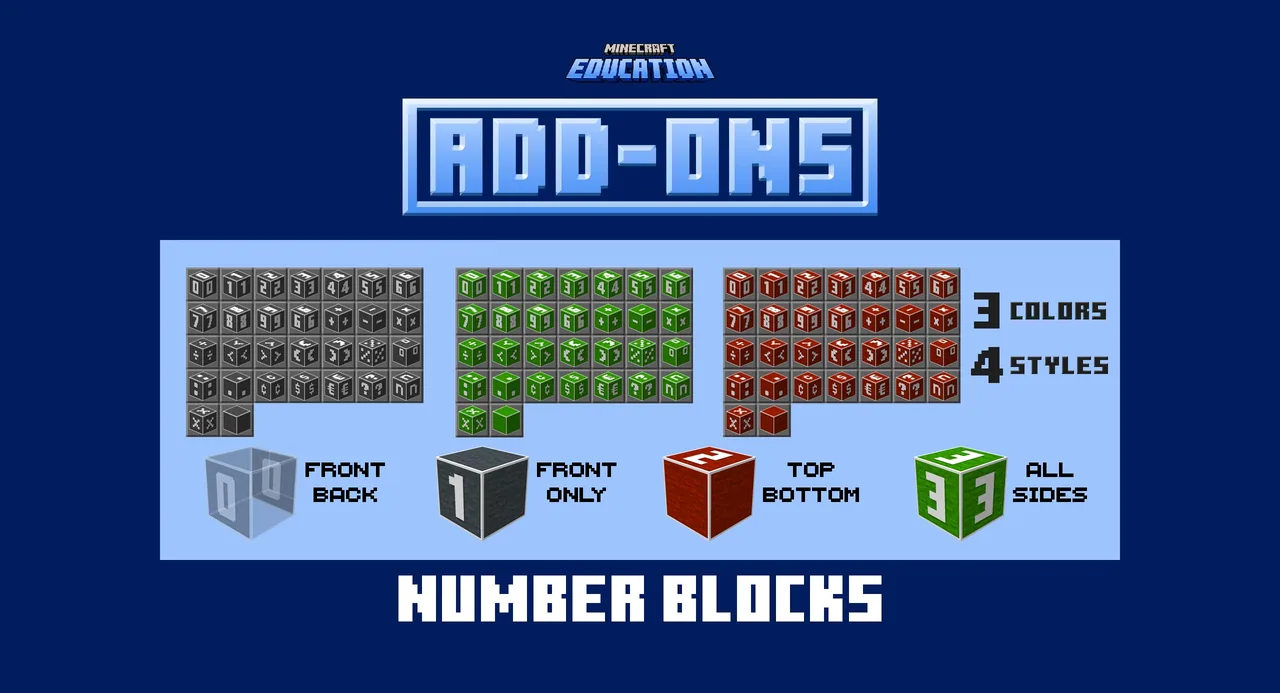
By loading the Number Blocks add-on pack into Minecraft, learners construct place-value columns, design multiplication and area arrays, and present equivalent representations of numerical values using block models alongside number tiles.
,Learning objectives
By the end of this lesson students will be able to:
- Build place-value structures representing ones, tens, and hundreds.
- Construct arrays to model multiplication and area using labeled number blocks.
- Demonstrate multiple visual representations of the same mathematical value.
Blocks and items used in this lesson


Key vocabulary
- Add-On
- A downloadable pack that changes textures or introduces new blocks into Minecraft.
- Place Value
- The numerical value a digit has based on its position, such as ones, tens, or hundreds.
- Array
- An arrangement of blocks in rows and columns used to model multiplication and area.
Before class
Lesson sequence
Suggested timing: about 30 minutes in total.
- Introduction5 min
Introduce the Number Blocks add-on and show students how to locate the labeled number and symbol blocks in their inventory. Explain that these tiles will be used to label mathematical builds.
- Place-Value Building10 min
Have students construct physical groupings for ones, tens, and hundreds using blocks. Instruct them to label each column or group with the corresponding number block.
- Arrays and Area10 min
Ask students to arrange blocks into rectangular arrays to demonstrate multiplication facts and area concepts. Students place number blocks along the edges and label the total product.
- Review and Discussion5 min
Have learners observe partner builds to identify multiple representations of the same number. Conclude with a brief discussion on how physical models help clarify math concepts.
Assessment: success criteria
- Learners construct accurate block models for ones, tens, and hundreds columns.
- Learners build rectangular arrays that correctly represent multiplication and area.
- Learners accurately label structures using the number and symbol tiles.
- Learners demonstrate more than one representation of a single mathematical value.
Differentiation
Provide single-digit place values and small multiplication tables for students to build step by step.
Challenge students to model three-digit numbers or compound area arrays labeled with complete expressions.
Knowledge check
5 questions to check understanding after the lesson. Tap an answer to see if it is right; the score appears at the end.
1What type of resource is the Number Blocks pack?
Answer: B. Number Blocks is an add-on pack that changes textures or adds new blocks into the game.
2Which mathematical concept is modeled by separating ones, tens, and hundreds?
Answer: A. The source identifies building place-value models in ones, tens, and hundreds as an activity.
3How does the lesson suggest modeling multiplication and area?
Answer: B. Students create arrays to model multiplication and area, labeling them with visible number tiles.
4What is the main learning goal of using Number Blocks in Minecraft?
Answer: C. The pack is designed to help learners visualize, build, sort, and represent numbers directly in the world.
5How can students demonstrate understanding of a single mathematical value?
Answer: D. The lesson directs students to build multiple representations of the same value using math models and numbers.
Resources
- Lesson package (.zip)Everything the author attached to this lesson in one download.
- Teachers GuideTeacher's guide to help you get started using Add-Ons in the classroom.
- Number Blocks (Block Pack) Add-OnUnzip and open the mcaddon in Minecraft Education to add the Number Blocks (Block Pack) Add-On.
Part of the Add-ons in the Classroom curriculum
This is lesson 8 of 12 in Add-ons in the Classroom.
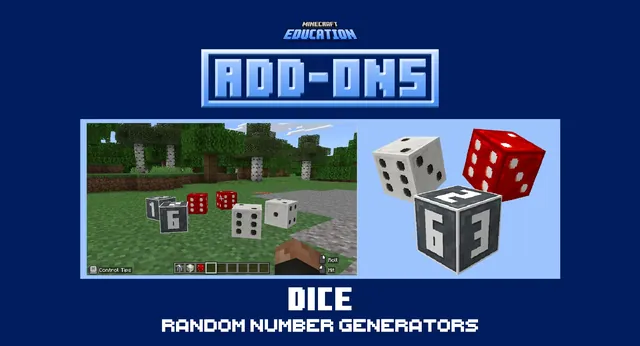
- Dice Add‑on (Tool Pack) Add-On
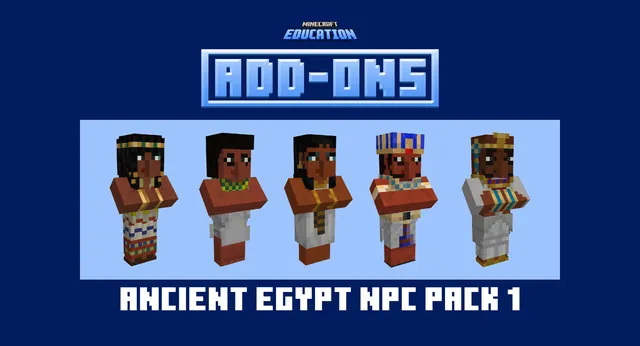
- Egyptian NPC Pack (NPC Pack) Add-On
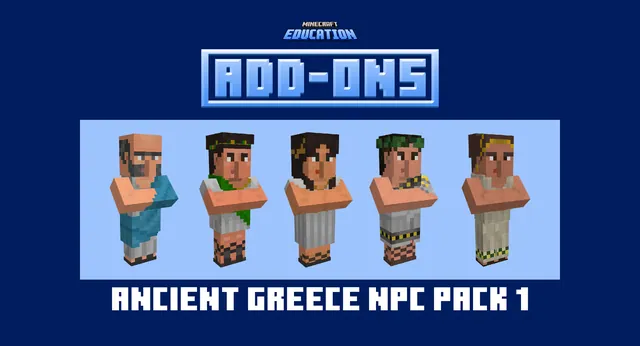
- Greek NPC Pack (NPC Pack) Add-On
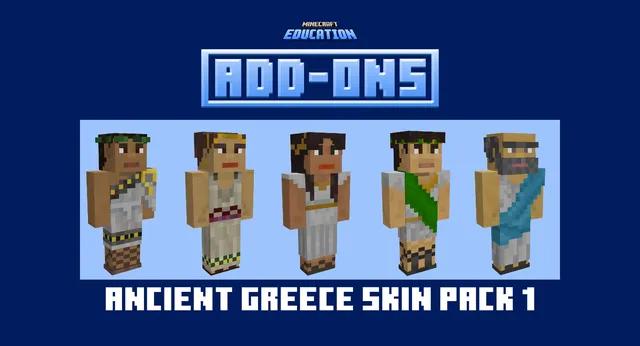
- Greek Skin Pack (Skin Pack) Add-On
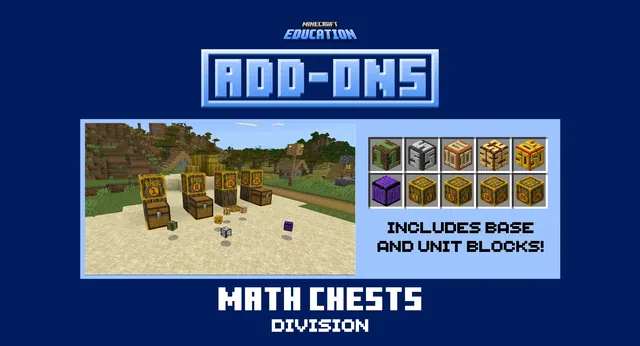
- Math Chests Division (Tool Pack) Add-On
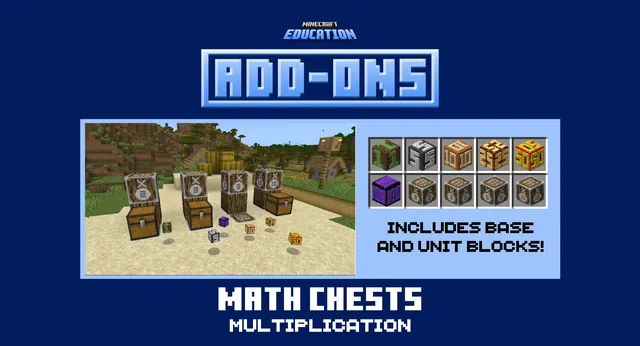
- Math Chests Multiplication (Tool Pack) Add-On
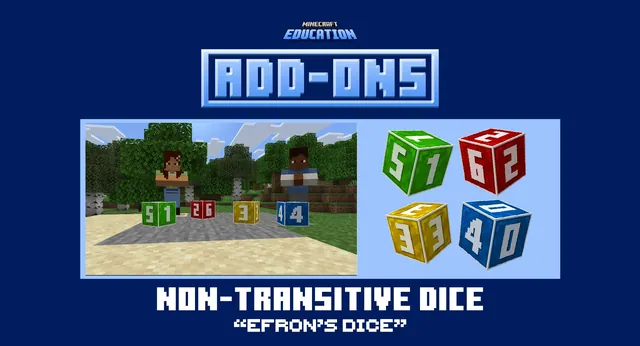
- Non-transitive Dice (Tool Pack) Add-On
- Number Blocks (Block Pack) Add-On
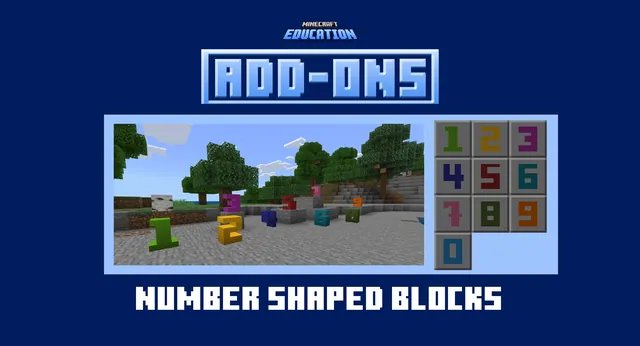
- Number Shape Blocks (Block Pack) Add-On
- Roman (NPC Pack) Add-On
- Roman Architecture (Structure Pack) Add-On
- Roman Skin Pack (Skin Pack) Add-On
Frequently Asked Questions
Does this lesson require downloading a specific pre-made world?
No, there is no downloadable world required. You can apply the Number Blocks Add-On to any standard creative world.
What support materials are available for setup?
Teachers can refer to the included Teachers Guide and watch the how-to video mentioned in the resource materials.
Adapted from Number Blocks (Block Pack) Add-On by Minecraft Education on Minecraft Education, last updated Apr 9, 2026. This classroom version, the timings and the quiz were written by 9Minecraft Education.