- Type
- Lesson plan
- Subject
- Computer Science & Coding
- Topics
- Computer Science
- Ages
- Ages 11-18
- Duration
- about 60 min (suggested)
How can we use Python commands, variables, and the Agent to solve problems and advance a community's technology?
Overview
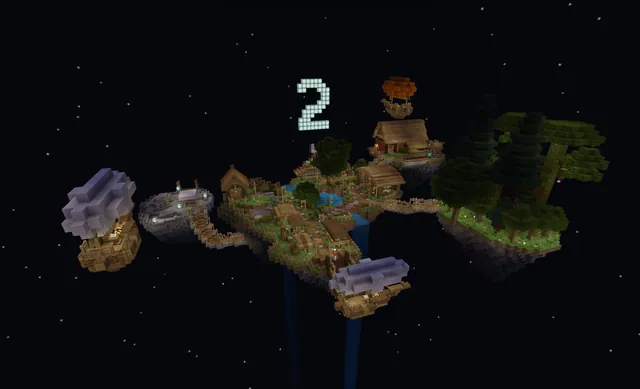
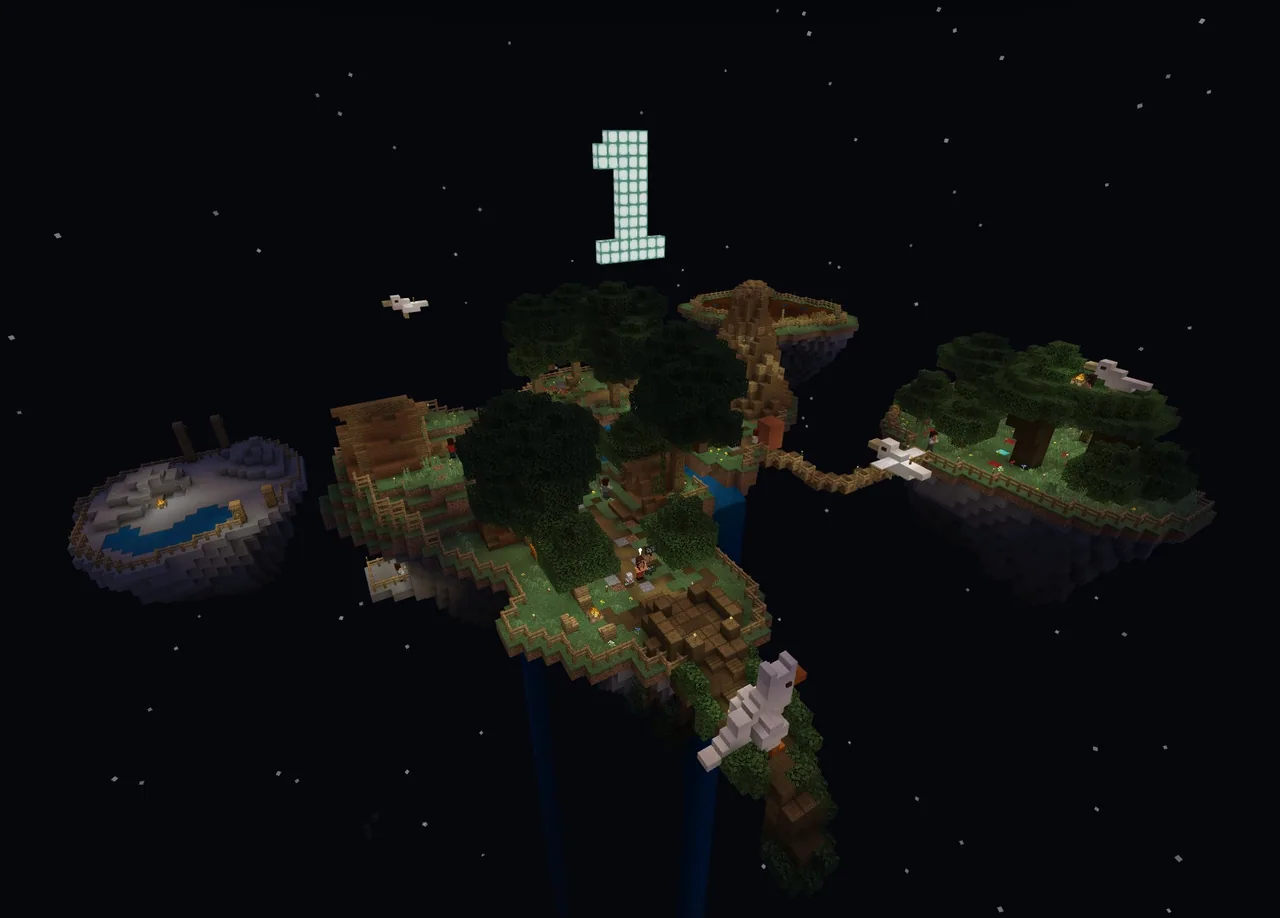
In the Kingdom of the Floating Islands, students help a Neolithic community develop its technological capabilities through introductory computer science. Learners explore foundational programming concepts, including variables, algorithmic sequencing, and problem decomposition, to help advance the civilization.
Using Python Notebooks directly inside Minecraft, students write code to display text messages, store information, and direct their Agent. As they work through tasks such as farming, collecting apples, and mining, they gather materials needed to interact with the island's characters and complete the world.
Learning objectives
By the end of this lesson students will be able to:
- Use the say() command to output text messages inside Minecraft.
- Define variables to store data temporarily within a Python program.
- Break down complex tasks into sequential instructions using decomposition.
- Program the Agent to navigate and complete tasks using directional movement commands.
Blocks and items used in this lesson


Key vocabulary
- Variable
- A storage location in code used to hold data temporarily while a program runs.
- Decomposition
- The process of breaking a complex problem down into smaller, codable parts.
- Sequencing
- Putting code instructions into the correct order so an action can be performed properly.
- Agent
- A programmable helper in Minecraft that carries out actions commanded by player code.
Before class
Lesson sequence
Suggested timing: about 60 minutes in total.
- Introduction to the Floating Islands10 min
Introduce the Kingdom of the Floating Islands and explain that students are starting in Neolithic times to help the residents advance. Demonstrate how to press C to open Code Builder and access the Python Notebooks interface.
- Messages and Variables15 min
Guide students through Activities 1.1 and 1.2. Learners write Python code using say() to broadcast messages in the game, then practice creating and using variables to store information temporarily.
- Agent Tasks: Farm, Apples, and Mine25 min
Have students practice decomposition and sequencing across Activities 2 through 5. Students write movement commands like agent.move("left") to guide the Agent across farmland, pick up apples, and navigate the mine.
- World Completion and Reflection10 min
Once the mine task is complete, students take their Coal Ore to the Wizard, receive Coal in return, and bring it to the Chieftain. Conclude by discussing how ordering commands correctly allowed the Agent to finish each job.
Assessment: success criteria
- Opens the Code Builder interface using the 'C' key.
- Uses the say() command to display text in the game world.
- Explains that variables store data temporarily inside a program.
- Directs the Agent using directional movement commands to finish island tasks.
- Delivers the converted Coal to the Chieftain to complete the world.
Differentiation
Pair students together and provide a reference list showing the exact syntax for the say() and agent.move() commands.
Challenge students to optimize their code by reducing the total number of movement steps their Agent uses in the mine.
Knowledge check
5 questions to check understanding after the lesson. Tap an answer to see if it is right; the score appears at the end.
1Which keyboard key is pressed to open the Code Builder window in Minecraft?
Answer: B. Pressing the C key opens the Code Builder window.
2What is the primary function of variables in a Python program?
Answer: C. Variables allow programs to store data temporarily.
3Which command is used to direct the Agent to move to the left?
Answer: B. The command agent.move("left") moves the Agent to the left.
4Which Python command is used to output a message into the game?
Answer: D. The say() command outputs text messages into the game.
5How do students officially complete Island 1 after finishing the mine challenge?
Answer: A. Taking the Coal Ore to the Wizard yields Coal, which completes the world once handed to the Chieftain.
Resources
Part of the Python Island curriculum
This is lesson 1 of 6 in Python Island.
Frequently Asked Questions
How do students complete the storyline for Island 1?
Upon finishing the fifth activity in the mine, students receive a Coal Ore block. They must bring this block to the Wizard to convert it into Coal, which is then handed to the Chieftain to complete the world.
What core coding concepts are covered in this initial world?
Students learn to open the Python Notebooks interface, output text using say(), create variables to hold temporary data, and use decomposition and sequencing to navigate the Agent.
Adapted from Island 1 by Minecraft Education on Minecraft Education, last updated Mar 19, 2025. This classroom version, the timings and the quiz were written by 9Minecraft Education.