- Type
- Lesson plan
- Subject
- History & Social Studies
- Ages
- Ages 14-18
- Duration
- about 60 min (suggested)
What started World War I, which countries were involved, and how was it resolved?
Overview
This introductory lesson launches a five-part study of World War I, inviting high school students to investigate the origins, participants, and conclusion of the global conflict. Learners begin by auditing their prior knowledge before stepping into a historical Minecraft simulation to generate focused inquiries.
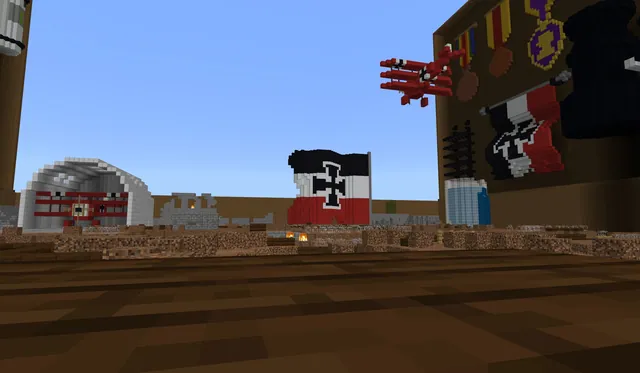
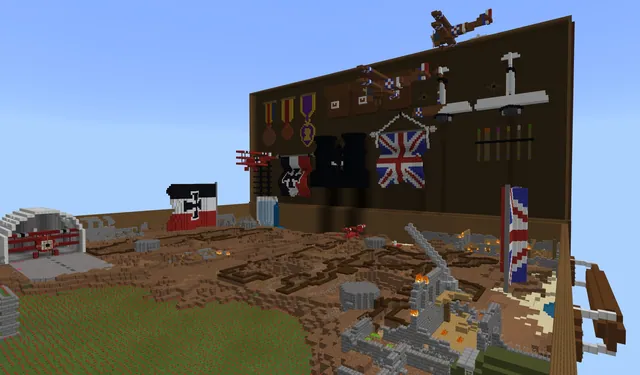
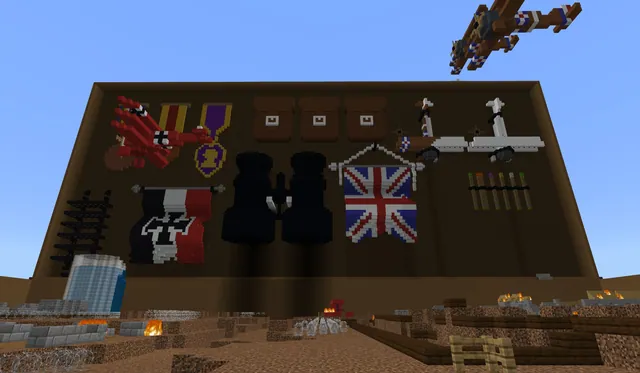
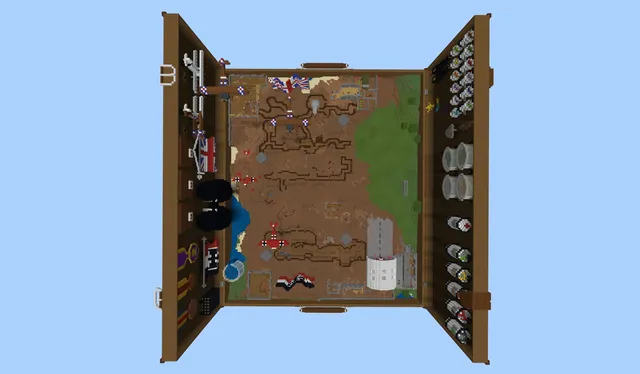
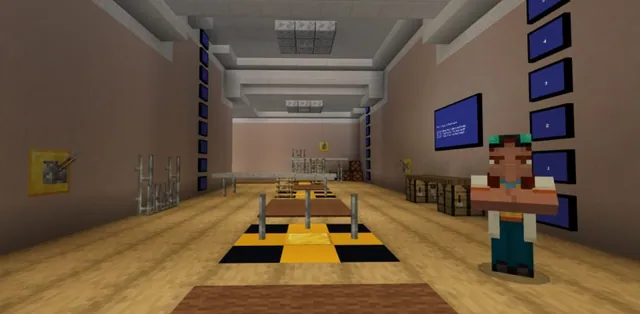
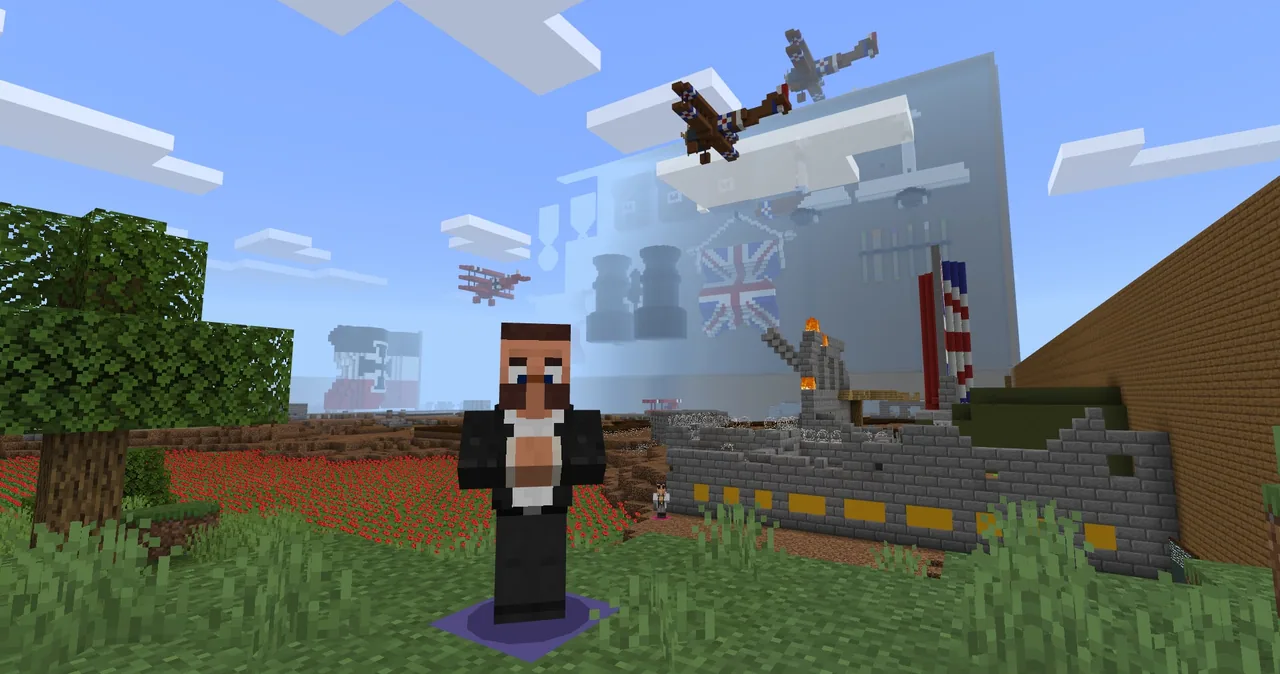
Inside the World War I toybox world, students meet an NPC representing President Woodrow Wilson, navigate historical environments, and collect observations. They combine in-game exploration with collaborative research, peer discussion on a digital board, and a short video presentation explaining how the war began and concluded.
Learning objectives
By the end of this lesson students will be able to:
- Identify foundational facts and generate inquiry questions about the causes, nations, and resolution of World War I.
- Navigate the Minecraft toybox environment using coordinates to gather observational notes.
- Collaborate on a digital board to research and answer student-generated historical questions.
- Script and record a concise video response summarizing the key factors and outcome of the war.
Blocks and items used in this lesson


Key vocabulary
- Toybox
- An open interactive Minecraft environment containing multiple historical learning stations.
- Coordinates
- In-game positional numbers that help players determine their exact location within the world.
- Woodrow Wilson
- The United States president who initially opposed entering the war but relented in 1917.
- Resolution
- The formal conclusion or settlement that brought the conflict to an end.
Before class
Lesson sequence
Suggested timing: about 60 minutes in total.
- Prior Knowledge Activation10 min
Direct students to open their notebooks or journals and write down everything they already know about World War I. Explain that this list may be brief, as their upcoming observations will help build new questions.
- World Entry and Exploration20 min
Instruct students to enter the Minecraft world and enable Show coordinates in the Game settings menu. Students meet the President Woodrow Wilson NPC, review his opening dialogue, and explore the environment.
Students record visual observations and draft questions based on what they discover and four core prompts displayed by the teacher: war causes, participating countries, final resolution, and how this war differed from earlier conflicts.
- Collaborative Questioning and Research15 min
Have students post their generated questions to a class Padlet board, organizing and commenting on peer entries. Assign specific questions to individual students or pairs to research, verify with reference links, and post back to the board.
- Scripting and Video Synthesis15 min
Give students time to review posted answers and sources. Ask each student to script and record a 90-second video on FlipGrid answering the central question: What started World War I, which countries were involved, and how was it resolved?
Assessment: success criteria
- Student records detailed observational notes and relevant historical questions while exploring the Minecraft world.
- Student posts at least two questions and two thoughtful responses with source links to the collaborative board.
- Student delivers an organized 90-second video response directly addressing the causes, involved nations, and resolution of the war.
Differentiation
Allow students to work in pairs to brainstorm Padlet questions and discuss the central guiding question before writing individual scripts.
Provide selected archival video clips containing real World War I footage for advanced historical comparison.
Knowledge check
5 questions to check understanding after the lesson. Tap an answer to see if it is right; the score appears at the end.
1According to the NPC dialogue in the world, in what year did President Woodrow Wilson relent and enter the war?
Answer: C. NPC Woodrow Wilson states in his dialogue that he was opposed to entering the war but finally relented in 1917.
2Which in-game setting should students turn on to keep track of their location within the toybox world?
Answer: A. The lesson advises students to open Settings, remain in Game settings, and scroll down to activate Show coordinates.
3Which historical figure greets students at the beginning of the World War I toybox?
Answer: D. The source specifies that students enter the world and are greeted by NPC President Woodrow Wilson.
4What is the expected length for the final FlipGrid video explanation?
Answer: B. Students are directed to script and record a 90-second video response explaining the war's causes, nations, and resolution.
5Which three topics can students access through links in President Wilson's NPC dialogue box for later lessons?
Answer: C. The source notes that NPC Wilson's dialogue box contains links to the other lesson starting points: morse code, aviation, and trench warfare.
Resources
- Lesson package (.zip)Everything the author attached to this lesson in one download.
- World War I Toybox AssessmentResource
- WWI Flight impact Notes PDFResource
- WWI Flight impact Notes .DOCResource
- Lesson worldOpens the world page in Minecraft Education (sign-in with a school account may be needed).
Part of the World War I curriculum
This is lesson 1 of 5 in World War I.
- World War I Lesson 1 of 5
- World War I Lesson 2 of 5
- World War I Lesson 3 of 5
- World War I Lesson 4 of 5
- World War I Lesson 5 of 5
Frequently Asked Questions
Where do students find the links to the subsequent lessons in the series?
Students should return to the President Woodrow Wilson NPC, whose dialogue box includes links to starting points for morse code, aviation, and trench warfare.
What tools are needed outside of Minecraft for this lesson?
Teachers need a collaborative brainstorming platform such as Padlet, a video recording tool such as FlipGrid, and student notebooks or documents for note-taking.
Adapted from World War I Lesson 1 of 5 by Phygital Labs on Minecraft Education, last updated Jul 16, 2025. This classroom version, the timings and the quiz were written by 9Minecraft Education.