- Type
- Lesson plan
- Subject
- AI & Digital Citizenship
- Ages
- Ages 6-13
- Duration
- 45 min
- Level
- Beginner
What is personal data, and how can we decide when, where, and with whom it is safe to share it?
Overview
In an increasingly digital world, personal data connects our online activity to our physical identities, locations, and families. This lesson introduces learners to the fundamentals of digital citizenship, helping them recognize what counts as personal information, decide who can be trusted with that data, and understand how to manage their digital footprint safely.
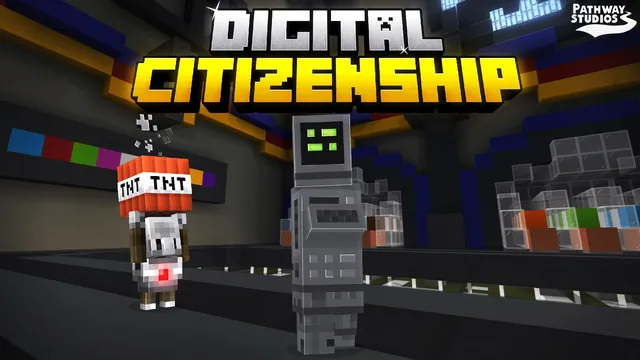
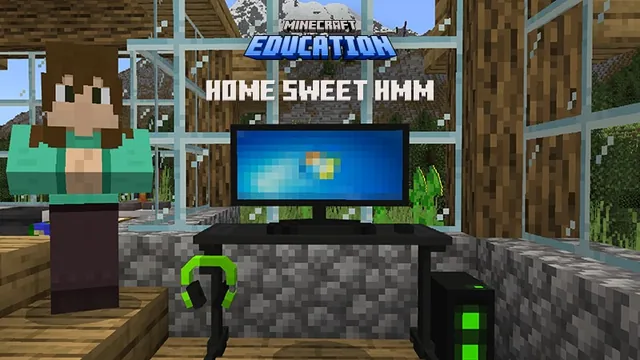
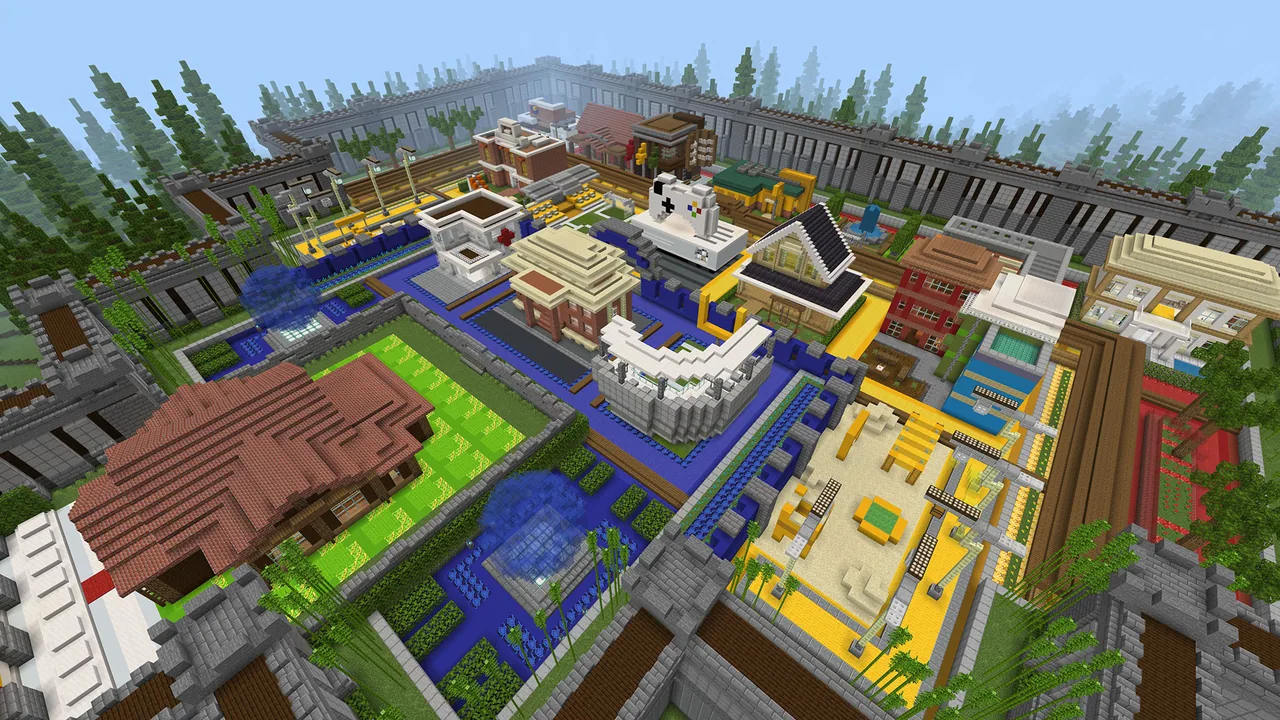
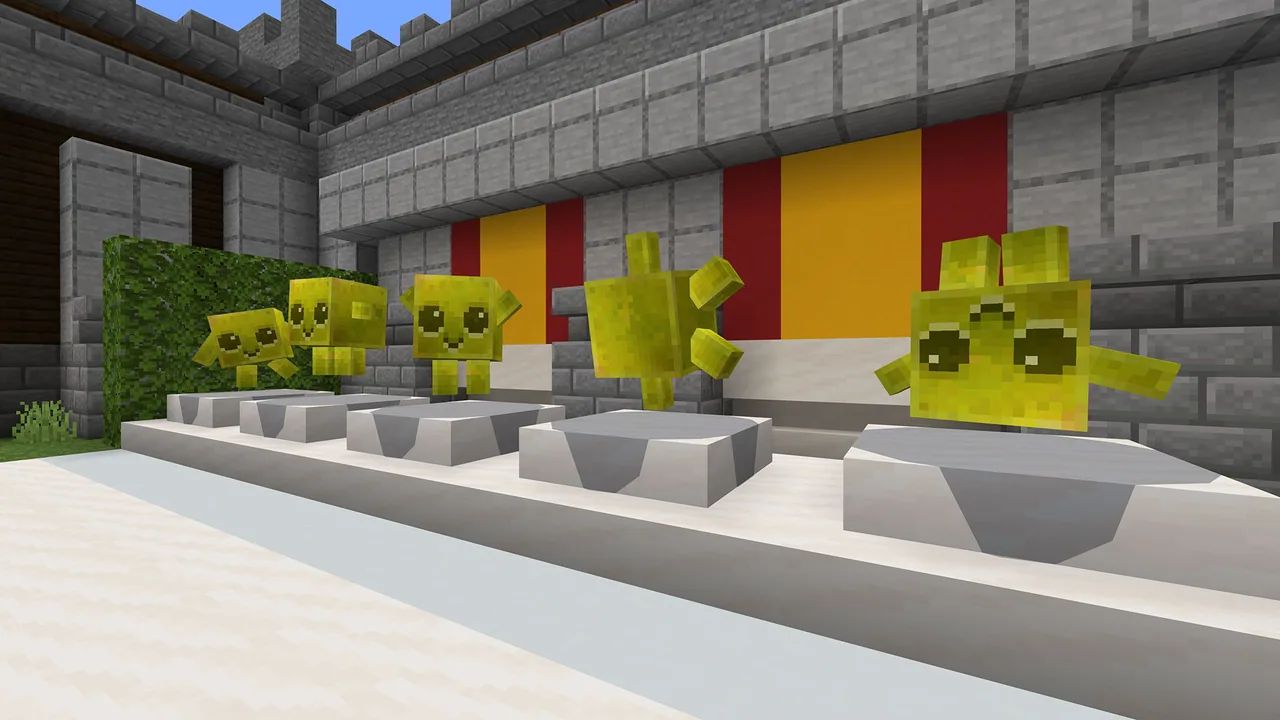
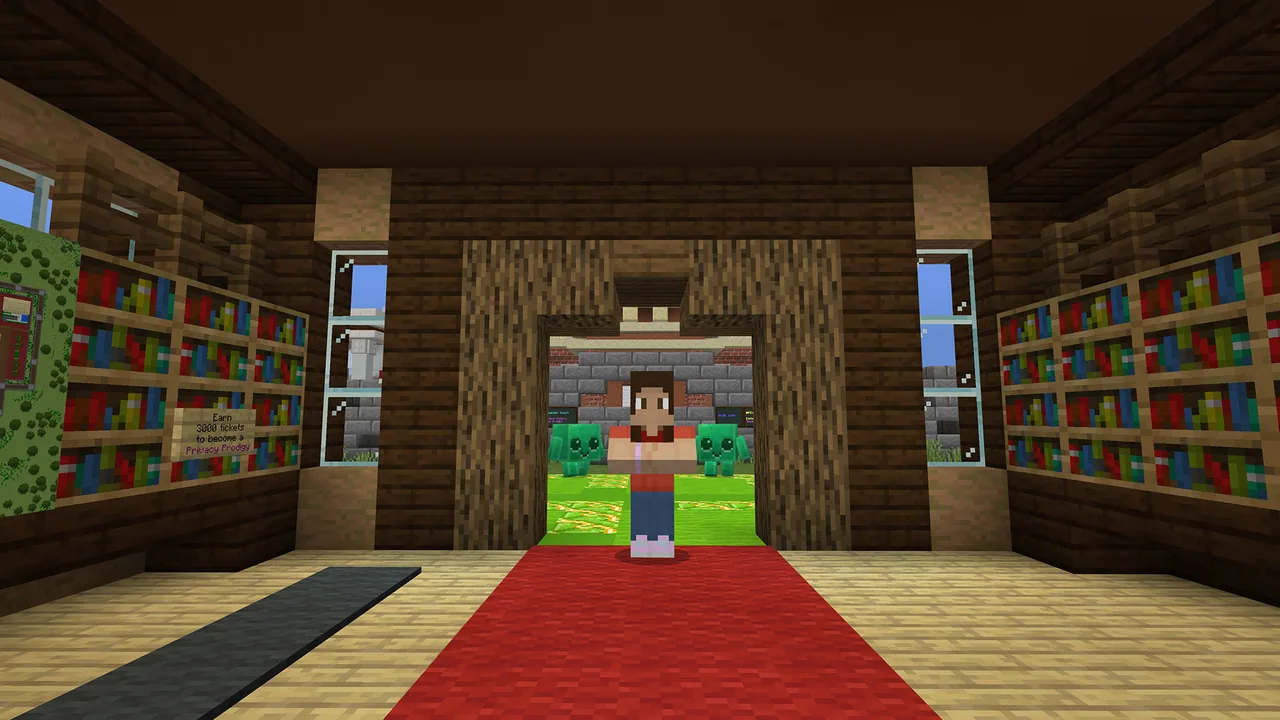
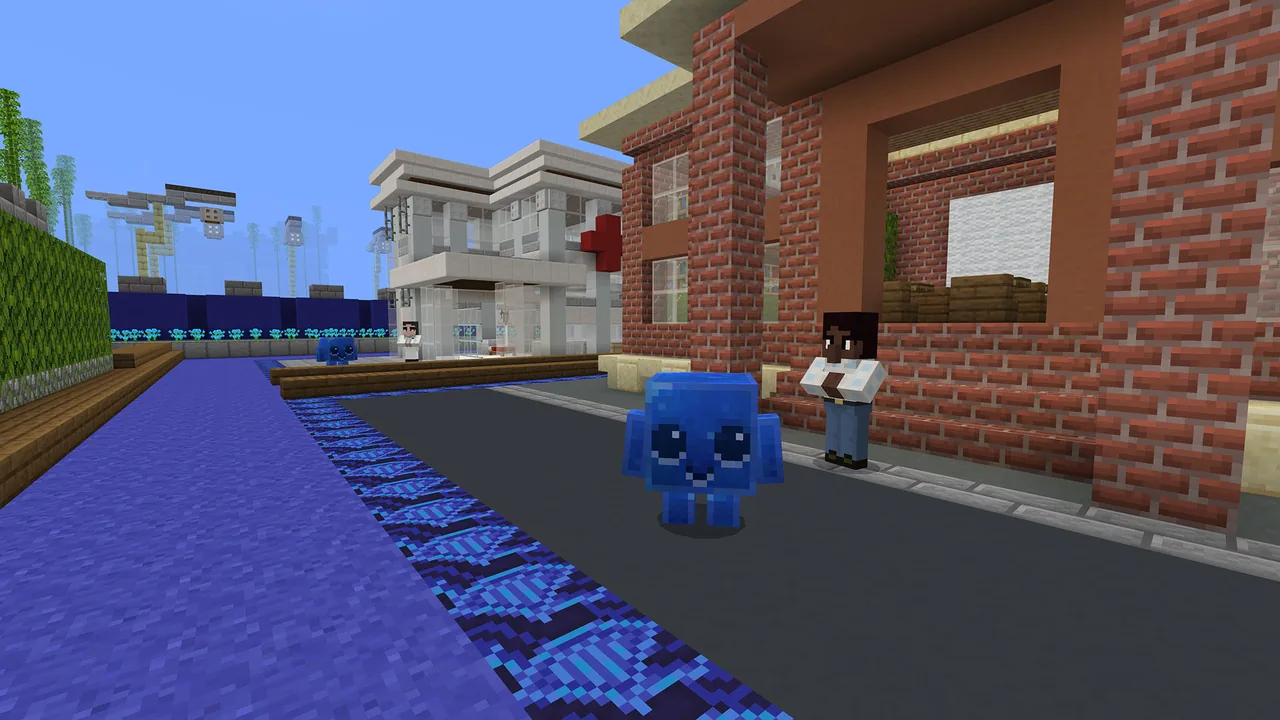
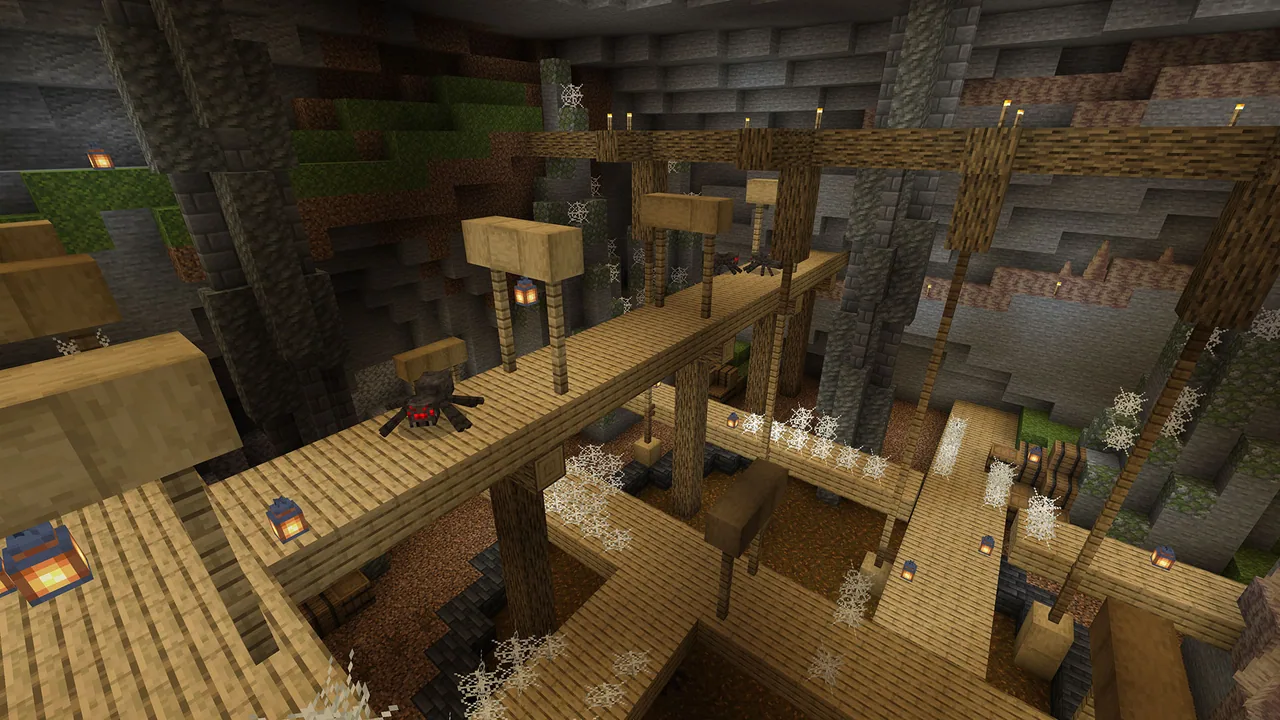
Using the custom Minecraft world, students begin at Home Sweet Hmm alongside a Trusted Adult guide. Learners navigate color-coded streets, answer privacy scenario questions to deliver memory cards to data bytes, and venture onto the Red Street to retrieve escaped data bytes and defend against hostile mobs.
Learning objectives
By the end of this lesson students will be able to:
- Define personal data and identify examples of information that connects to real-world identity.
- Explain the role of a trusted adult in managing online safety and reporting digital concerns.
- Categorize data bytes across designated streets by answering situational privacy questions.
- Apply defensive digital safety habits to protect electronic information from compromised environments.
Blocks and items used in this lesson
 Chest
 Allay
Key vocabulary
- Personal Data
- Information about you that can be used to identify who you are, where you live, or how to contact you.
- Trusted Adult
- A reliable adult caretaker, such as a parent or guardian, who helps you make safe choices online.
- Memory Card
- An in-game item holding a specific piece of information that players deliver to matching data bytes.
- Data Byte
- An in-game character representing a unit of personal information that roams assigned colored streets.
Before class
Lesson sequence
Suggested timing: about 45 minutes in total.
- Introduction & Orientation10 min
Introduce the concept of personal data and discuss why safeguarding private information is vital online. Explain that students will meet their in-game Trusted Adult at Home Sweet Hmm, who will guide them through color-coded zones across the map.
- Part 1: Sorting Personal Data15 min
Students complete the tutorial and interact with NPCs across the green, blue, and yellow streets. Players answer 10 questions about privacy scenarios to collect memory cards, read the information on each card, and deliver it to the matching dancing data byte.
- Part 2: Defending Data on Red Street15 min
Learners travel to the Red Street, equip protective gear from the vending machine, and track down escaped data bytes using their map. Students collect tickets by speaking to red data bytes, defeating hostile mobs, finding hidden chests, and safely sending data bytes home.
- Reflection & Celebration5 min
Students return to Home Sweet Hmm to complete the closing sequence and view their Privacy Prodigy certificates. Bring the class together to discuss what types of data must be protected and how they can apply these rules in their daily digital lives.
Video
Inside the lesson world
Assessment: success criteria
- Student successfully answers the 10 in-game NPC privacy questions and returns memory cards to the proper data bytes.
- Student rescues escaped data bytes from the Red Street and returns them to their home streets.
- Student articulates clear distinctions between shareable information and private personal data during the closing discussion.
Differentiation
Pair students together to read scenario prompts and evaluate memory card clues collaboratively before choosing where to deliver them.
Have students use the in-game book and quill to write a privacy pledge or draft a Top Tips for Data Privacy poster.
Knowledge check
5 questions to check understanding after the lesson. Tap an answer to see if it is right; the score appears at the end.
1What is the name of the starting area where players meet their Trusted Adult?
Answer: B. Players begin their CyberSafe journey at Home Sweet Hmm, where the Trusted Adult introduces the map.
2What item is granted to the player after correctly answering an NPC question in Part 1?
Answer: A. Answering an NPC question correctly awards a memory card containing data that must be taken to a matching data byte.
3Which street requires players to retrieve gear, defeat hostile mobs, and rescue escaped data bytes?
Answer: C. Red Street is the challenge area where players encounter hostile mobs and locate escaped data bytes.
4What is the primary role of the Trusted Adult throughout the lesson?
Answer: A. The Trusted Adult represents a reliable caretaker embedded across the world to teach, test knowledge, and provide help.
5Which action allows players to earn tickets during Part 2 of the game?
Answer: D. Tickets are earned on Red Street by defeating hostile mobs, finding hidden chests, saving escaped data bytes, and talking to red data bytes.
Resources
- Lesson package (.zip)Everything the author attached to this lesson in one download.
- Classroom Presentation SlidesClassroom Guided PowerPoint Slides
- CertificatePrivacy Prodigy Certificate of Completion
- Educator GuideLesson plan and detailed guide for facilitated classroom instruction.
- Family Engagement ToolkitFamily Engagement Toolkit
- Presentation Slides - Family Engagement ToolkitPresentation Slides - Family Engagement Toolkit
- Lesson worldOpens the world page in Minecraft Education (sign-in with a school account may be needed).
Frequently Asked Questions
What age group is this privacy lesson intended for?
The lesson is structured primarily for students ages 8 to 13, covering digital literacy and citizenship concepts at a beginner experience level.
How do students check the contents of a memory card?
Once a memory card appears in the player inventory, they can read it by right-clicking on a computer or tapping it on a touch-enabled screen.
What happens after students finish all tasks on the map?
Players return to Home Sweet Hmm to watch the ending sequence, talk to their Trusted Adult, and unlock their Privacy Prodigy completion certificate.
Adapted from CyberSafe: Privacy Prodigy by Minecraft Education on Minecraft Education, last updated Oct 20, 2026. This classroom version, the timings and the quiz were written by 9Minecraft Education.