
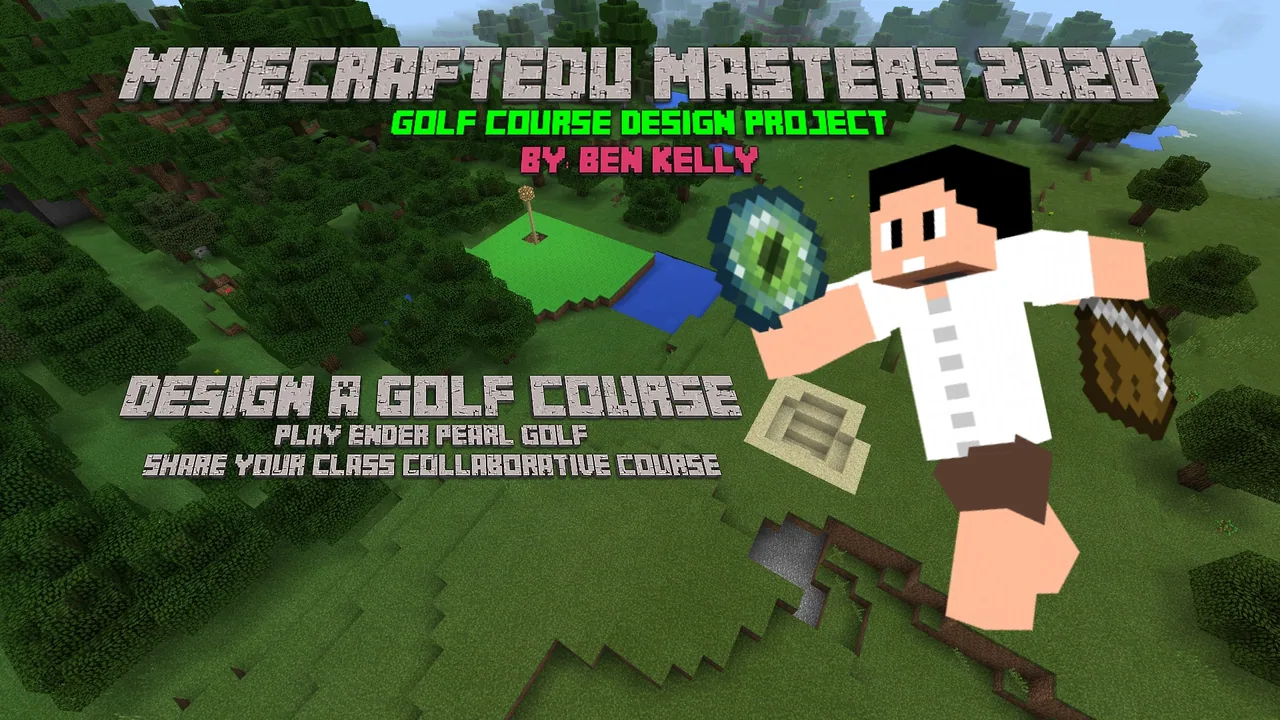
How can we adapt design features from world-class golf courses to build and refine a challenging, visually appealing Ender Pearl golf course?
Overview
In this project-based unit, students examine the architectural principles of world-class golf courses, analyzing how landscape design integrates natural aesthetics with strategic athletic challenges. Learners observe how top venues place hazards, shape fairways, and design greens before translating these concepts into their own designs.
Working together in Minecraft, the class collaborates to construct the Minecraftia Masters 2020 course consisting of 9 or 18 holes. Once the course is built, students pair up to play a round of Ender Pearl golf, recording strokes and iteratively refining hole layouts based on testing feedback.
Learning objectives
By the end of this lesson students will be able to:
- Research design characteristics and hazard layouts from world-leading golf courses.
- Collaborate with peers to construct a 9- or 18-hole golf course in Minecraft.
- Integrate challenging terrain and natural aesthetic elements into individual course holes.
- Playtest the course using Ender Pearls in pairs to evaluate playability and propose improvements.
Blocks and items used in this lesson


Key vocabulary
- Ender Pearl Golf
- A Minecraft adaptation of disc golf where players throw Ender Pearls toward a target, counting each throw as a stroke.
- Course Design
- The planned arrangement of playing areas, obstacles, and natural scenery to create balanced sporting challenges.
- Playtesting
- Playing through a newly created game or environment to identify design flaws and make improvements.
Before class
Lesson sequence
- Research & Inspiration
Direct students to study world-leading golf courses, focusing on terrain use, hazard placement, and aesthetics. Have them note features they can borrow, adapt, or invent for their own builds.
- Hole Assignment & Planning
Divide the class into build teams to create either a 9-hole or 18-hole course. Assign specific holes to groups, or decide as a class to move sequentially from hole to hole.
- Collaborative Construction
Students construct their assigned holes in Minecraft. Remind them to maintain natural beauty while incorporating distinct gameplay obstacles such as water, rough terrain, or tree hazards.
- Ender Pearl Tournament
Organize students into pairs or small groups to play a round of Ender Pearl golf. Partners keep score for one another as they navigate the completed holes from start to finish.
- Evaluation & Refinement
Bring the class together to discuss performance across the course. Students identify areas that were unintentionally difficult or broken, then return to build mode to complete improvements.
Assessment: success criteria
- Student identifies specific design features borrowed or adapted from real-world golf courses.
- Student distinguishes between borrowed, modified, and original elements within their build.
- Student collaborates effectively with peers to complete their designated hole before the deadline.
- Student records scores accurately during the Ender Pearl round and proposes functional adjustments.
Differentiation
Provide learners with a simplified hole template focusing on a clear start and target before introducing complex hazards.
Ask advanced learners to incorporate multi-tiered elevation changes, deceptive obstacles, or enhanced environmental landscaping.
Knowledge check
5 questions to check understanding after the lesson. Tap an answer to see if it is right; the score appears at the end.
1Which in-game item do students use to navigate the course during playtesting?
Answer: B. The lesson specifies using Ender Pearls to play a game similar to disc golf.
2What should students do prior to building their holes in Minecraft?
Answer: D. The plan requires students to study existing world-class course designs before starting construction.
3How should students organize gameplay during the tournament round?
Answer: A. The source recommends having students play in pairs to manage scorekeeping.
4What is the recommended next step after playing a competitive round?
Answer: C. Students are instructed to improve their course based on feedback and observations gathered during testing.
5How many holes is the class course intended to have?
Answer: B. The learning objectives specify building a 9 or 18 hole course collaboratively.
Resources
- Lesson package (.zip)Everything the author attached to this lesson in one download.
- Project Title CardTitle Card
- Screen ShotSS1
- SS2SS2
Frequently Asked Questions
Is a specific world download required for this lesson?
No custom world download is required. You can host this project in any standard multiplayer Minecraft world where students have room to build collaboratively.
How does Ender Pearl golf function in the classroom?
Students throw Ender Pearls toward designated targets or greens, counting each throw as a stroke until they land at the intended pin or hole location.
Should students build individually or in teams?
The activity is collaborative; students can either move together from hole to hole or take responsibility for assigned individual holes to complete the full course.
Adapted from Minecraftia Masters 2020 by Benjamin Kelly on Minecraft Education, last updated Jul 30, 2024. This classroom version, the timings and the quiz were written by 9Minecraft Education.






































