- Type
- Lesson plan
- Ages
- Ages 18+
How can educators leverage Minecraft: Education Edition across subject areas to enhance student learning and assessment?
Overview
This professional development session introduces Grade 7 to 12 educators and teacher-librarians to game-based learning using Minecraft: Education Edition. Participants examine how an open-ended, immersive digital environment can support cross-curricular learning, peer collaboration, and varied assessments across subjects.
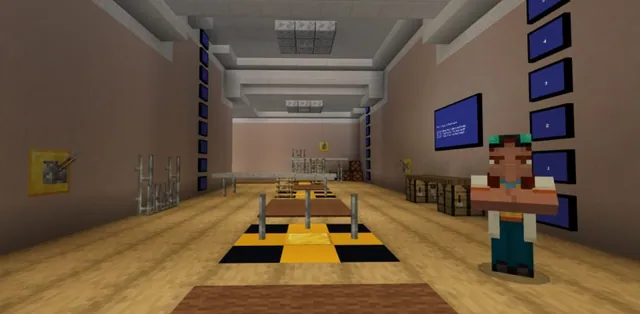
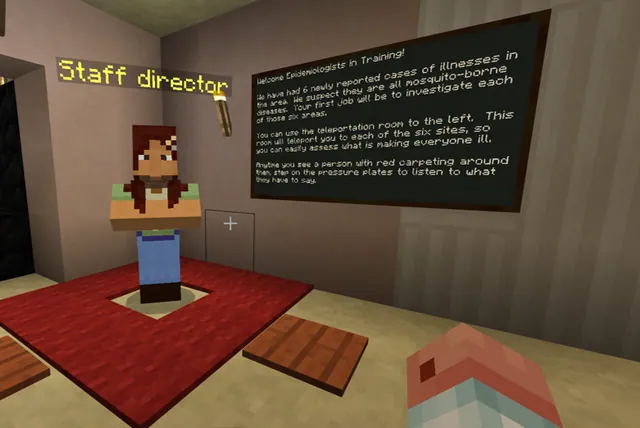
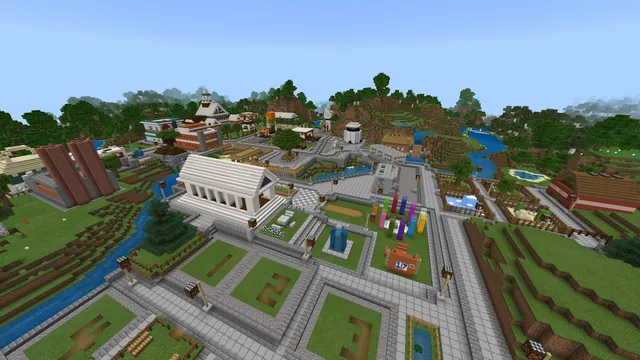
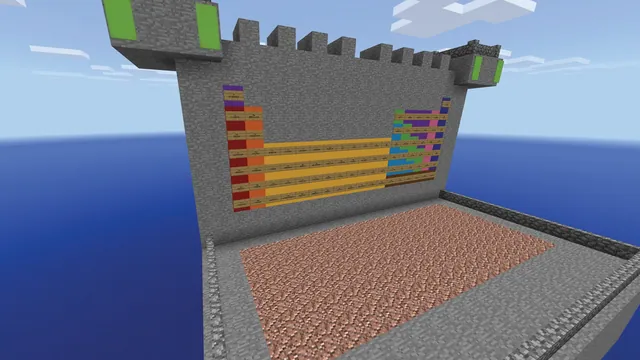
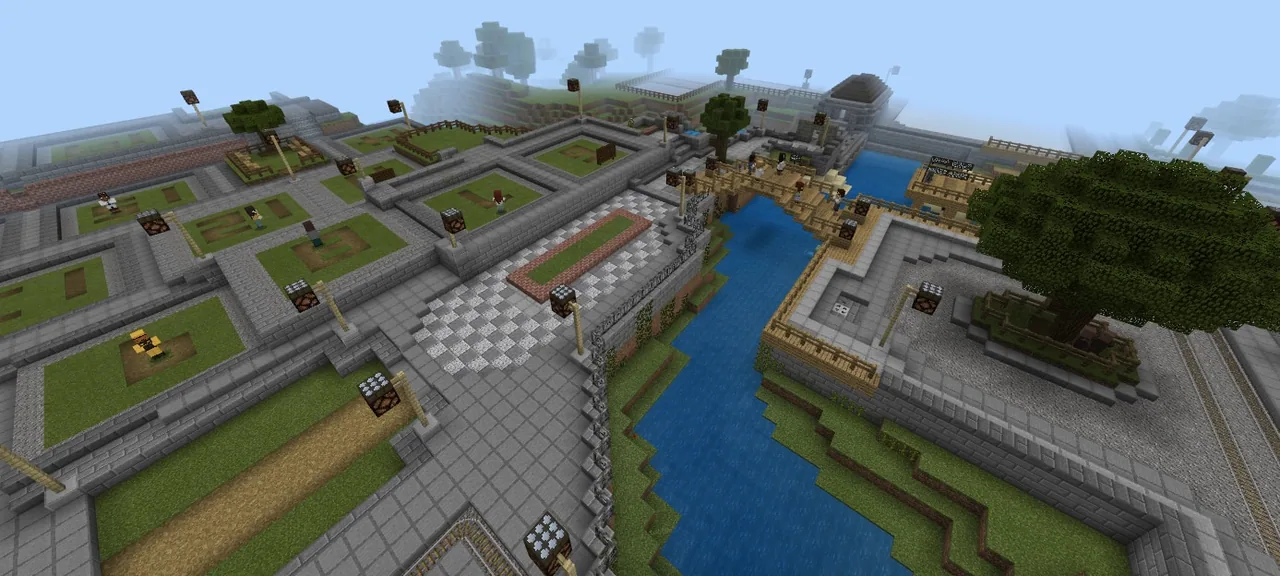
Educators enter the custom Leveraging Learning SSPD world to experience game-based instruction directly. They navigate module areas, interact with in-game characters and media, document key locations in a book and quill, and consult the online resource library to outline a classroom activity or assessment.
Learning objectives
By the end of this lesson students will be able to:
- Navigate the custom SSPD world to engage with multimedia content and characters across Modules A, B, and D.
- Document observations from six designated viewing spots using an in-game book and quill.
- Interact with communication tools including session blackboards and the Connection Bot.
- Design a lesson outline or assessment activity tailored to a specific subject or library program using Minecraft resources.
Blocks and items used in this lesson


Key vocabulary
- Game-Based Learning (GBL)
- An instructional approach that uses game environments to teach content, promote engagement, and assess understanding.
- Book and Quill
- An in-game item that allows players to write, edit, and export text notes.
- Connection Bot
- An interactive in-game character used to collect participant reflections or feedback.
- Blackboard
- An in-game writing surface used to post prompts, questions, or responses for participants to read.
Before class
Lesson sequence
- Account Setup and World Entry
Participants sign in to Minecraft: Education Edition using their Office 365 credentials, change their player skin, and join the Leveraging Learning SSPD world.
- Tutorial Paths and Module Exploration
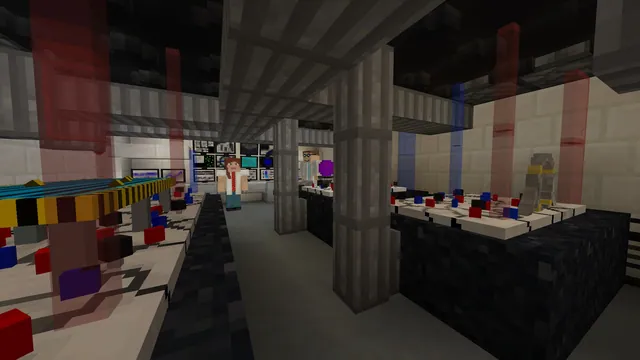
Educators practice basic crafting recipes and game features by following the colored paths in the tutorial stages. They then navigate through the world to explore Modules A, B, and D, interacting with characters, reading signage, listening to audio, and viewing video clips.
- Field Documentation
Participants locate the six required viewing spots marked with an X. At each spot, they record a general note in an in-game book and quill, then export or photograph their completed notes.
- In-Game Reflection
Educators contribute a question or answer on the session blackboards and submit a final response to the Connection Bot before leaving the virtual world.
- Curriculum Application and Planning
Participants browse the resource library on education.minecraft.net. Subject teachers outline a lesson or assessment for an upcoming unit, while teacher-librarians design an activity aligned with another subject to support collaborative teaching or library programs.
Assessment: success criteria
- Participant successfully signs in using Office 365 credentials and customizes their avatar skin.
- Participant compiles notes for all six marked viewing spots in an exported or photographed book and quill.
- Participant contributes to the session blackboards and provides a response to the Connection Bot.
- Participant completes a lesson outline or assessment plan referencing resources from education.minecraft.net.
Differentiation
Pair participants who are unfamiliar with game controls with experienced peers to navigate the tutorial paths and practice crafting.
Encourage experienced educators to draft an interdisciplinary project that pairs a subject-area unit directly with a library-supported technical block.
Knowledge check
5 questions to check understanding after the lesson. Tap an answer to see if it is right; the score appears at the end.
1What credentials are required to log in to Minecraft: Education Edition for this session?
Answer: B. The source indicates participants log in to Minecraft: Education Edition using their Office 365 credentials.
2Which specific modules must participants explore and interact with in the SSPD world?
Answer: A. The world goals specifically instruct participants to explore and interact with all characters in Modules A, B, and D.
3Which in-game item is used to record notes at the six designated viewing locations?
Answer: D. The activity instructions state that participants must make a general note for each spot in a book and quill.
4What in-game entity must participants interact with before leaving the session world?
Answer: B. The session requires learners to respond to the Connection Bot prior to exiting the world.
5What deliverable are teacher-librarians asked to produce during the planning stage?
Answer: C. Teacher-librarians are directed to outline an activity aligned with another subject that supports team-teaching, distributed practice, or library programming.
Resources
- Lesson package (.zip)Everything the author attached to this lesson in one download.
- Leveraging M:EE SSPD WorldFor Gr7-12 teachers to explore during Subject-Specific Professional Development workshop. Designed to be experienced in Survival, Peaceful, cheats on.
Frequently Asked Questions
Who is the primary audience for this professional development workshop?
This workshop is intended for Grade 7 to 12 classroom teachers across all subject areas as well as elementary and secondary teacher-librarians.
Where can participants look for pre-built lessons and worlds during the planning phase?
Educators are directed to explore the Resource Library available on education.minecraft.net to find ideas, worlds, and curriculum-aligned lessons.
What should participants do with their book and quill once all viewing spots are documented?
Participants must export the completed book and quill or take a photograph of their notes once all six spots have been recorded.
Adapted from Leveraging M:EE for GBL by Jan Lewis on Minecraft Education, last updated Jul 8, 2022. This classroom version, the timings and the quiz were written by 9Minecraft Education.