
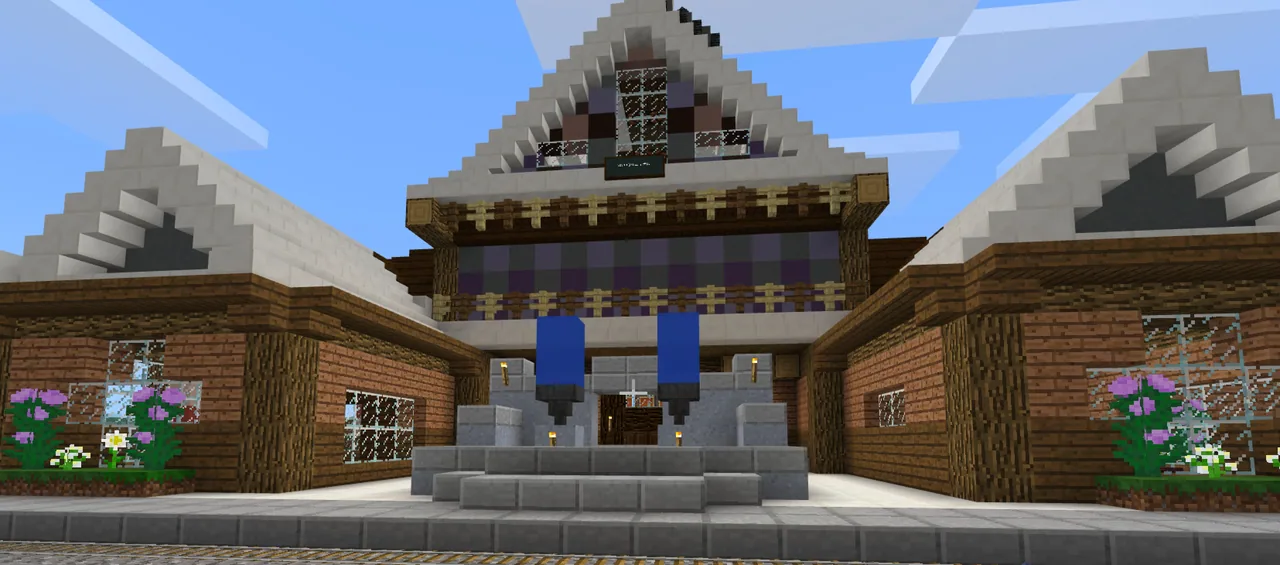
- Type
- Lesson plan
- Ages
- Ages 8-13
- Includes
- Quiz: 5 questions
How can designing visual story scenes in Minecraft help us plan and write an illustrated narrative?
Overview
Developing narrative writing skills requires a clear grasp of story fundamentals, including setting, character development, and plot structure. By visualizing these elements before putting pen to paper, students—especially reluctant writers—can more readily formulate creative storylines, sequence key events, and establish an engaging atmosphere for their readers.Learning objectives
By the end of this lesson students will be able to:
- Design and build Minecraft environments representing the beginning, middle, and end of a narrative.
- Document construction stages and final scenes using the in-game camera and portfolio.
- Write an illustrated narrative picture book using captured screenshots as visual references and artwork.
- Collaborate with peers to give and receive constructive feedback on story settings and plots.
Blocks and items used in this lesson


Key vocabulary
- Narrative
- A spoken or written account of connected events; a story.
- Setting
- The specific time, place, and environment in which a story occurs.
- Plot
- The sequence of events in a story, typically featuring a beginning, middle, and end.
- Portfolio
- An in-game item that stores photos taken with the camera and allows students to caption their builds.
Before class
Lesson sequence
- Group Story Planning
Students gather in groups to brainstorm story ideas and plan distinct scenes that represent the beginning, middle, and end of their narrative arc.
- World Building and In-Game Documentation
Groups enter Minecraft to construct their chosen story locations and character scenes. While building, students use the camera and portfolio to capture work-in-progress snapshots and completed scenes.
- Cross-Group Peer Feedback
Students visit other groups to review their builds, discuss plot concepts, and exchange constructive feedback to help refine each other's settings.
- Narrative Writing and Illustration
Using their exported portfolio screenshots as both plot guides and book illustrations, students write their narrative texts and assemble them into finished picture books.
Assessment: success criteria
- The Minecraft world clearly displays distinct locations representing the beginning, middle, and end of a narrative.
- The camera and portfolio tools are used appropriately to document the building process and final scenes.
- The final written narrative aligns with the visual scenes and demonstrates core storytelling strategies.
- The student actively participates in group collaboration and offers constructive feedback to other teams.
Differentiation
Provide graphic organizers with sentence starters and clear checklists for the beginning, middle, and end scenes.
Challenge students to add richer descriptive language, dialogue, and complex plot twists that align with their Minecraft builds.
Knowledge check
5 questions to check understanding after the lesson. Tap an answer to see if it is right; the score appears at the end.
1What primary story elements are students learning to develop through their Minecraft builds?
Answer: C. The guiding ideas emphasize understanding the importance of setting, characters, and plot in narrative writing.
2Which three parts of a story must be clearly visible in the student-built world?
Answer: A. The learning objectives specify having an area of the world to show the beginning, middle, and end.
3Which in-game tools do students use to document their construction progress and completed scenes?
Answer: D. The student activities require using the camera and portfolio to make an album of progress and completed scenes.
4How are the captured in-game screenshots used in the final writing project?
Answer: B. Screenshots guide the writing process and act as illustrations for final narrative picture books.
5What collaborative activity are students expected to perform across different working groups?
Answer: A. The lesson states that students collaborate regularly with other groups to exchange feedback and ideas.
Frequently Asked Questions
Is a custom world template required for this lesson?
No special template is required. Students can start in a standard creative world and construct their own original environments based on their story plans.
What format should the final narrative take?
Students turn their written work and exported Minecraft photos into illustrated picture books, serving as both authors and illustrators.
Adapted from Lets write! by Rochelle Rennie on Minecraft Education, last updated Jul 10, 2018. This classroom version, the timings and the quiz were written by 9Minecraft Education.










































