How can we research, construct, and present iconic Japanese landmarks using digital tools and cross-cultural communication?
Overview
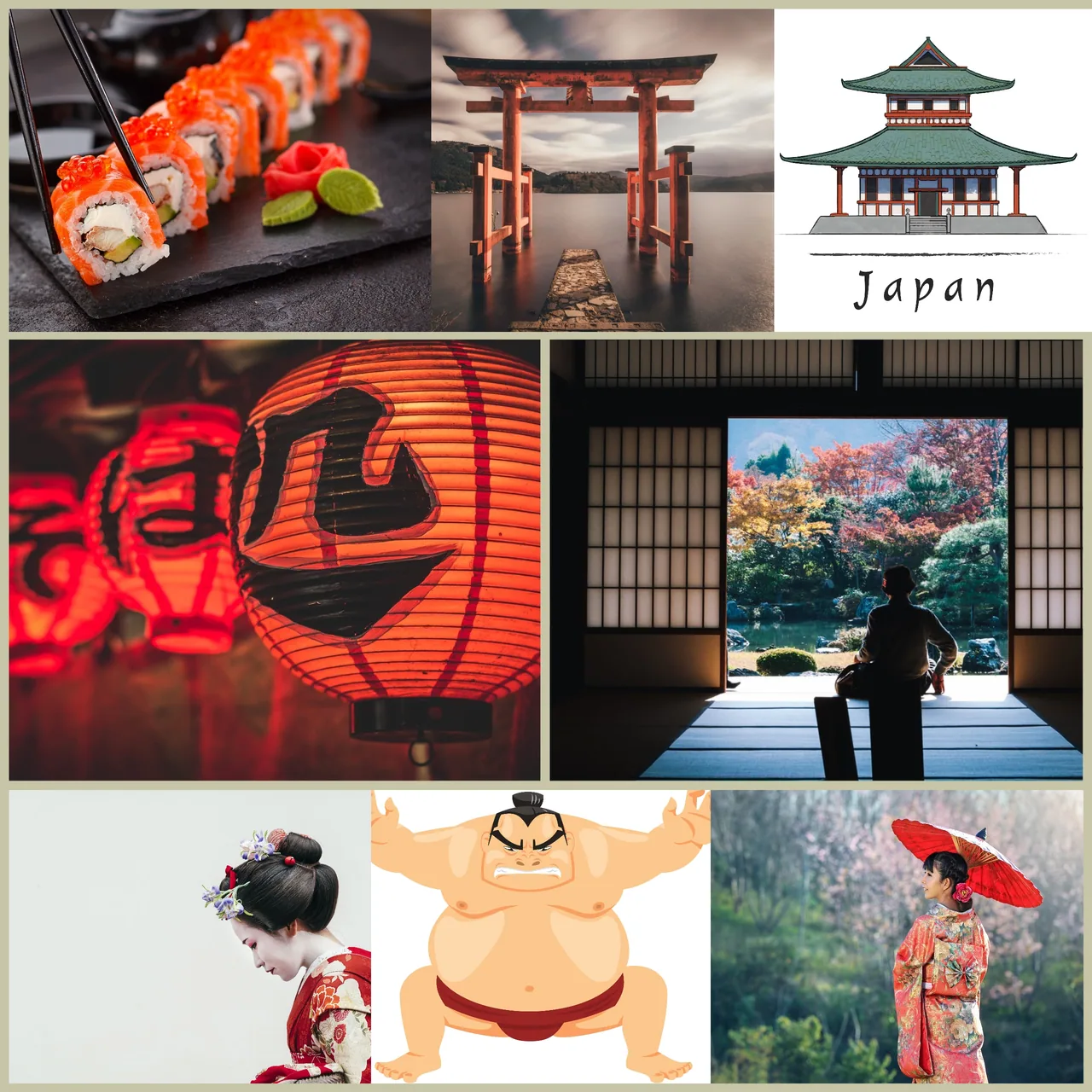
Centered on Japan as the host country of the Olympic Games, this cross-curricular project guides students to explore Japanese geography, culture, and architecture. Learners gather cultural facts and investigate notable landmarks through independent research and direct communication with peers in Japan.
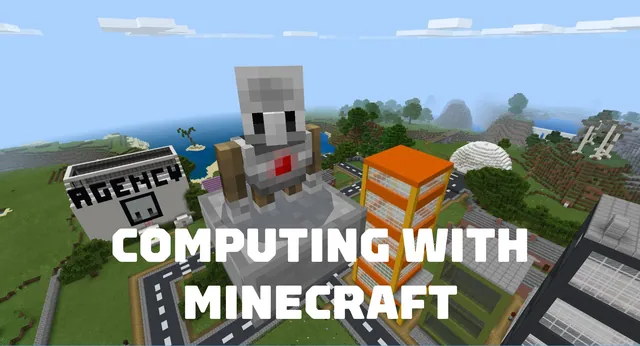
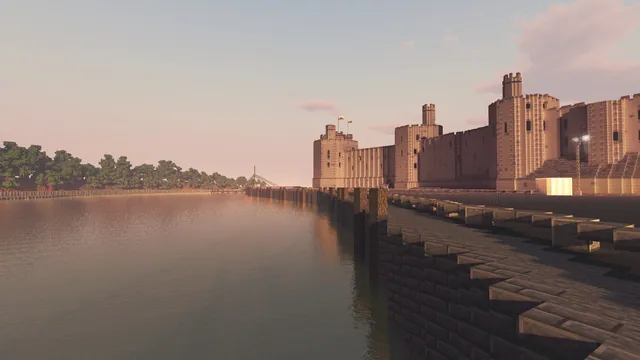
Within Minecraft, students work in teams to design and recreate their selected landmark. They embed their research by connecting Non-Player Characters (NPCs) to external presentations, such as Sway or PowerPoint, and document their completed builds with a recorded virtual walkthrough.
Learning objectives
By the end of this lesson students will be able to:
- Research the Olympic Games host nation and its cultural landmarks.
- Formulate interview questions to exchange information with students in Japan via digital communication platforms.
- Design and build a collaborative model of a chosen Japanese landmark in Minecraft.
- Configure Non-Player Characters (NPCs) to link directly to external research presentations.
- Record a virtual walkthrough to share completed landmark builds with an audience.
Blocks and items used in this lesson
 Stone Bricks
 Oak Planks
 Dark Oak Planks
 Cobblestone
 Lantern
 Red Concrete
Key vocabulary
- Landmark
- A recognizable natural or human-made feature that helps people identify a place.
- Non-Player Character (NPC)
- An interactive character placed in Minecraft to display dialogue and external web links.
- Sway
- A digital presentation app used to create and share interactive multimedia reports.
- Walkthrough
- A guided video tour that demonstrates and explains the features of a completed build.
Before class
Lesson sequence
- Initial Research & Inquiry
Introduce Japan as the Olympic host nation using opening discussion questions. Have students begin investigating Japanese geography and draft targeted questions to learn directly from students in Japan.
- Cross-Cultural Communication
Connect with a partner classroom in Japan using communication tools such as Flipgrid, Microsoft Teams, or Skype. Learners present their questions and record answers to deepen their cultural understanding.
- Landmark Selection & Blueprinting
Working in pairs or small groups, students select a specific Japanese landmark to study. They organize their research into an online document like Sway or PowerPoint and draft blueprints for their digital build.
- Collaborative Building & NPC Linking
Teams collaborate inside Minecraft to build their chosen landmark. They spawn and configure NPCs throughout the build to provide historical facts and link out to their online presentation files.
- Walkthrough & Knowledge Sharing
Students record a narrated video walkthrough of their finished landmark. They present their builds to classmates, another school group, or back to their partner peers in Japan.
Assessment: success criteria
- Student research includes accurate historical and cultural details about the chosen Japanese landmark.
- The Minecraft build accurately reflects the planned architectural features of the landmark.
- Non-Player Characters (NPCs) are functional and successfully link to external research documents.
- The recorded video walkthrough clearly explains the landmark significance to an audience.
Differentiation
Provide structured research graphic organizers and assign specific, smaller architectural components during group building.
Have students incorporate detailed interior layouts and complex multi-link NPC tours throughout their landmark build.
Knowledge check
5 questions to check understanding after the lesson. Tap an answer to see if it is right; the score appears at the end.
1Why are students researching Japan in this lesson?
Answer: A. The lesson focuses on Japan because it serves as the host nation for the Olympic Games.
2Which digital tools does the lesson suggest for communicating with students in Japan?
Answer: B. The lesson plan specifies using Flipgrid, Teams, or Skype to exchange questions with learners in Japan.
3How do students connect their external research documents to their Minecraft world?
Answer: C. Students use NPCs to provide information and link directly to external documents like Sway or PowerPoint.
4What presentation formats are suggested to compile information about chosen landmarks?
Answer: D. The student activities suggest presenting information using online documents like Sway or PowerPoint.
5How do learners document and share their final landmark builds?
Answer: A. Students record a virtual walkthrough of their build to present to peers and partner students.
Resources
Frequently Asked Questions
What should I do if my class cannot connect with students in Japan?
If a live exchange via Teams, Skype, or Flipgrid is not feasible, students can gather facts using vetted digital resources, travel websites, and virtual cultural archives.
Can this lesson plan be adapted for other countries?
Yes, the lesson framework is designed to be adaptable to research any country or culture connecting to your school curriculum.
Do students need advanced Minecraft building skills for this project?
No, students work collaboratively in pairs or groups, allowing learners of different skill levels to share planning, building, and research presentation roles.
Adapted from Japan by Hwb MLCs on Minecraft Education, last updated Apr 23, 2021. This classroom version, the timings and the quiz were written by 9Minecraft Education.