- Type
- Lesson plan
- Ages
- Ages 11-18
How can mathematical calculations and computer programming work together to build a functional farm?
Overview
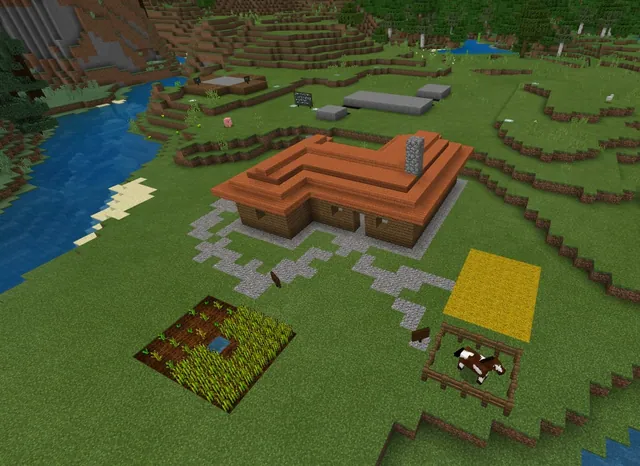
This project-based lesson combines mathematics with computer science. Students solve word problems involving area and perimeter to determine the dimensions of farm structures, crop fields, and animal pens, applying their calculations directly to spatial construction.
Using Microsoft MakeCode in a flat Minecraft world, students program their Agent helper to clear space, till land, and place blocks. Through iterative coding and visual documentation in their in-game journals, learners demonstrate their problem-solving and debugging process.
Learning objectives
By the end of this lesson students will be able to:
- Solve word problems to calculate the area and perimeter of rectangular and square farm plots.
- Program the Agent using loops and sequencing in MakeCode to build farm structures and fields.
- Document mathematical reasoning and project progress using the in-game camera and journal.
- Demonstrate a debugging mindset by preserving iterative coding attempts rather than erasing errors.
Blocks and items used in this lesson


Key vocabulary
- Area
- The total amount of flat space inside the boundary of a two-dimensional shape, measured in square units.
- Perimeter
- The total distance around the outside edge of a shape.
- Agent
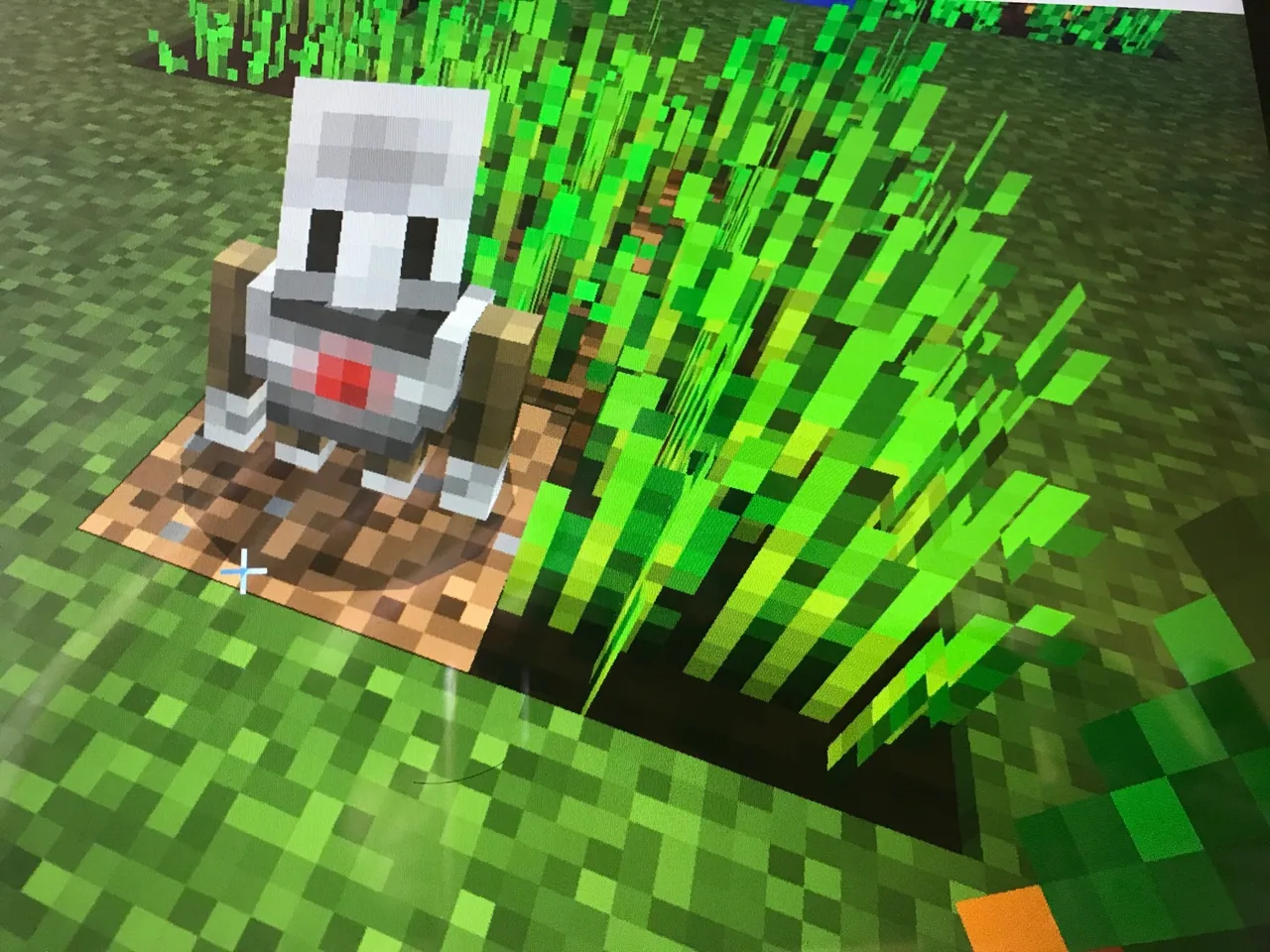
- A programmable companion robot in Minecraft that can move, dig, and place blocks.
- Active Slot
- The specific inventory space in the Agent's backpack chosen for placing blocks into the world.
- Sequence
- The specific step-by-step order in which computer instructions run.
Before class
Lesson sequence
- Math and Coding Review
Review basic formulas for perimeter and area. Remind students how the Agent operates, specifically that materials must sit inside the Agent inventory, the active slot must be set, and code can teleport the Agent if it gets lost.
- Calculating Dimensions
Students read the math prompts for the farm shed, carrot patch, potato patch, beetroot patch, cow corral, and sheep corral. They solve for required measurements such as length, width, area, and perimeter before writing any code.
- Agent Construction and Debugging
Students write code in MakeCode using sequences and loops to direct their Agent. If an attempt fails, students leave the faulty structure intact, move to an open space, and test revised code so their problem-solving process remains visible.
- Documentation and Export
Using the camera and journal, students photograph each completed structure and write explanatory sentences detailing their math solutions. Students save their code file and export both their working world file showing past attempts and their final completed world file.
Assessment: success criteria
- Correct mathematical solutions recorded in complete sentences inside the student journal.
- Successful execution of Agent code using loops and sequential logic to construct all required farm sections.
- Submission of the MakeCode file along with two distinct world files showing the trial-and-error process and final build.
Differentiation
Provide a formula reference card and assist learners with checking the Agent active inventory slot before running code.
Challenge students to optimize their MakeCode scripts by combining nested loops to plant and fence areas with fewer blocks of code.
Knowledge check
5 questions to check understanding after the lesson. Tap an answer to see if it is right; the score appears at the end.
1What must you do before directing the Agent to place a block in the world?
Answer: B. The Agent requires items to be present in its inventory with the corresponding slot set as active to place them.
2What should students do if their code produces an error during construction?
Answer: C. Leaving broken builds untouched allows the teacher to see the student iterative thinking and debugging process.
3What are the dimensions given for the beetroot planting area?
Answer: A. The beetroot prompt specifies a rectangle with a length of 4 blocks and a width of 7 blocks.
4How do students record their answers to the math word problems?
Answer: D. Students capture pictures with the camera and document their mathematical solutions under each photo in the journal.
5Which deliverables must students submit at the conclusion of the project?
Answer: B. The lesson requires students to turn in their code file alongside two world files showing incomplete attempts and final builds.
Resources
- Lesson package (.zip)Everything the author attached to this lesson in one download.
- Farmland write code & solve math-Copy for StudentsBuild a Farm with Code by Solving the Math. Using math and code concepts we will build a farm. The farm will have an area for vegetables and animals.
- All Farmland files needMcworld and Makecode files to help.
Part of the Area and Perimeter curriculum
This is lesson 3 of 5 in Area and Perimeter.
Frequently Asked Questions
What prerequisite skills should students possess before starting this lesson?
Students should already be familiar with basic MakeCode navigation and core Agent commands, typically by completing the introductory Agent tutorial world prior to this assignment.
Why are students asked to submit two separate Minecraft world files?
One file contains the unfinished or flawed builds that demonstrate the student coding process and debugging steps, while the second file contains the polished, final farm build with completed journal notes.
What should students do if the Agent wanders off or gets lost?
Students can write and execute a short command in MakeCode to teleport the Agent directly back to the player location.
Adapted from Build a Farm with Code & Math by Perin Lal on Minecraft Education, last updated Jul 16, 2025. This classroom version, the timings and the quiz were written by 9Minecraft Education.