
- Type
- Lesson plan
- Grade
- Early years (Pre-K to Grade 2)Primary (Grades 3-5)Middle school (Grades 6-8)High school (Grades 9-12)
- Ages
- Ages 6-18
- Duration
- 45 min
- Level
- Beginner
How can we make thoughtful choices to keep our personal information safe and build positive online communities?
Overview
Living in a connected era requires learners to build positive habits around personal data, privacy, and digital well-being. This lesson guides students to explore the responsibilities that come with digital interactions, highlighting how considerate communication and defensive browsing practices help sustain safe and welcoming online environments.
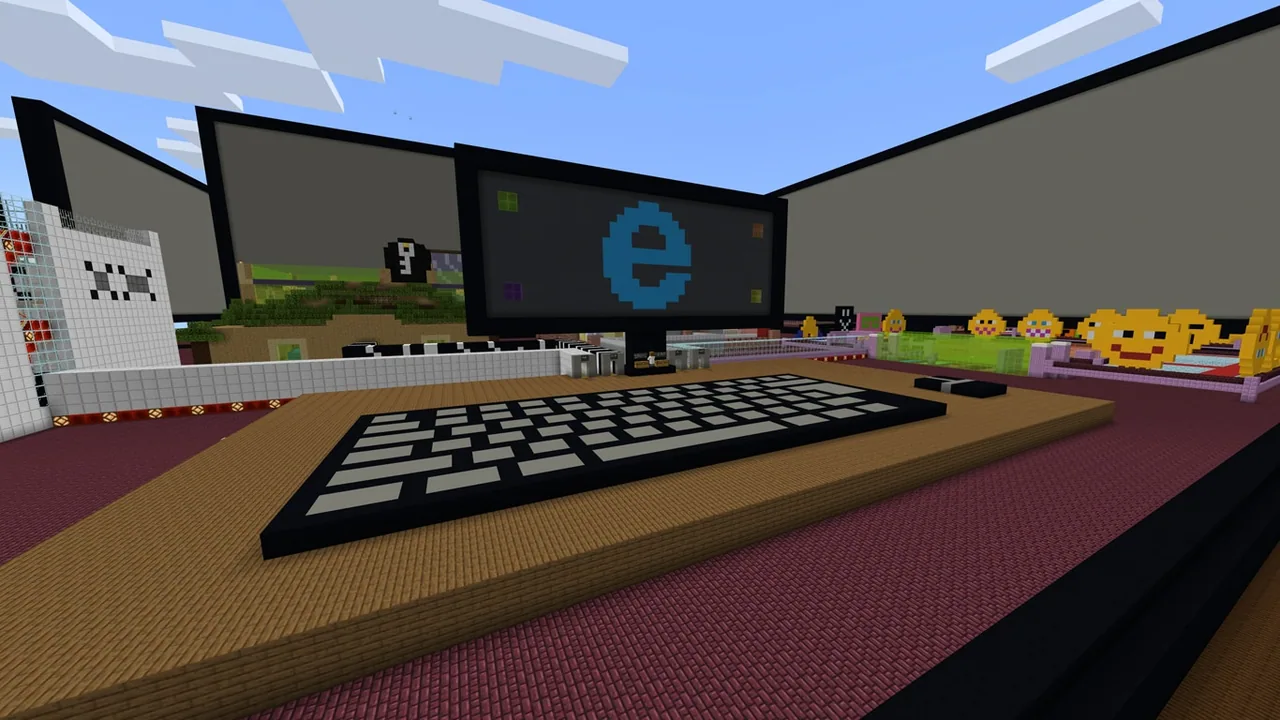
Using Minecraft Education, students navigate an informative world featuring structured puzzle challenges. By interacting with non-player characters and reading instructional boards, learners synthesize safety guidelines across themes such as password security, digital footprints, and respectful conduct to complete age-tailored stages.
Learning objectives
By the end of this lesson students will be able to:
- Identify key safety practices related to personal data, passwords, and privacy.
- Describe the impact of online actions, including digital footprints and netiquette.
- Extract safety guidance from in-game non-player characters, signs, and boards.
- Solve four interactive puzzle stages to demonstrate safe digital citizenship.
Blocks and items used in this lesson


Key vocabulary
- Digital Footprint
- The trail of data and records created by an individual's activity across digital spaces.
- Personal Data
- Private details that can identify an individual, such as full name, home address, or phone number.
- Netiquette
- Accepted rules and conventions for polite and respectful communication on the internet.
- Identity Theft
- The unauthorized use of someone else's personal information for deceptive or harmful purposes.
- Digital Citizenship
- Navigating digital environments safely, responsibly, critically, and ethically.
Before class
Lesson sequence
Suggested timing: about 45 minutes in total.
- Introduction and Concept Review10 min
Introduce the lesson by discussing what it means to be a responsible member of a digital community. Highlight core themes such as guarding personal information, creating strong passwords, and recognizing online risks.
- In-Game Clue Gathering10 min
Students load the designated stage and explore their surroundings. Instruct them to read the instructional signs and dialogue prompts provided by non-player characters to uncover the information needed to solve upcoming tasks.
- Puzzle Solving15 min
Learners apply the information they gathered to work through the four puzzle challenges in their assigned level. Working individually or with a partner, they evaluate scenarios regarding digital footprints, privacy, and online etiquette to unlock each area.
- Debrief and Reflection10 min
Gather the class to review puzzle solutions and reflect on real-world applications. Discuss how the safety strategies encountered in the game apply to daily internet use, schoolwork, and online play.
Assessment: success criteria
- Student locates and reads informational signs and NPC dialogues throughout the stage.
- Student successfully completes the four puzzle challenges for their assigned level.
- Student explains at least two methods for keeping personal data and accounts secure.
- Student identifies respectful digital communication behaviors during the class discussion.
Differentiation
Pair struggling readers with a partner to review NPC dialogues together and discuss puzzle clues before submitting answers.
Have fast finishers explore higher age-tier puzzle stages or write a checklist of essential online safety rules based on what they learned.
Knowledge check
5 questions to check understanding after the lesson. Tap an answer to see if it is right; the score appears at the end.
1What is the best way to handle personal data like your address or phone number online?
Answer: B. Keeping personal data private is essential to preventing identity theft and staying safe online.
2How do players discover the clues needed to solve the puzzles in this lesson?
Answer: C. The lesson directs students to read signs, boards, and NPC dialogues to learn safety facts and solve stage puzzles.
3What does the term 'digital footprint' refer to?
Answer: A. A digital footprint consists of the trail of data, messages, and visits created while using digital services.
4Why is netiquette important when communicating on the internet?
Answer: D. Netiquette sets standards for courteous behavior to keep digital spaces welcoming and free of cyberbullying.
5Which topic is directly explored through the safety puzzles in this world?
Answer: B. The curriculum specifically highlights privacy, passwords, e-waste, copyright, and digital citizenship.
Resources
- Lesson package (.zip)Everything the author attached to this lesson in one download.
- Varnost na spletu (World File)
- Online Safety WorldTranslated world file. Available in all supported Minecraft: Education Edition languages.
- Online safety - SerbianOnline safety world - Serbian translation
Frequently Asked Questions
How is the world organized for different grade bands?
The world contains 16 distinct stages designed around varying age groups, allowing teachers to assign tasks that match the developmental readiness and reading levels of their students.
How many puzzle stages are students expected to complete in one session?
Within a standard 45-minute lesson, learners typically work through four puzzle levels within their assigned age category to explore core safety topics thoroughly.
Do students need advanced Minecraft gaming skills to participate?
No. This lesson is rated for beginners, focusing on reading NPC dialogues, observing instructional boards, and solving thematic puzzles rather than complex building or combat mechanics.
Adapted from Online Safety / Varnost na spletu by Nina Zibert on Minecraft Education, last updated Feb 24, 2022. This classroom version, the timings and the quiz were written by 9Minecraft Education.





































